How to delete OneDrive – Instructions
In this article, we’ll discuss how to uninstall OneDrive in various versions of Windows (10, 8/8.1, 7). How to Uninstall OneDrive in Windows 10 Go to the search…

In this article, we’ll discuss how to uninstall OneDrive in various versions of Windows (10, 8/8.1, 7). How to Uninstall OneDrive in Windows 10 Go to the search…
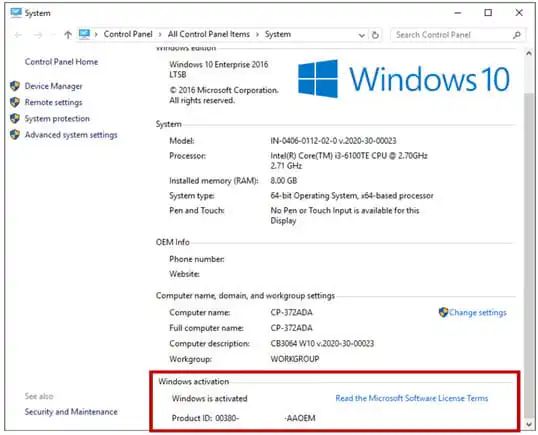
In this article, we will discuss options on how to determine if your Windows is activated. You can check this using several methods, and this instruction is suitable…

This article is applicable to all versions of Windows Server. If you are experiencing a black screen problem when connecting to a remote desktop (RDP), in most cases…
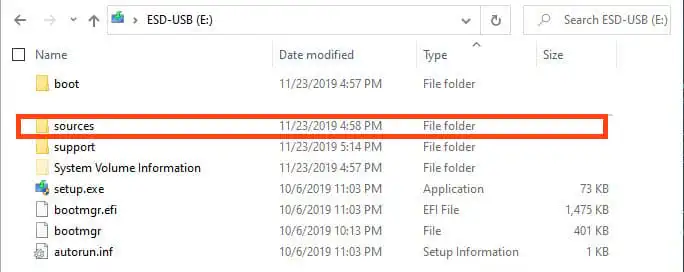
In this article, we will discuss a situation where you want to install Windows 10, for example, the Pro version, but during installation, you do not have the…

In this article, I will explore various methods to change the product key in Microsoft Office (2021 / 2019 / 2016 / 2013) to a new one if…
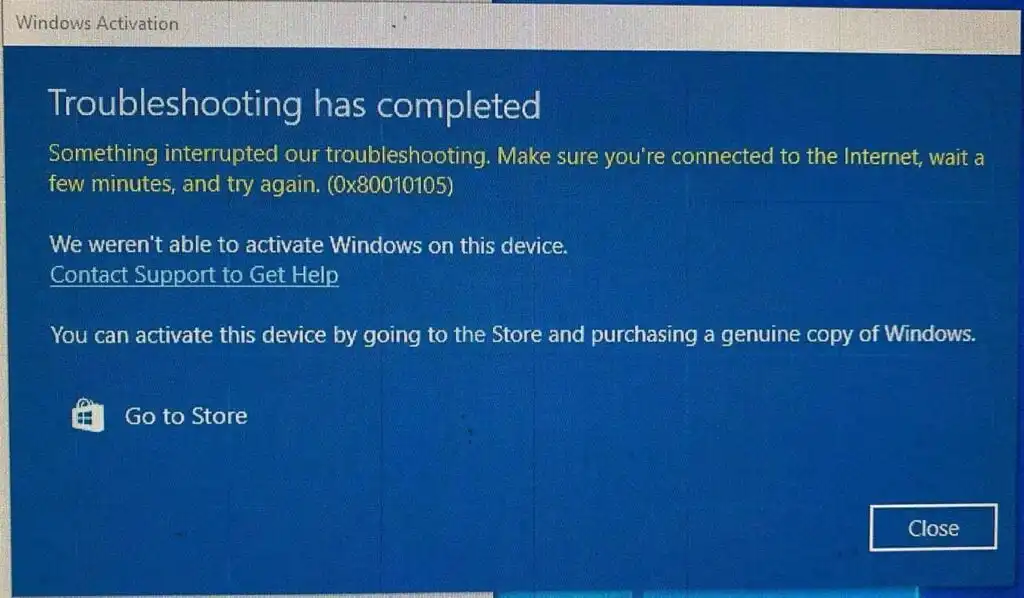
In this article, we will discuss how to fix the Windows activation error – 0x80010105. 1) Make sure that the correct time and date are set on your…

In this article, we will discuss the process of installing and activating Visual Studio 2017. Specifically, in this example, will be using the “Enterprise” version, which is the…

A new build of Windows 10 Insider Preview – 20211 is now available. Installer composition: Download from Microsoft’s website (authentication with your account is required). This build belongs…
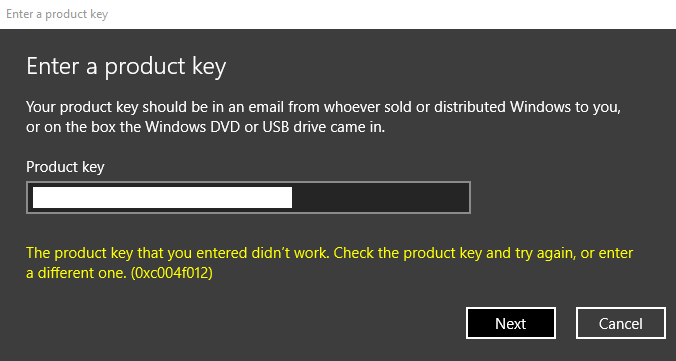
If you have a valid Windows 10 product key and encounter the error 0xc004f012 during activation, let’s explore various methods to resolve this issue. 1) Try activating your…
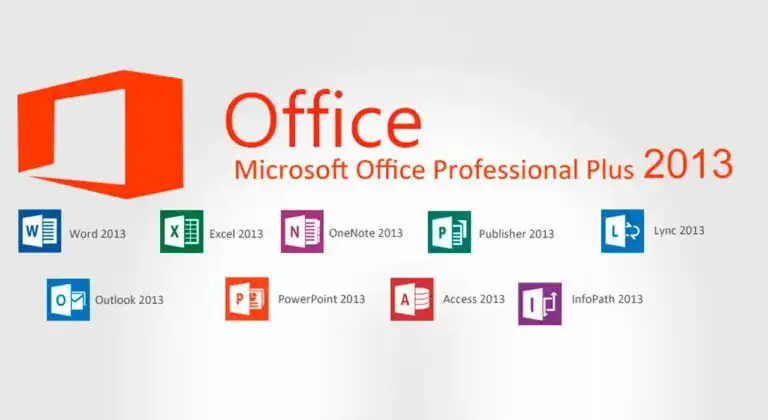
In this article, we will look at how to activate Microsoft Office 2013 Pro Plus. To activate, you must have the corresponding original Microsoft Office 2013 installer installed,…
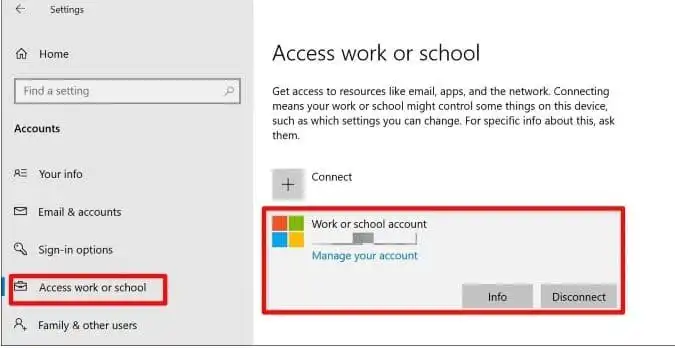
In this article, we will discuss how to remove a work account since in the “Email & accounts” menu, there is only a “Manage” button and no deletion…
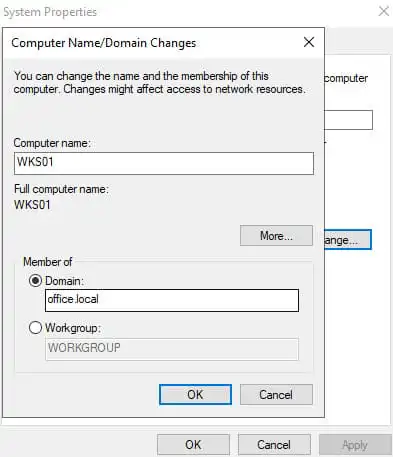
In this article, we will discuss how to add a computer to a domain in Windows using various methods. Adding a Domain via the “System Properties” Menu Navigate…
Enter your email — we will save this product for later and let you know when the price changes.