In this article, we will discuss the process of installing and activating Visual Studio 2017. Specifically, in this example, will be using the “Enterprise” version, which is the most comprehensive version of this application.
The first thing you need to do is to download the application. You can download it from our server directly via the provided link, or from the official Microsoft website on the following page. To download from the Microsoft website, authentication with your account is required.
Run the installer and click “Continue.”
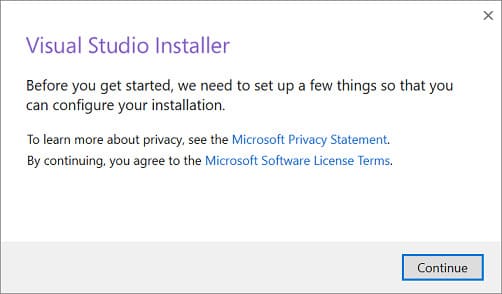
The process of downloading application files and installing them will begin. Wait for the process to complete.
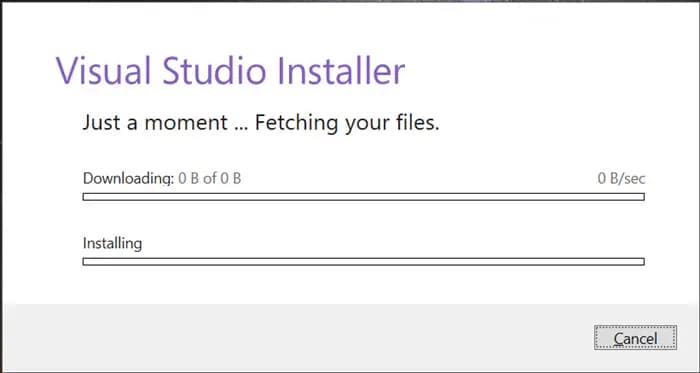
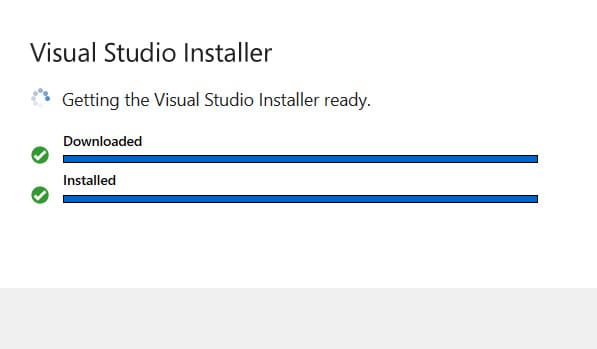
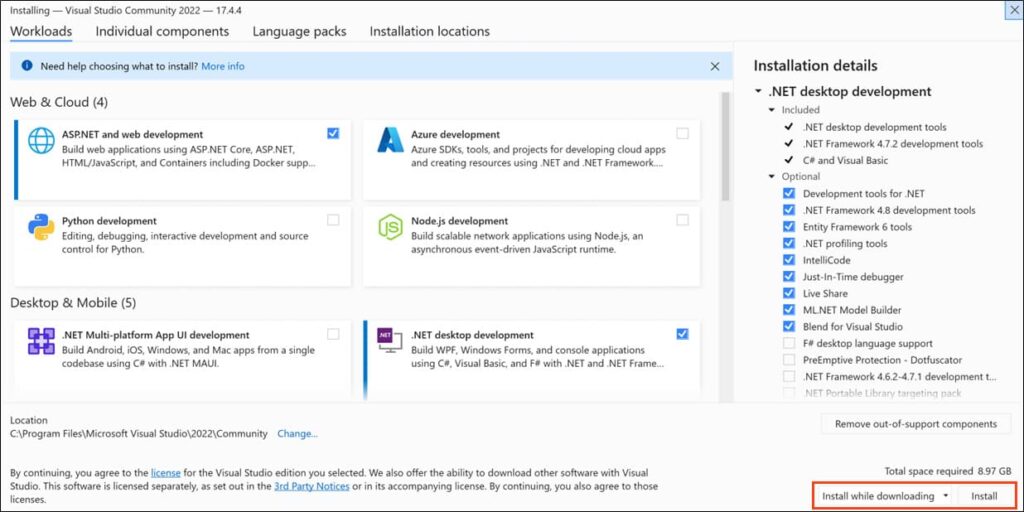
After installation, the application will prompt you to select the necessary components for operation. Choose the components you need, then select the “Install while downloading” option and click “Install.”
Wait for the components to be installed.
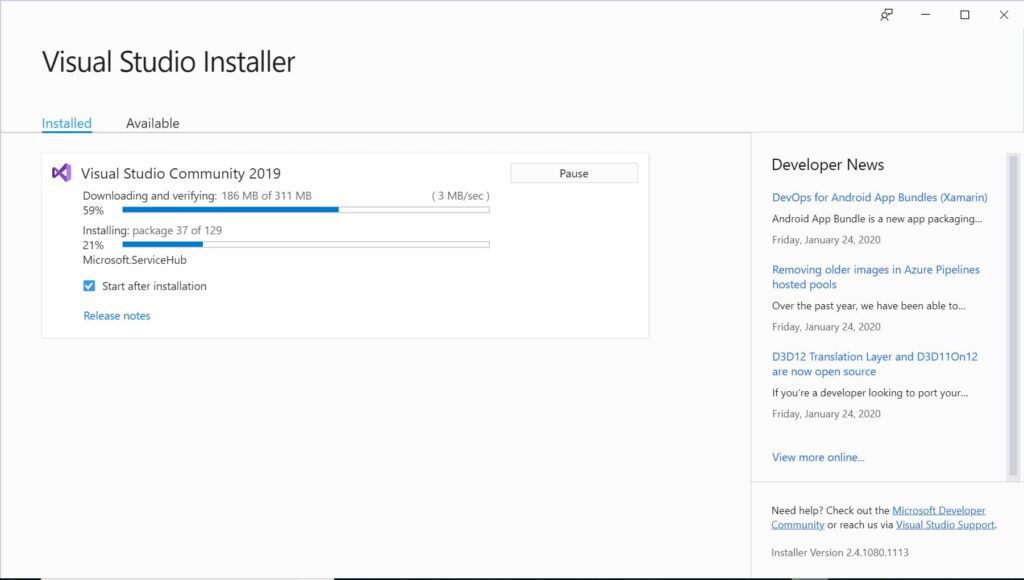
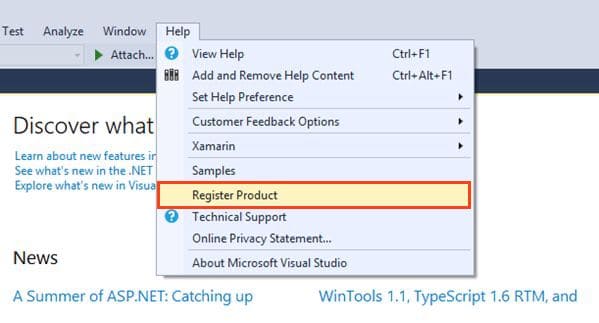
After installing the components, the application window will open. Click “Help” => “Register Product.”
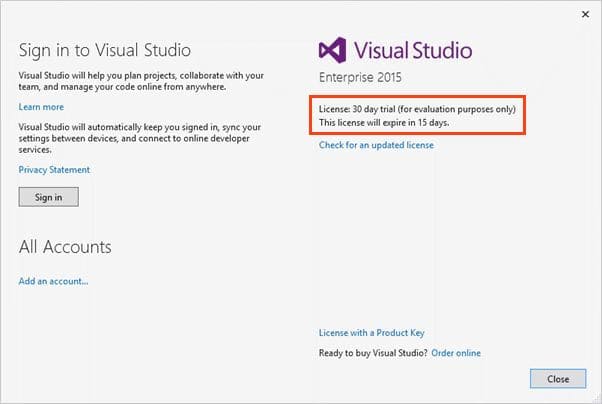
As you can see in the new window, the application will run in a “Trial Version” for 1 month from the installation date. To activate the application, you will need a product key. If you don’t have a product key, you can purchase one from our catalog on the following page.
Once you have obtained a product key, you can click the “Unlock with a product key” button.
In the new input window, enter your product key to activate the application.
That concludes the installation and activation of the application. If you have any further questions, feel free to ask our support team via chat in the bottom right corner of the window or via email: admin@softcomputers.org.