In this article, I will give you a step-by-step guide on how to install and activate Microsoft Visual Studio 2022. I will do this using the “Professional” edition as an example.
1) The first thing you need to do is download the Visual Studio 2022 Professional application. You can do this directly from the Microsoft website using the following link – https://visualstudio.microsoft.com
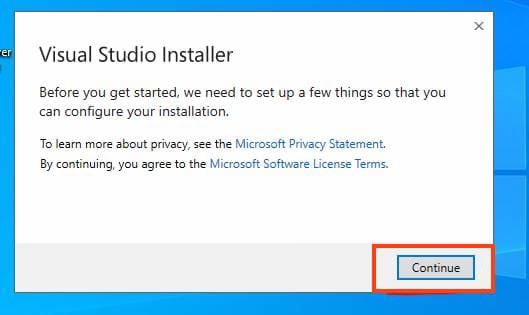
2) After downloading, run the installer. Click “Continue.”
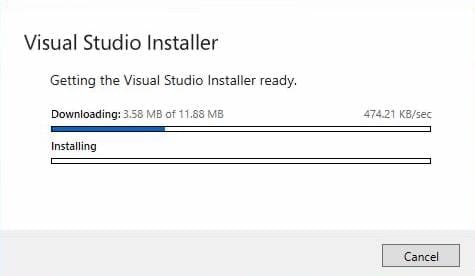
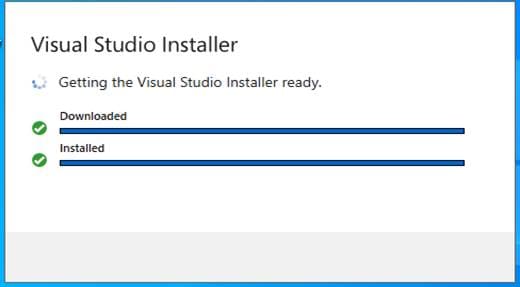
3) Wait for the preparation for download and component selection.
4) In the next window, select the components, individual components, language packs, etc. Then click the “Install” button.
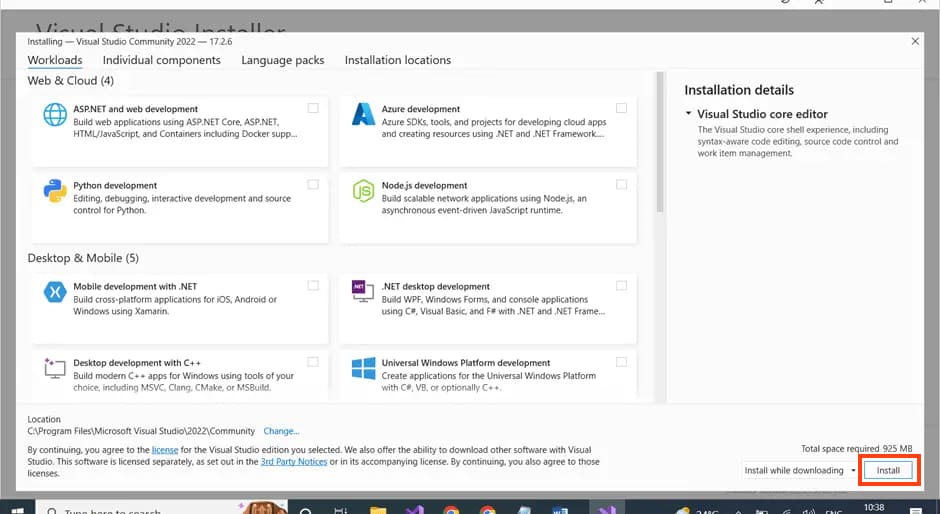
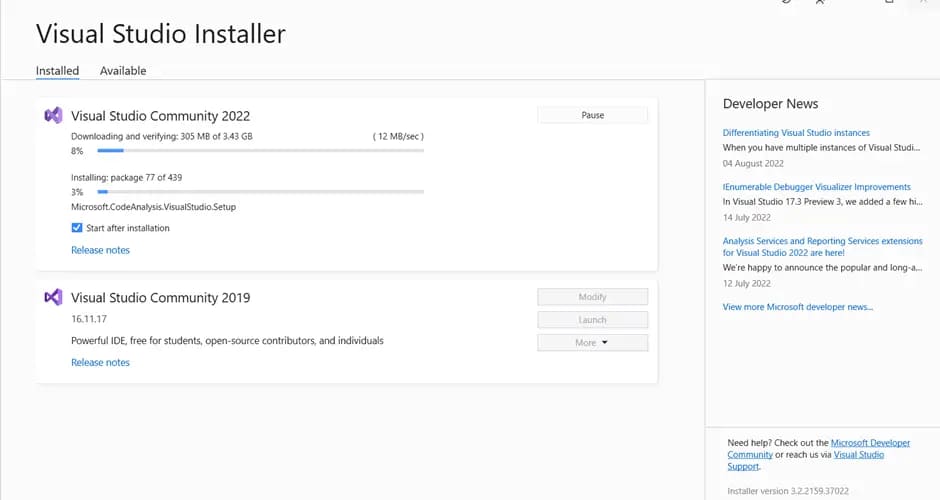
5) Wait for the installation of the application and its components.
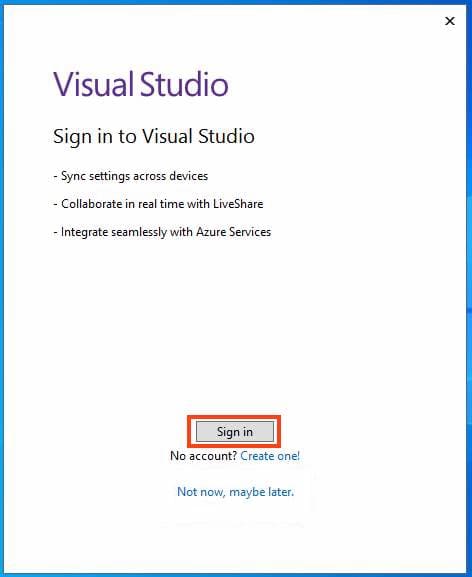
6) After installation, you will need to sign in to your Microsoft account in a new window. Click “Sign in.”
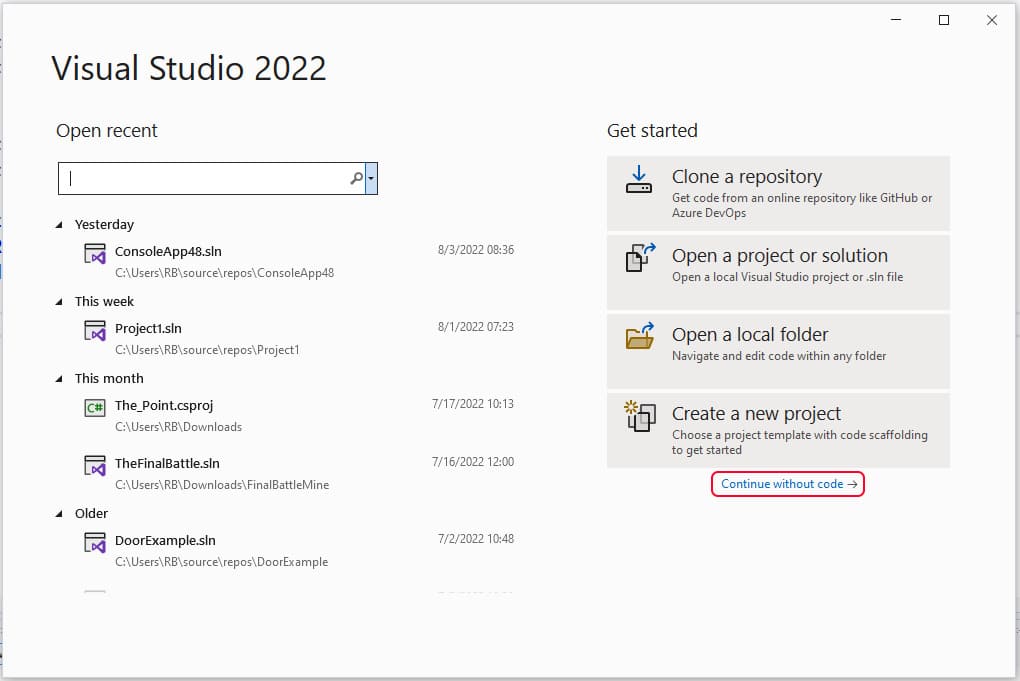
7) Now let’s move on to activating the application. On the first launch, you can click “Continue without a code” on the initial application screen.
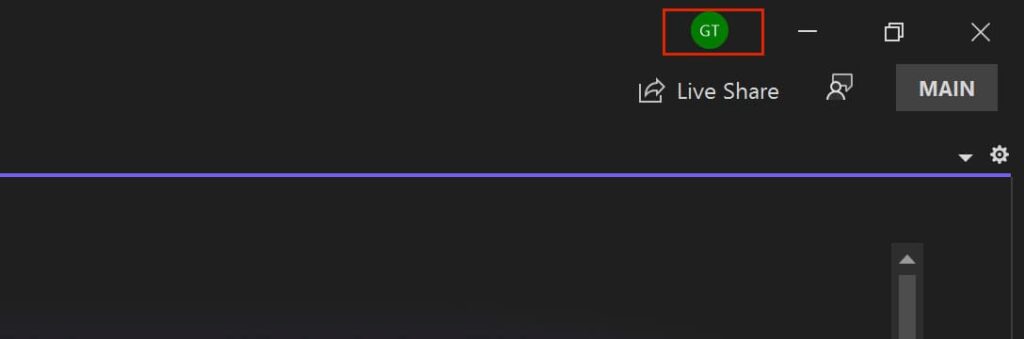
8) Next, on the top right, click on your account button => Account settings.
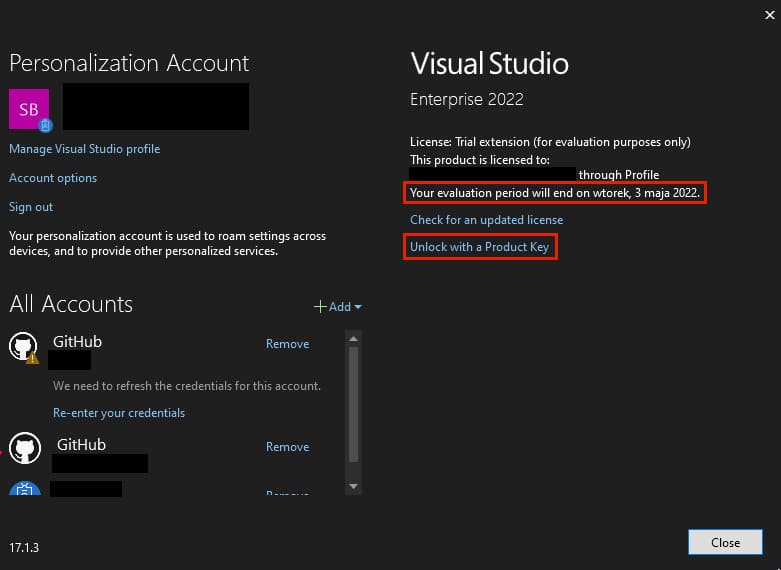
9) In the account and activation window, you will see that you have installed a “trial” version for 1 month, counting from the installation moment.
To activate the application, you will need the product key, which you can purchase from our catalog on the next page. Fast delivery of the key within 3 hours to your email. Guarantee and round-the-clock technical support.
So, when you already have the product key, click on “Unlock with a product key.”
Then enter your product key.
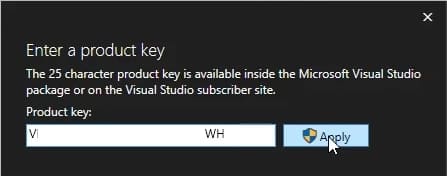
That’s it! You should see a message that the product key has been applied.