
In this article, I will explore various methods to change the product key in Microsoft Office (2021 / 2019 / 2016 / 2013) to a new one if you have previously entered a product key into the application. Strongly recommend using only genuine product keys in Microsoft Office. You can purchase a Microsoft Office product key at the lowest price in our catalog. The product key will be delivered instantly to your email.
1) The first and easiest method usually works in most cases.
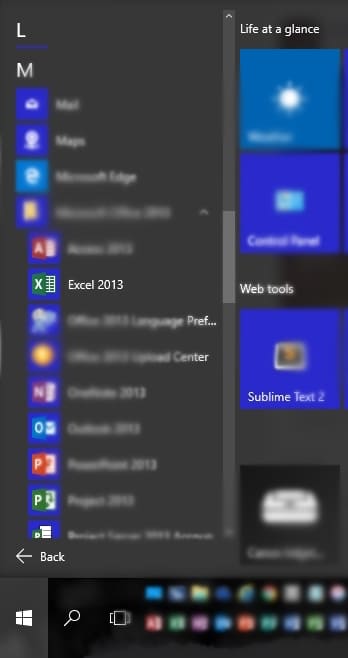
Open any Office application, for example, Excel.
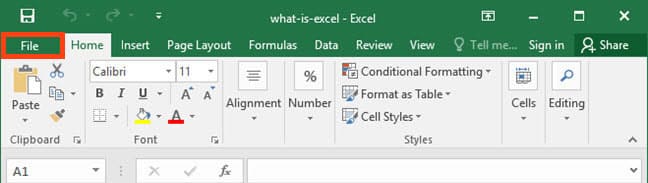
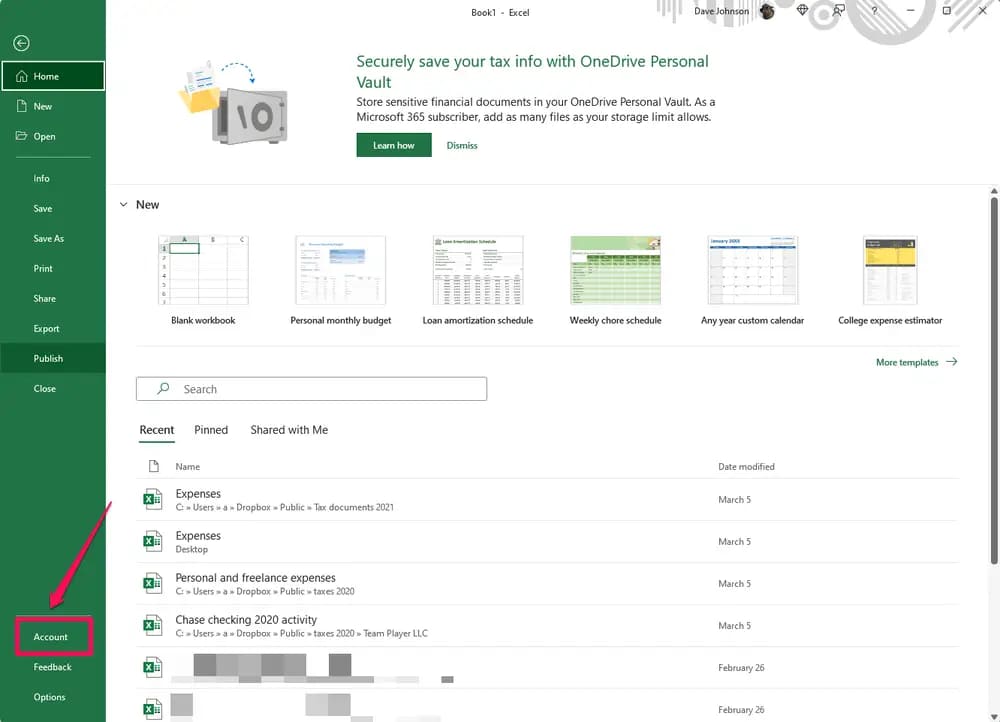
Go to “File” => “Account” => Then click “Change License.”
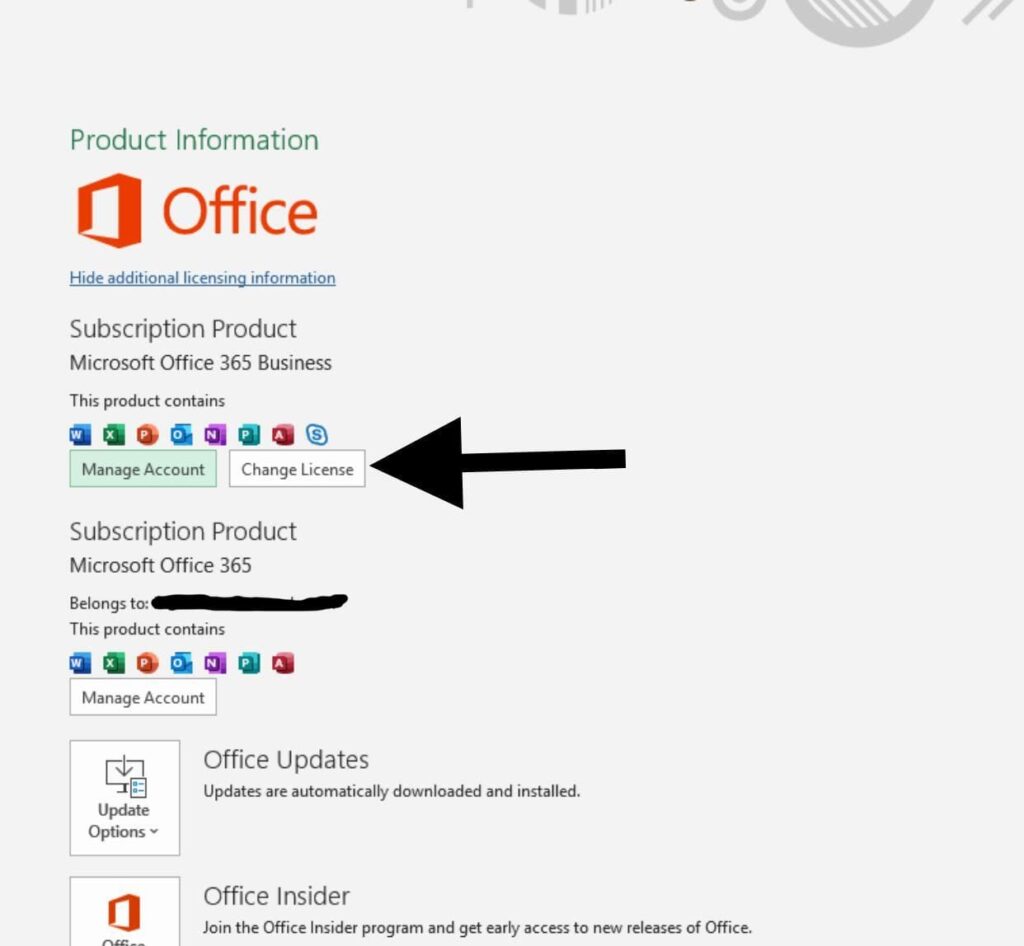
2) Sometimes, the “Change License” button may be missing in the “Account” menu. In this case, you can try removing your activated key via the terminal.
Open the search on the taskbar => type CMD => and enter the following command:
XXXXX represents the last 5 digits of the product key you previously activated in the application.
If you have x64 Office installed: cscript “C:\Program Files\Microsoft Office\Office16\OSPP.VBS” /unpkey:XXXXX
If you have x32 Office installed: cscript “C:\Program Files (x86)\Microsoft Office\Office16\OSPP.VBS” /unpkey:XXXXX
If successful, the command prompt will display a message that the Product key uninstallation was successful.
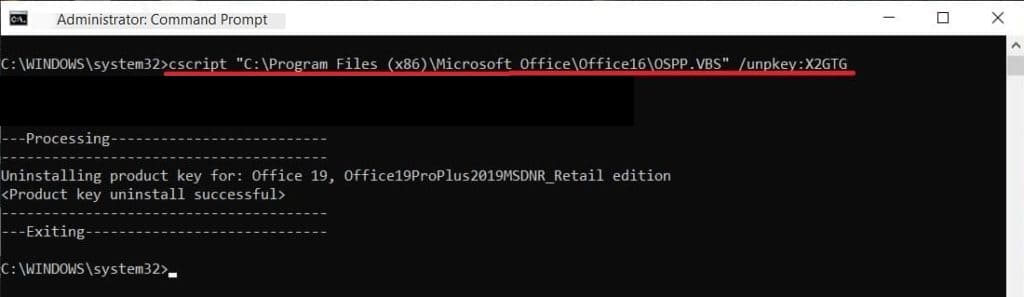
Afterward, launch any Office application, such as Excel; the application should prompt you to enter a new product key.
3) If for any reason the second method does not work, in this case:
Refer to the instructions for using the Microsoft Support and Recovery Assistant on the following page.
Afterward, download and reinstall Microsoft Office 2019.
Upon installing the application, open any Office application. Upon the first launch, the application will prompt you to enter your product key. If you don’t have a Microsoft Office product key, you can purchase one from our catalog, the product key will be delivered instantly to your email.