





This article provides a step-by-step guide on upgrading from Windows 7 to Windows 10. The example used is upgrading from Windows 7 Professional to Windows 10 Pro.
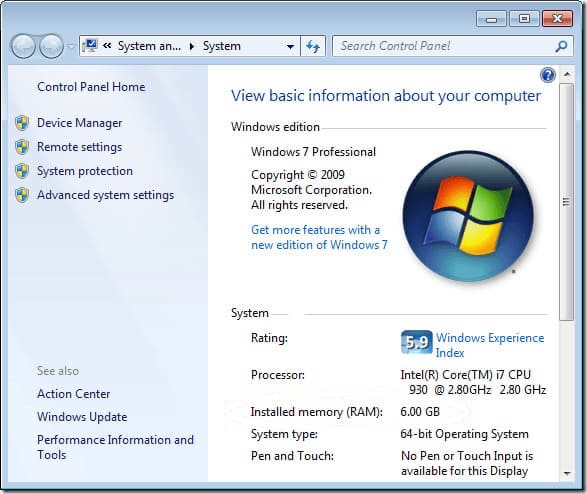
1) The first thing to do is to check which version is currently installed. In our example, as mentioned earlier, it is Windows 7 Professional (Pro).
2) Recommend:
Download the Windows 10 installer from our catalog on the following page. In our catalog, distributions are original MSDN, and you can verify the hash sum on the download page.
You can open the distribution following the instructions in step 2.
3) Run the installer.
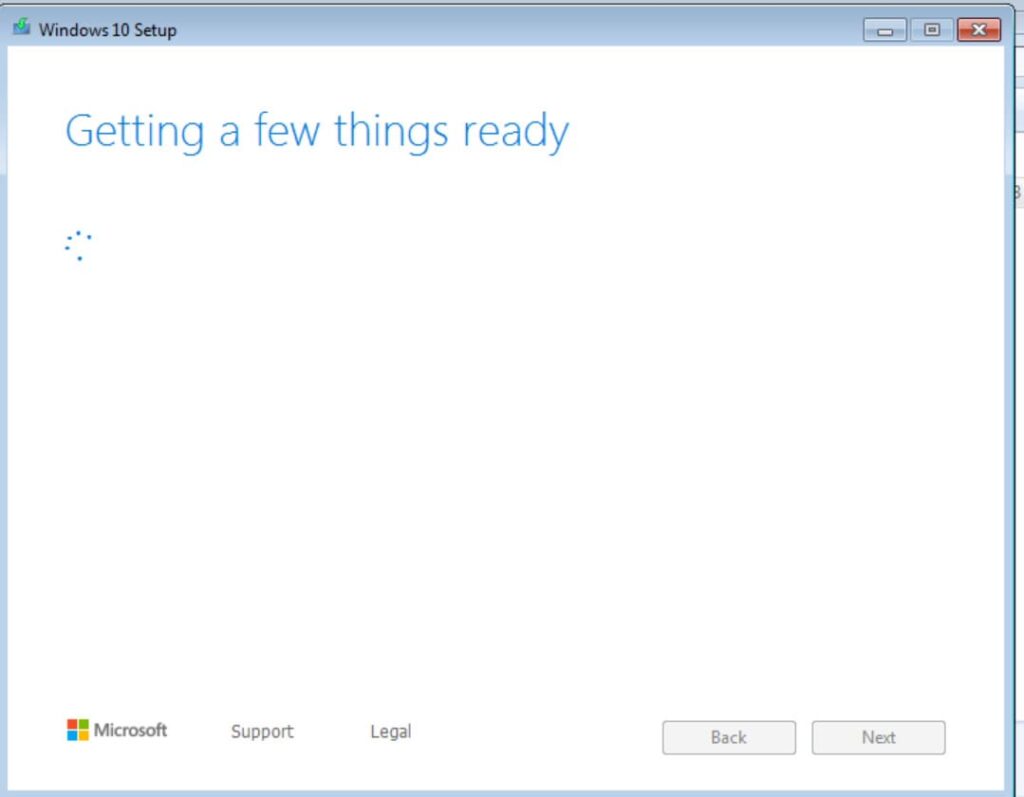
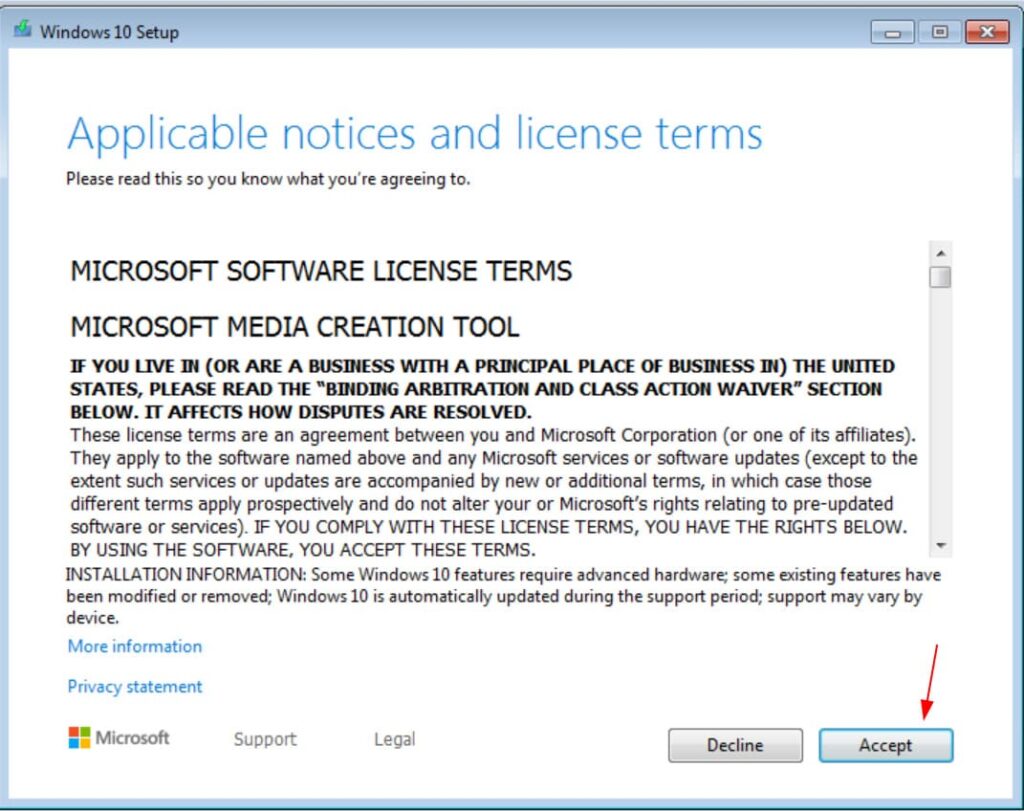
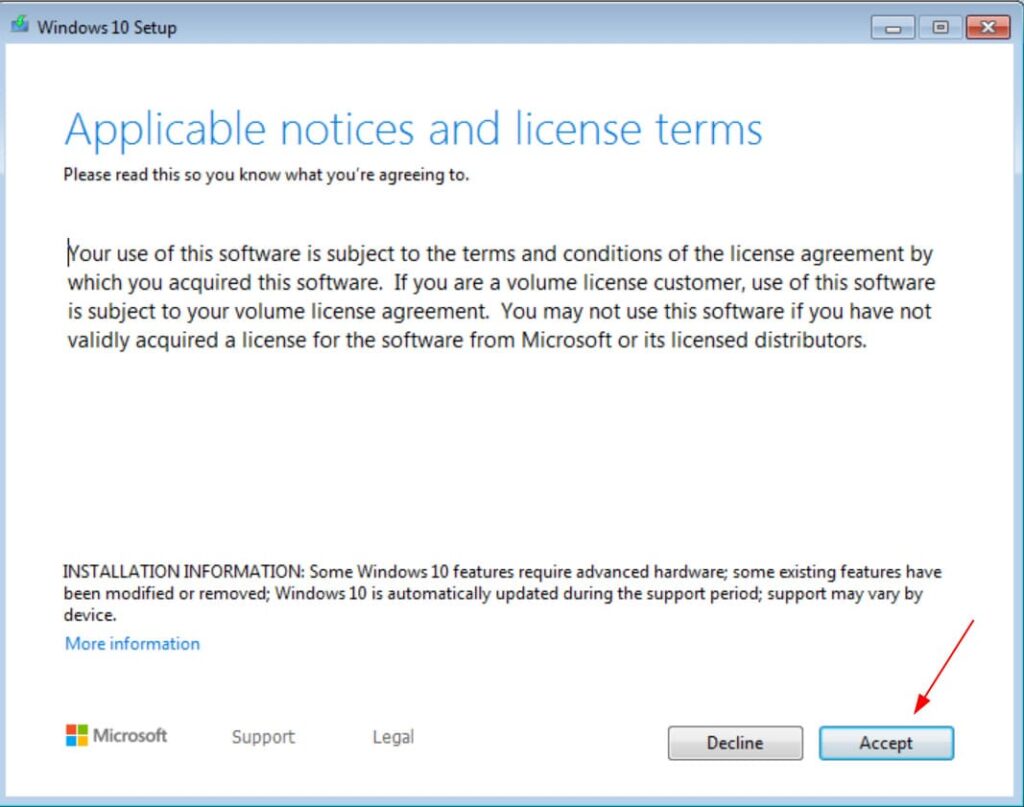
4) Accept the license agreement.
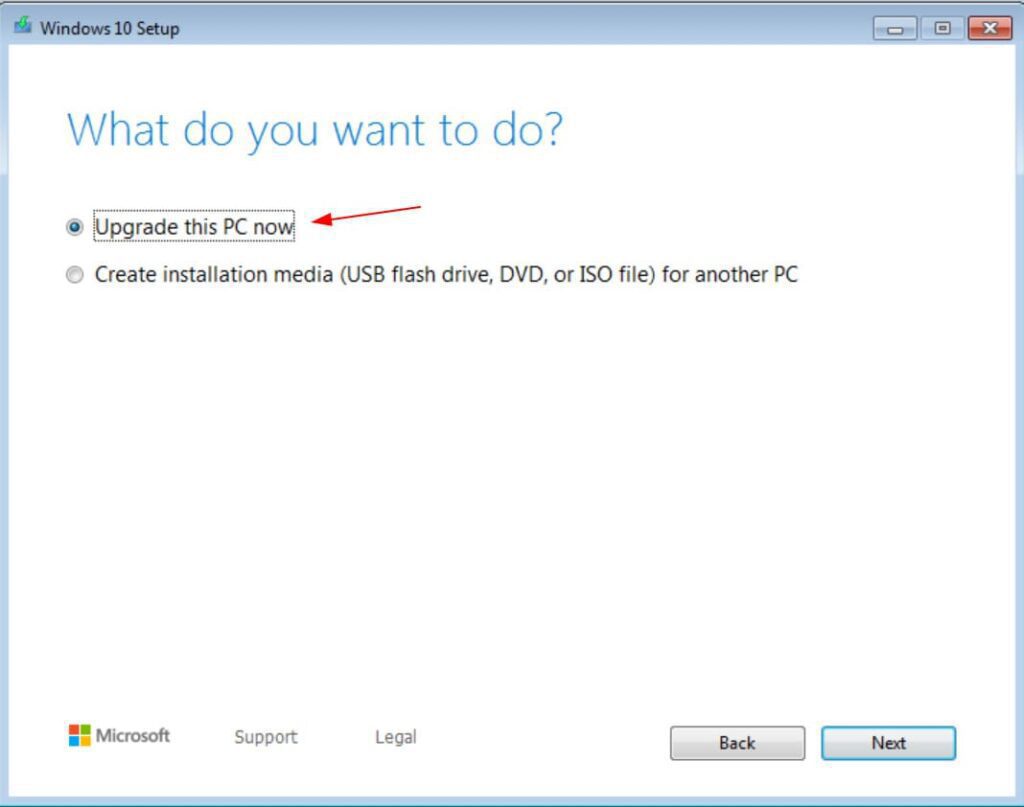
5) Select the “Upgrade this PC now” option and click Next.
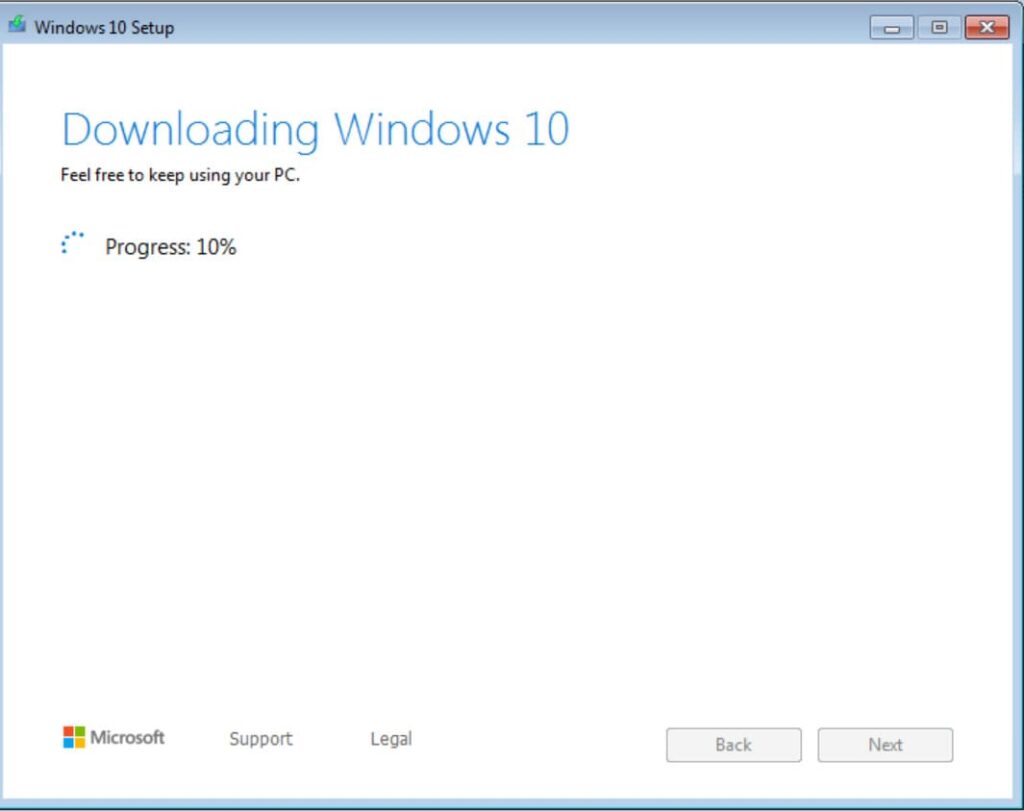
6) Wait while Windows 10 files download. Download speed will vary depending on your Internet connection.
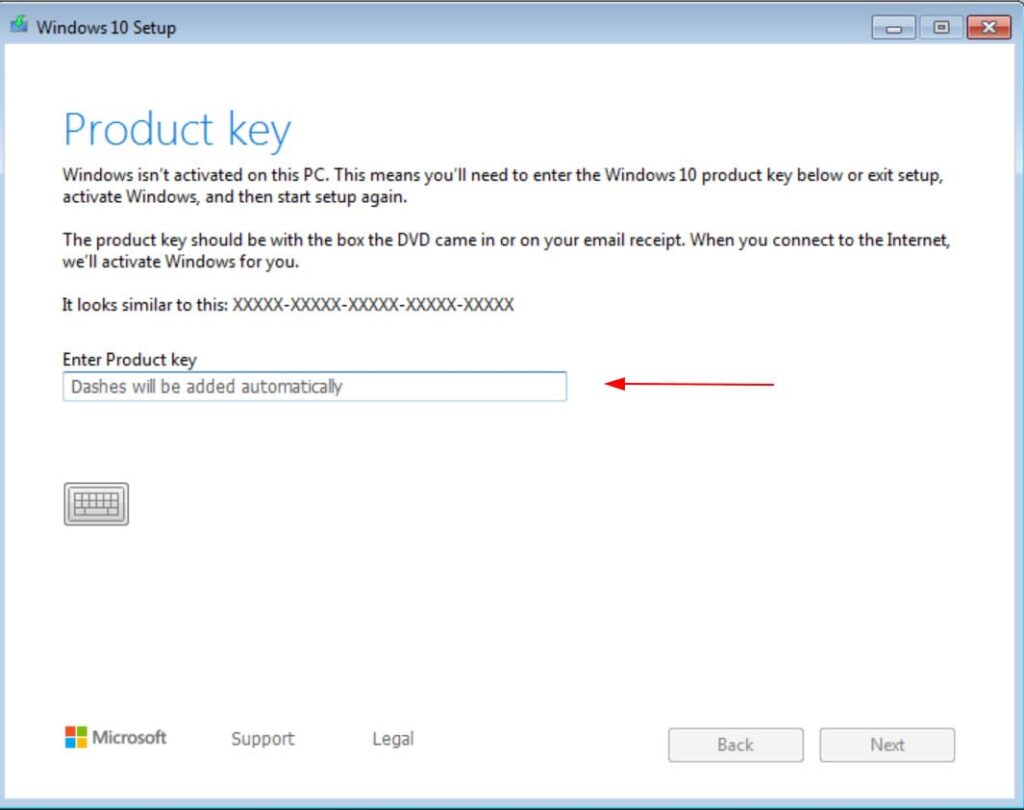
7) Afterward, you will be prompted to enter the activation key for Windows 10. In our case, a key for Windows 10 Pro is needed. You can buy product keys for different versions of Windows 10 in our catalog at the lowest prices, with instant delivery to your email after payment.
8) Accept the license agreement again.
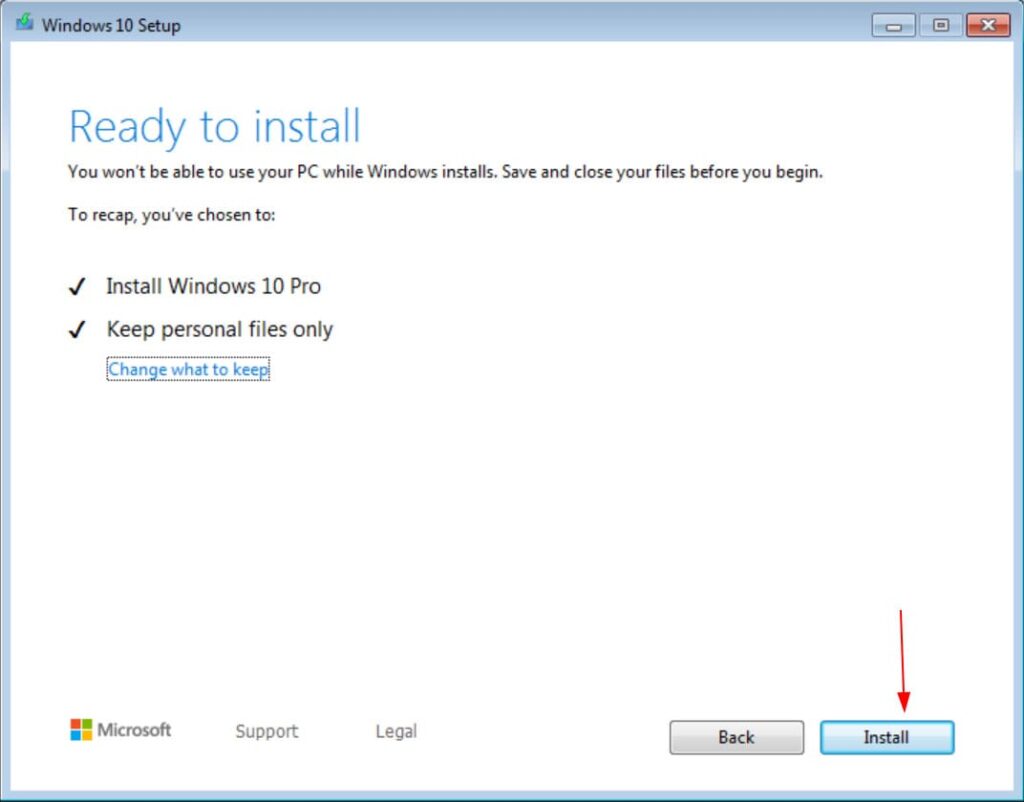
9) When the files download, leave all options in place. In other words, install Windows 10 while keeping all your personal files and applications.
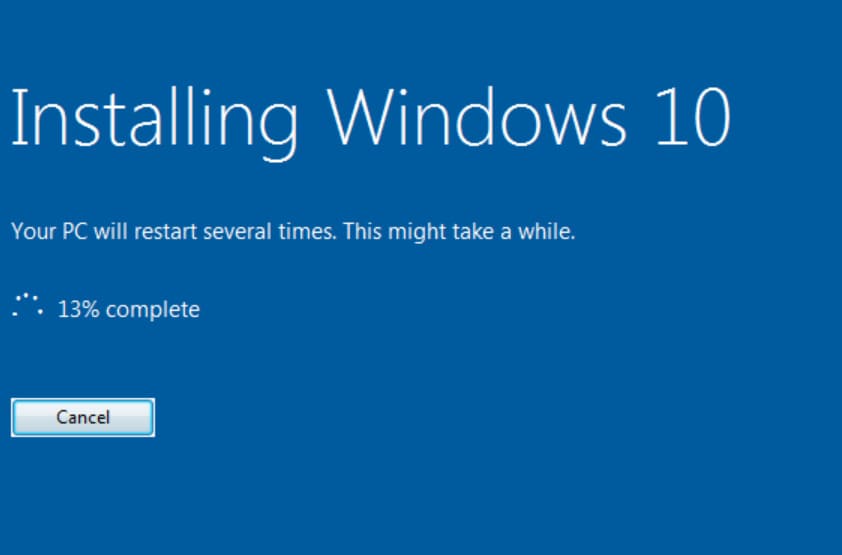
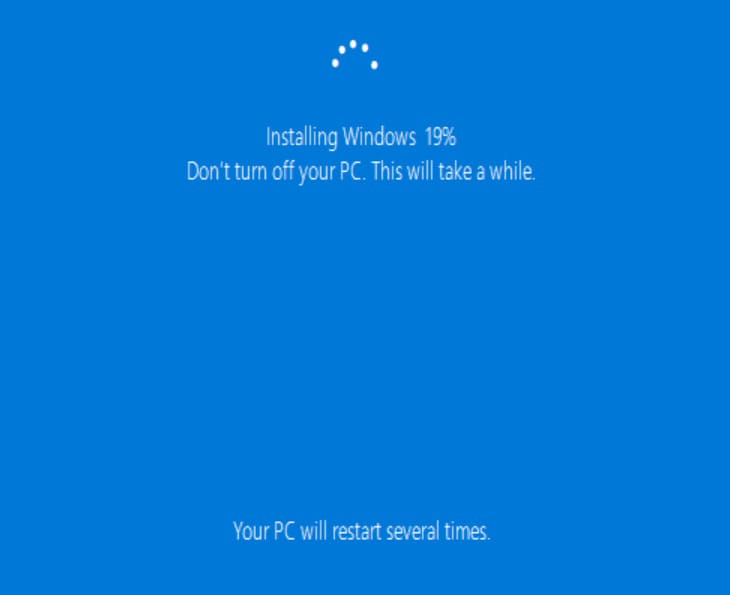
10) Wait for Windows 10 to install. Your computer will restart a few times to install the new operating system.
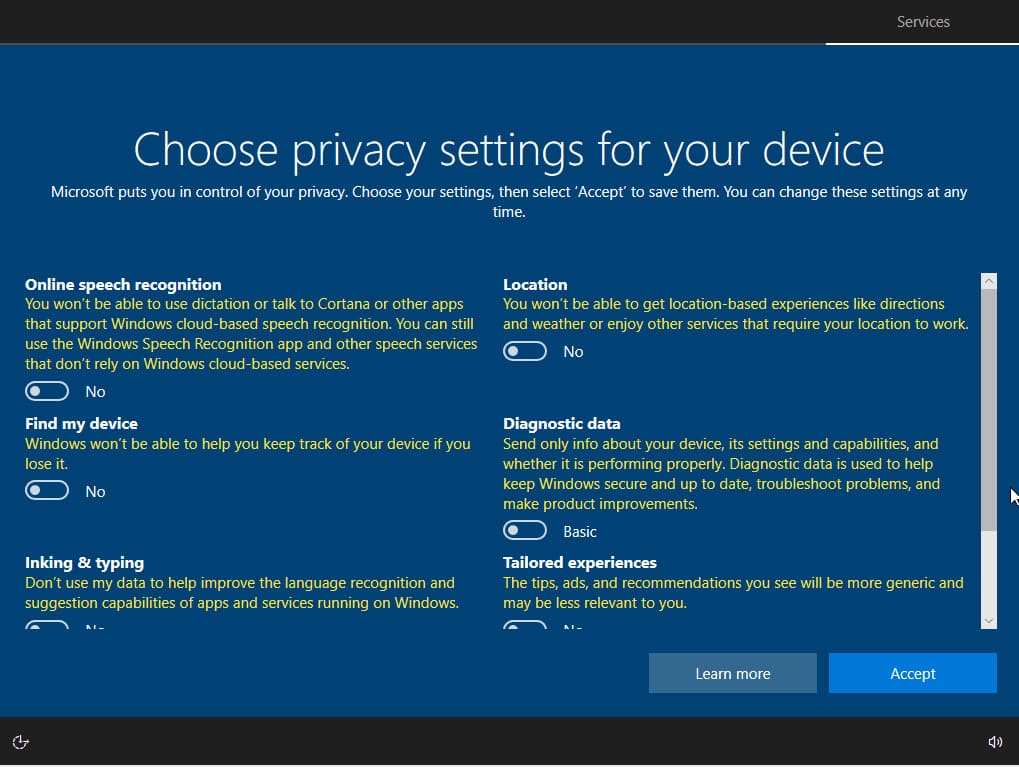
11) In the Privacy Settings step, we recommend disabling all options.
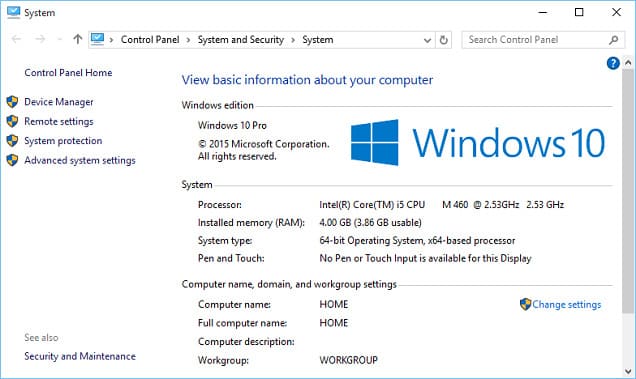
12) That’s it. The process of upgrading from Windows 7 to Windows 10 is complete. All you have to do is check your operating system in Computer Properties. Also, after entering the key at the beginning of the upgrade, you will already have an activated Windows 10.