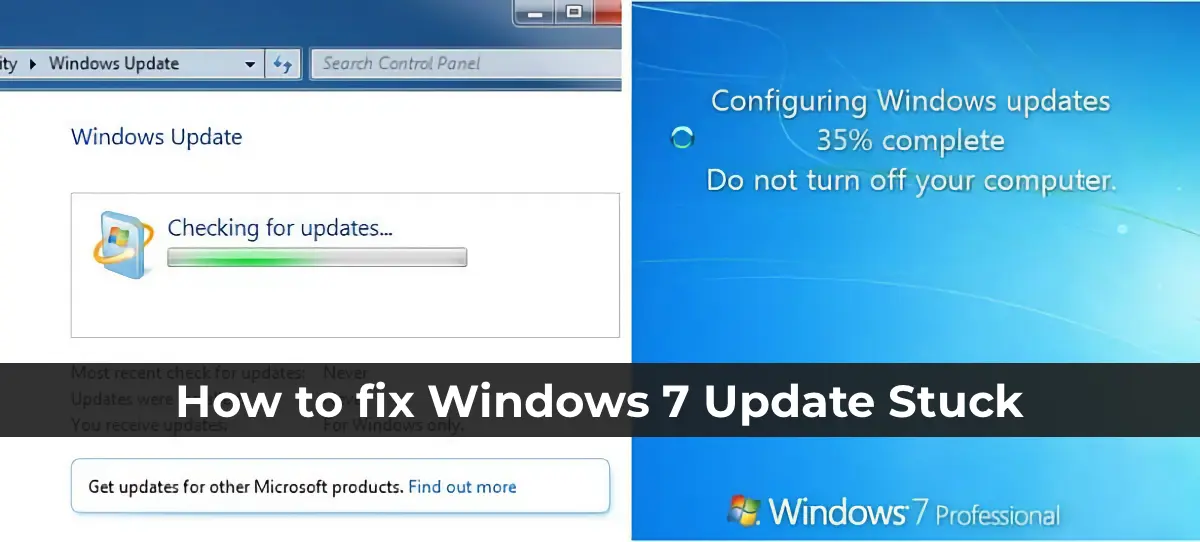
Some Windows 7 users encounter an issue where the update search runs indefinitely, accompanied by high CPU and memory usage. This article explains how to resolve the endless update search issue in Windows 7 SP1 and Windows Server 2008 R2.
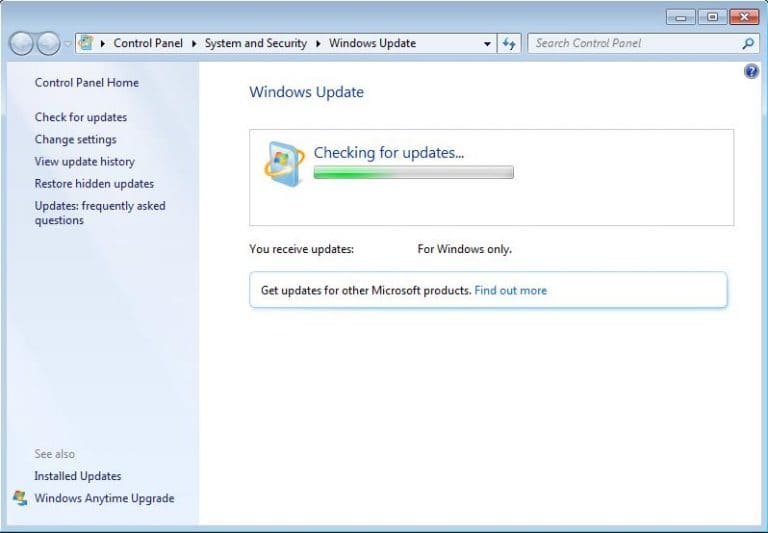
The Problem
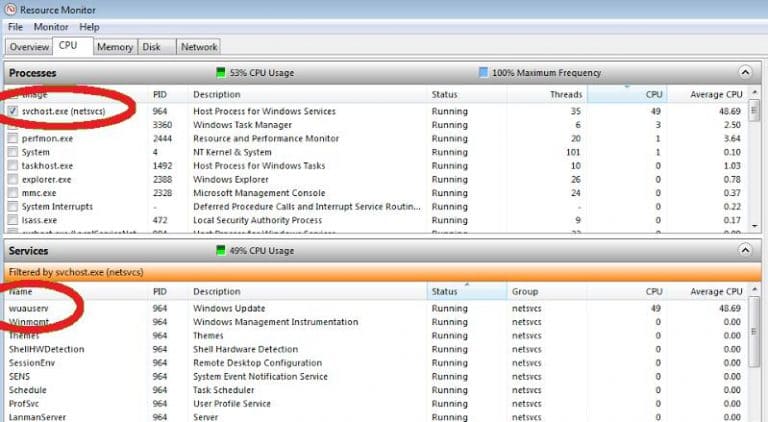
After installing Windows 7 SP1 and connecting to the internet, the Windows Update Center may endlessly search for updates, causing high CPU usage (50-70%) and memory consumption by the svchost.exe process. The primary load comes from the wuauserv.exe service, which handles Windows updates.
Causes of the Issue
The issue is caused by older versions of the wuauserv client failing to properly interact with Windows Update servers due to changes on Microsoft’s website. This results in the update search hanging.
Solving the Issue
To resolve the problem, you need to manually install several updates that fix the functionality of the Windows Update client.
Step 1: Installing Update KB3172605
First, download and install the July update rollup KB3172605 for your version of Windows 7 SP1 (32-bit or 64-bit). This update addresses the endless update search issue.
1. Download the update from the official Microsoft website:
– KB3172605 for 64-bit systems
– KB3172605 for 32-bit systems
2. Install the update and reboot the computer.
Step 2: Running the Update Search
After rebooting, open the Windows Update Center and start the update search again. Within a few minutes, a list of available updates should appear.
Step 3: Additional Updates (if the Issue Persists)
If the problem persists, install the following updates:
1. KB3020369 — Servicing Stack Update (April 2015), required for the proper functioning of KB3172605.
2. KB3138612 — Update for the wuauserv agent (March 2016).
3. KB3125574 — Convenience Rollup Update (February 2016).
Tip:
If the system hangs during the update search when installing updates via the standalone installer wusa.exe, disconnect from the internet or stop the Windows Update service to prevent communication with the update servers.
Installing update KB3172605 and additional fixes resolves the endless update search issue in Windows 7. After completing these steps, the update system should function correctly, allowing you to install all necessary updates without long delays.