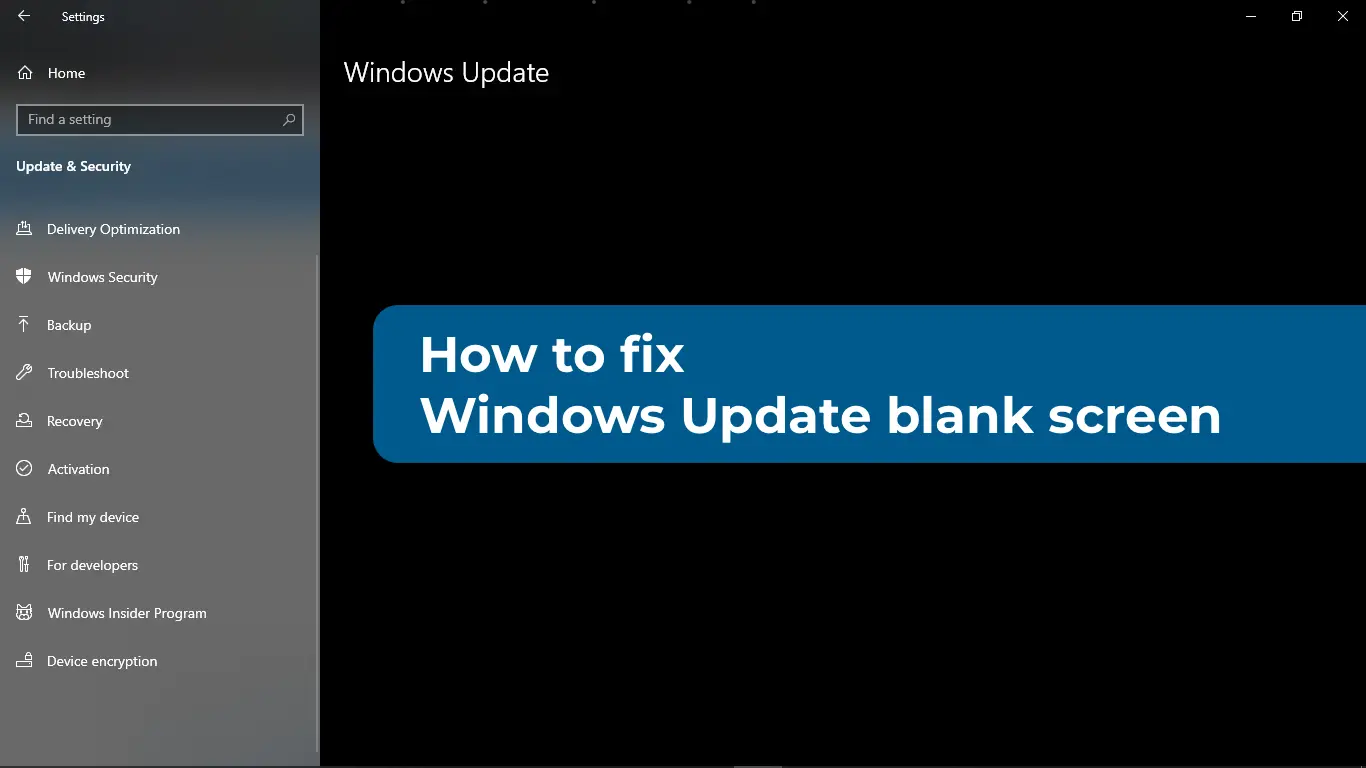
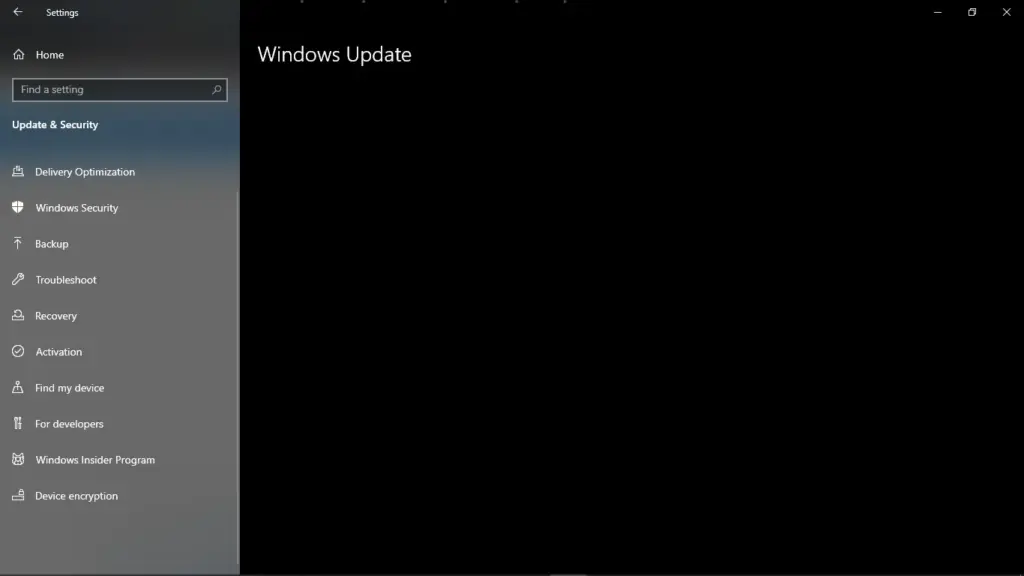
Sometimes, when attempting to update the Windows 11/10 operating system, you may encounter a blank Windows Update page where buttons for checking or installing updates are missing. This article explains how to resolve the issue of a blank Windows Update page.
Causes of the Issue
– Interrupted update installation
– Corrupted system files
– Malicious applications
– DLL library errors
Solutions
1. Force Restart the PC
– Disconnect all USB devices (mouse, flash drives, etc.).
– Completely shut down the PC by holding the power button.
– Turn it back on and check if the issue is resolved.
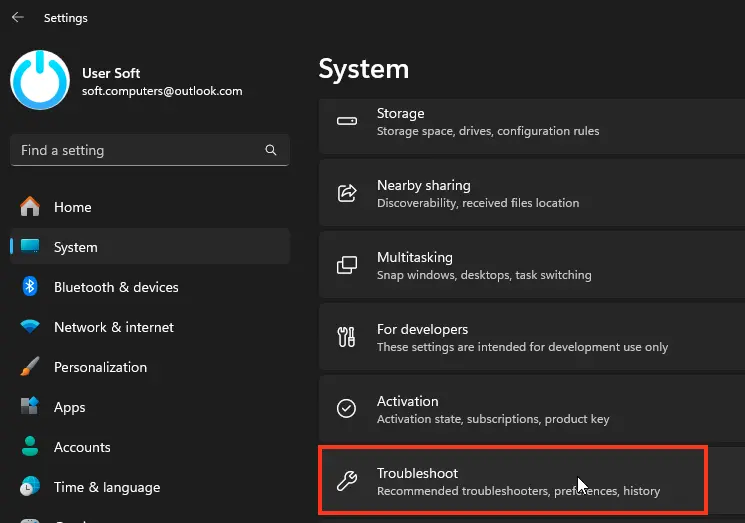
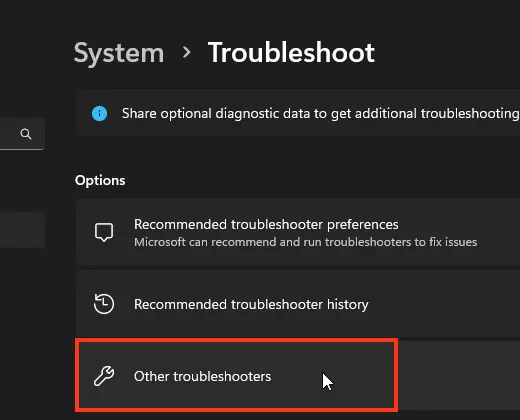
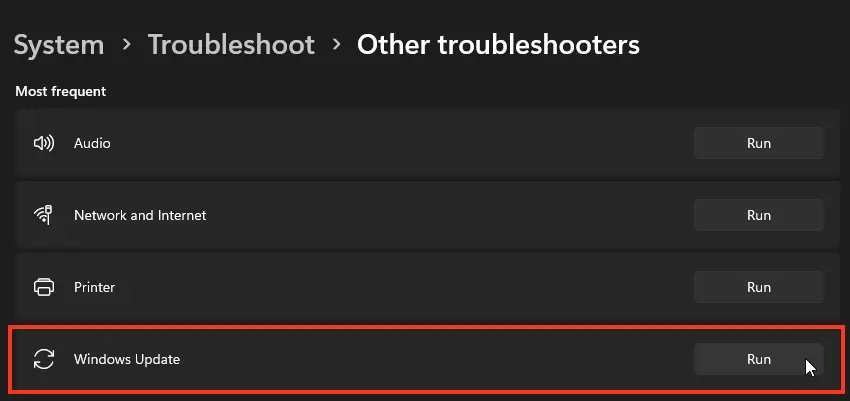
2. Run the Windows Update Troubleshooter
– Launch the built-in Windows Update Troubleshooter, which can automatically detect and fix the issue.
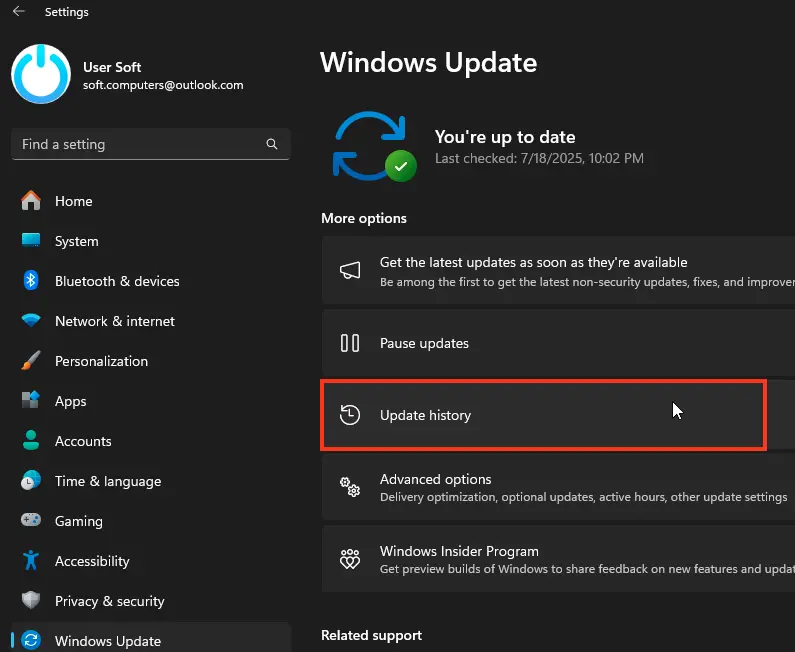
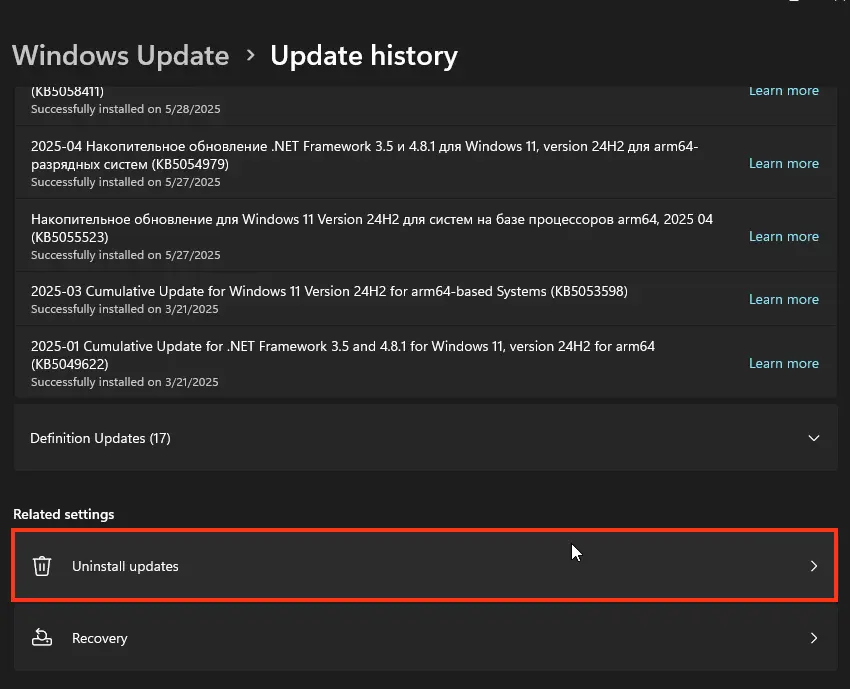
3. Remove the Latest Windows Update
– If the issue occurred after a recent update, try removing the last installed update.
4. Reset the Windows Update Cache
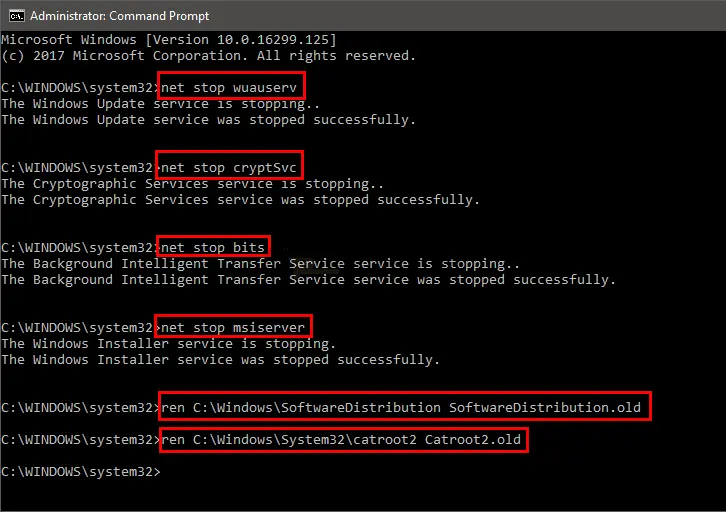
– Open a Command Prompt as an administrator and run the following commands:
net stop wuauserv
net stop cryptSvc
net stop bits
net stop msiserver
ren C:\Windows\SoftwareDistribution SoftwareDistribution.mwp
ren C:\Windows\System32\catroot2 catroot2.mwp
net start wuauserv
net start cryptSvc
net start bits
net start msiserver
– Restart the computer.
5. Check System File Integrity
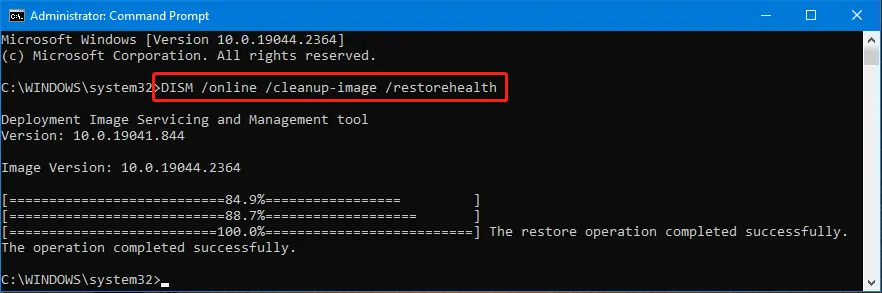
– Corrupted files can cause the issue. Run the following commands to check and repair system files:
sfc /scannow
Dism /Online /Cleanup-Image /CheckHealth
Dism /Online /Cleanup-Image /ScanHealth
Dism /Online /Cleanup-Image /RestoreHealth
6. Re-register Required DLL Libraries
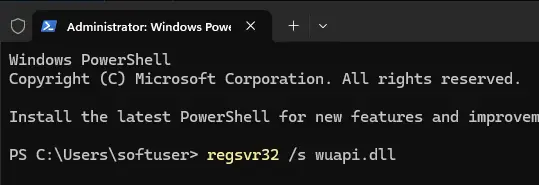
– Run the following commands to re-register libraries required for Windows Update:
regsvr32 /s wuapi.dll
regsvr32 /s wuaueng.dll
regsvr32 /s wups.dll
regsvr32 /s wups2.dll
regsvr32 /s wuwebv.dll
regsvr32 /s wucltux.dll
regsvr32 /s wudriver.dll
– Restart the computer.
7. Check for Malware
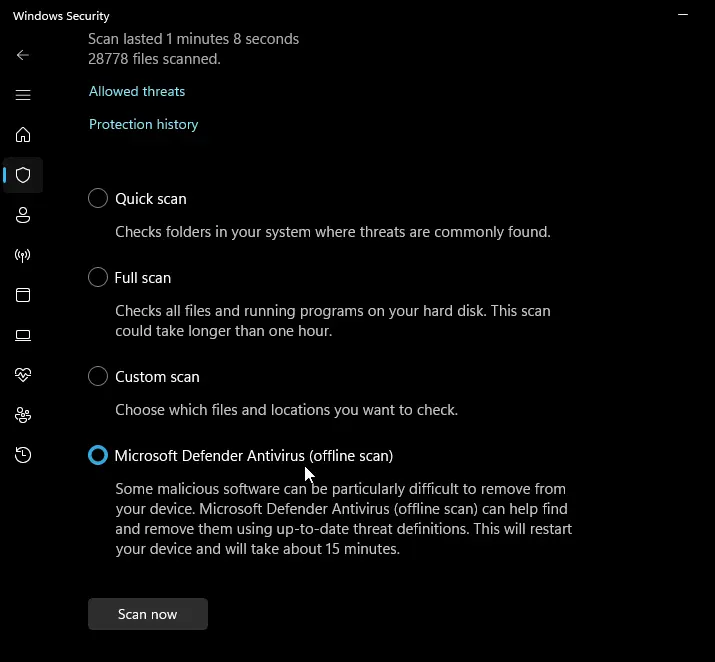
– Run a full system scan with your antivirus software or use the offline module of Windows Defender to remove viruses.
8. Reset Windows to Factory Settings
– If none of the solutions work, perform a factory reset of the system to resolve the issue with Windows Update.