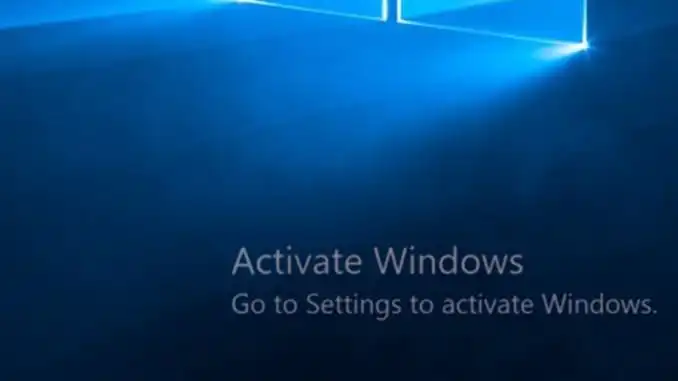
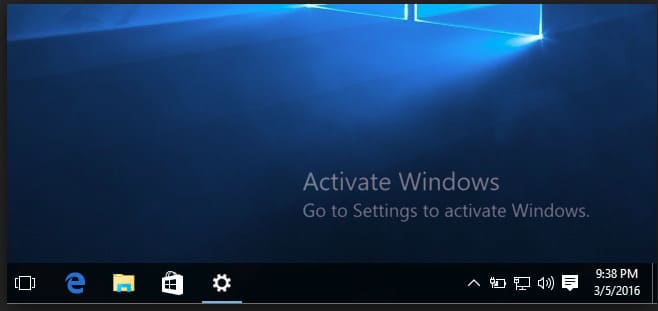
In this article, we will review why the watermark “Activate Windows. Go to Settings to Activate Windows” appears on your desktop and how to remove it.
What is the Cause?
There can be several reasons for this:
1. You installed and used Windows 10 without activation, utilizing the 30-day trial period. The 30 days have passed, and your system is now requesting activation.
2. You used illegal methods to bypass Windows activation, such as a KMS activator.
3. You used a non-genuine product key, for example, one found on the internet. The system detected the non-genuine key and is now requesting activation again.
How to Remove This Message Once and for All?
To remove this message and prevent it from appearing again, the only way is to activate the system with a genuine Windows 10 product key.
You can purchase a genuine Windows 10 product key of various versions in our catalog at the lowest prices. Instant delivery of the product key to your email automatically after payment.
We provide genuine keys at low prices, such as:
Windows 10 Enterprise LTSC 2019
Windows 10 Pro for Workstations
You can find the complete list in the catalog on the next page.
If you have any additional questions, you can ask our 24/7 technical support in the chat in the bottom right corner of the window or via email: admin@softcomputers.org