In this article, we will take a step-by-step look at how to properly install Microsoft Office 2019 Standard for Windows.
1) The first thing we need is the installer itself:
– Download x64 English.
– Download x64 Spanish.
– Download x64 French.
– Download x64 Italian.
– Download x64 German.
– Download x64 Russian.
2) The application itself will need to be activated, without activation – a trial period of 3 to 30 days. You can purchase a product key with instant delivery to your email address in our catalog on the next page.
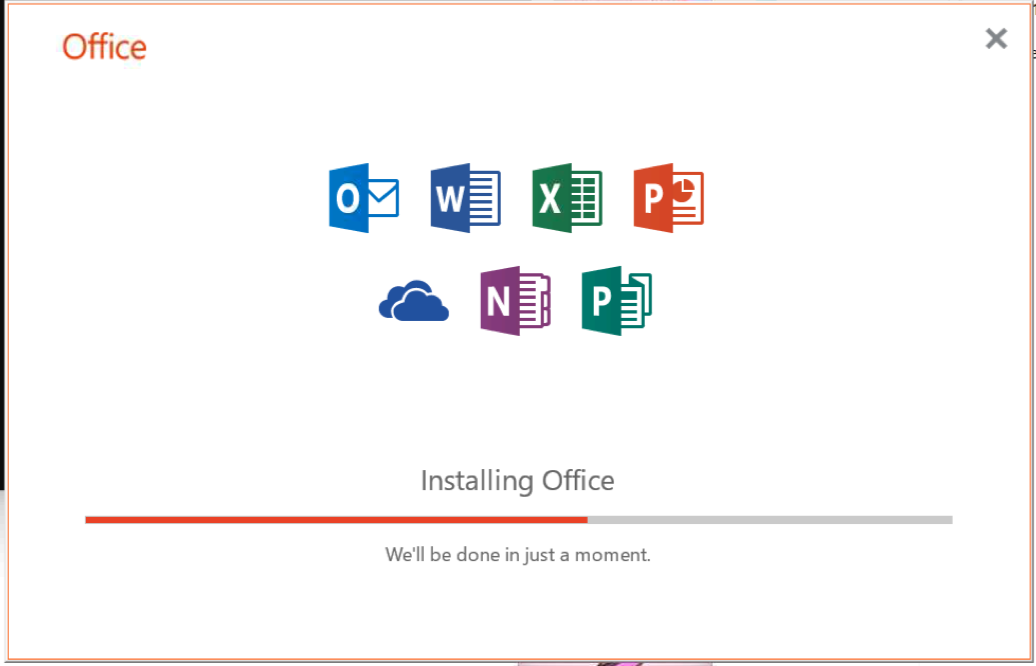
3) Open the installer, click – button Install.
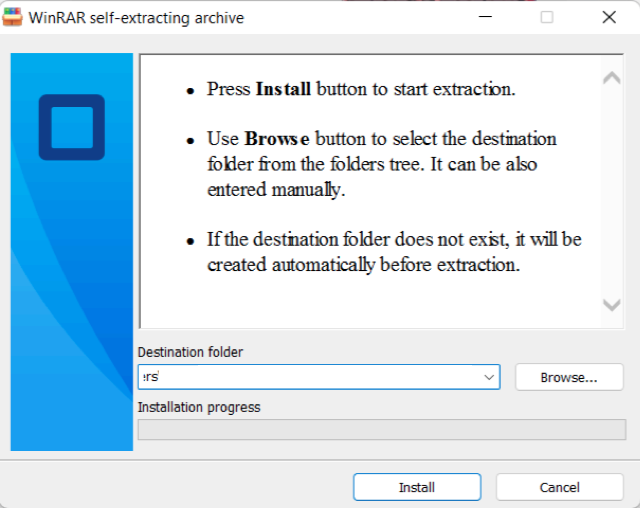
– Wait until the installation is finished.
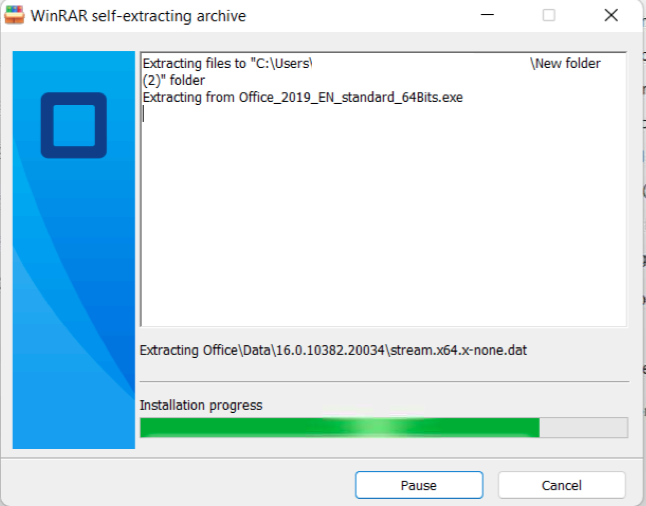
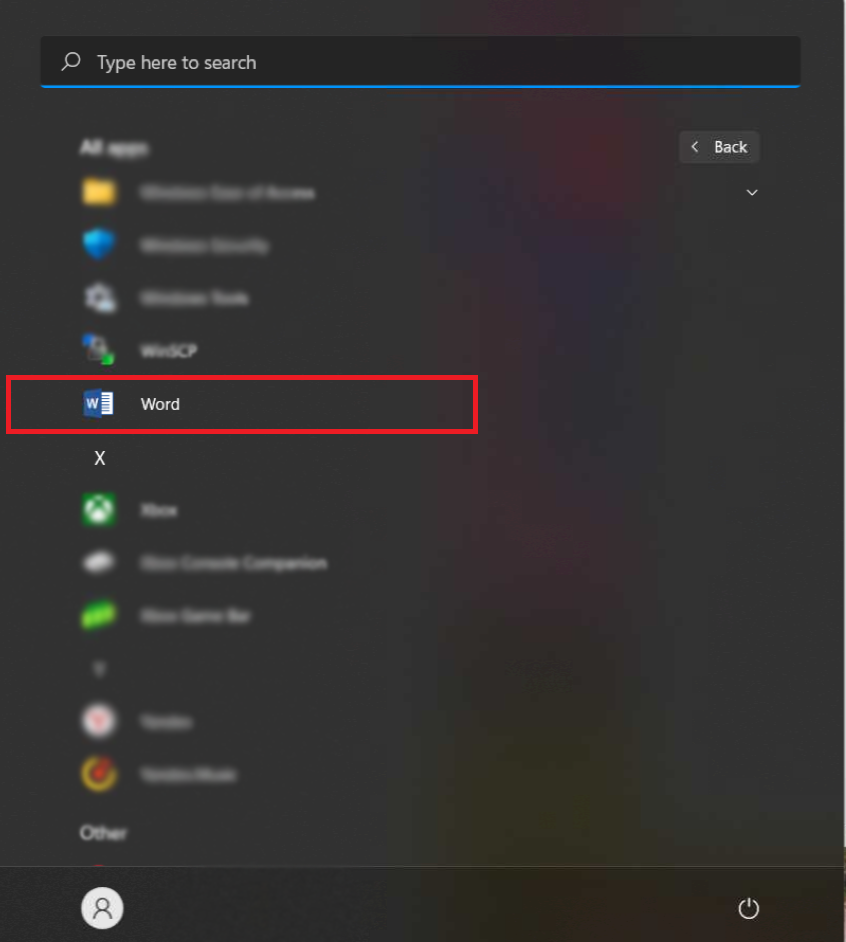
4) Then, after the installation is complete, open the Start menu and find any Office application there, for example, “Word”.
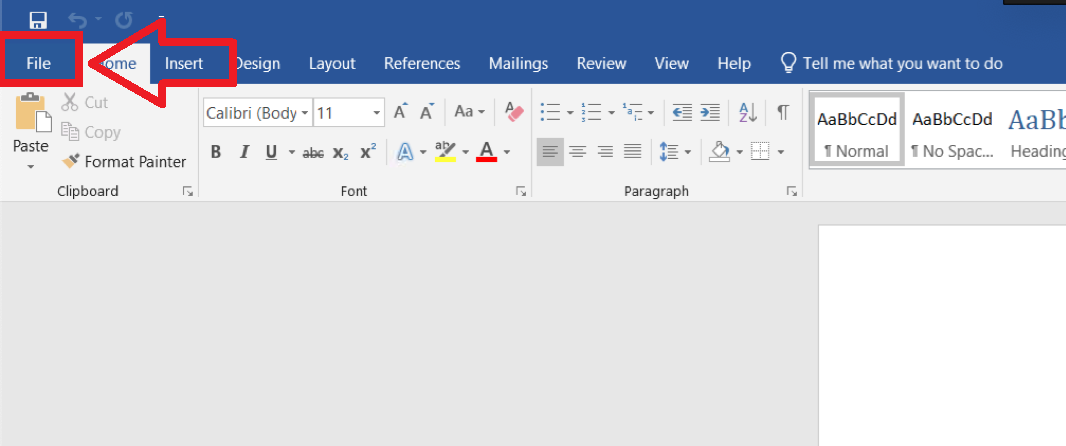
5) In the open application, click on the “File” menu in the upper left corner of the window.
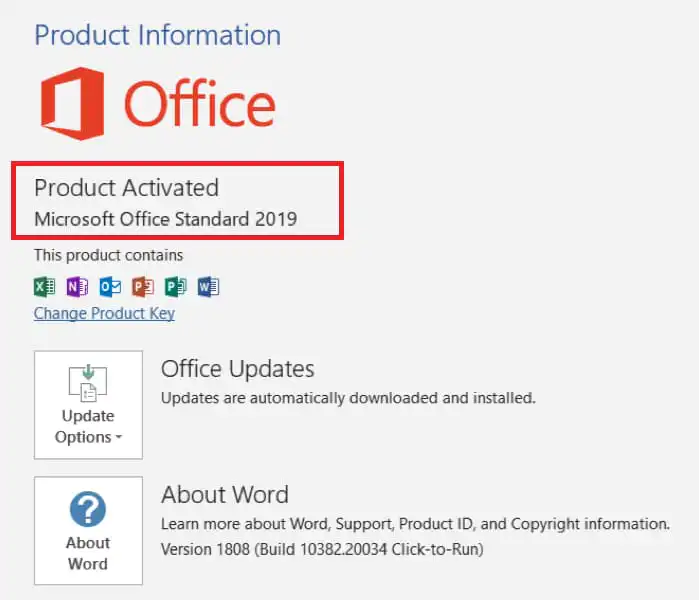
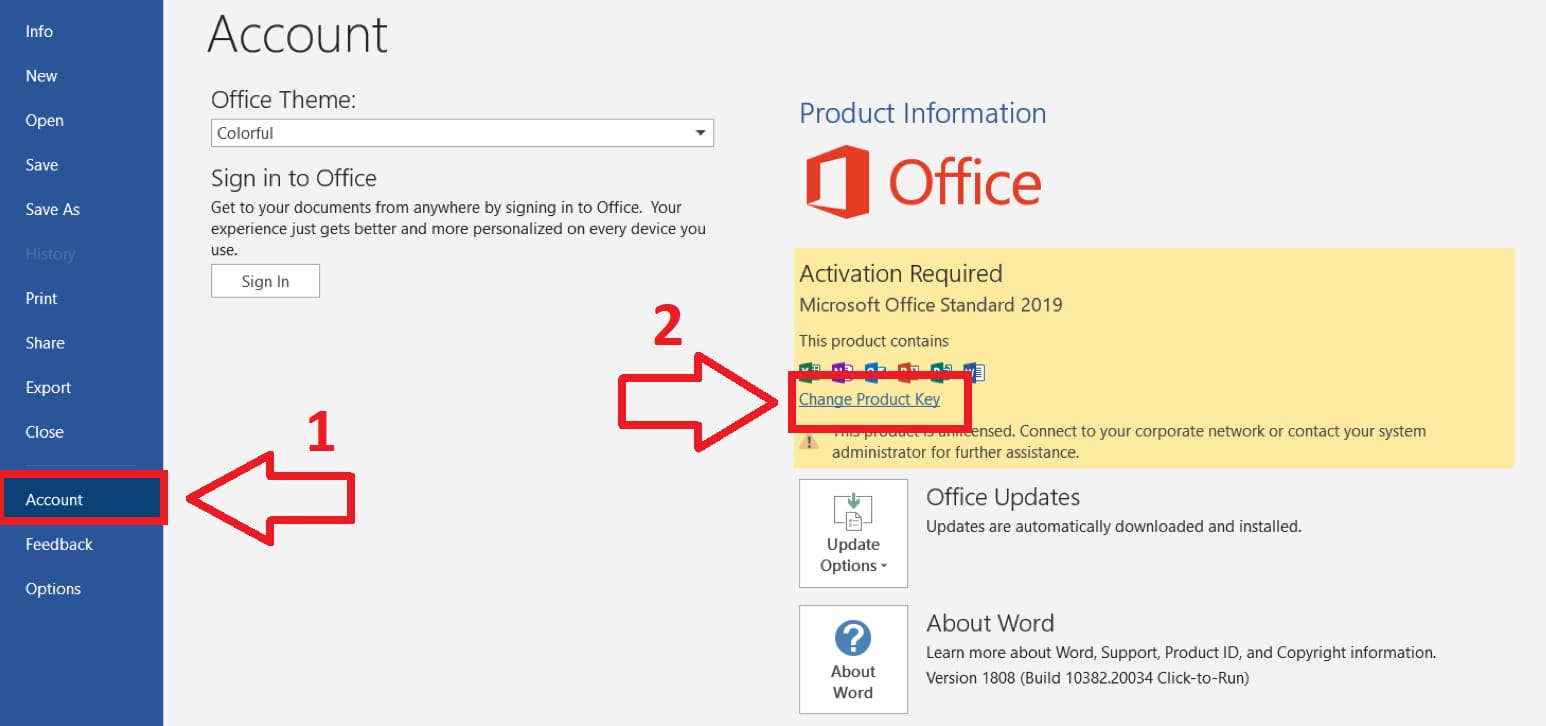
6) After opening the “Account” menu, and in this window click “Change Product Key”.
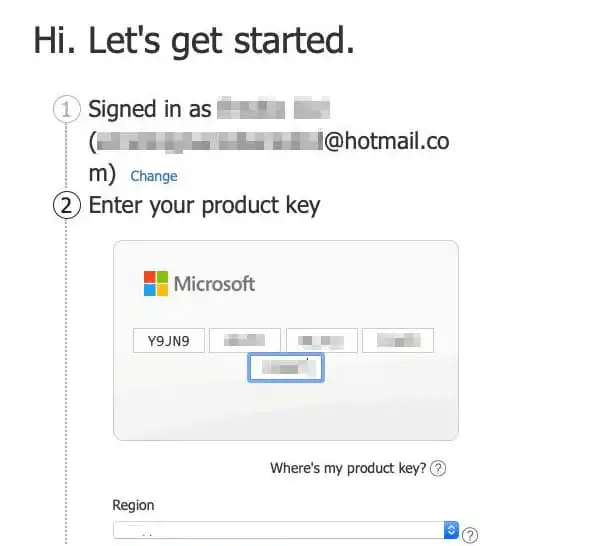
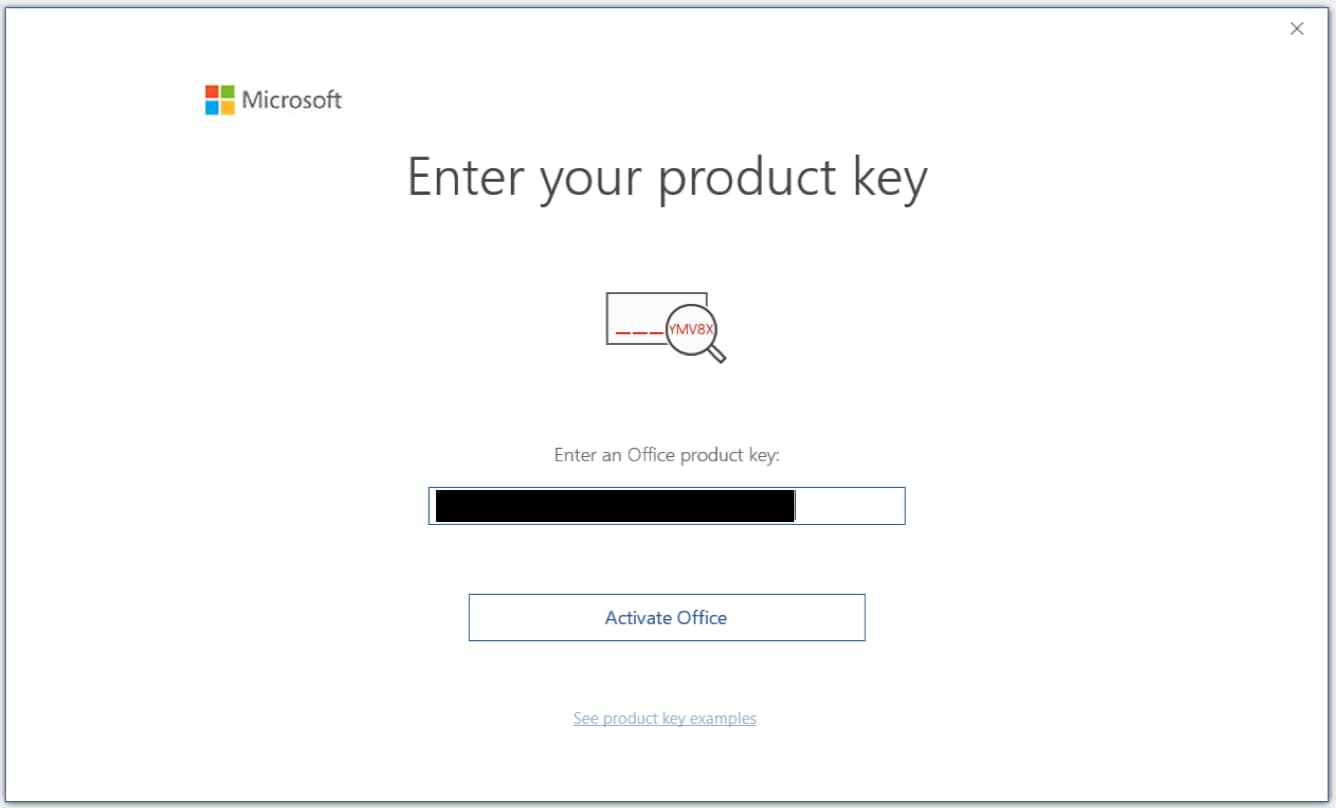
7) In the window that opens, enter your product key, if you do not have a key, you can purchase it in our store. After entering the key, click – “Activate Office”.
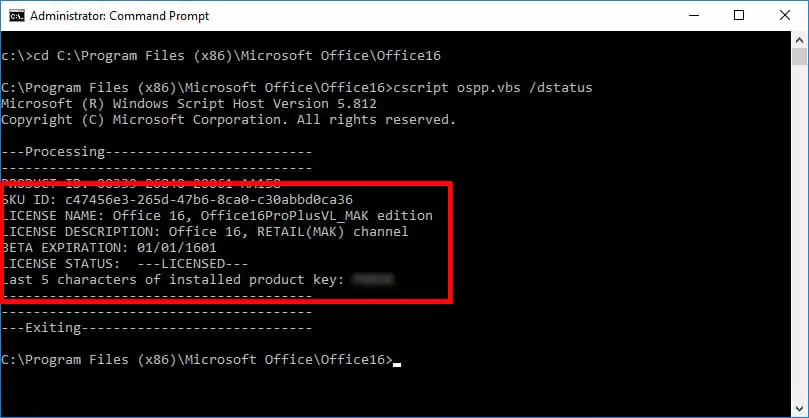
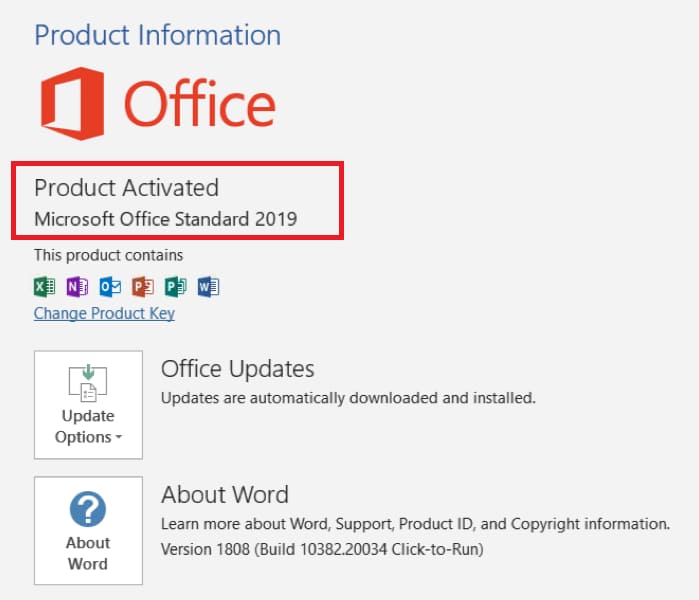
8) Next, after activation. Restart the Office application, you can re-enter the “Account” menu and check activation. If everything went well, you can get to work!
For additional questions, write to us by Email – admin@softcomputers.org