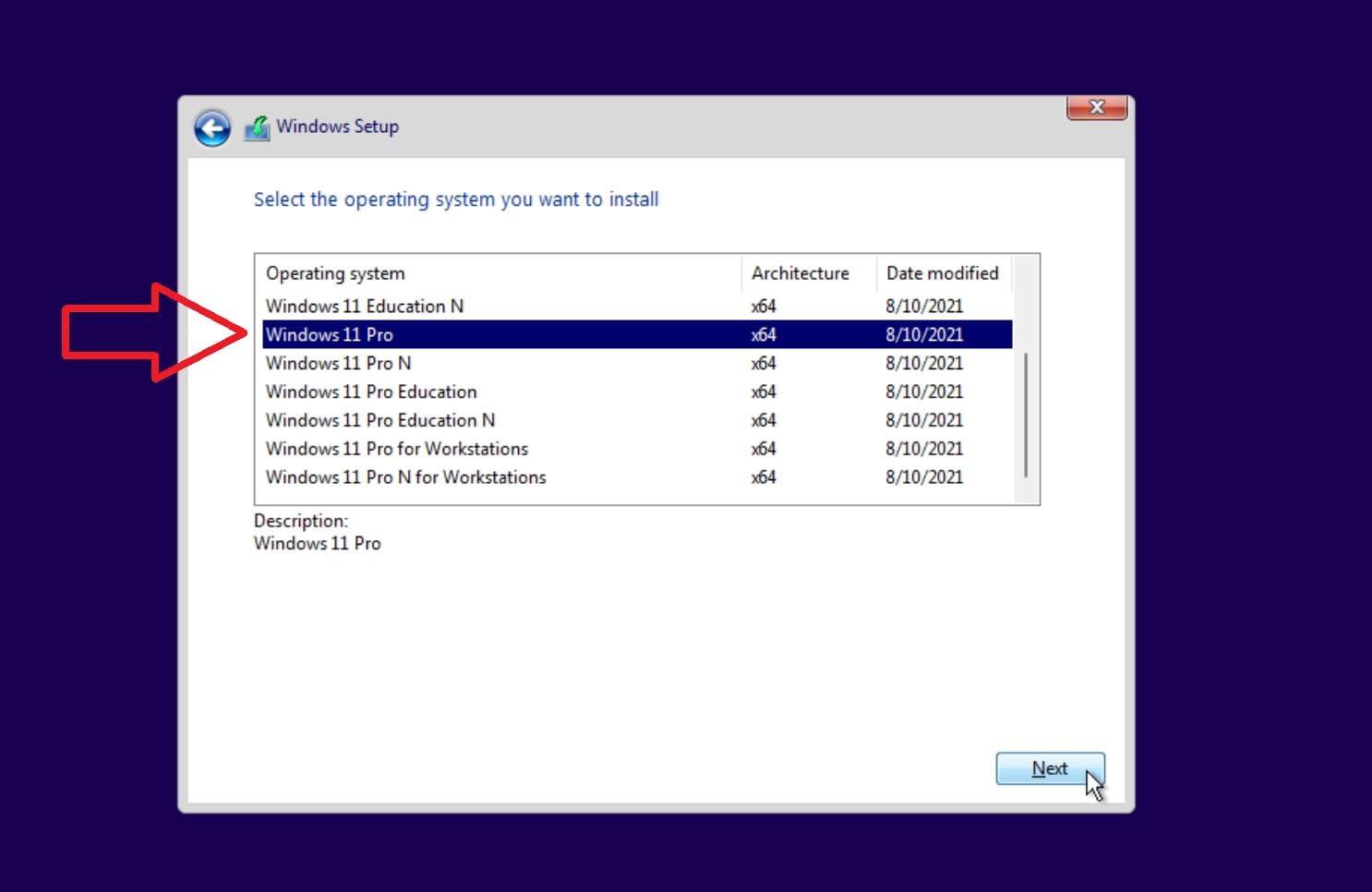
It happens that when installing Windows 11, the “Home” version is installed immediately and there is no possibility of selecting it at the beginning of the installation, as it should be.
– What is the reason?
As a rule, this happens due to the fact that in the Bios or UEFI of your mat. the Windows 10 Home license is already embroidered on the board (it automatically updates the system to Windows 11 Home), or if you purchased a new PC, then there may already be a Windows 11 Home license sewn in there as well.
– What is the solution?
1. – Need to write the installer to a USB flash drive according to the instructions from the Microsoft website. The instructions are in our last article.
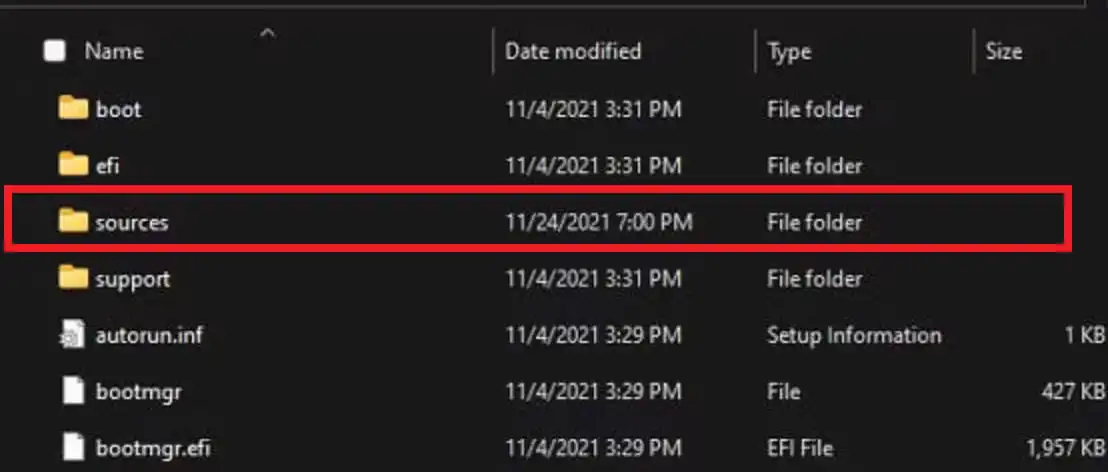
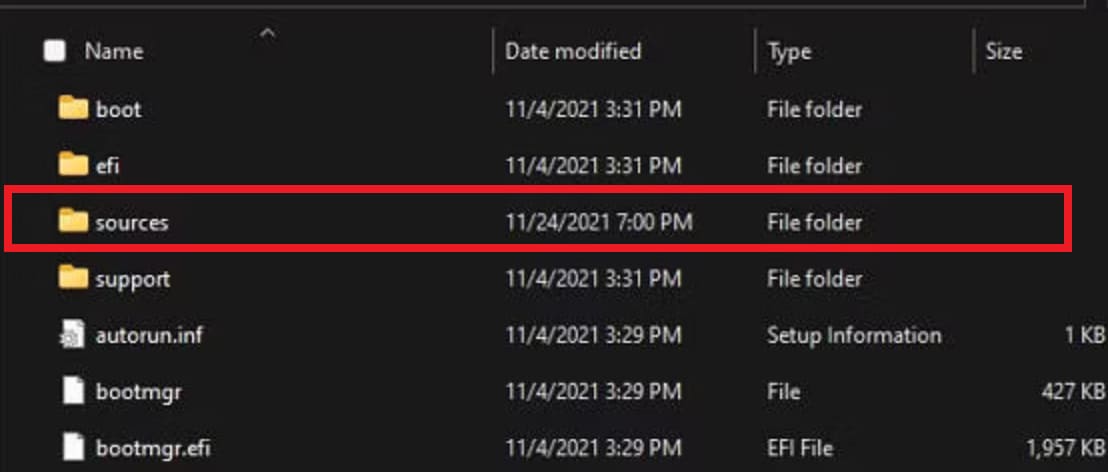
2. – Next, open the folder in the explorer with the recorded flash drive, find the sources folder there.
– You need to copy the ei.cfg file to this folder, you can download it from our server, or you can create it yourself.
Open a text document and copy the following into it:
[EditionID] [Channel] Retail
After that, save the file and change its extension from .txt to .cfg
And also, name the file ei, the final name should be exactly ei.cfg.
After that, we copy this ei.cfg file to the sources folder on your bootable USB flash drive.
3. Now you can boot to your bootable USB flash drive with Windows 11 and there will be a choice of the system version.