In this article, I will guide you step-by-step through the process of downgrade from Windows 11 to Windows 10 if you are not satisfied with Windows 11 for any reason.
You installed Windows 11 through an upgrade from Windows 10, not a clean installation.
It has been less than 10 days since the upgrade.
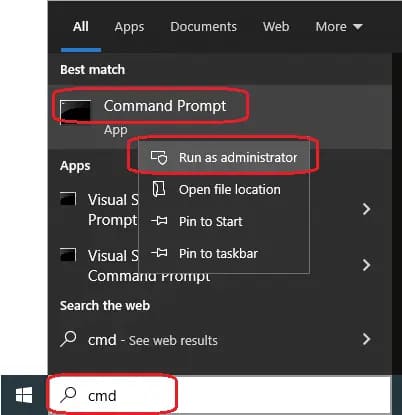
To check downgrade eligibility, open the Search menu on the taskbar => type terminal in the search bar => right-click on the result => Run as administrator
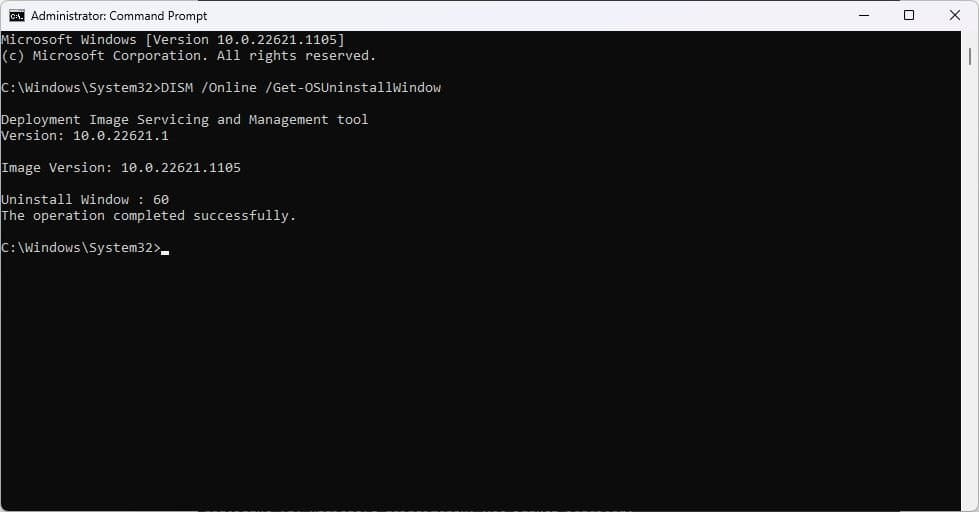
In the terminal, enter the command (Recommend copying and pasting to avoid errors): DISM /Online /Get-OSUninstallWindow
If there are no errors as shown in the screenshot below, everything is correct, and you have the option to downgrade.
If an error occurs, for example, as shown in the screenshot below, system downgrade is not possible.
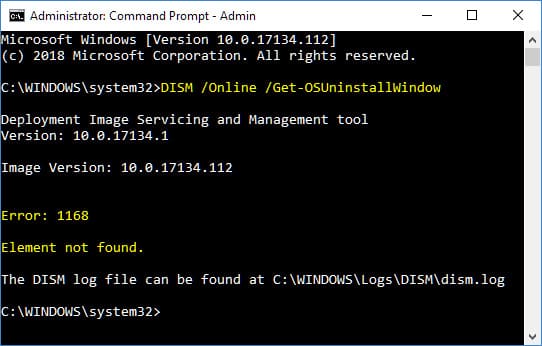
If system downgrade is still possible (i.e., it has been less than 10 days since the upgrade), but you still plan to test the system with the option to downgrade to Windows 10, enter the following command in the terminal: DISM /Online /Set-OSUninstallWindow /Value:60
This extends the “testing” period with the option to downgrade to Windows 10 to 60 days.
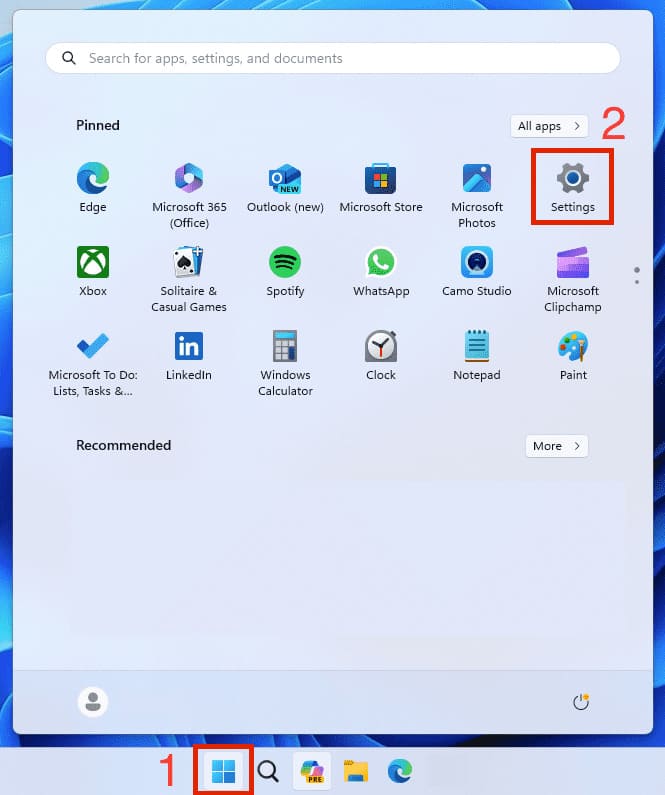
Proceed directly to the downgrade process. Go to the Start menu => Settings
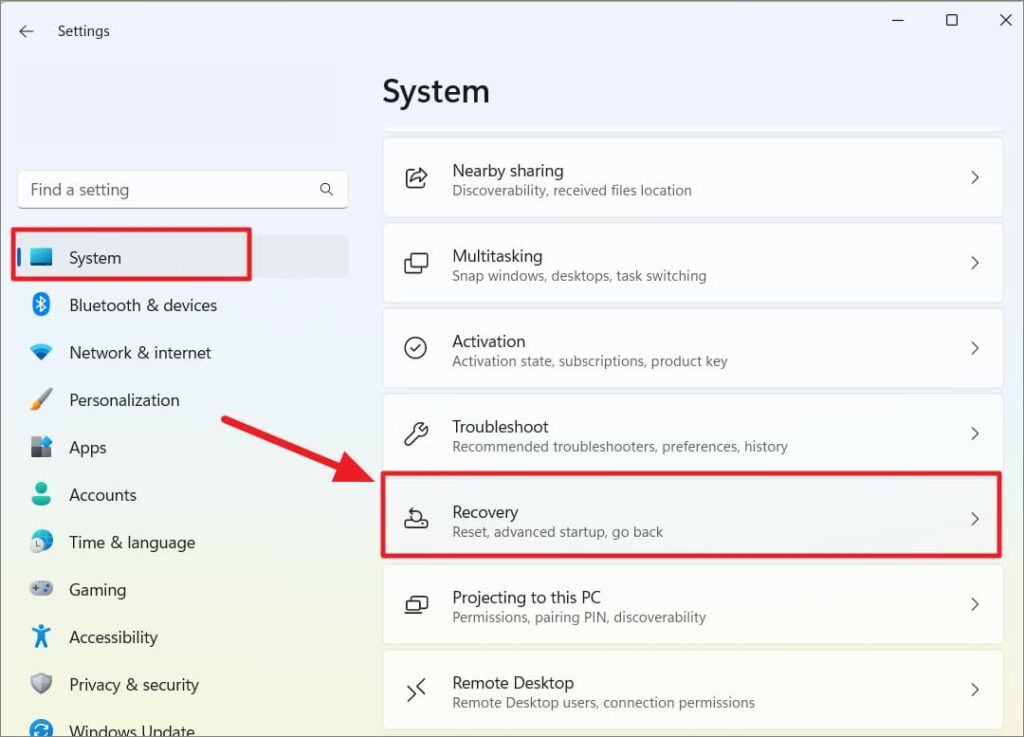
Go to “System” => Recovery
Click the “Go back” button in this menu.
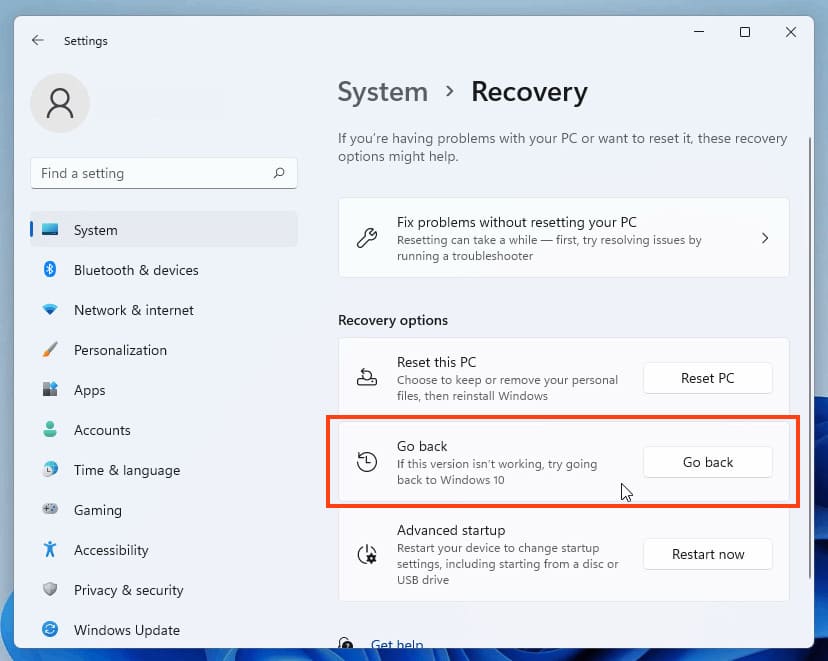
There will be several questions about downgrade your system. Wait for the preparation to finish => In the next window, you can choose “For another reason” => No, thanks => Next, there will be a warning that downgrade may take some time => Reminder that after the downgrade, you will need to enter your system password (if set) => Go back to Windows 10
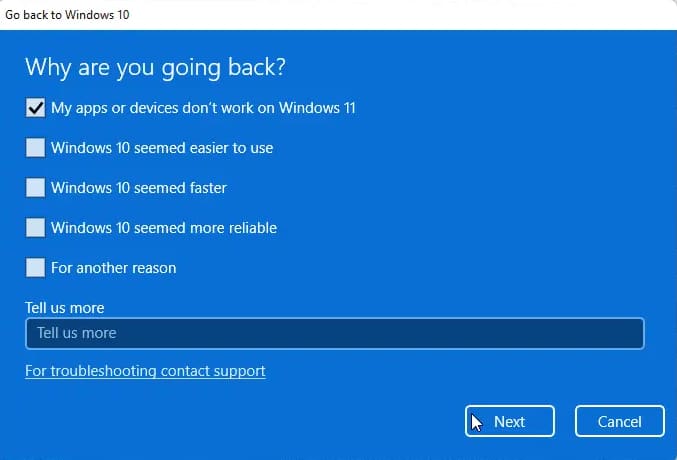
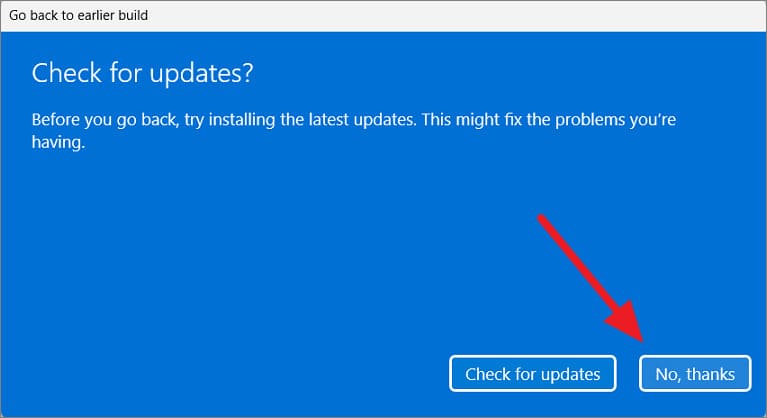
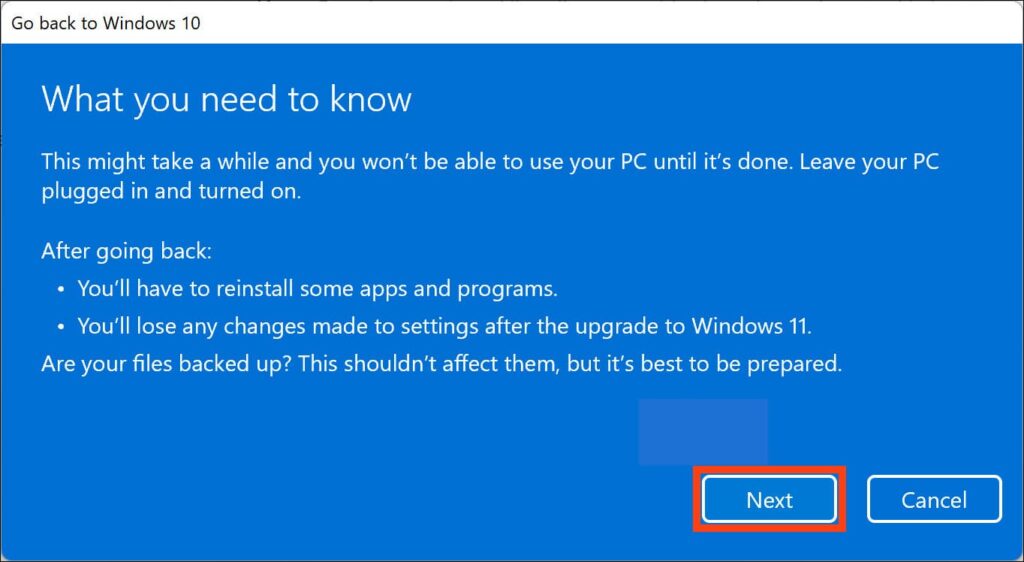
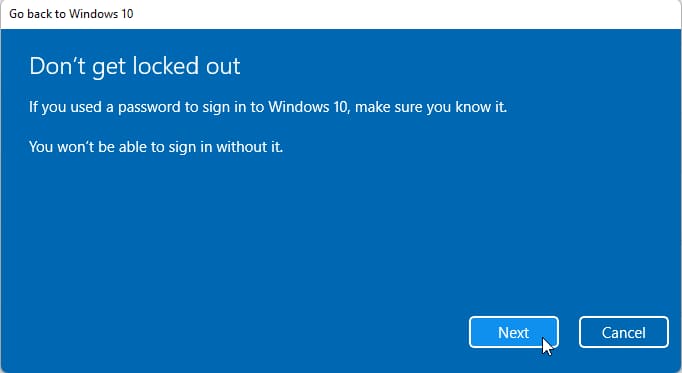
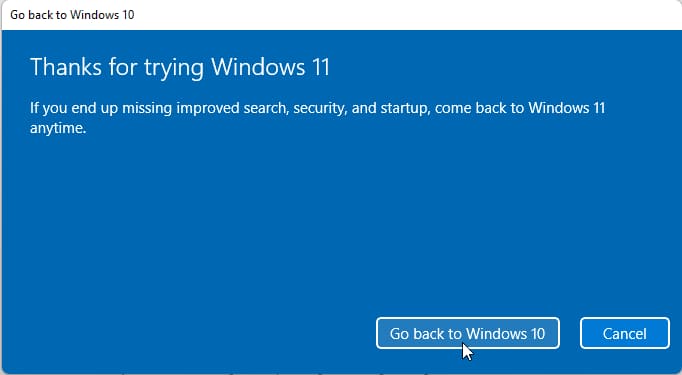
That’s it. After confirming the system downgrade, your computer will restart, and you need to wait for some time for the downgrade to complete. Do not turn off your PC during this process.