In this article, we will discuss how to download Microsoft Office and Visio/Project applications from the official Microsoft Web site. Note that this method does not work for “standard” and outdated versions of Microsoft Office, such as 2013, 2010, and 2007. You can download older versions of Microsoft Office from our catalog.
You can purchase product keys for Microsoft Office in our catalog. Instant delivery to your email automatically right after payment. We offer a guarantee and 24/7 technical support.
1) Go to the link – https://setup.office.com
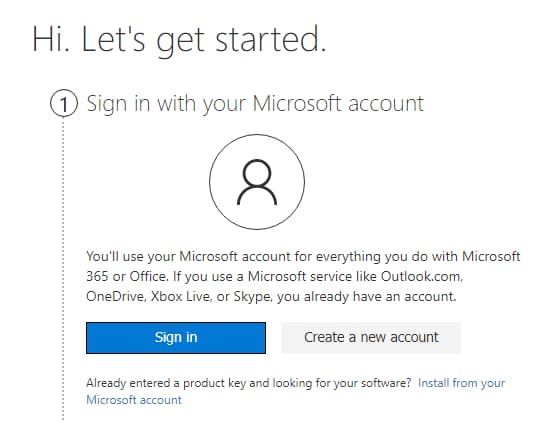
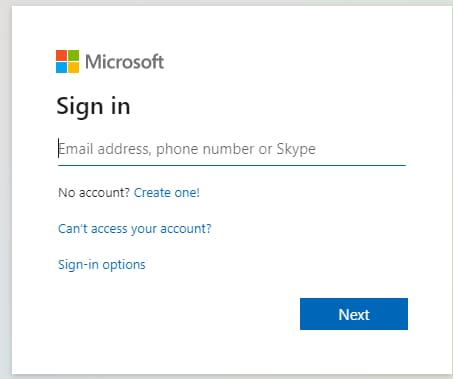
2) Log in with your Microsoft account by clicking the “Sign In” button. If you don’t have an account, create one by clicking the “Create account” button.
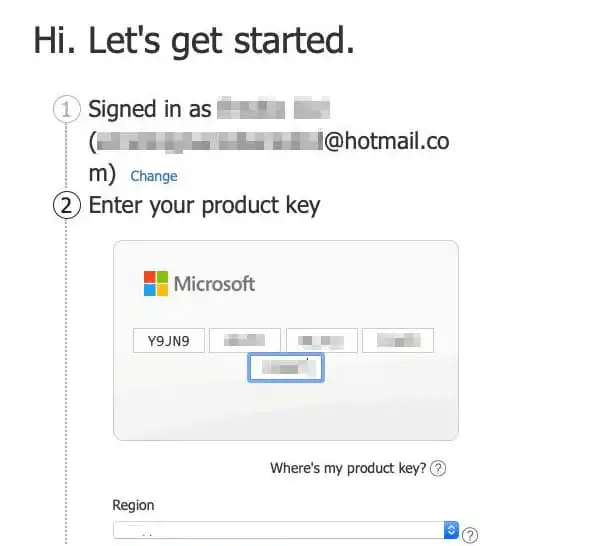
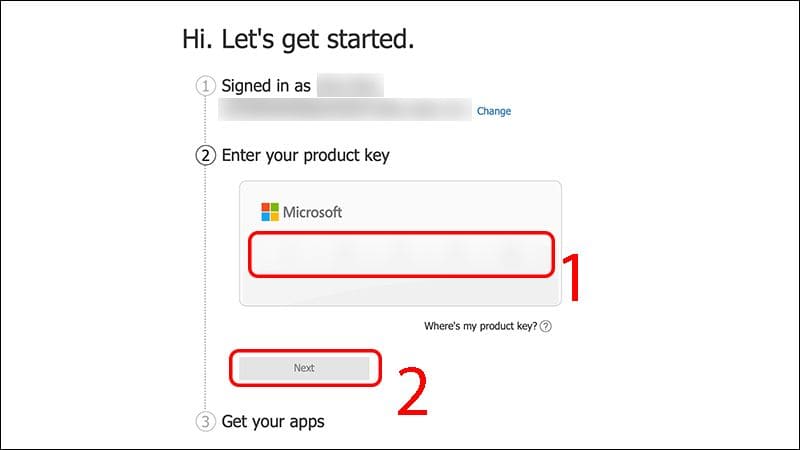
3) After logging in with your Microsoft account, you’ll have a field to enter the Microsoft Office product key. Enter your product key for the desired application version and click “Next.” If you don’t have a Microsoft Office product key, you can purchase one in our catalog on the next page. You can also purchase product keys for Visio and Project applications in our catalog. Instant delivery of the product key automatically to your email. Guarantee and 24/7 technical support.
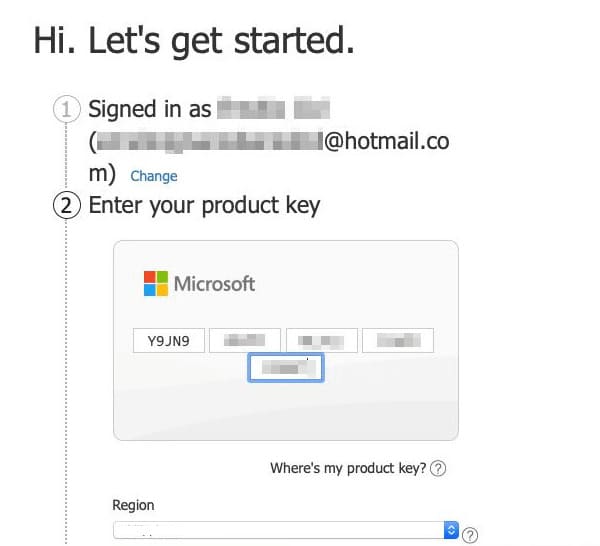
4) After you enter your product key, select your region and the language you want the application to use. For example, I’ll set the region to “United States” and the language to “English”, then click “Next”.
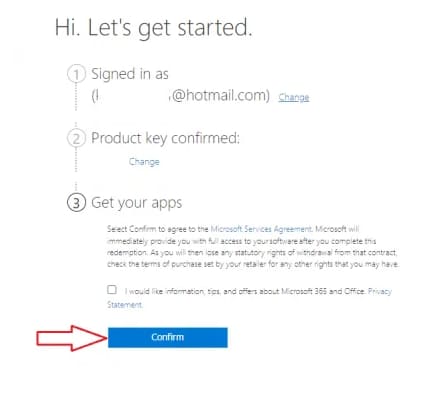
5) After your product key is confirmed, select the License Agreement check box, and then click Next. (Don’t pay attention if it says you are getting the Microsoft 365 application and you entered a product key from another version of Microsoft Office. This is not important. The application itself will be downloaded for the version for which the product key was intended)..
6) The last step after the license agreement is a button to download the application. Click “Download Now” to download your installer. Note that the last step will indicate which version of the application your product key is for, and that specific version will be available for download.
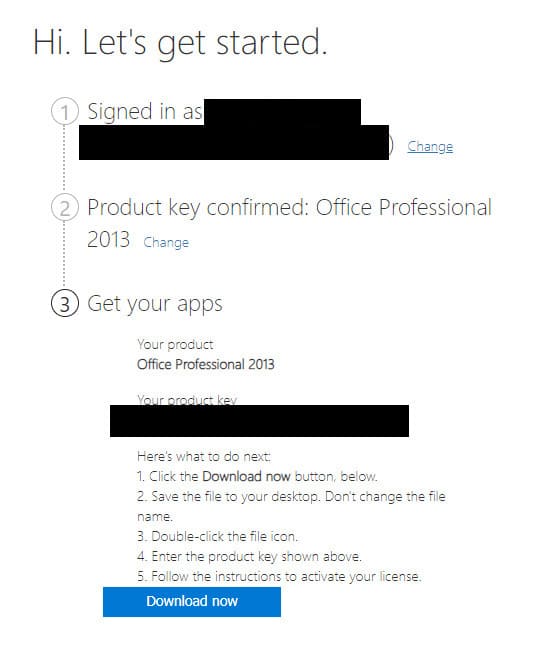
That’s it, download and install the application.