Let’s take a step-by-step look at how to activate Windows 11 (any versions). Activation in Windows 11 is easy!
1) To activate, you will need an installed Windows 11 system and the Windows 11 product key itself, if you do not have it in stock, you can purchase the original product key in our catalog. Delivery of the key is instant to your email immediately after payment in automatic mode. Product keys are perpetual for one PC.
2) When you have made sure that you have an product key for your version of Windows 11. Now we can proceed to the activation procedure itself.
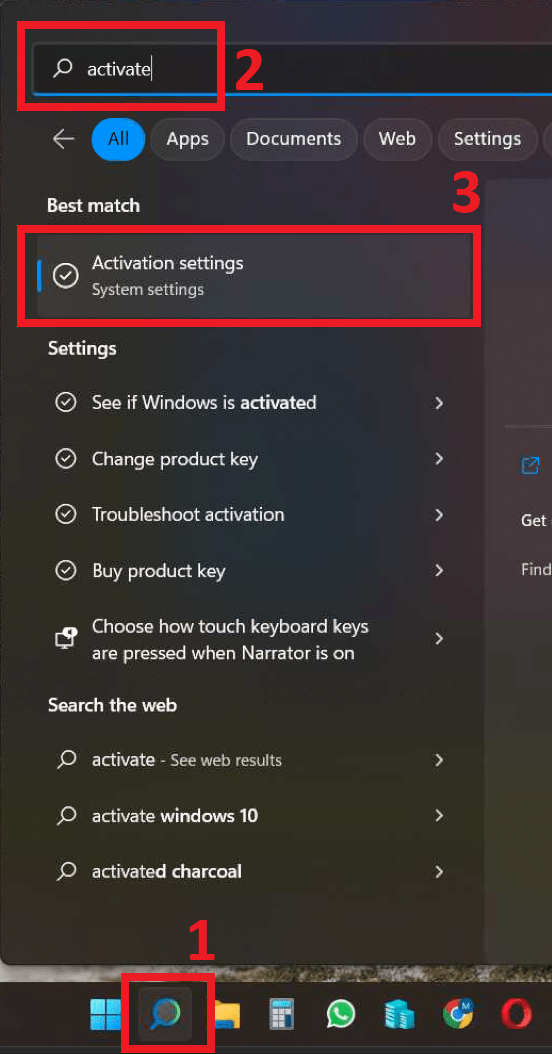
The fastest way to do this is through a search on the taskbar => Enter the word activate in the search bar, then click on the output result.
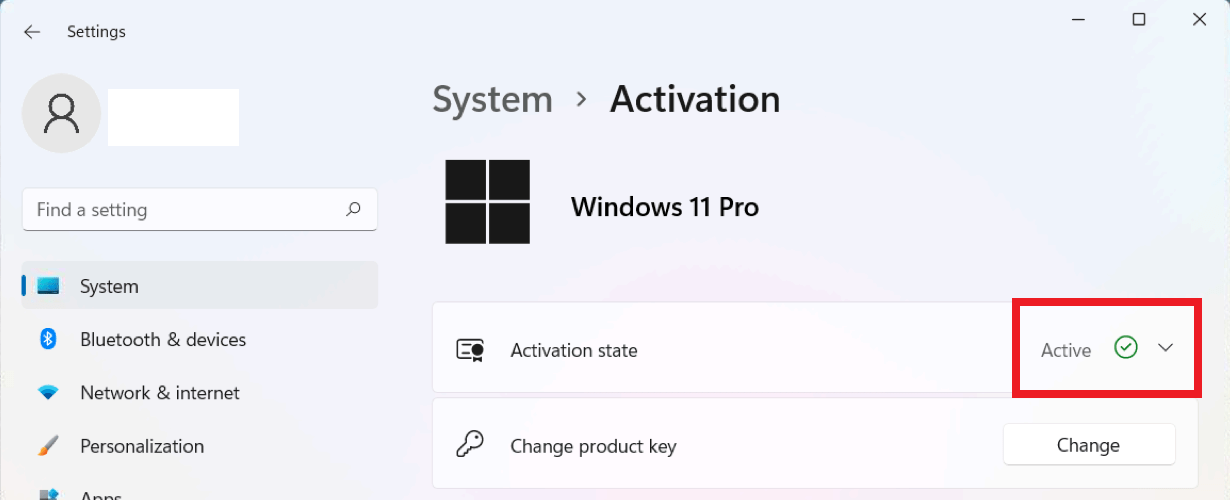
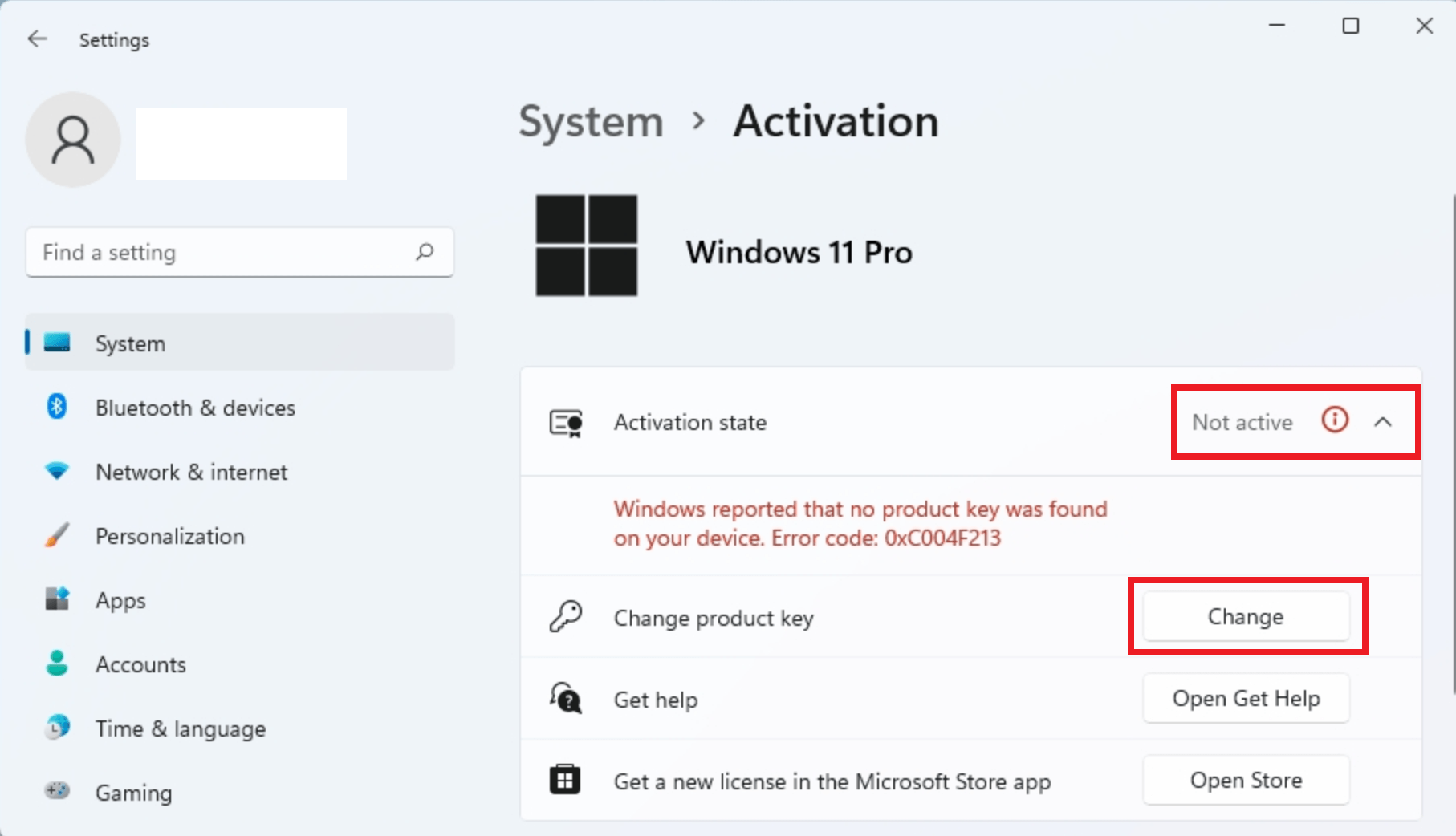
3) If your Windows 11 is not activated, will be indicated in the activation state – not active. To activate, click on the “Change” button.
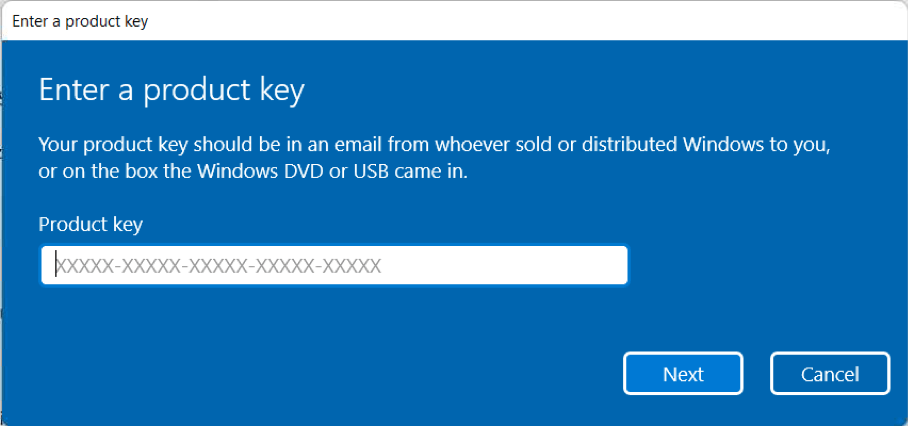
4) And you will see a window with a field for entering the key. Enter your key there and click “Next”.
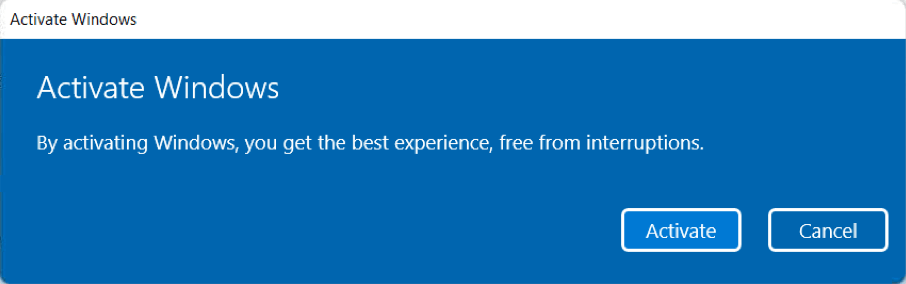
Click “Activate” in the next window.
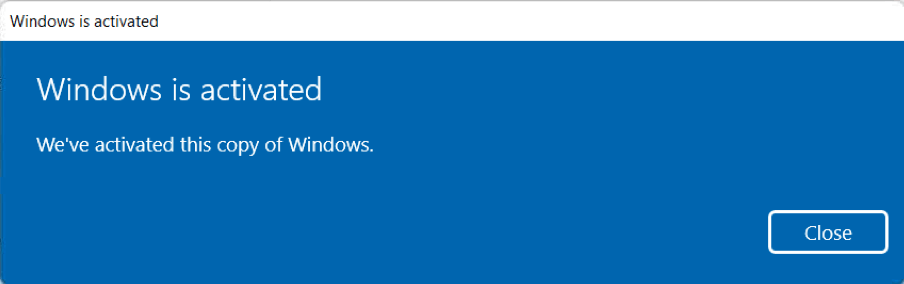
If everything was successful, the system will give you the result “Windows is activated. We ve activated this copy of Widows” And you can then “Close”.
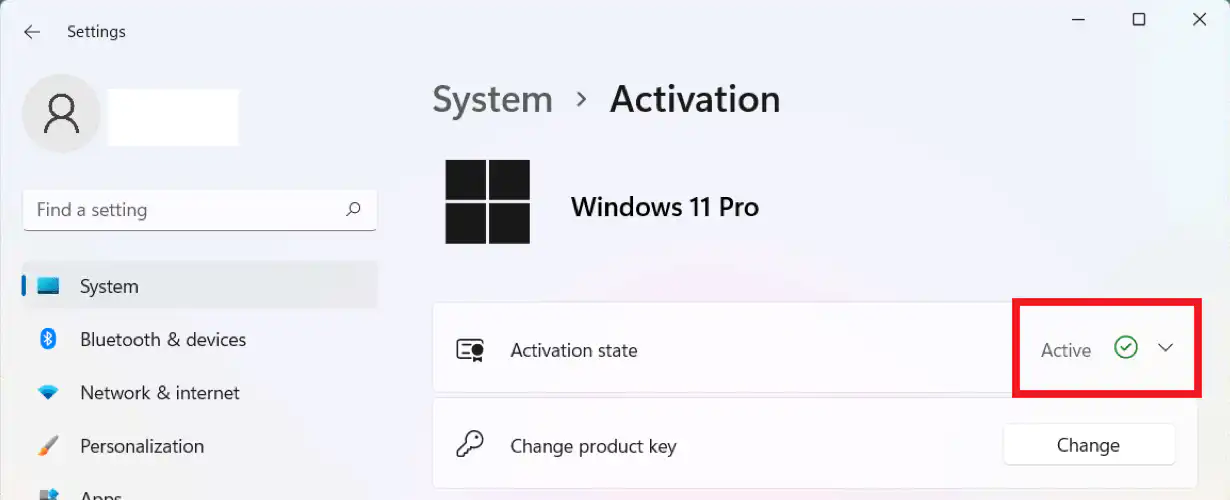
5) Now you can re-enter the “Activation” menu and check the activation status of your Windows 11, if everything is successful, the status will indicate “Active”.