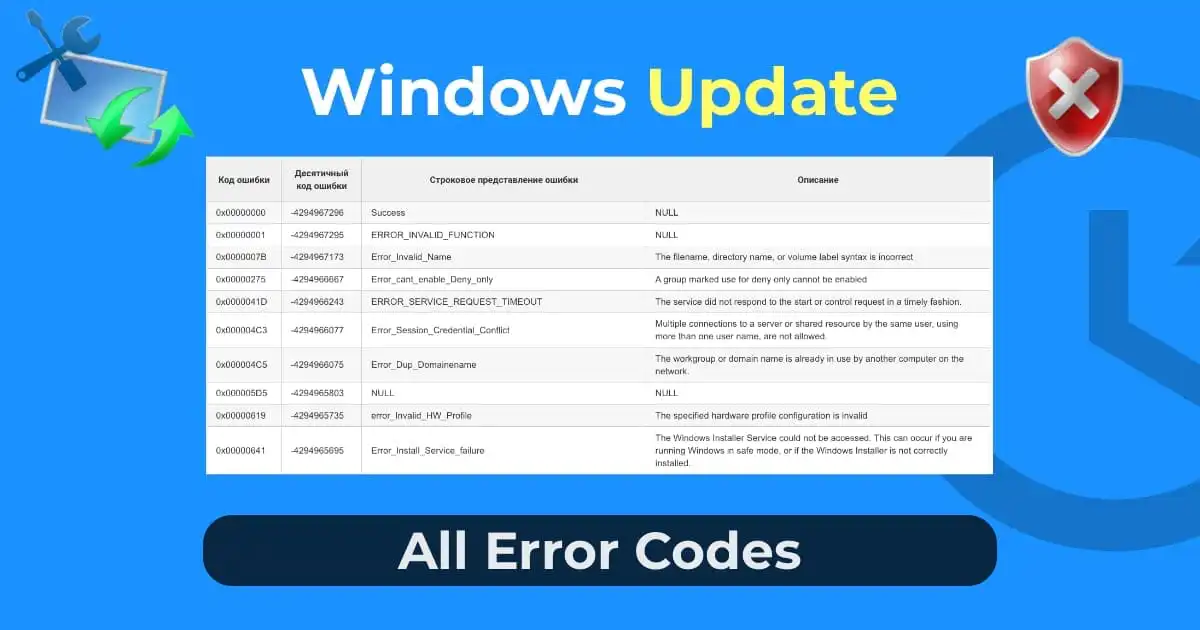
In this article, we will discuss how to simplify diagnosing problems with the Windows Update system by providing a complete list of Windows Update errors with their explanations and descriptions.
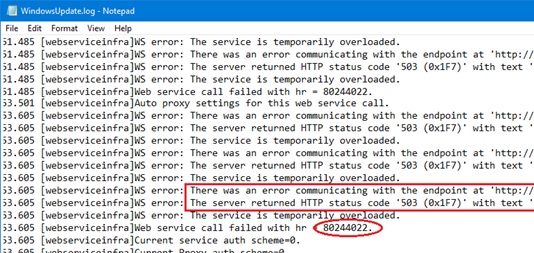
When diagnosing issues with the Windows Update system, you often encounter various error codes. Usually, when encountering a new error in the windowsupdate.log, installation log, or Control Panel, you have to search for information on Google and piece together all possible information about the specific error code.
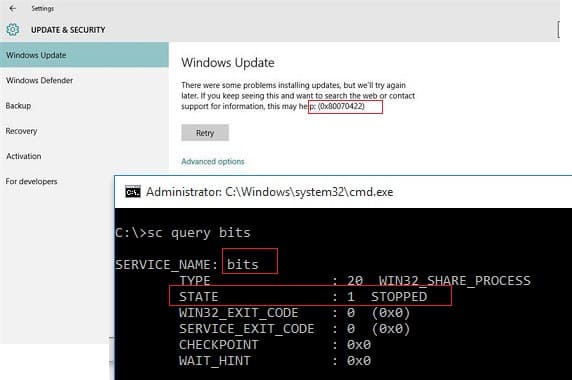
For example, an administrator found error 0x80070422 in the log. What does it mean? From the numeric code, it’s absolutely unclear. But what if, upon receiving this error, you could immediately convert it into a more understandable form ERROR_SERVICE_DISABLED? From the name itself, it’s clear that the problem is related to one of the disabled Windows services, preventing the client from downloading updates. It almost immediately suggests checking the status of the BITS service.
Windows Update Errors
As you can see, the BITS service is indeed stopped, preventing the Windows Update agent from downloading updates. Diagnosing the update error becomes much easier, doesn’t it?
The following table provides a complete list of Windows Update errors, with their code explanations and brief descriptions, compiled from Windows SDK. We hope that using this data will significantly simplify diagnosing Windows Update errors.
Tip. Remember that these error codes can be found in the Windows Update section of the Control Panel or in the text log %systemroot%\windowsupdate.log (or the new Windows 10 update log format based on ETW). To find the necessary code, use the browser’s search function (CTRL + F).