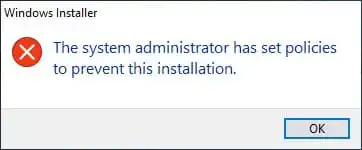
This article explains how to resolve the error encountered during Windows Server installation: “The system administrator has set policies to prevent this installation”.
In Windows Server operating systems, security settings are often enabled to restrict certain actions and prevent system disruptions. For example, attempting to install software via an MSI file without administrator privileges may result in the following error:
Windows Installer: The system administrator has set policies to prevent this installation
Resolving the Issue
To eliminate this error, modify the registry settings. Follow these steps:
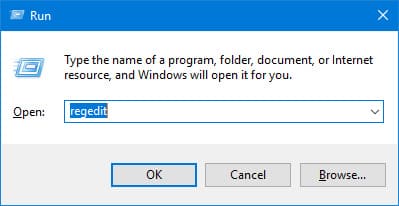
1. Launch the Registry Editor with administrator privileges. Press Win + R, type regedit, and press Enter, or search for “regedit”.
2. Navigate to the following registry key:
HKEY_LOCAL_MACHINE\SOFTWARE\Policies\Microsoft\Windows\Installer

3. In this key, create a new DWORD parameter named DisableMSI and set its value to 0.
4. After this, retry installing the application from the MSI file.
These actions will remove the restriction on software installation and allow you to proceed, provided there are no other security restrictions.