In this article, we will discuss the process of activating Windows Server. This instruction is universal and applies to all editions of Windows Server (there may be slight differences in the graphical interface), starting from Windows Server 2008 and newer releases such as Windows Server 2022. We will use the activation of Windows Server 2019 as an example.
1) The first thing you’ll need for activation is the product key. If you don’t have a product key for your version of Windows Server, you can purchase it from our catalog at the lowest prices. Fast delivery of the product key to your email. Round-the-clock technical support.
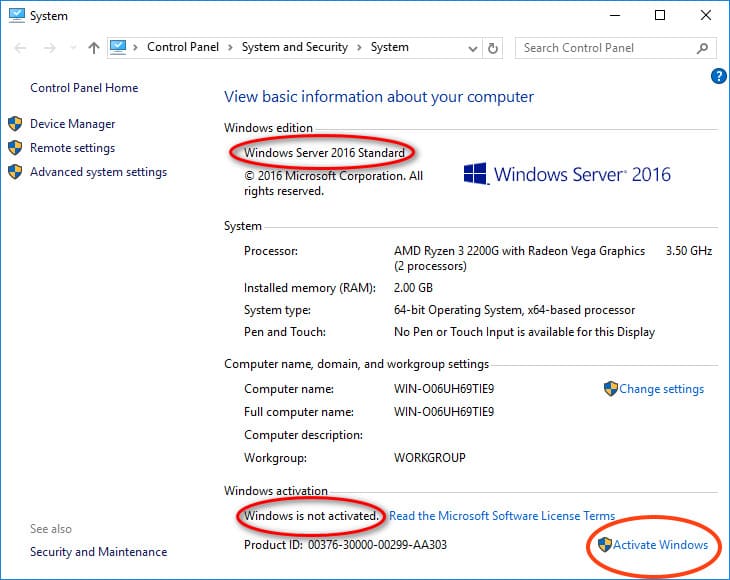
2) Once you have the product key, you can proceed with the activation process. Navigate to the “Properties” menu of the system. (You can go from any folder => Left side “This PC” => Right-click => Properties).
In this window, click on “Activate Windows”.
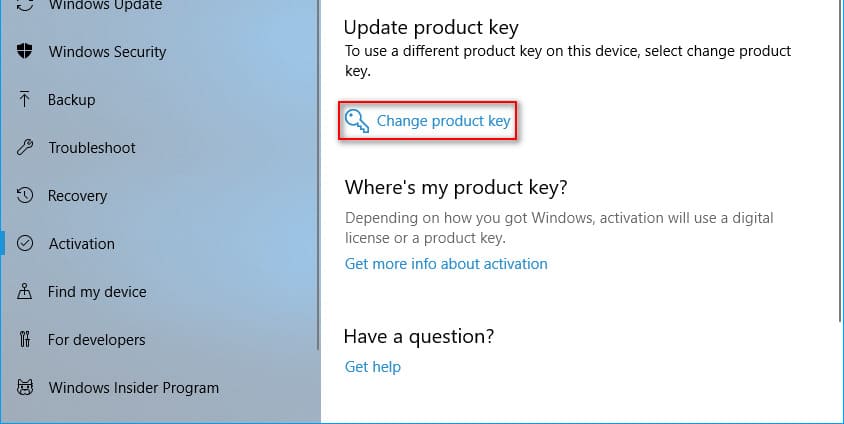
Select “Change product key”.
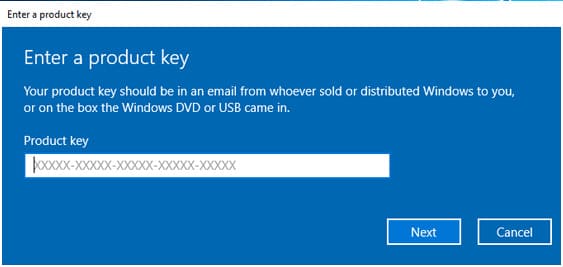
Now enter your product key for Windows Server and click “Next”.
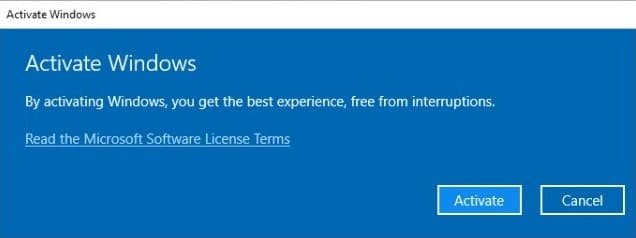
Click “Activate” now.
If everything goes well, you will see a notification window confirming the successful activation.
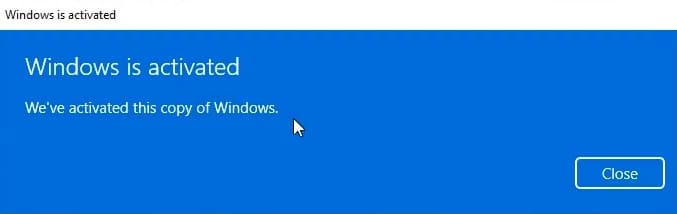
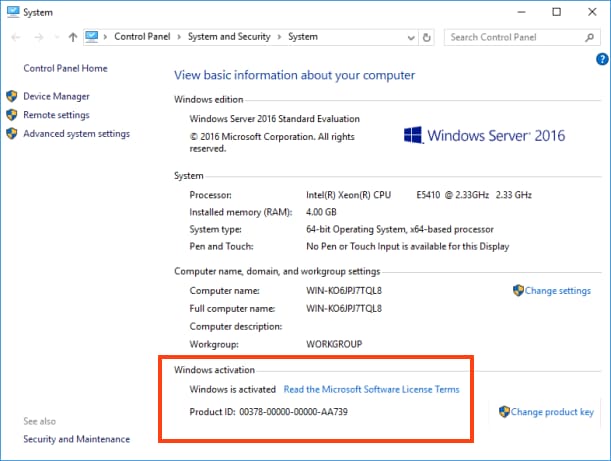
You can now revisit the “Properties” menu of the system and check for activation. It should indicate that “Windows is activated”.