





Blog

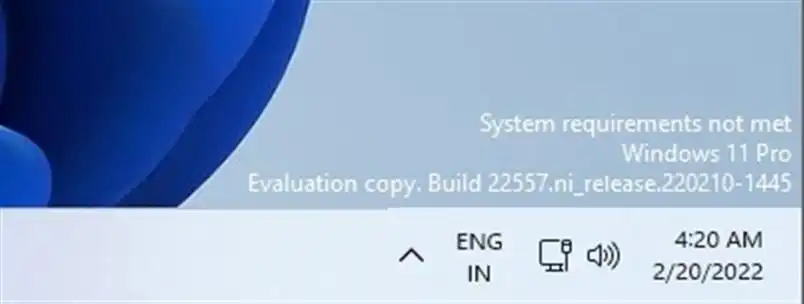
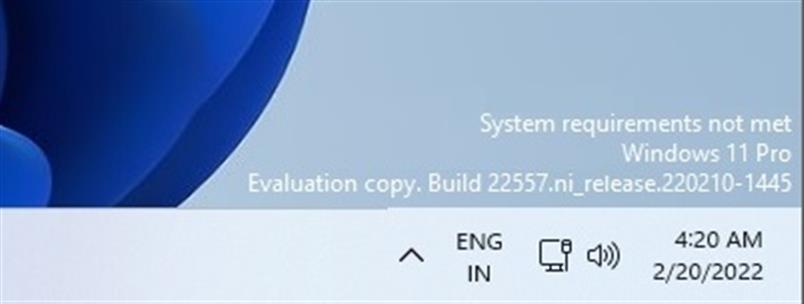
In this article, i will discuss how to remove the “Evaluation copy” label in Windows 11, which is typically located in the lower-right corner of the window.
What causes this label to appear?

This label appears due to the installation of the “preview version” of Windows 11, i.e., a version for early testing intended for developers. Alternatively, it may be caused by relevant updates through the Windows Insider Program via the “Windows Update Center” menu.

How to remove the “Evaluation copy” label?

The only option is to use a third-party free application that removes labels from the desktop. You need to download Universal Watermark Disabler.

You can download the utility from our server via direct link, or from the official website of the application.

After launching the utility, click “Install.”
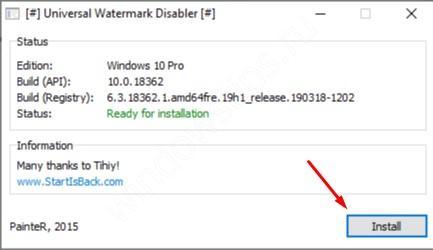
After restarting your PC, the label should disappear.

Windows 11 license from
$11.70 ·
Picking your discount
Promo code ·
Promo code expired. A new one in .
Buy valid for

"Personal discount from 5% to 12%" — promotion rules

  1. Organizer — SoftComputers LLP, website softcomputers.net. The promotion runs indefinitely; the organizer may end it at any time by removing the block from the website.
  2. Participation is free. To take part, enter your email and agree to the processing of personal data and to receive emails.
  3. Each participant receives a promo code for a 5% to 12% discount on any product in the catalog. The amount is chosen at random.
  4. The promo code is single-use, tied to the email you entered, valid for 7 days and applied in the cart at checkout. No minimum order amount. Cannot be combined with other promo codes.
  5. One participant (email / device) can receive one promo code per 7 days; a new code is issued after the previous one expires.
  6. The promo code cannot be exchanged for money. The organizer may void a code in case of abuse.
Subscribe
Notify of
guest
0 comments
Newest
Oldest










