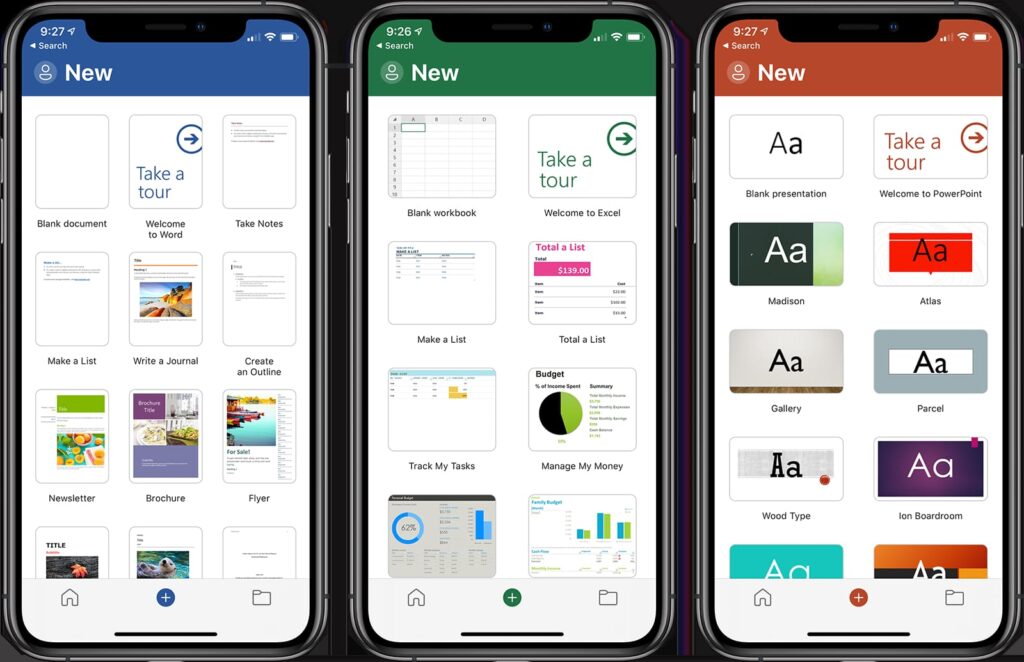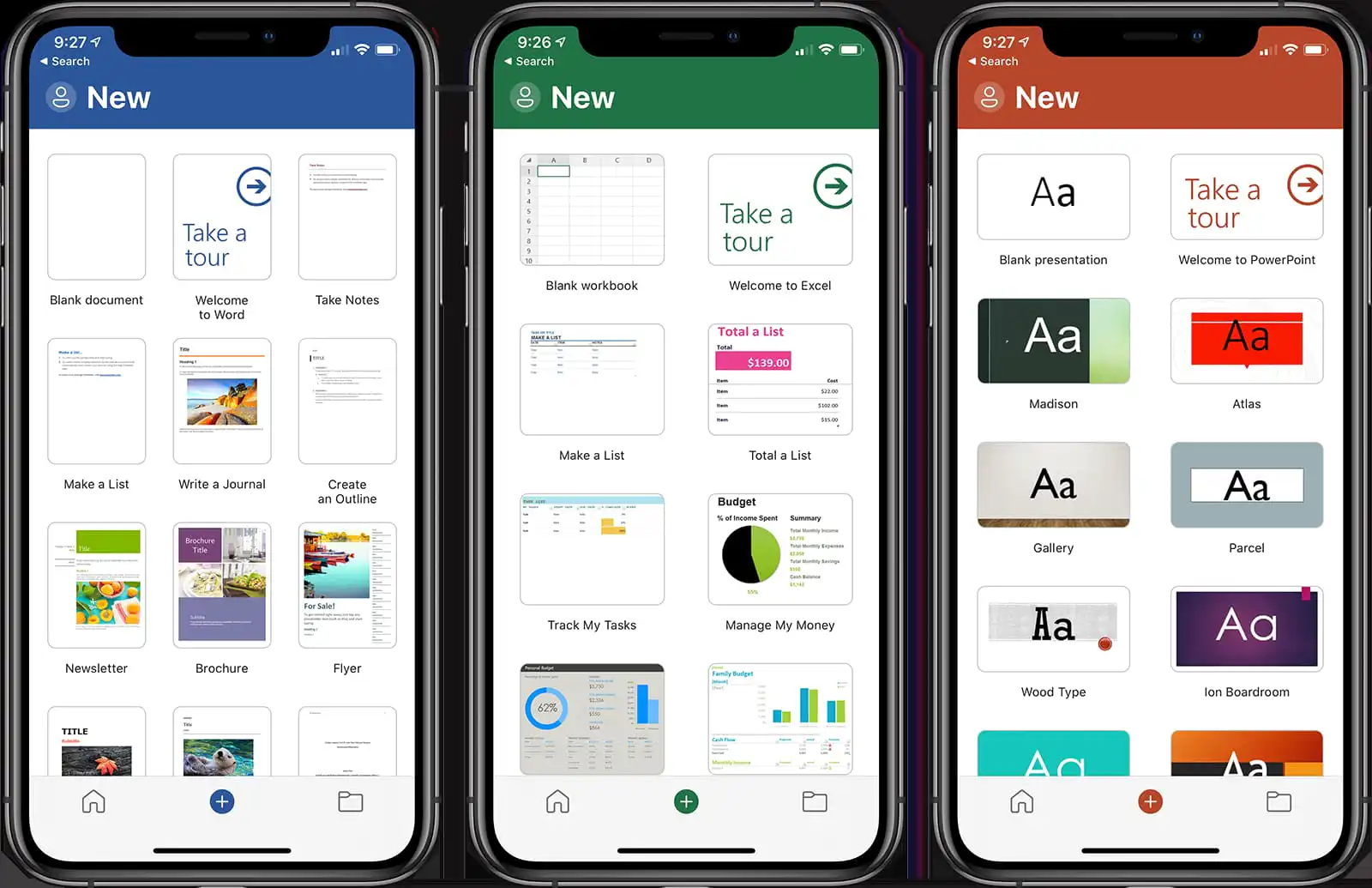
Let’s look at Microsoft Office for iOS (iPhone or iPad) in this article. How to quickly download, install, and activate.
How to get it?
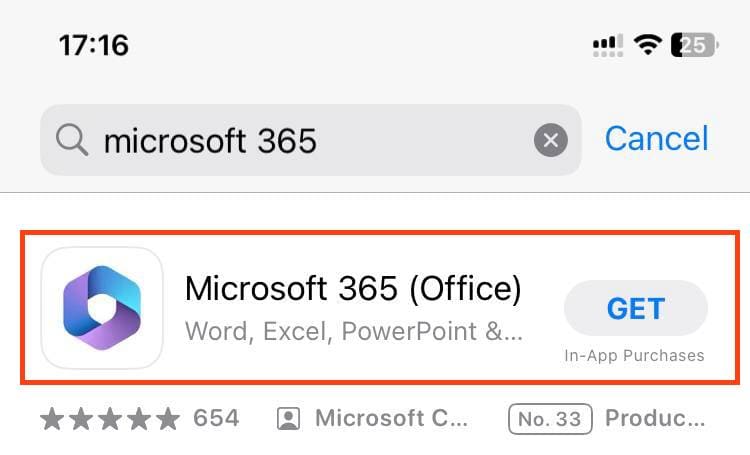
You can download Microsoft Office for iOS from the AppStore – https://apps.apple.com/
Or from the Microsoft personal account – https://account.microsoft.com/
How to activate?
The application must be activated so that you can not only view documents, but also edit them, as well as use all available features of Microsoft Office for mobile application.
For iOS, only Microsoft 365 will work. Our catalog offers three subscription options:
Microsoft 365 Pro Plus – $14.90. Registration, 5 devices, 1 user, 1TB OneDrive, 1 year subscription.
Microsoft 365 For Family – $42.83. Key delivery, 6 devices, 6 users, 6TB OneDrive, 6-month and 1-year subscription.
Microsoft 365 Personal – $76.70. Delivered by key, 5 devices, 1 user, 1TB OneDrive, 1 year subscription.
You can read more about the differences in our previous article.
Installation and use.
1. After installation
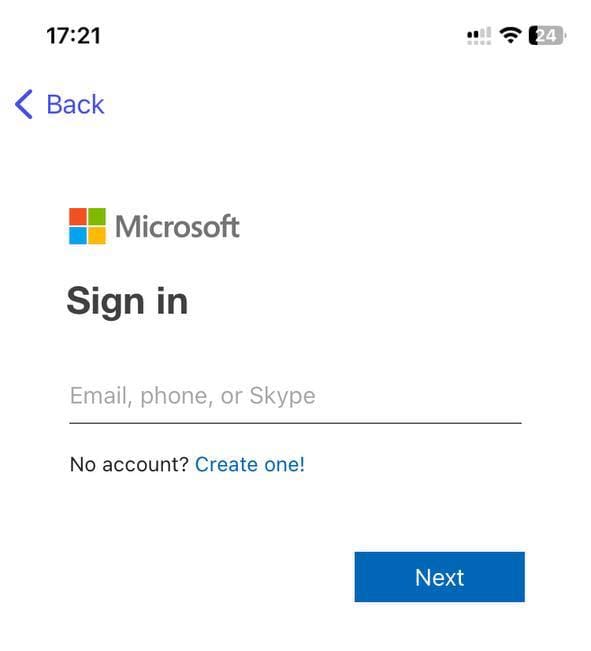
2. Open the application and click the Sign in button. Sign in using your personal Microsoft account if you purchased a Microsoft 365 Family or Microsoft 365 Personal license.
Sign in with the login that was sent to you after payment if you purchased a Microsoft 365 Pro Plus license.

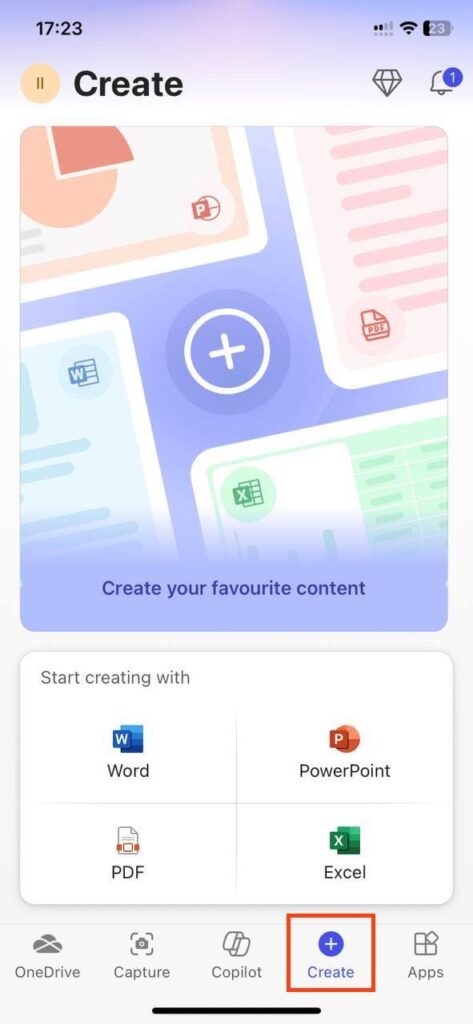
3. Once you sign in, the license will automatically activate your application and you will be able to use all the features of Microsoft Office! You can open existing documents from the OneDrive cloud or your phone’s memory, or create new documents. Click on the “Create” button and you will be presented with a selection of applications such as Word, Excel, PowerPoint, etc. to choose from.

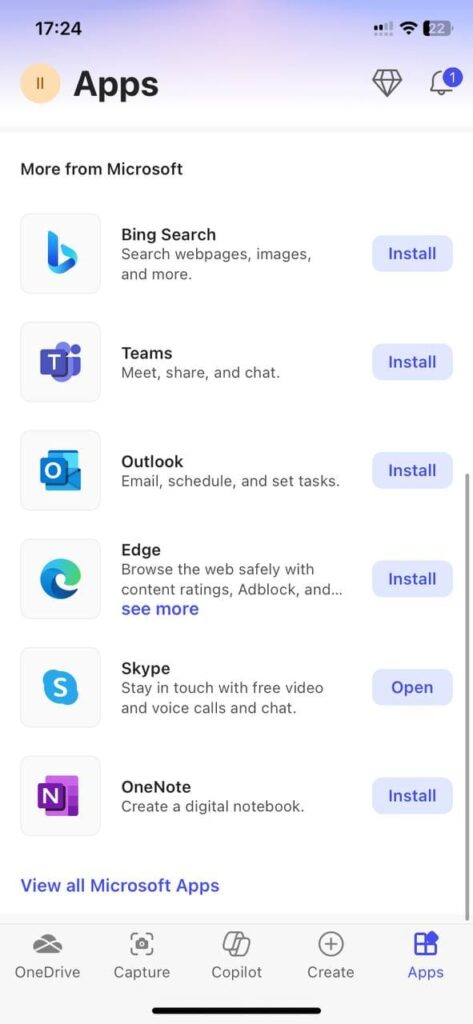
You can also see that other Microsoft apps for iOS, like Outlook and Teams, are available to you in the Apps menu.
That’s all, you can start working with the application. Use licensed software profitably and affordably, together with SoftComputers!