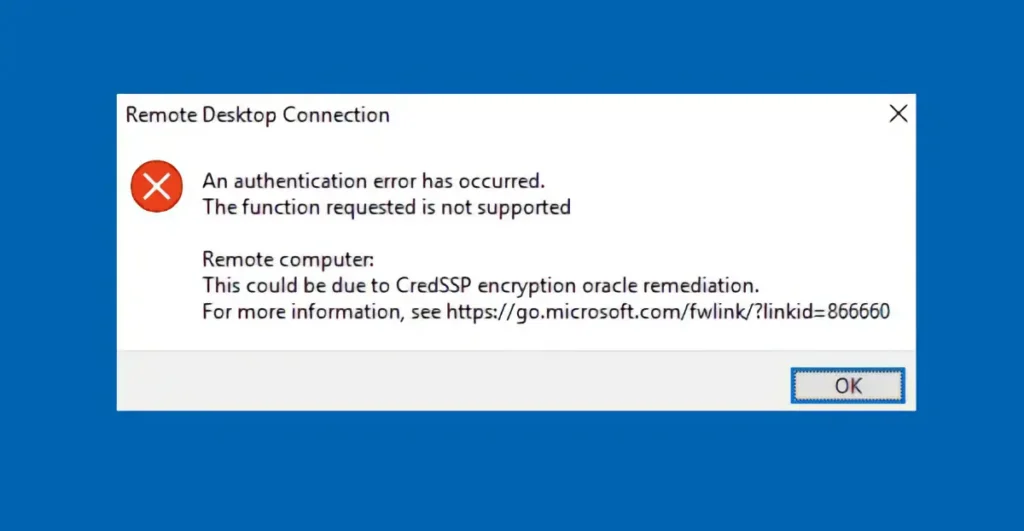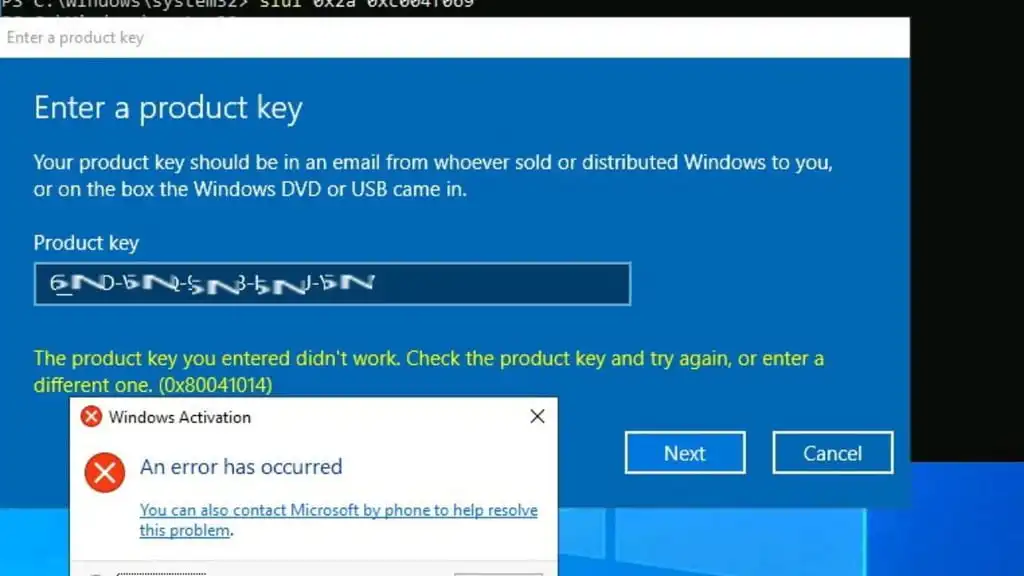
In this article, we will look at how to convert or upgrade Windows Server 2022 Evaluation to a licensed full version, addressing issues such as: “The product key you entered didn’t work. Check the product key and try again, or enter a different one. (0x80041014)“. These errors can occur when using the standard command line or the graphical CHANGE KEY interface.
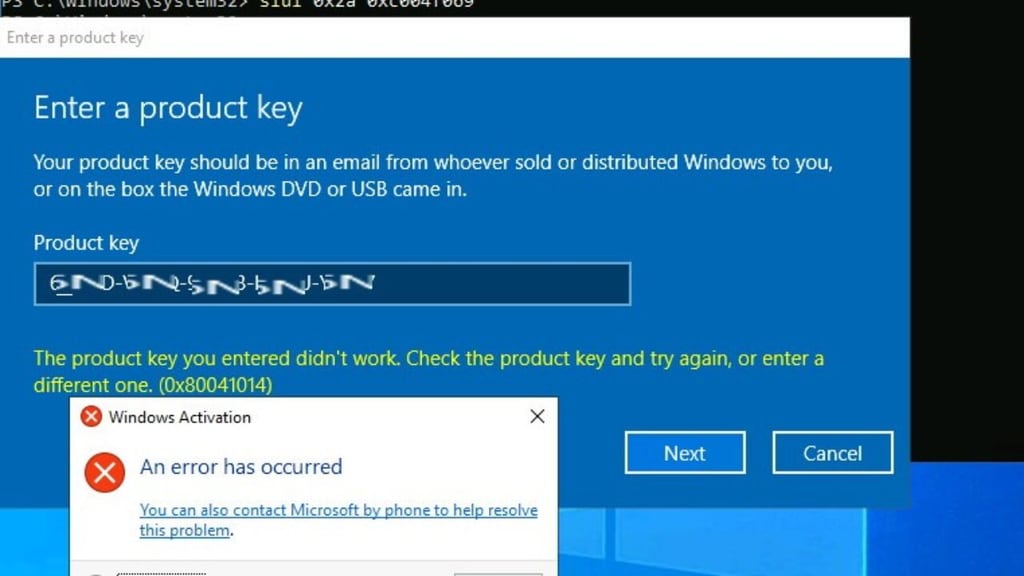
There is a simple solution to this problem. You need to change the Windows Server Evaluation edition to the full Standard or Datacenter version without the Evaluation or Trial tag:
1) First, you will need a Windows Server 2022 Standard or Datacenter product key, depending on the version you have installed. If you do not have a Windows Server 2022 product key, you can purchase one from our catalog with instant delivery to your email:
– Windows Server 2022 Standard – $19.70
– Windows Server 2022 Datacenter – $19.70
2) Next, once you have the product key, open PowerShell as an administrator.
3) Enter the command dism /online /get-currentedition and press ENTER.
4) Enter the command dism /online /get-targeteditions and press ENTER.
5) Enter the command dism /online /set-edition:serverstandard /productkey:XXXXX-XXXXX-XXXXX-XXXXX-XXXXX /accepteula (where “XXXXX” is your product key) and press ENTER.
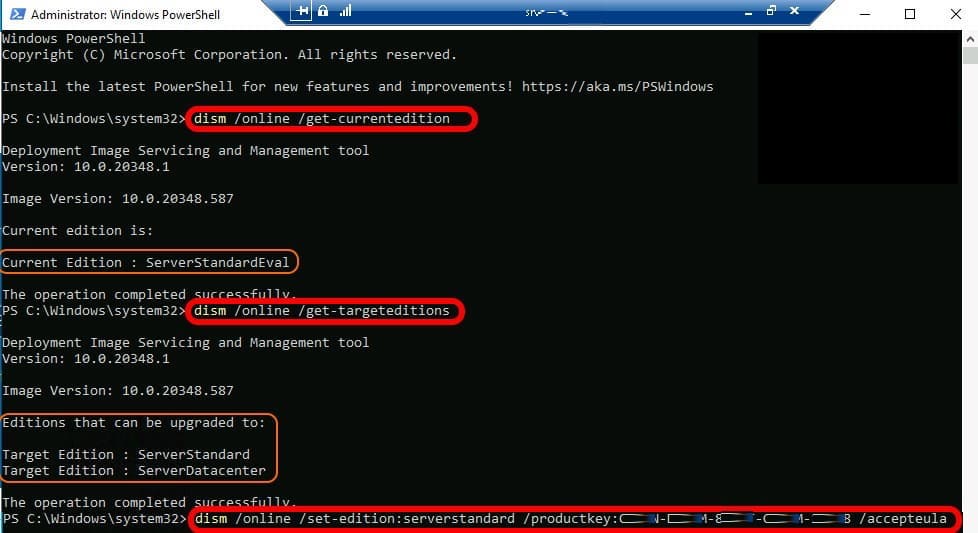
By following these steps, you will successfully convert your operating system edition to a full, licensed version, removing the evaluation label.