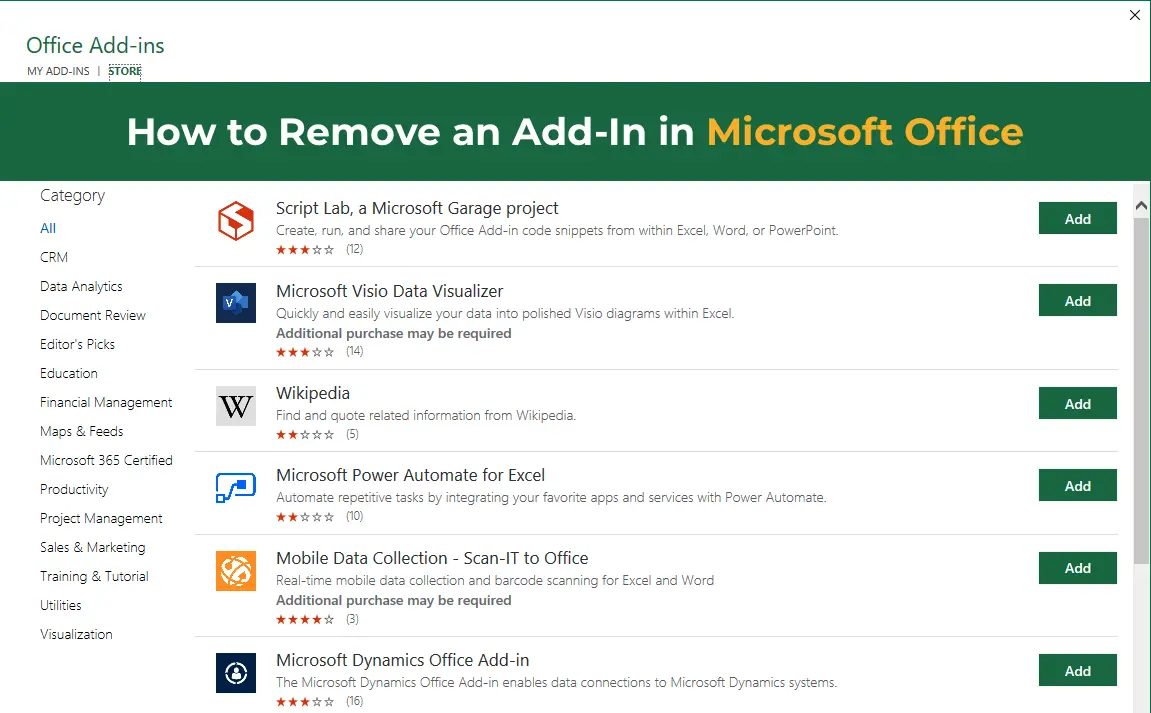
In this article, we’ll explore the process of removing add-ins in Microsoft Excel. Add-ins are additional tools and features that extend Excel’s capabilities. Occasionally, you may need to remove an add-in if it’s no longer needed or causes issues with Office or other applications.
Method №1
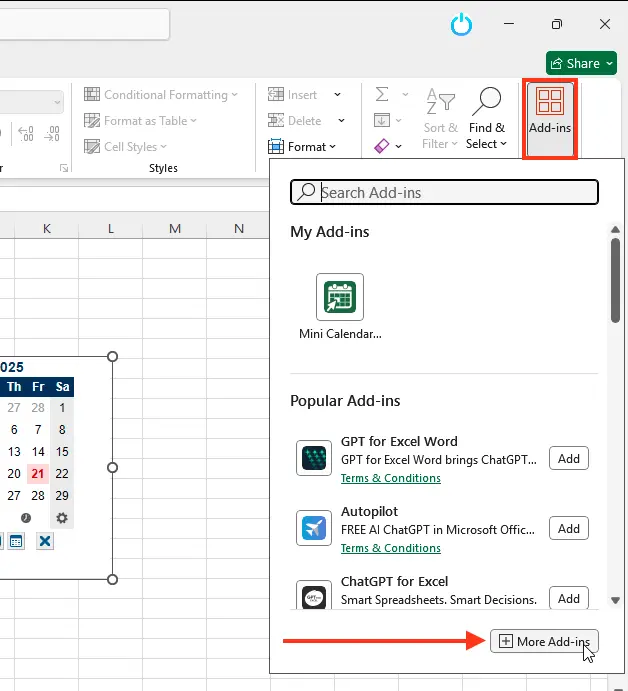
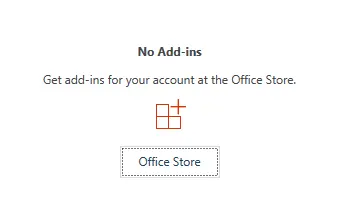
1. Open Excel, and on the Home tab, click Add-Ins.
2. Then select More Add-ins.
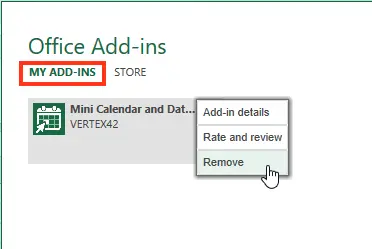
3. In the window that opens, go to the My Add-Ins section.
4. Click the three dots and select Remove.
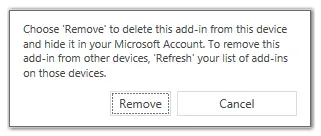
5. After a short wait, your add-in will be completely removed
Method №2
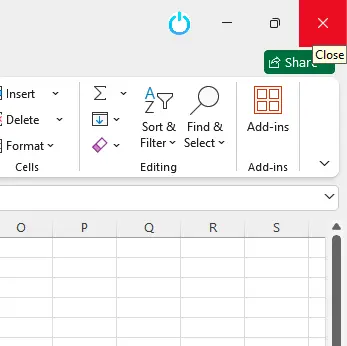
1. Close Excel before starting the add-in removal process. This is necessary to ensure all changes are successfully applied after completion.
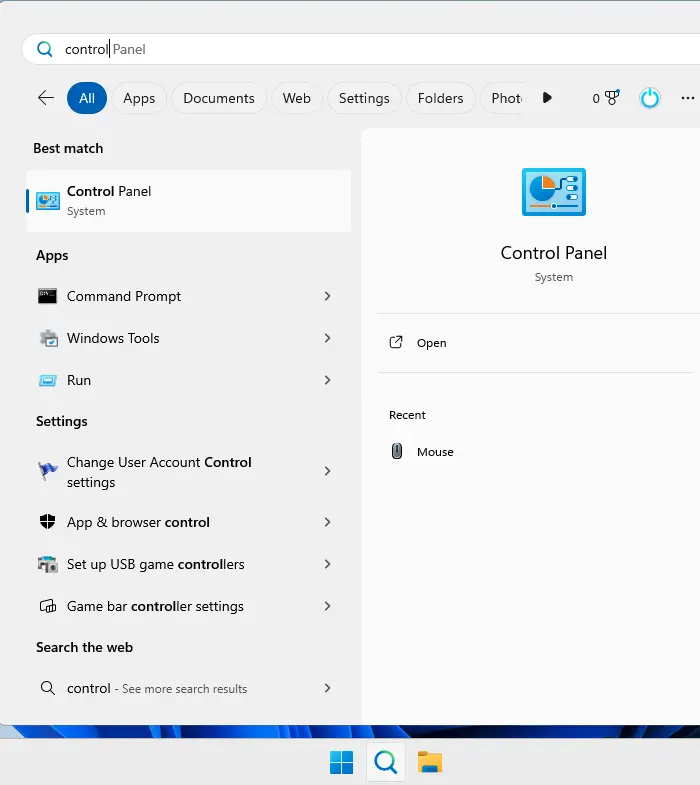
2. Open Control Panel:
– For Windows 10 and 11: Click Start, type “Control Panel” into the search bar, and select it.
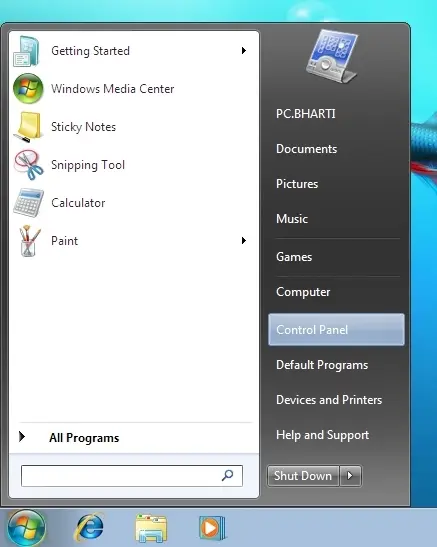
– For Windows 7 or Vista: Click Start, then select Control Panel.
3. In Control Panel, go to Programs > Programs and Features (for Windows 7, 8, 10, and 11) or Add or Remove Programs (for Windows XP).
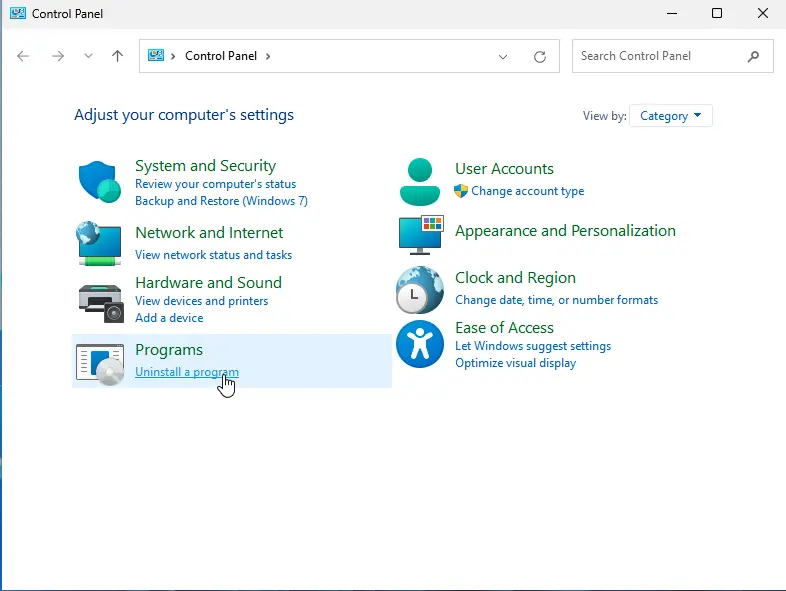
4. Locate the following in the list of installed programs:
– If Excel was installed as part of Microsoft Office, select Microsoft Office, click the Change button, and follow the instructions to remove the add-in.
– If Excel was installed separately, select Microsoft Excel and click the Change button.
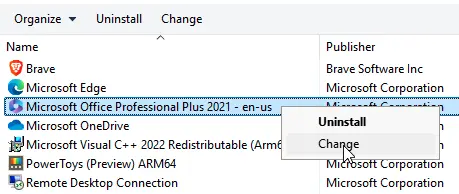
– If the add-in was downloaded separately (e.g., from the Microsoft Download Center), locate it in the list of installed programs and click Remove.
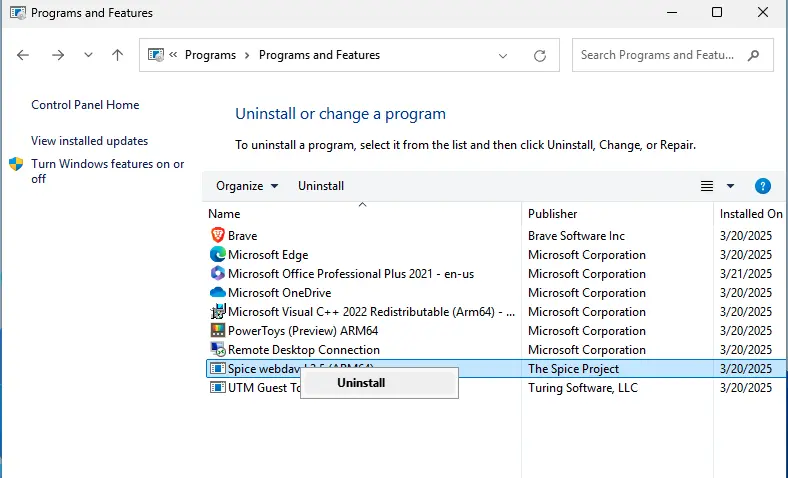
5. Follow the installation wizard’s instructions to complete the add-in removal process.
Note: If the add-in was installed from a network server or shared folder, removal may need to be performed on the server. Additionally, if the add-in was installed from a disc and the drive letter has changed, you may need to reinstall it from that disc.