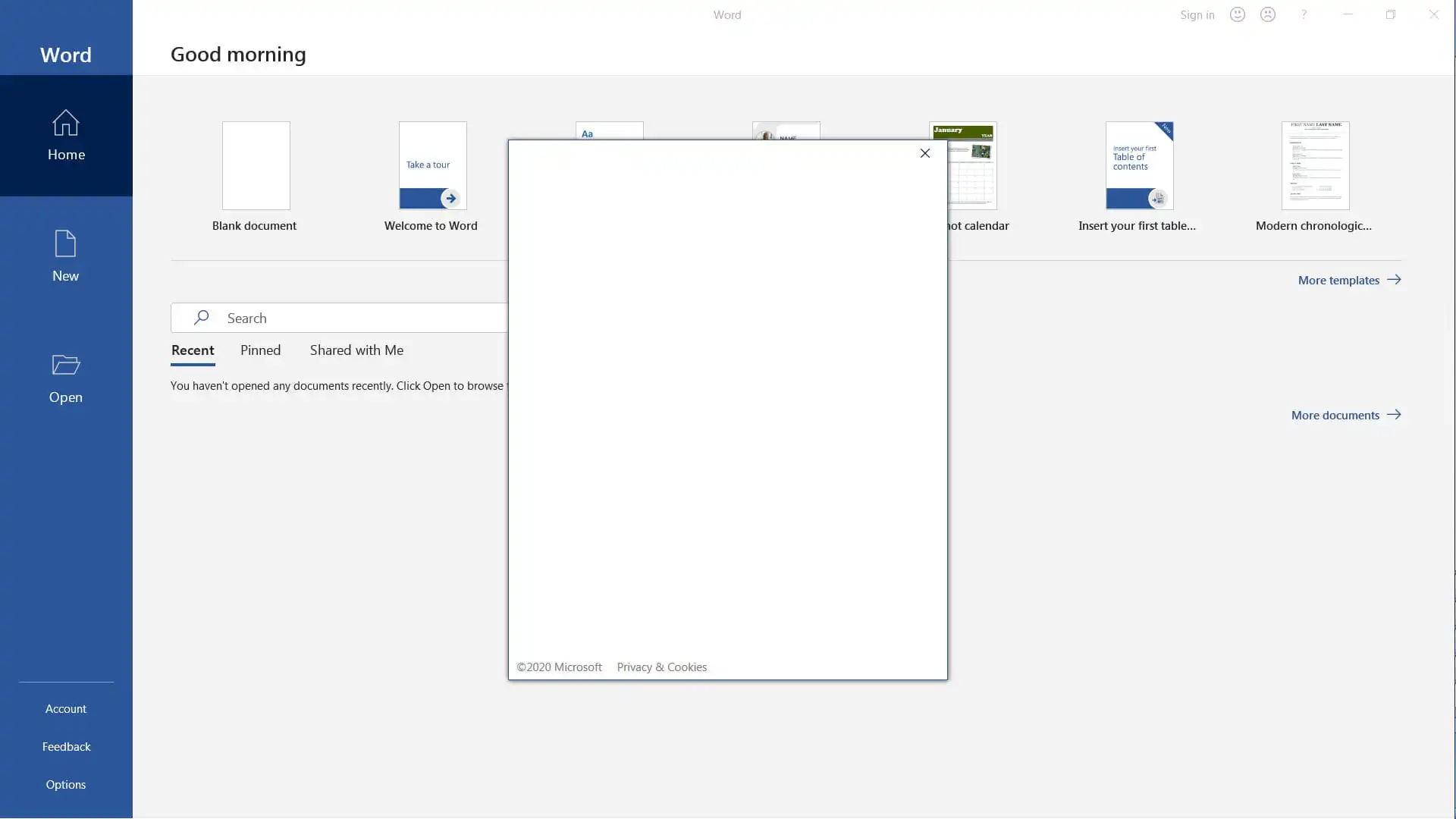
The “Blank Window” authentication issue when trying to sign in to your account in Microsoft Office applications (365, 2019, 2016, etc.) may sometimes occur due to various situations in your OS. Let’s consider ways to fix this problem.
1) Make any browser other than IE and Edge your default browser. Additionally, update the IE browser to the latest version. You can download the latest version from the Microsoft website.
2) If updating the browser didn’t help, try temporarily disabling or uninstalling your antivirus. It might be blocking access to the Office authentication window.
3) You can also try changing values in the registry: Press the Win + R hotkeys => regedit => Then navigate to the registry path HKEY_CURRENT_USER\SOFTWARE\Microsoft\Office\16.0\Common\Identity => Click on the “EnableADAL REG_DWORD” file and change its value to zero “0”.
4) If the above methods didn’t help, try using the following guide to uninstall Office and all its remnants using the official Microsoft Support and Recovery Assistant utility. After uninstallation and PC reboot, reinstall Office.
Additionally, to avoid problems and errors while using, we recommend using only genuine Microsoft Office installers, which you can download from our website, and also using only licensed activation methods. You can purchase genuine MS Office product keys starting from $9.90 in our catalog.