This article explains how to check hash sums (checksums) for ISO/IMG files or any other file type in Windows using the HashTab application. This is particularly critical for operating system installers like Windows or other large files. We’ll demonstrate how to use checksums to verify file integrity and ensure error-free downloads.
A checksum is a unique code generated based on a file’s contents. It allows you to confirm that a file was downloaded completely and without corruption. If no data bytes were lost during download, the file is considered intact and safe to use.
Multiple algorithms, such as CRC and MD5, generate checksums. These algorithms create a unique checksum for each file. We’ll use HashTab, a tool compatible with Windows and macOS, to verify checksums.
Step-by-Step Checksum Verification Process
1. Download HashTab: Start by downloading the checksum utility from our website.
2. Install the Application: After downloading, extract the archive and install HashTab on your computer.
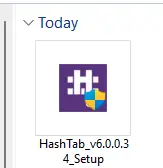
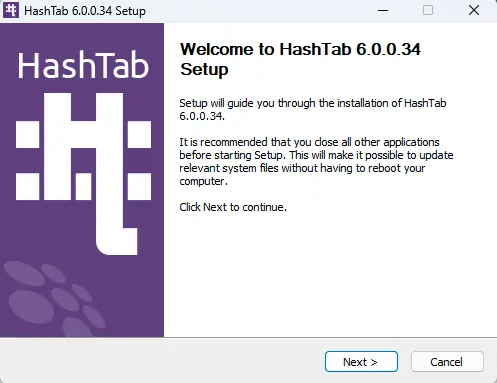
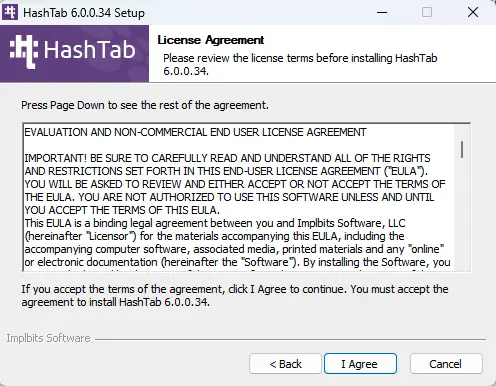
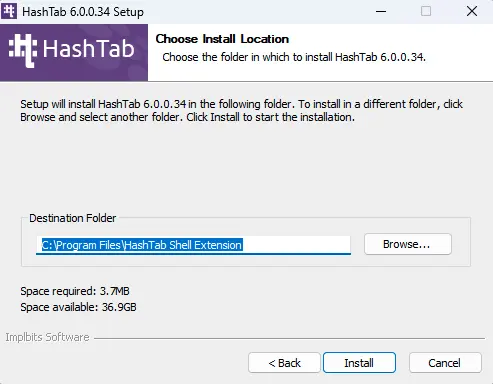
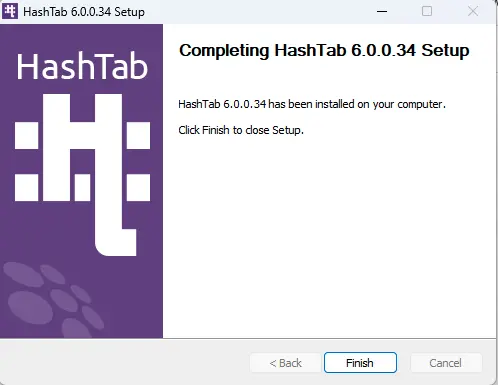
3. Verify a File: For this example, we’ll check a Windows installer file. Locate the file on your computer (e.g., an installer or ISO), right-click it, and select “Properties”. In the File Explorer window, a new tab for hash calculation will appear. Click it to start the process.
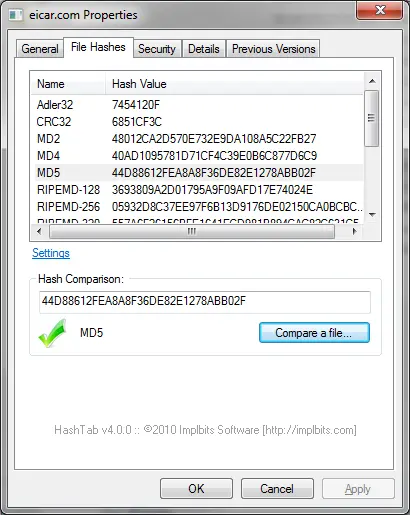
4. Compare Checksums: Checksums are usually listed on the website where you downloaded the file. Compare the HashTab results with these values. If they match, your file is intact.
Verifying checksums is a crucial step to ensure the security and integrity of downloaded files. This simple method guarantees error-free data transfer and file authenticity.
Download official Windows and Microsoft Office installers from our catalog: