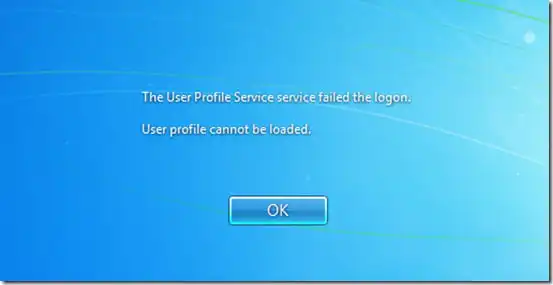
In this article, we will discuss a common issue faced by Windows users: the error “The User Profile Service service failed the logon.
User profile cannot be loaded.”
We’ll go over the steps you can take to resolve this issue. This error typically occurs when trying to log in or access a Windows 7 computer with a temporary profile, but there can be other underlying causes.
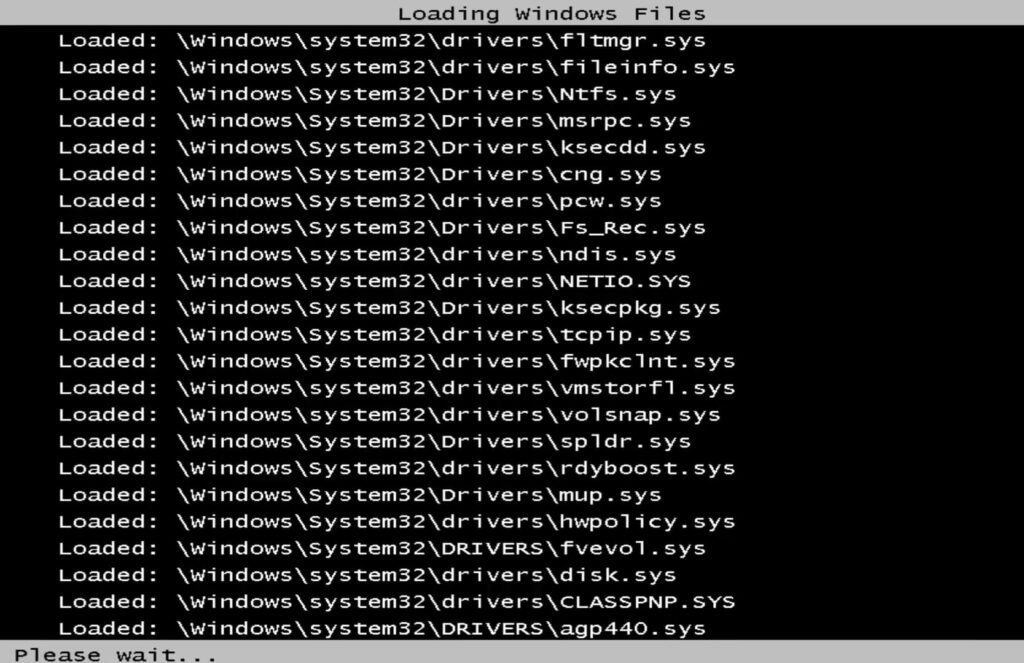
1. First, if you’re unable to start Windows normally, you need to boot into Safe Mode.
– Restart your PC and, while it’s booting up, press the F8 key repeatedly to access the Windows Advanced Boot Options.
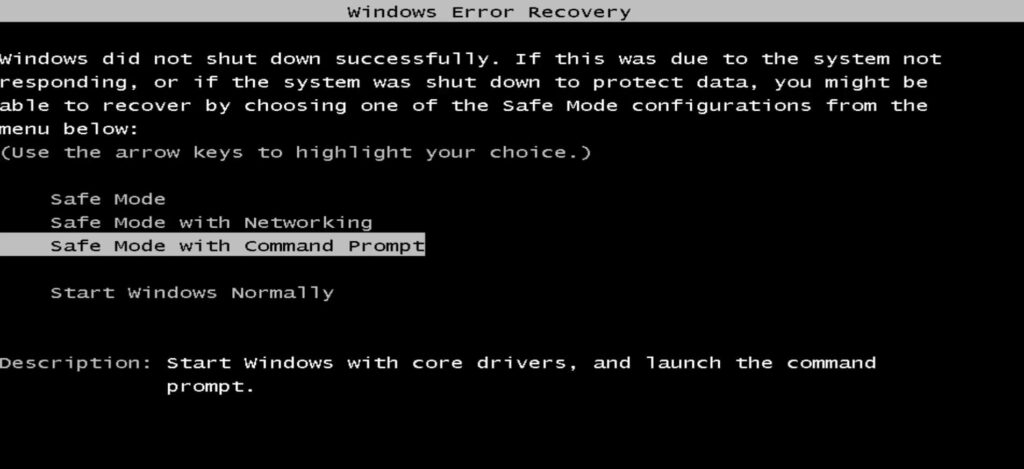
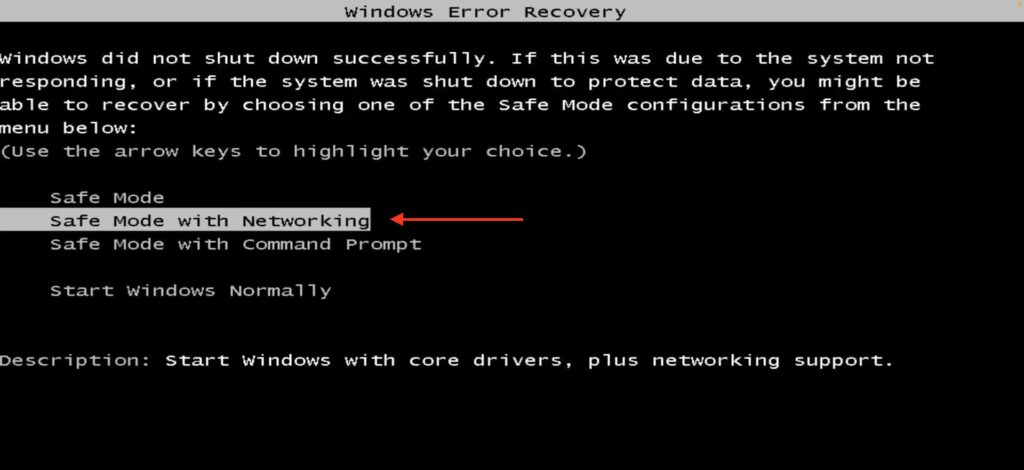
– Select “Safe mode with networking” and press Enter.
– Wait while Windows boots into Safe Mode.
2. Once Windows has launched in Safe Mode, press the “Start” button and type “regedit” in the search box, then run it as an administrator.
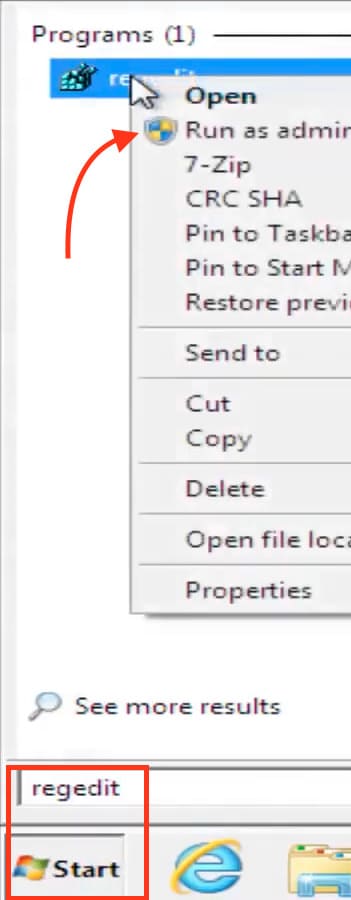
– In the Registry Editor, navigate to the following path:
HKEY_LOCAL_MACHINE\SOFTWARE\Microsoft\Windows NT\CurrentVersion\ProfileList
– Here, you will see two profiles of interest:
S-1-5-21-1118489362-3255497121-106162987-1000
and a duplicate profile with a .bak suffix, indicating it is a backup.
S-1-5-21-1118489362-3255497121-106162987-1000.bak
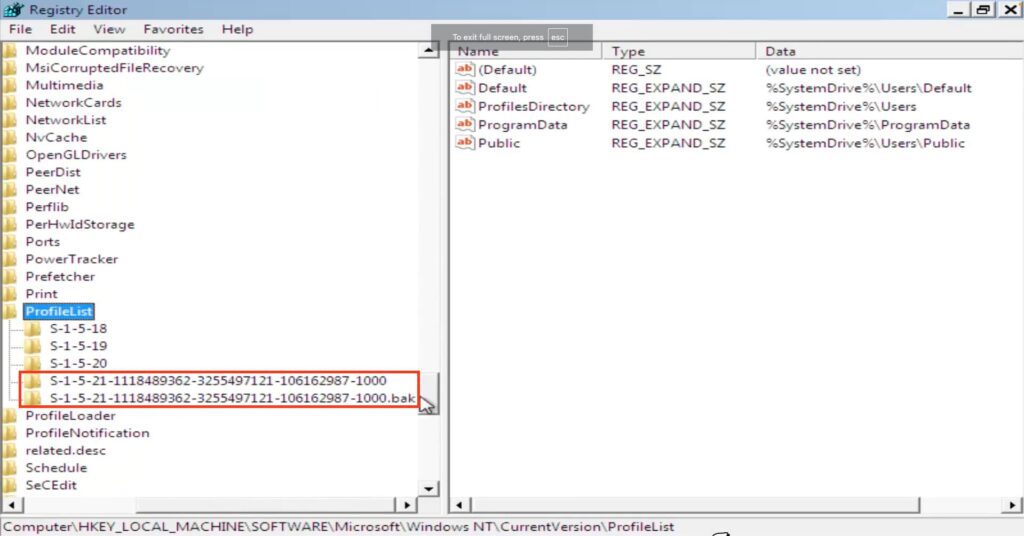
– You need to swap them. Right-click the profile without the suffix, select “Rename,” and add the suffix .ba as a temporary prefix.
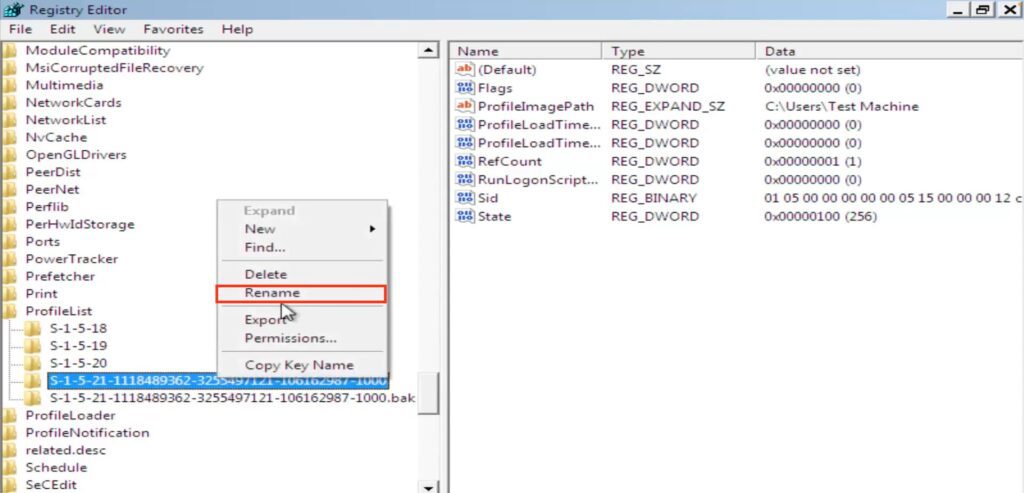
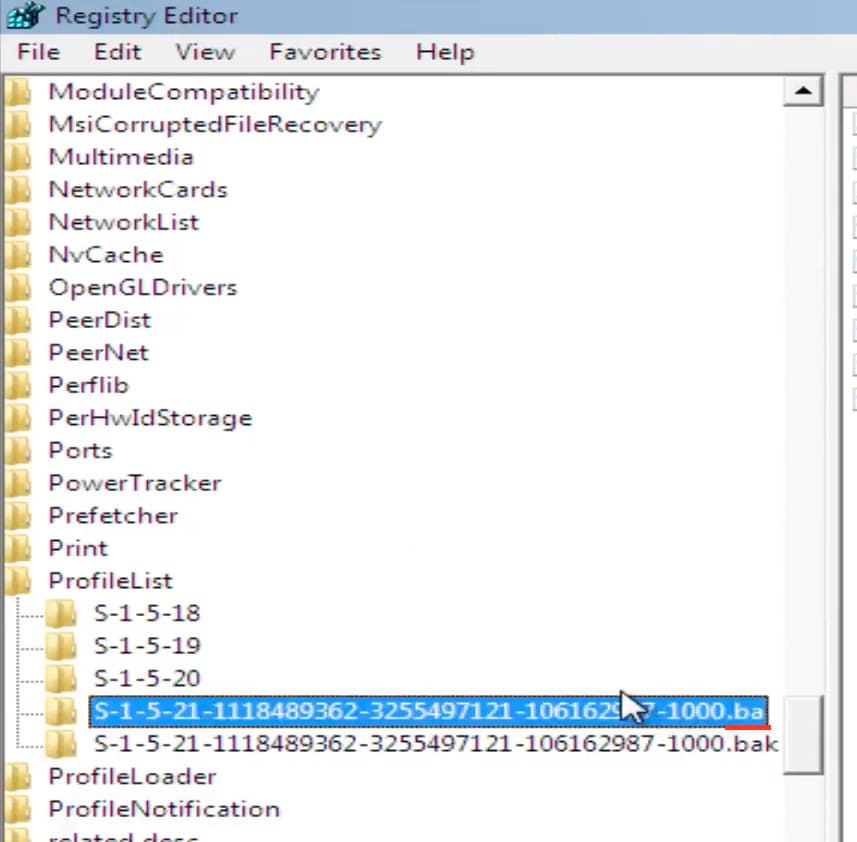
– For the second profile with the .bak suffix, remove the suffix so that it no longer has one.
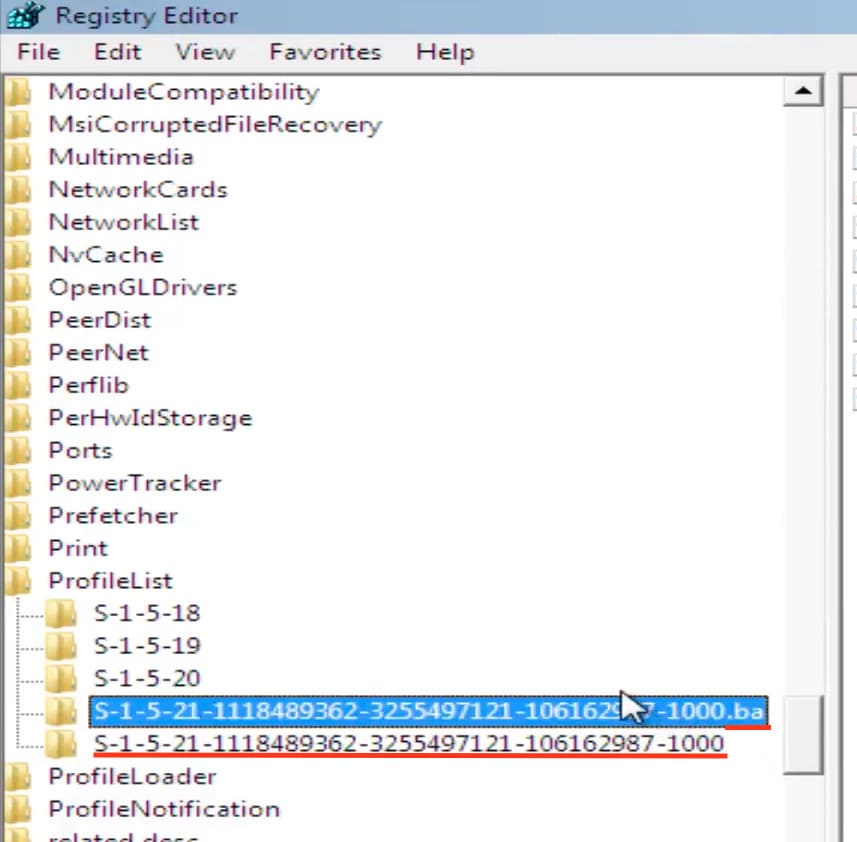
– Then, rename the profile with the temporary .ba suffix to .bak.
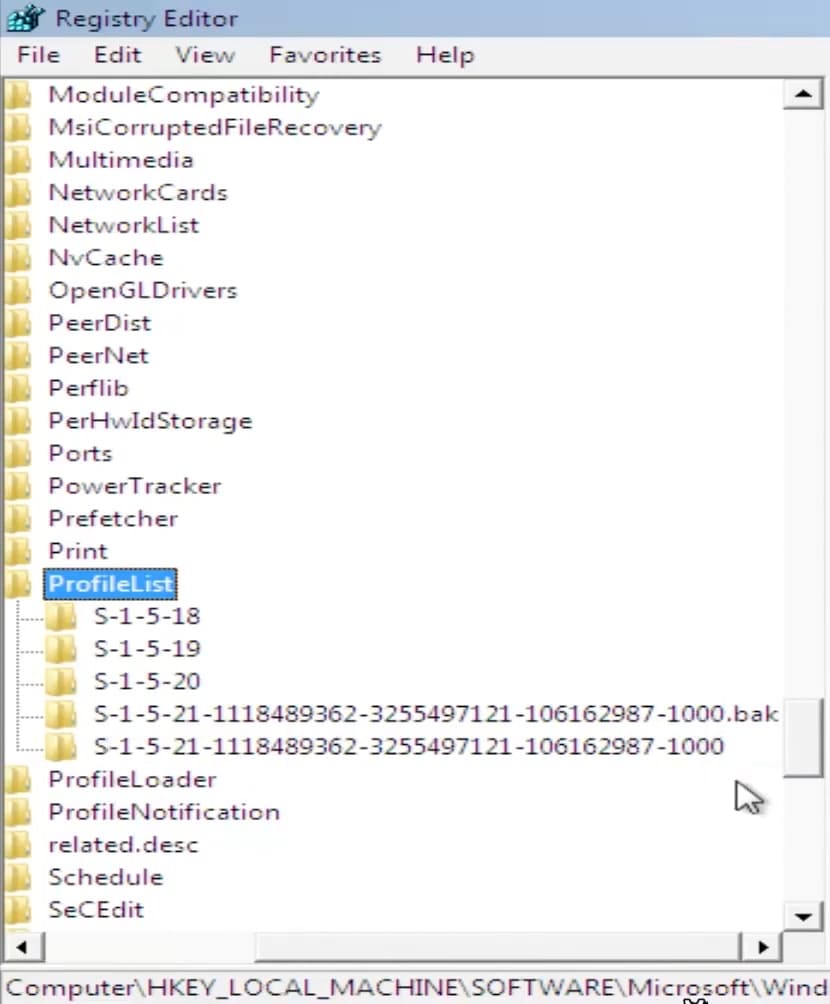
This effectively swaps the profiles, making the one with the .bak suffix the primary, and the former primary becomes the backup.
3. Now, go to the profile you modified, which is now the primary without the .bak suffix.
– In the right-hand panel, click on RefCount.
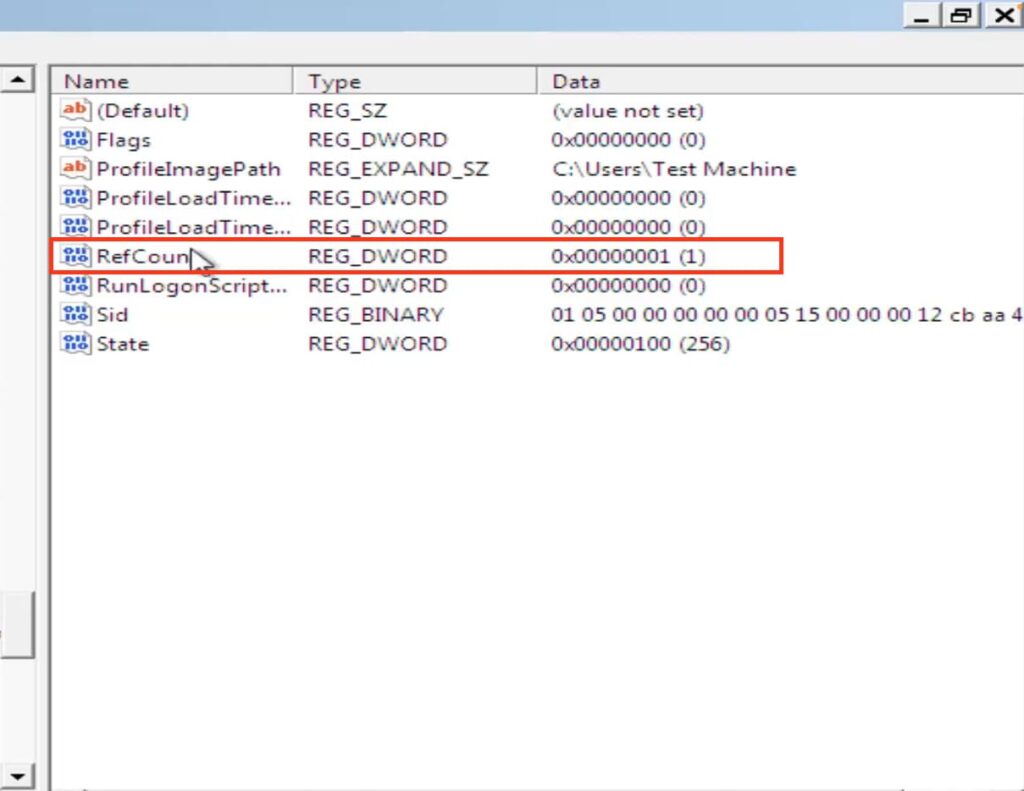
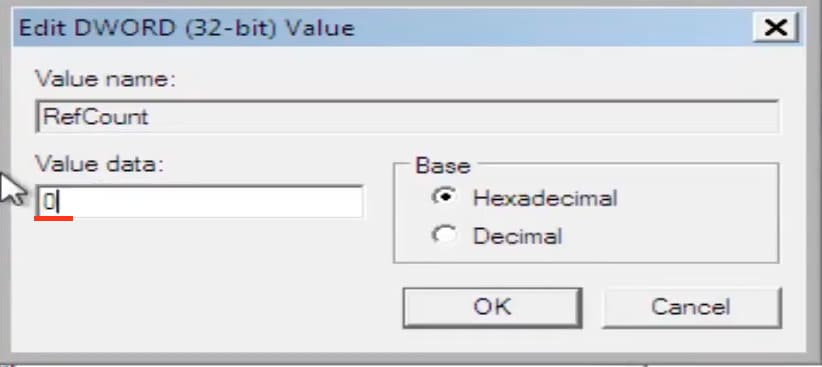
– Set its value to 0 and click “OK.”
Next, go to the State key.
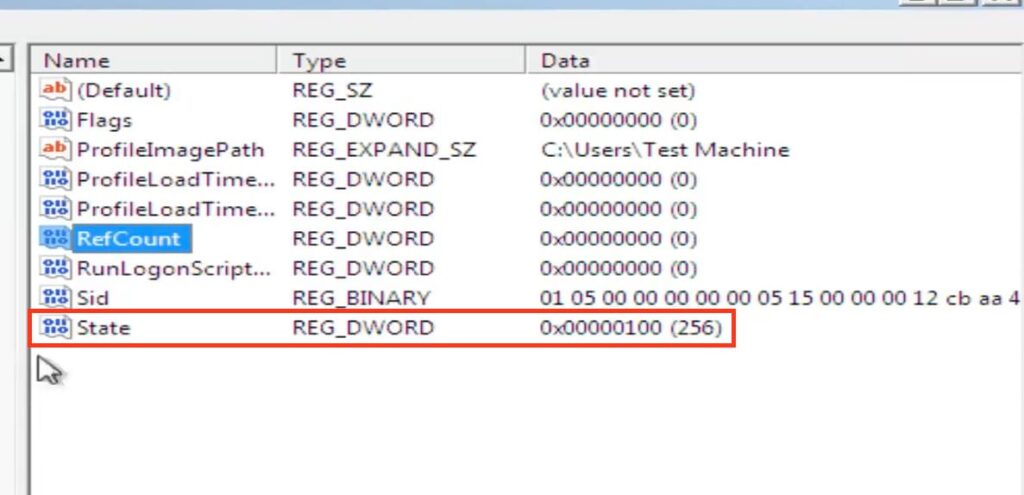
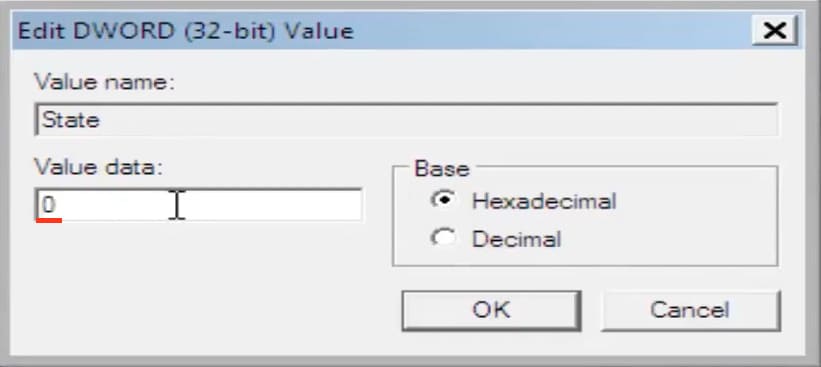
– Set its value to 0 and click “OK.”
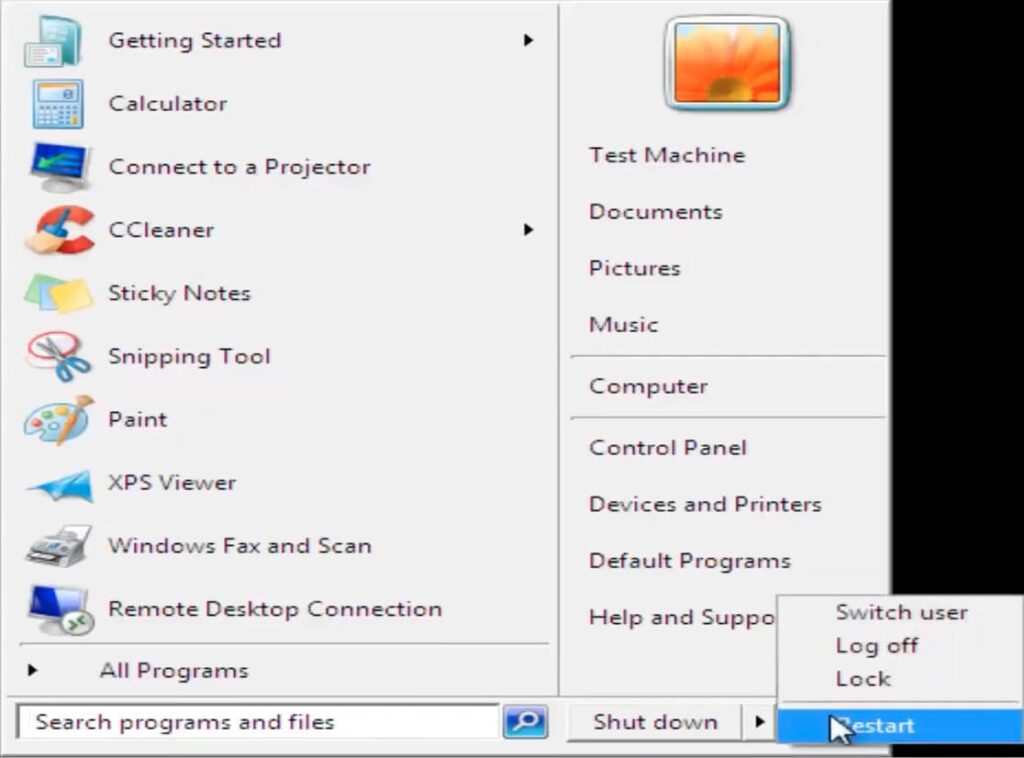
4. Finally, restart your computer.
Your system should now boot up as normal, without any profile-related errors!