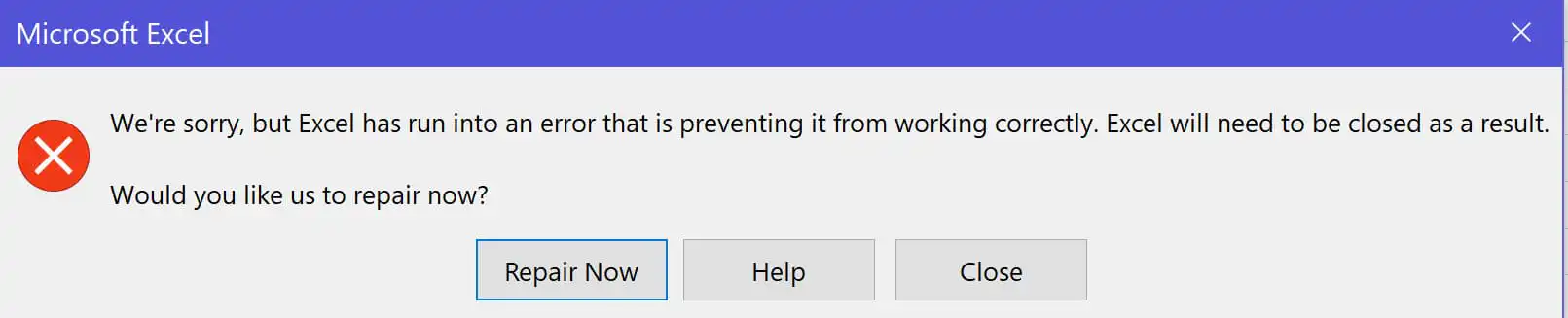
When launching Microsoft Office applications (Word, Excel, PowerPoint), you may encounter an error leading to the application’s termination. The error message might resemble the following:
“We’re sorry, but Excel has run into an error that is preventing it from working correctly. Excel will need to be closed as a result.
Would you like us to repair now?”
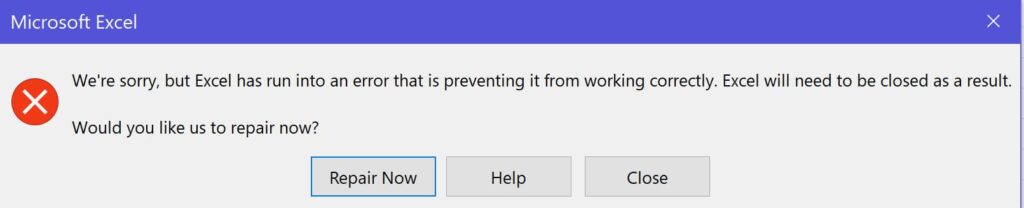
Here’s a screenshot of this error using Excel as an example (the error can occur in any application):
1. Official technical support on the Microsoft forum suggests a solution – removing the antivirus, not just disabling it but actually removing it. Antiviruses can impose restrictions on various user actions in Microsoft Office. After removal, restart your system and test Office again.
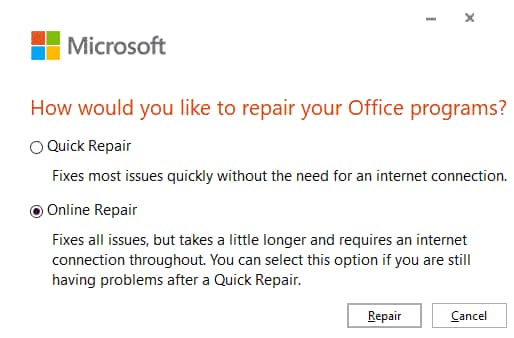
2. If the first method doesn’t help, another solution could be: Go to “Control Panel” => Programs => Programs and Features (Explorer link: Control Panel\Programs\Programs and Features) => Find your Microsoft Office in the list => Right-click on it => Choose “Change” => In the new window, select “Repair via network” and click “Restore”. Wait for the Office components to be restored.
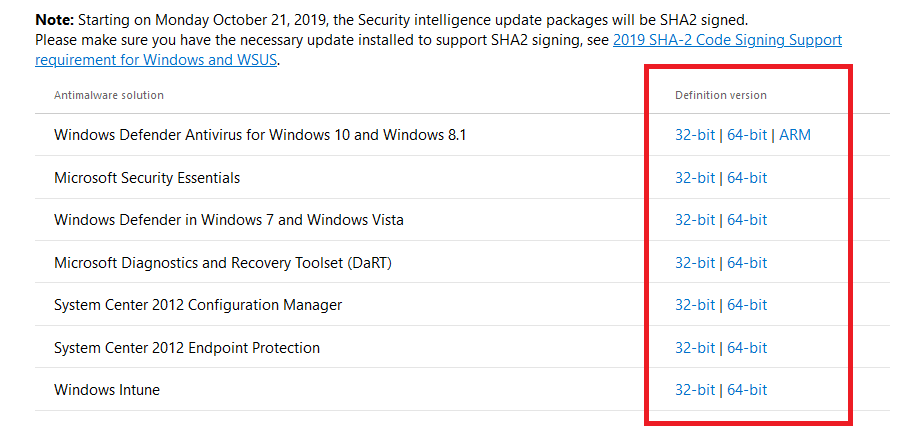
3. If neither the first nor the second method helps, then according to Microsoft’s website, there is a recommendation to update built-in applications like “Windows Defender”, as Microsoft claims that built-in “Windows Defender” apps are linked to the Windows Task Scheduler, thereby affecting Microsoft Office.
According to the article, you need to install an update package for some applications. Download and install them, then restart your PC and try testing Office applications again. You can download updates from Microsoft’s website.
Also, we remind you to use only original Microsoft Office installers to avoid such errors. You can download official installers from our catalog.
In addition to everything, we recommend using only licensed product keys for Microsoft Office. You can purchase perpetual product keys for Microsoft Office in our online store, with product keys starting from $9.90. Instant delivery to your email in automatic mode. More details are available in our catalog.