In this article, we’ll discuss how to change the language if your Windows license only supports a single interface language (such as “Single Language”).
To resolve this issue, we’ll use the registry editor.
– First, go to the search bar and type “Registry” => Run it as an administrator.
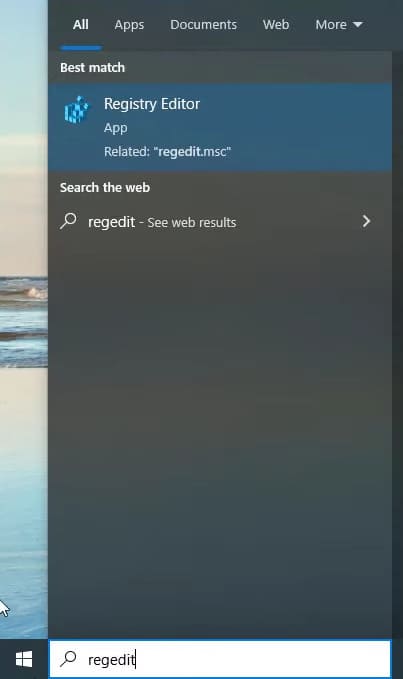
– Navigate to the following path:
HKEY_LOCAL_MACHINE\SYSTEM\CurrentControlSet\Control\Nls\Language
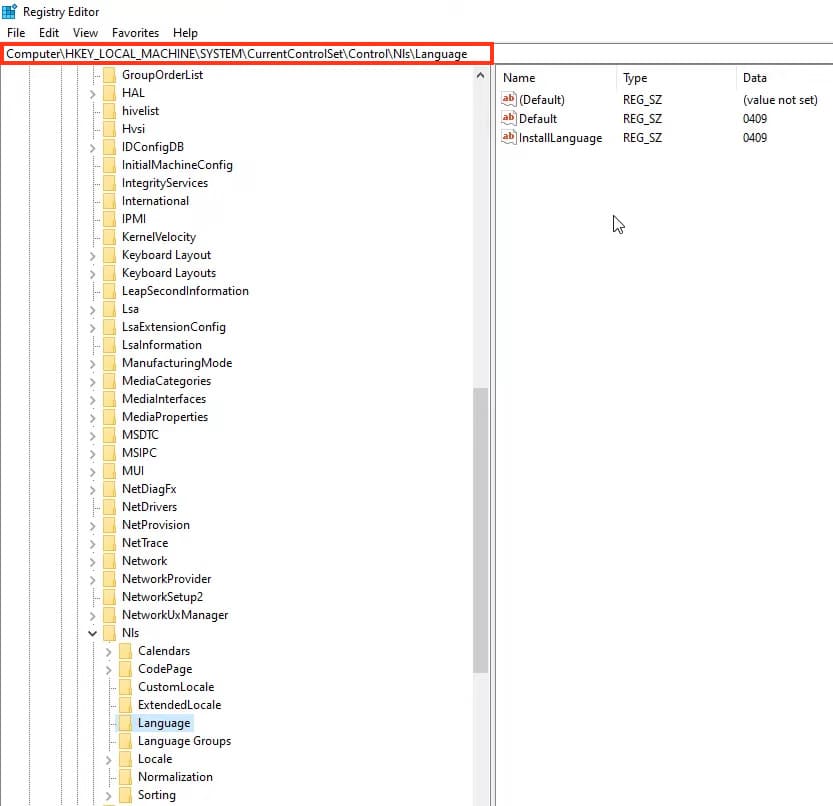
– In this menu, we’re interested in the values of Default and InstallLanguage. In our example, the values are set to 0419, which corresponds to the English language.
You can find the full list of languages corresponding to specific codes in this Microsoft document.
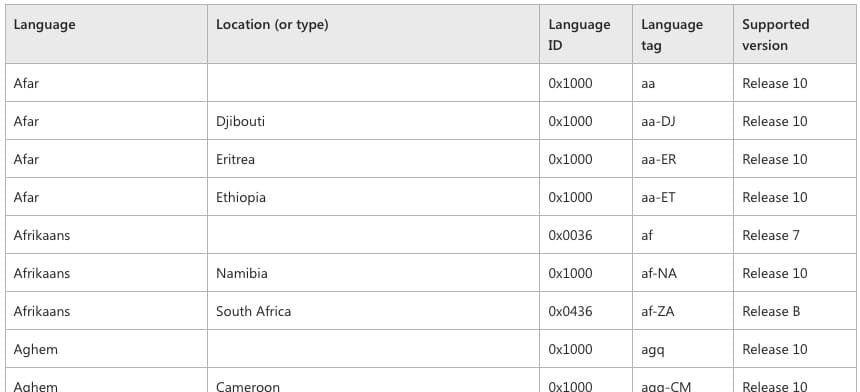
– Let’s try changing the language to Russian. Copy the last four digits of the code – 0019. Paste it as the value for both Default and InstallLanguage.

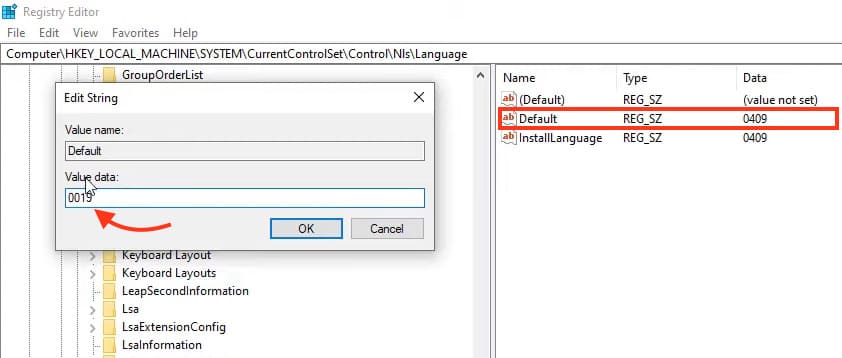
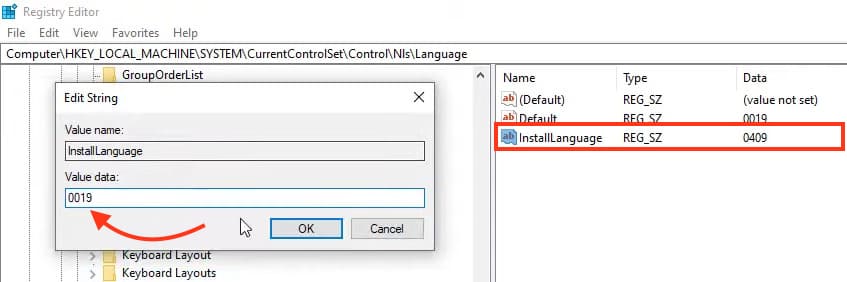
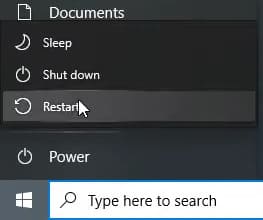
– Now, you need to restart your operating system.
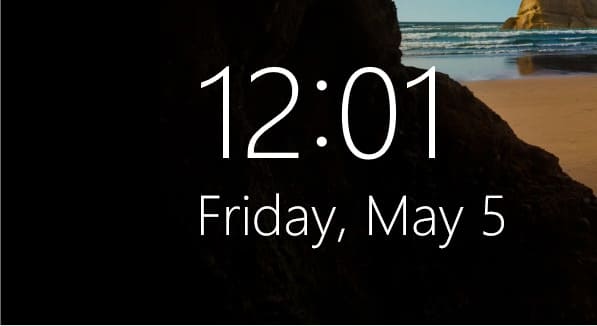
– Don’t worry if the system login screen still appears in English. You can change this in the language and date settings in the regional format section.
However, as you can see below, all the icons are now in Russian.
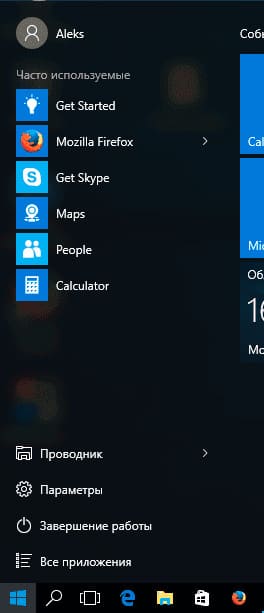
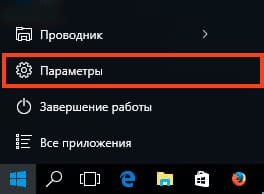
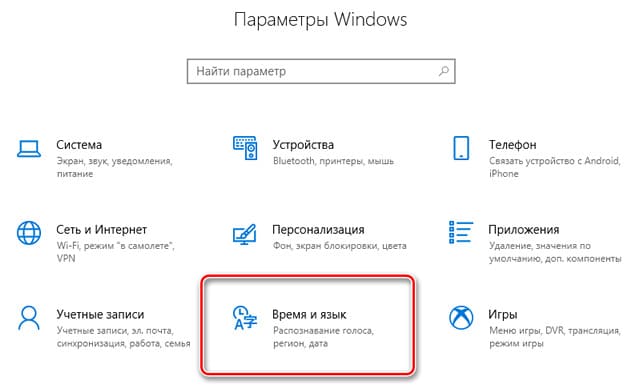
– Let’s check the Language settings. Go to “Параметры” => “Время и Язык”.
– In the “Язык” (Language) section, you’ll see that Russian is already selected.
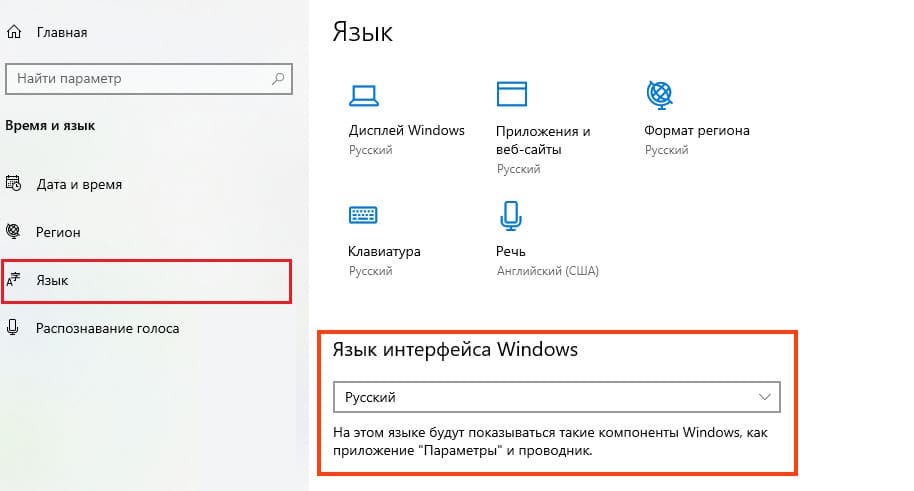
This way, you can change your system to any language you need, even if your system only supports a single interface language.