When activating or updating Windows 7, 8, or 10, or when launching certain programs, you might encounter the error 0xc0000022. Let’s explore why this error might occur and how to fix it in this article.
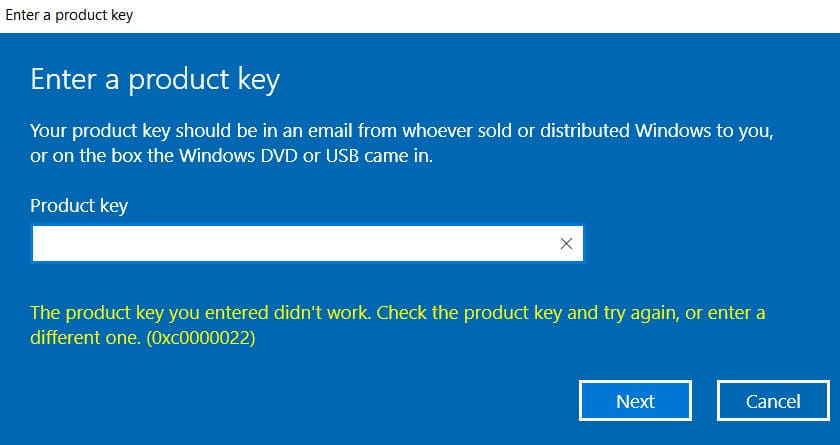
1) Lack of outgoing connections or connection blocking: If your action requires an internet connection, such as system activation or updating, the absence or blocking of connections to Microsoft servers can cause this error.
– Check your internet connection, try disabling IP-changing services or proxy servers temporarily.
– Your antivirus program might also be blocking the connection. Try temporarily disabling the antivirus.
2) Lack of updates in your system and outdated drivers:
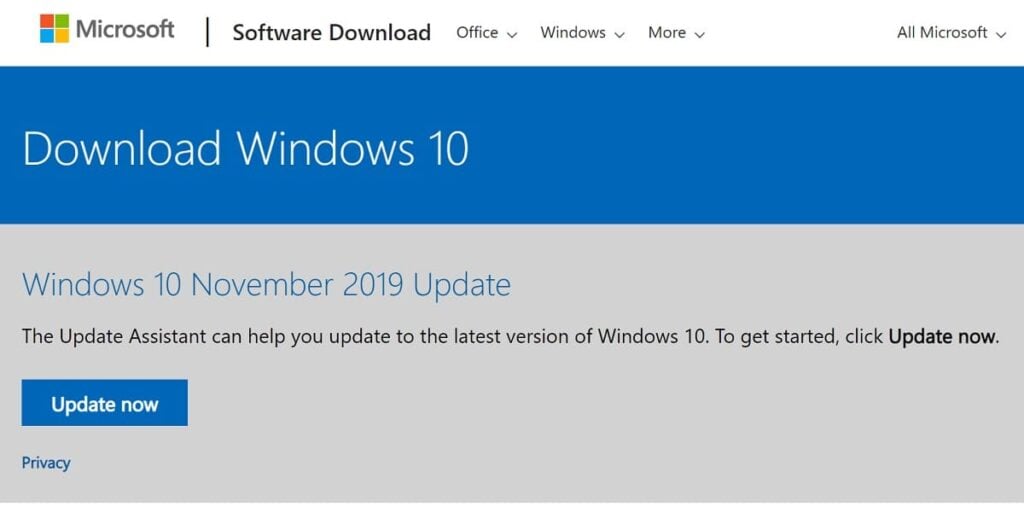
– Try finding all available updates through the standard “Windows Update Center”, download and install them. If you encounter error “0xc0000022” during the update, try updating the system using the official Microsoft utility – “Update Assistant” (relevant for Windows 10). You can download the utility from the official Microsoft website. Learn how to update using the utility from our previous article.
– If the update doesn’t work, it’s recommended to install the installer directly from the Windows 10 image. You can download it from the official website or from our catalog.
– If this error is not related to updating or activating the system, try updating the drivers for your graphics card. The problem might be related to the graphics accelerator. You can download drivers for your graphics card from the manufacturer’s website.
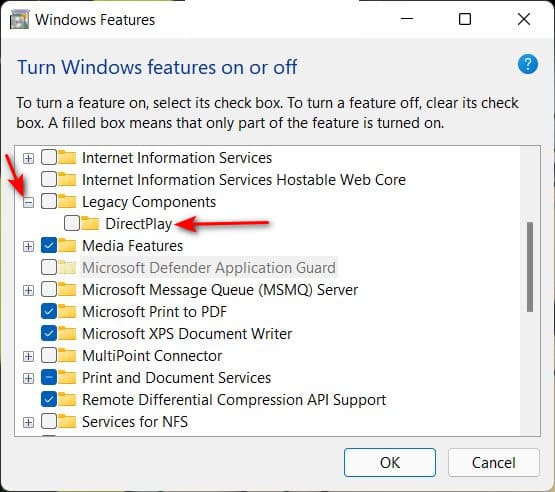
3) Enable DirectPlay: This usually helps when running old applications/games. However, it can also be useful if you encounter an activation error. Go to “Control Panel” => Programs and Features => Turn Windows features on or off => Check “Legacy Components” and “DirectPlay”. Afterward, restart your PC and try running the application or updating/activating the system again.

4) Additionally, we recommend using only original Windows 10 installers: This error often occurs because the installed installers is some kind of pirated version from the internet, in which various services and connections to Microsoft servers are disabled or removed. You can download original Windows 10 installers from our catalog. Hash sums are provided in the description.
We also recommend using only genuine Windows product keys to avoid various errors and improper system operation. You can download original installers of various Windows versions from our catalog.
Furthermore, you can purchase genuine product keys for Windows and Microsoft Office at the lowest prices from our online store, with instant delivery to your email in automatic mode. We provide guarantee and round-the-clock technical support.