In this article, we will walk through the process of installing and activating Microsoft Project. This guide applies to all versions of Microsoft Project (2013, 2016, 2019, etc).
First, you need to download the installer file. You can download the original installer of Microsoft Project for various versions from our catalog on the following page.
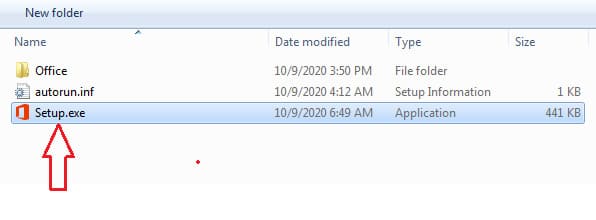
Open the installer file and run the Setup file.
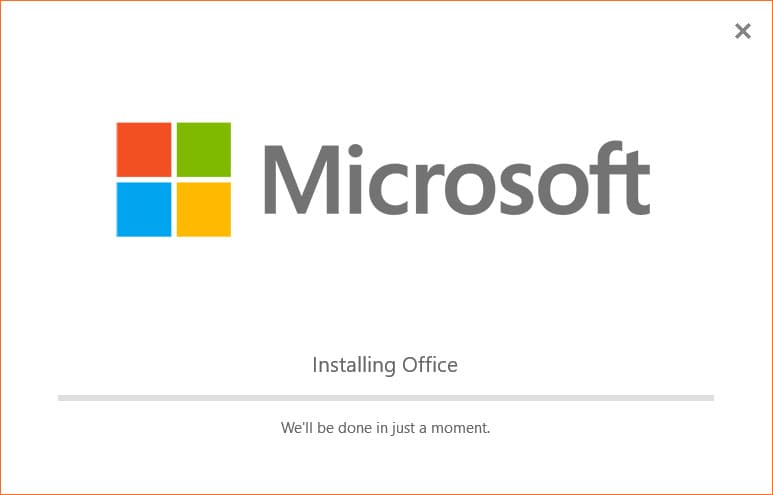
Now, wait for the installation process to complete.
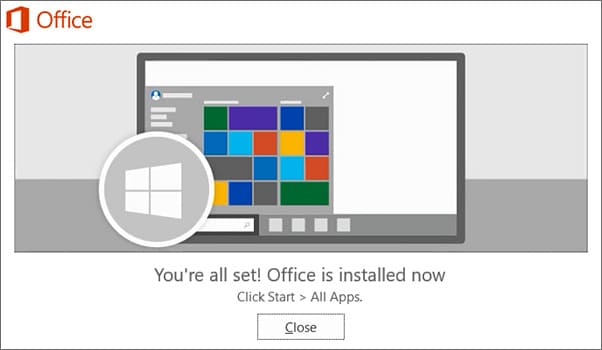
After the installation is finished, you will see a window indicating that the application has been installed. Click on the “Close” button.
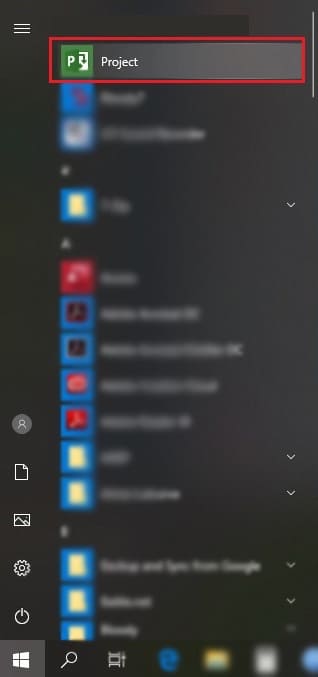
To launch the application and activate it, go to the “Start” menu and find the “Project” application there.
Upon first launch, you may see a message with update options. You can leave it on “Automatic update” by default. This means that the application will download and install updates automatically when available.
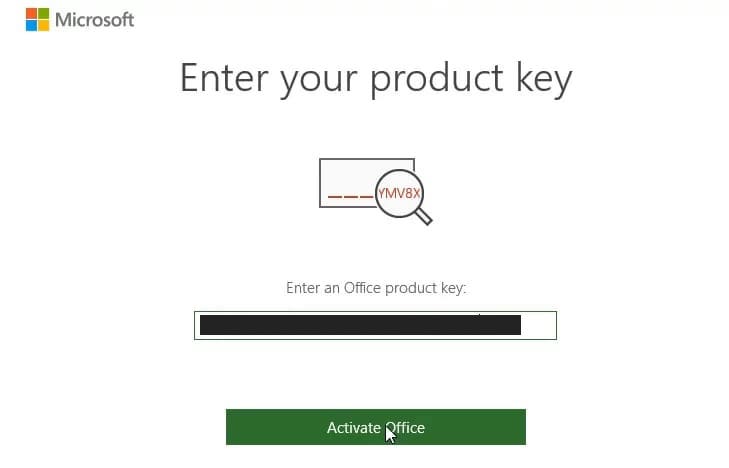
Next, you will see a window asking you to enter the product key. If you don’t have a product key, you can purchase one from our catalog on the following page. The product key will be delivered instantly to your email after payment.
Enter your product key and activate the application.
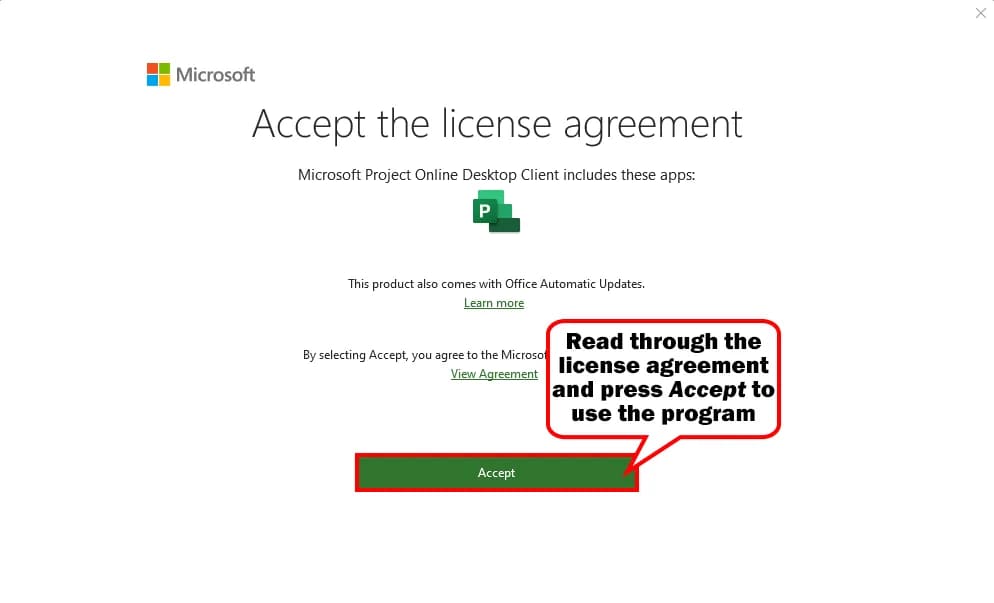
Accept the license agreement.
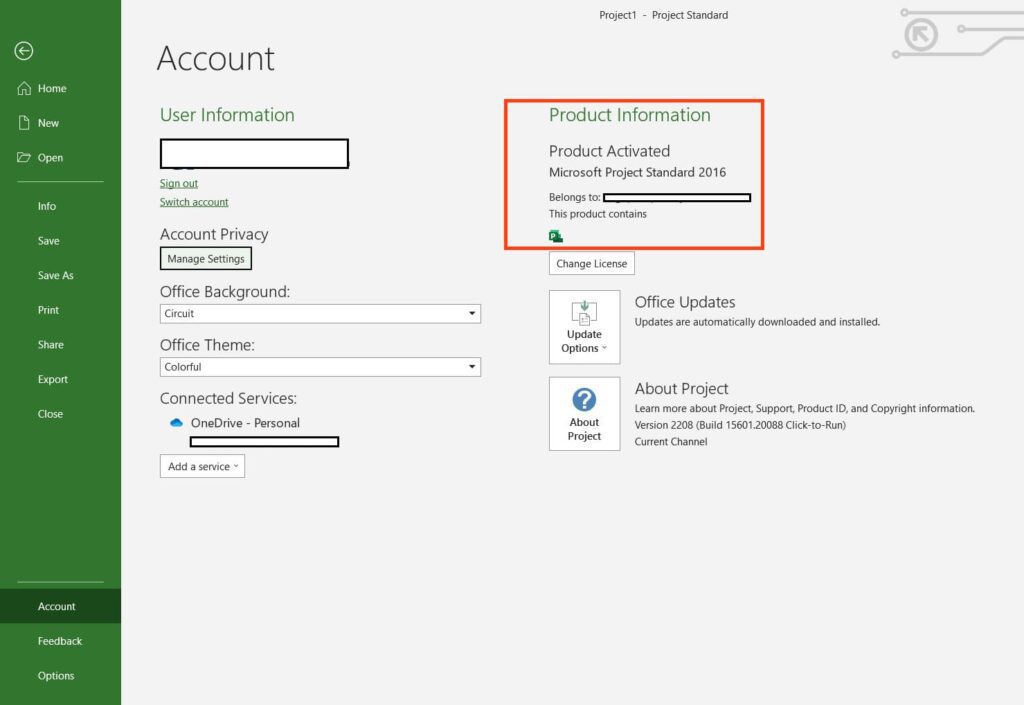
You can now restart the application and check for activation. To do this, go to Project => “File” menu => Account. It should indicate that the application is activated.
That’s it! The installation and activation process for Microsoft Project is complete.