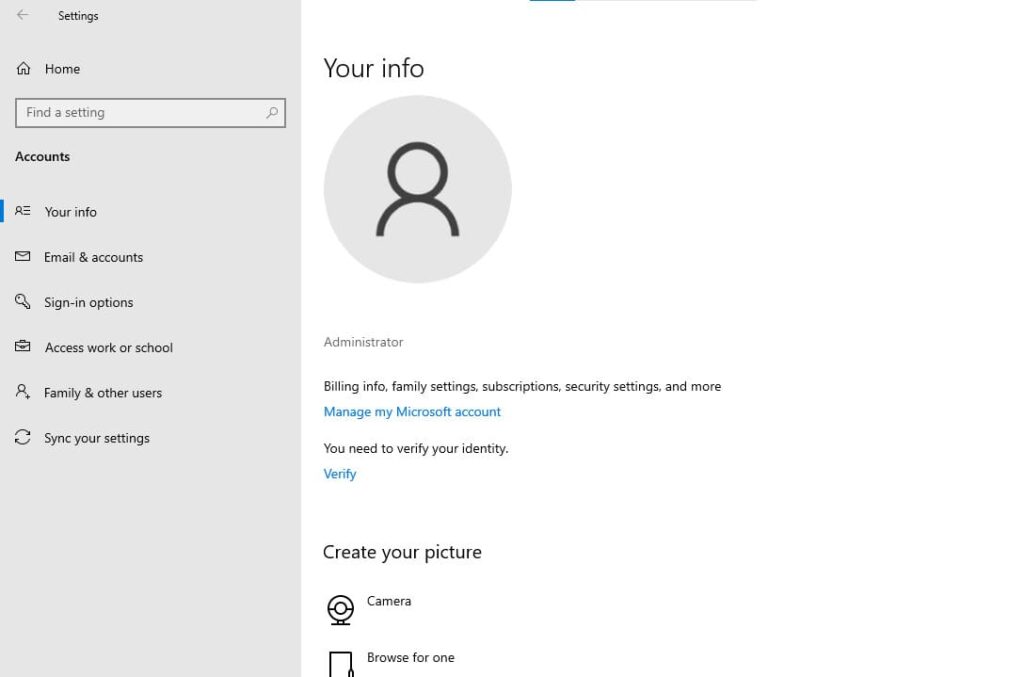
In this article, I will go through step-by-step with screenshots on how to create a user account in Windows 10 from within the system itself.
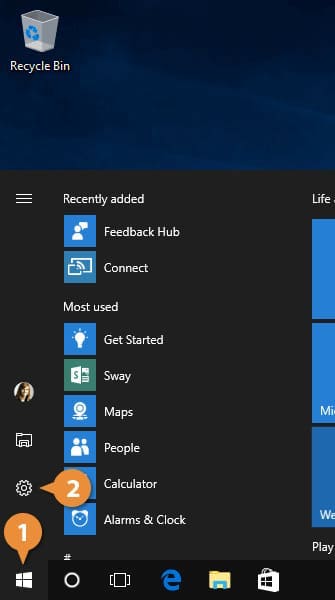
Navigate to the “Start” menu => Settings.
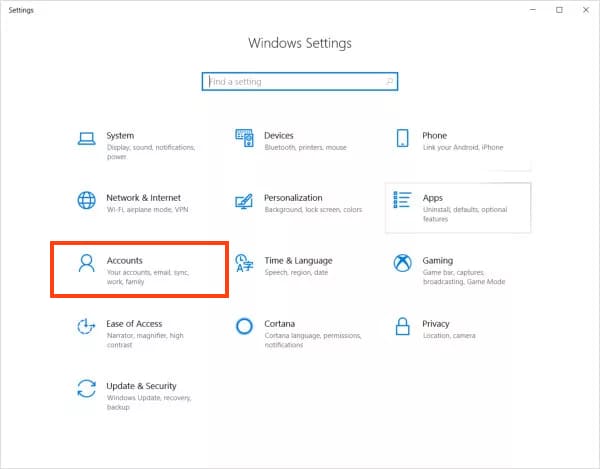
In the “Settings” menu, click on “Accounts.”
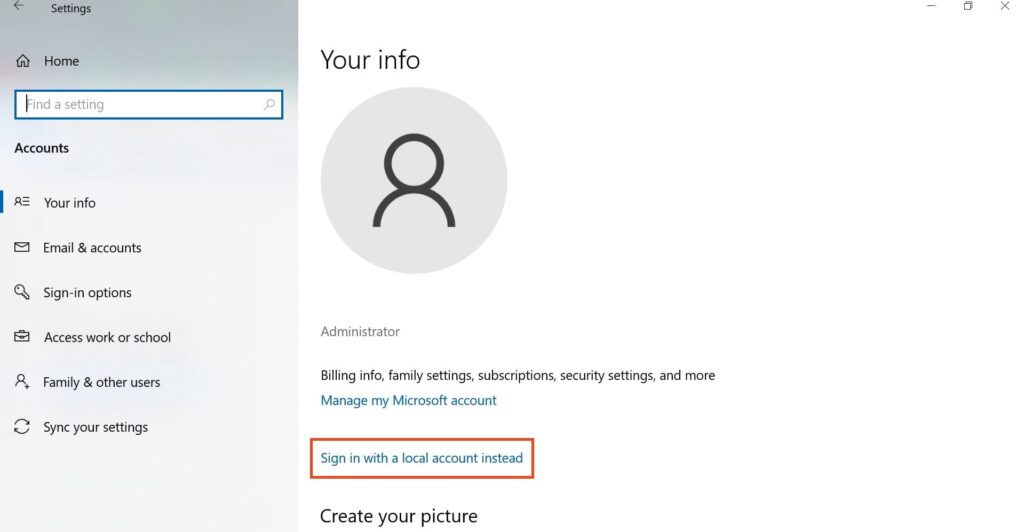
On the left, select “Your info,” then click on “Sign in with a Microsoft account instead.”
Now, in the new window, click on “Create one!”
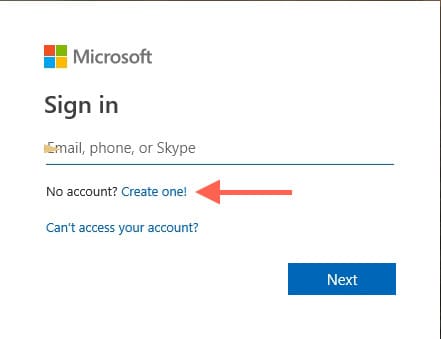
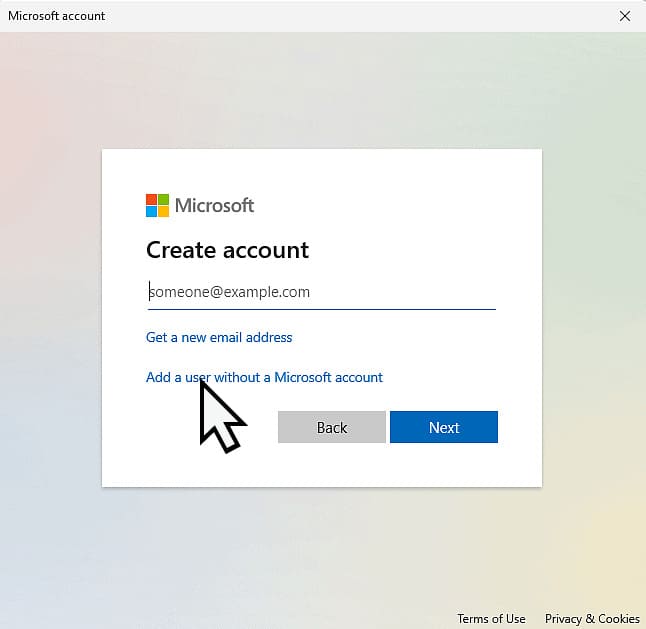
Next, register a new account by entering your email address, or click on “Get a new email address” to obtain an “@outlook.com” domain. You only need to choose a name for your future account and create a password.
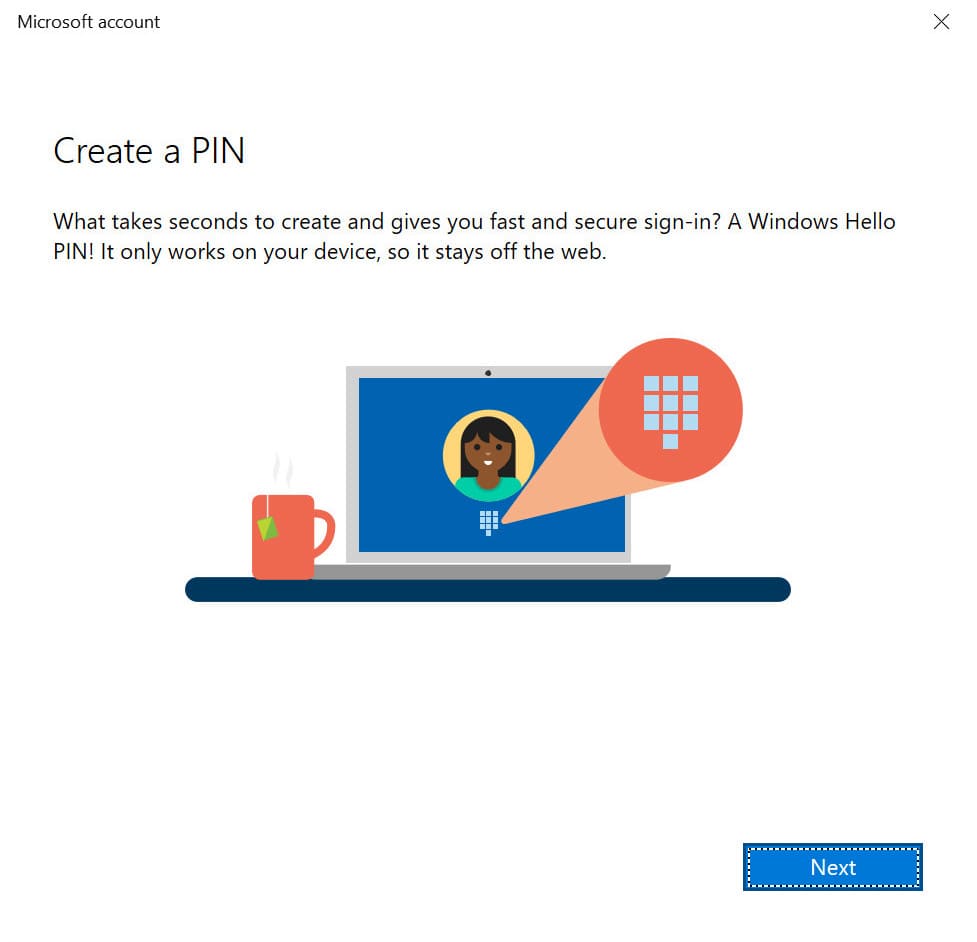
After completing the registration, the system will prompt you to create a “PIN code,” which is different from your Microsoft account password. This PIN code allows you to quickly authenticate under your account without having to re-authenticate each time. You can choose, for example, 4 characters or digits for quick entry, or a greater number of characters (digits) for security.
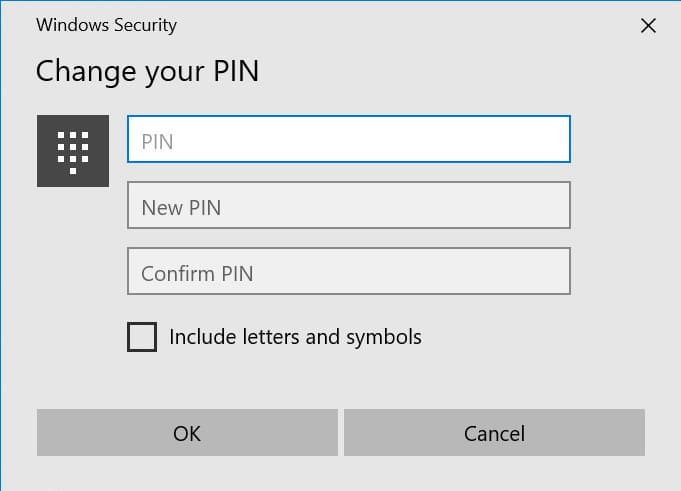
After creating the PIN code, you will see your account displayed in the “Your info” menu. With this account, you can tie Windows 10 licenses (product keys) to your account and use it to activate and download Microsoft Office applications from the official website – more details.
You can purchase Windows 10 product keys from our catalog starting from $9.40, with instant delivery via email. We provide warranty and round-the-clock technical support.