In this article, I will show you how to install Windows 11 on a Mac with an M1, M2, or M3 processor. To do this, you will need the Parallels Desktop application.
The system will be installed in the Parallels Desktop virtual machine and will run when you launch the application itself. You can fully use the Windows 11 system, for example, as an additional desktop.
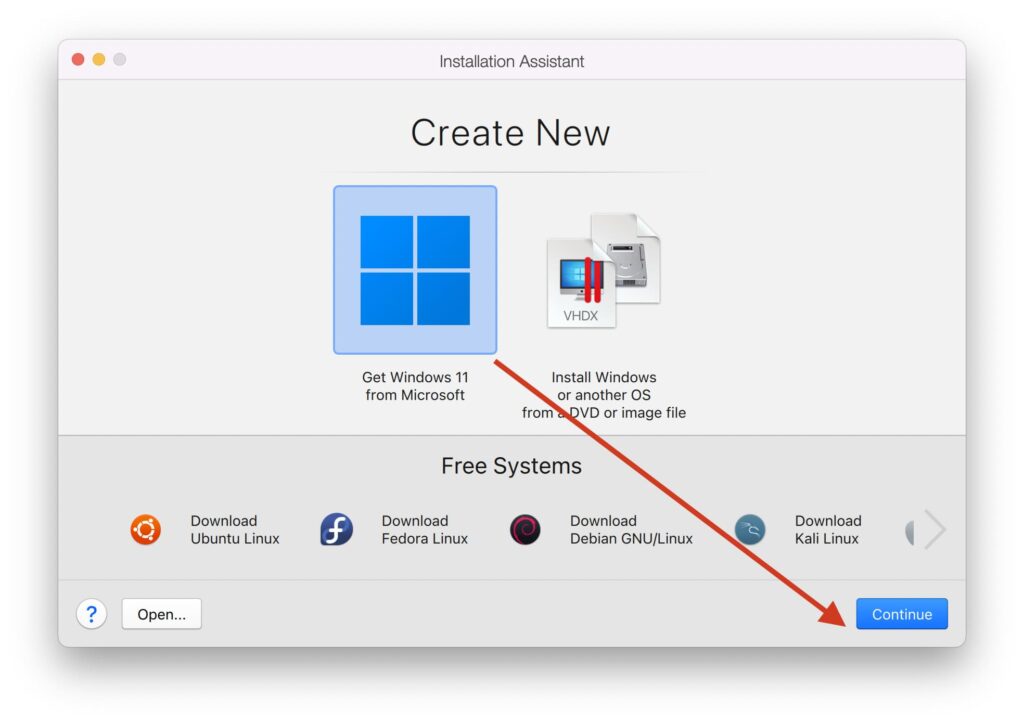
– After installing the application, click “Get Windows 11 from Microsoft” on the main screen.
– Next: “Install Windows”
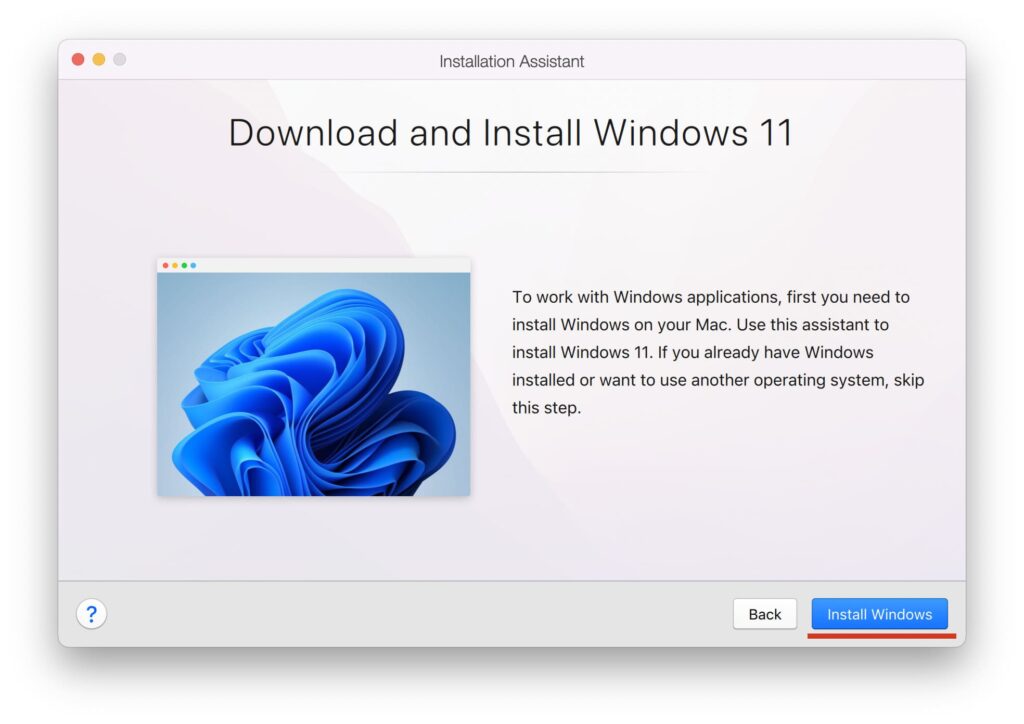
– Wait for the installation to finish. Everything will be done automatically. Below you can see screenshots of the installation steps.
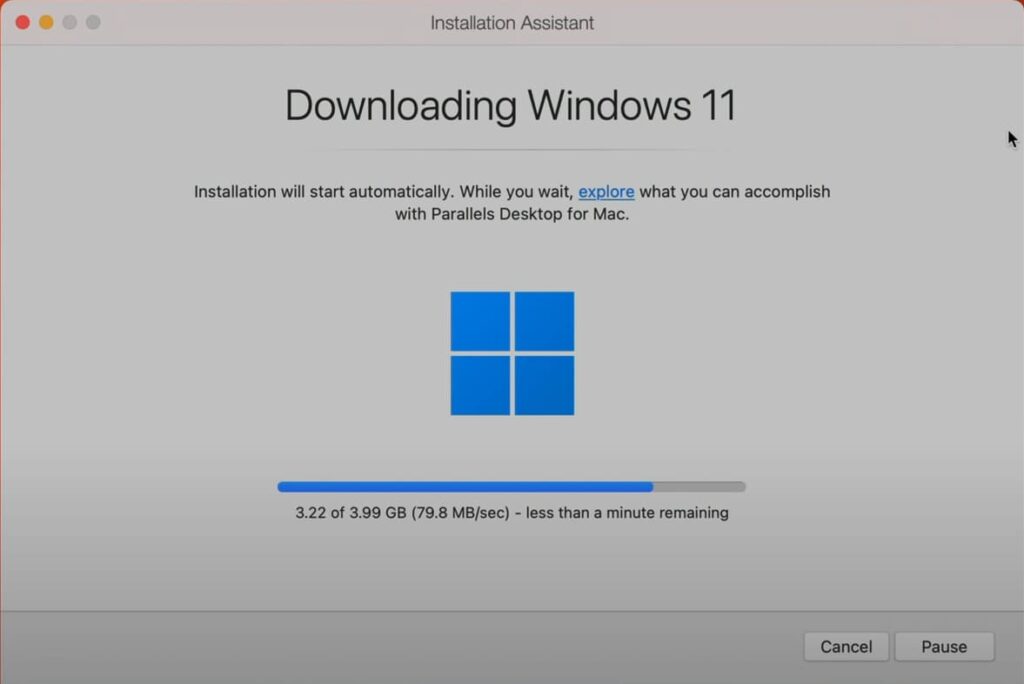
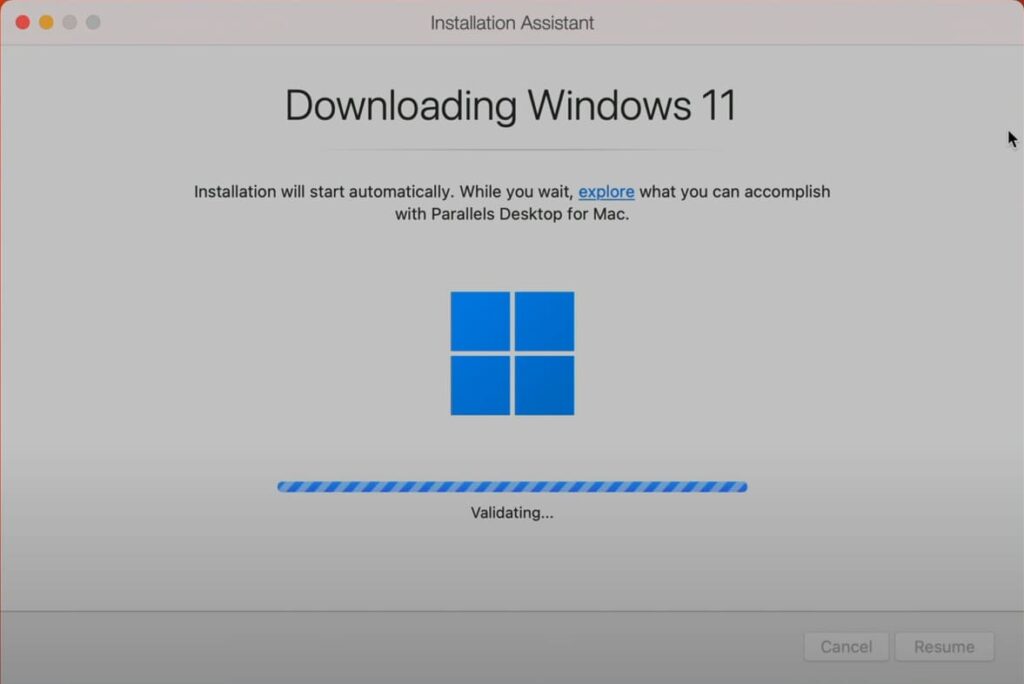
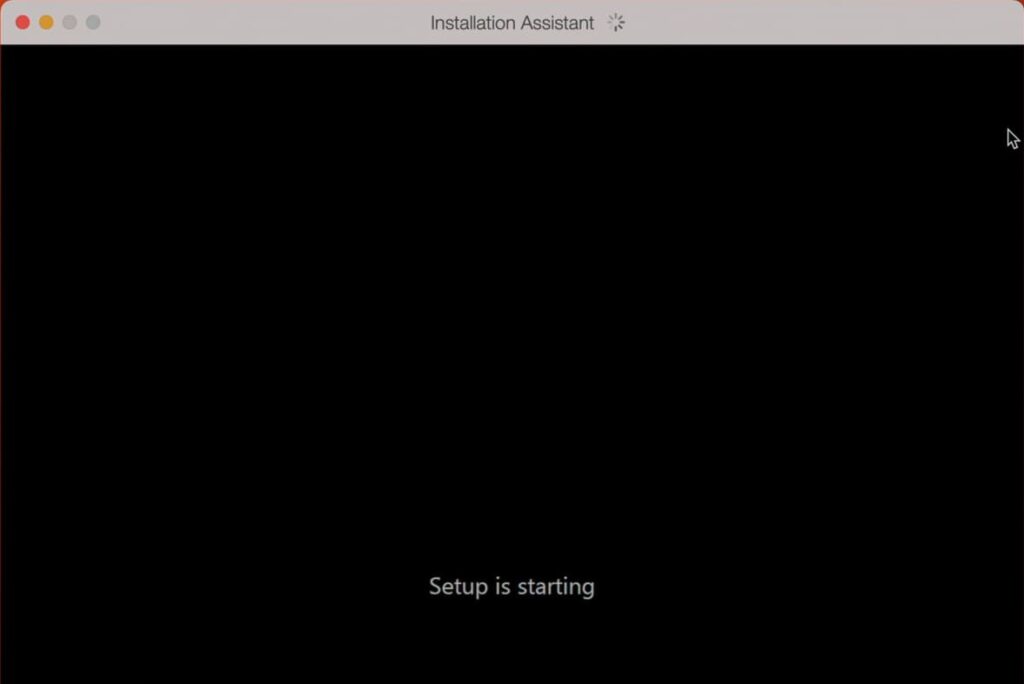
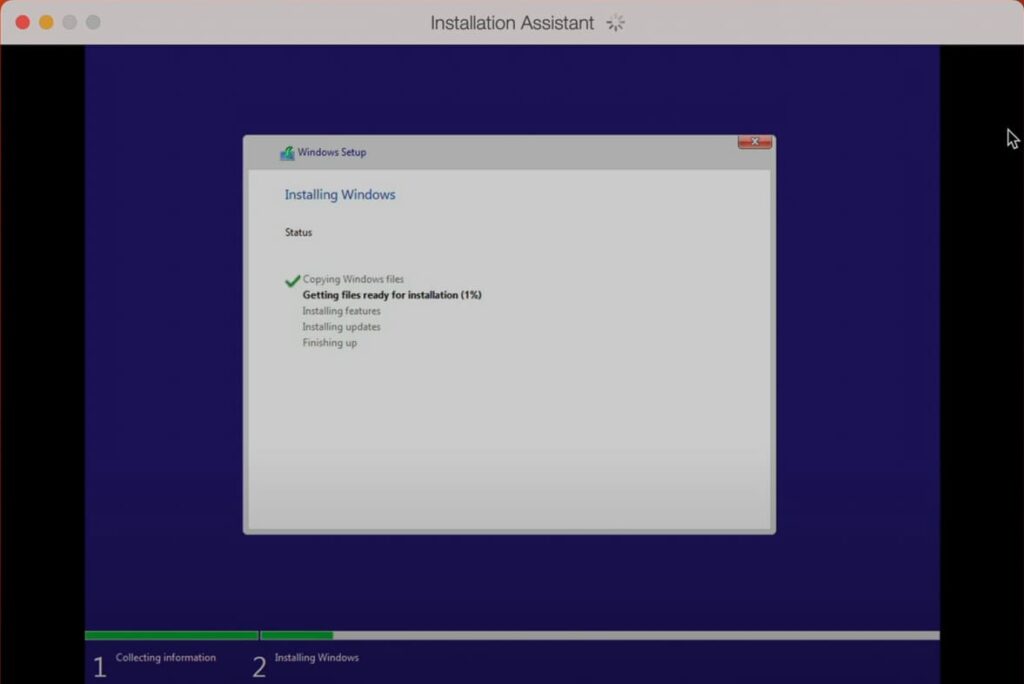
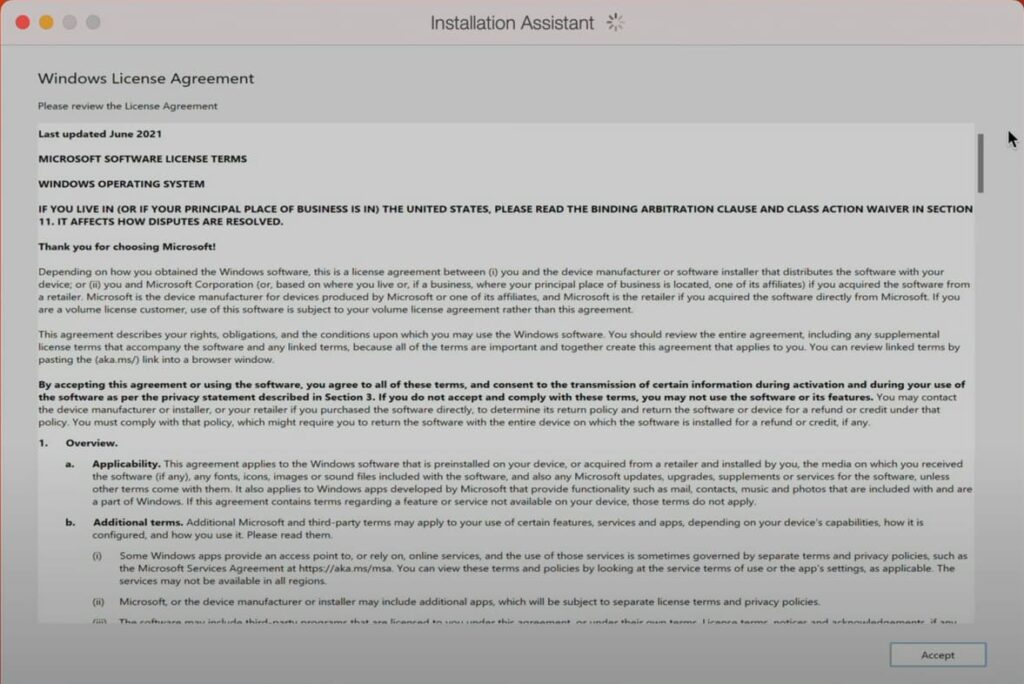
– When the installation is complete, accept the Microsoft License Agreement.
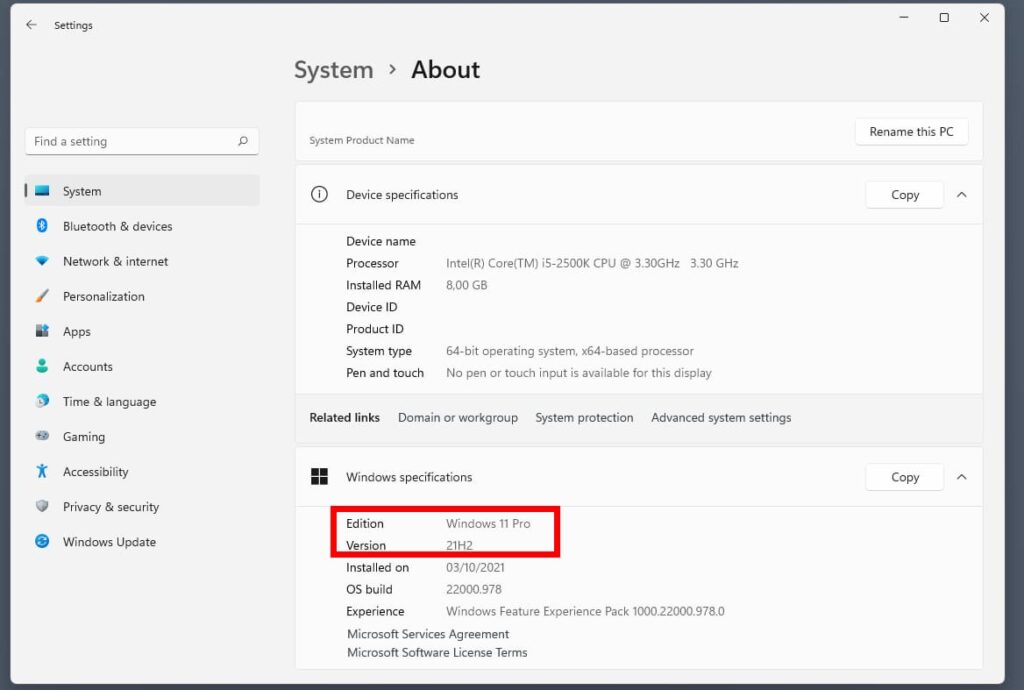
– Then you can go to Windows Properties and see which Windows 11 you have installed. Windows 11 Pro will be installed automatically.
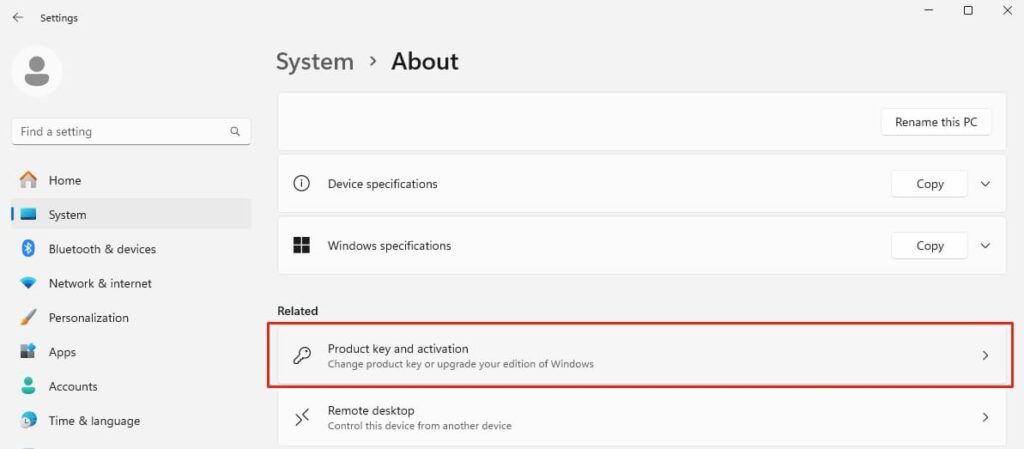
– Go to the “Product Key and Activation” menu.
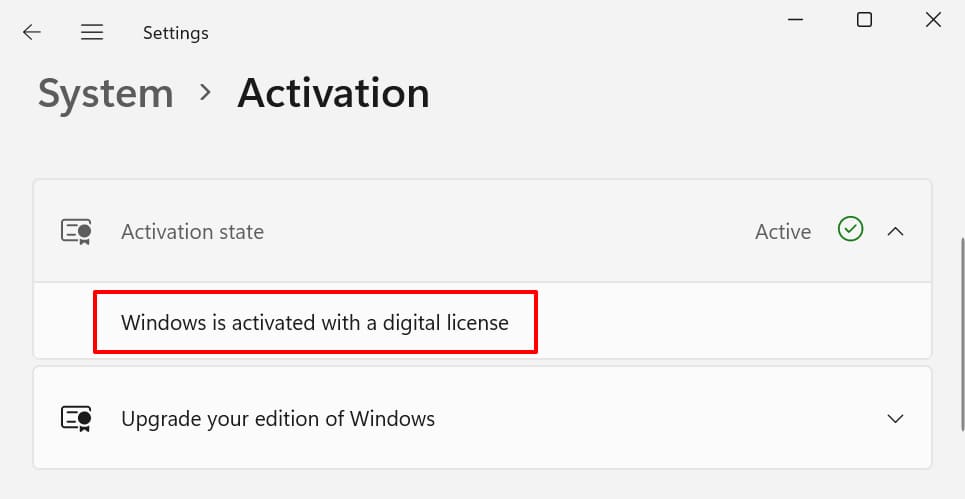
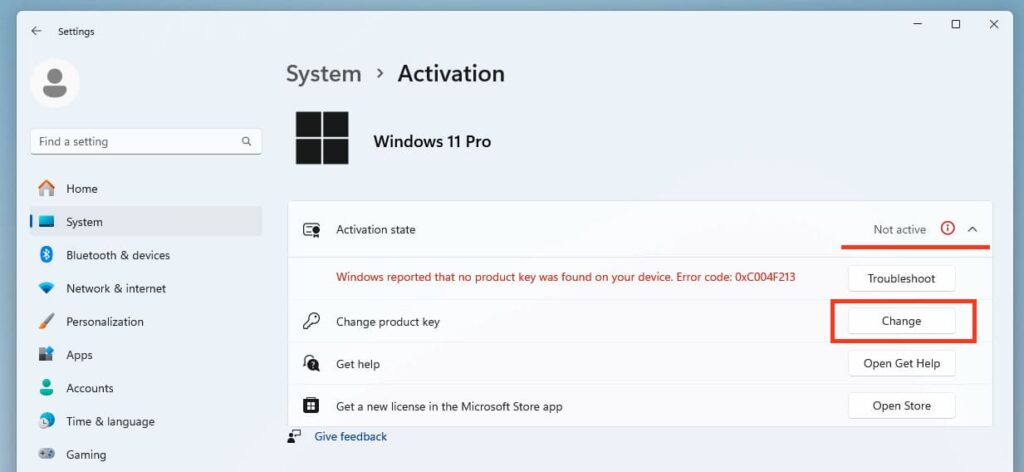
– You can see that the activation status is Inactive. To activate your Windows 11 Pro system, you need the appropriate product key. You can purchase it from our catalog with instant delivery to your email on the next page.
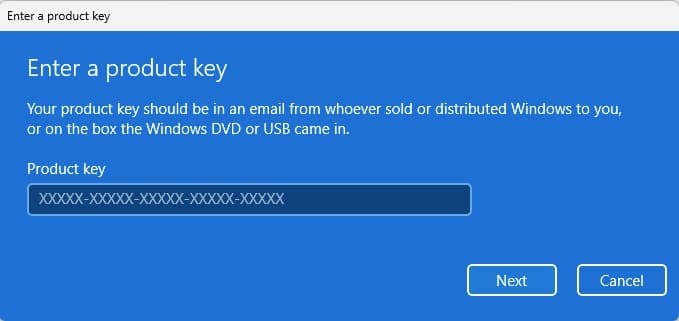
Once you have your Windows 11 Pro product key, click “Change Product Key” => click “Change” on the same page.
– Enter your product key in the appropriate field and activate the system.
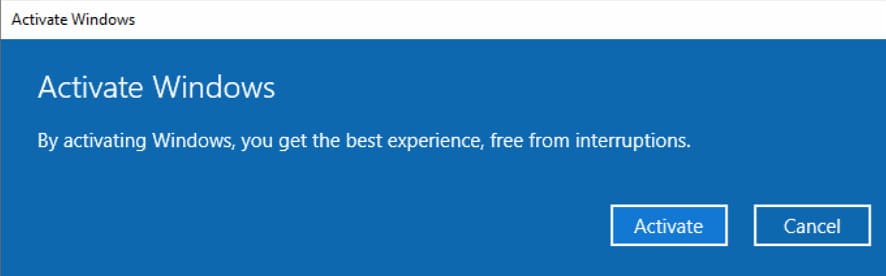
– This completes the installation and activation of Windows 11 on Macs with M1, M2, or M3 processors. You can get to work!