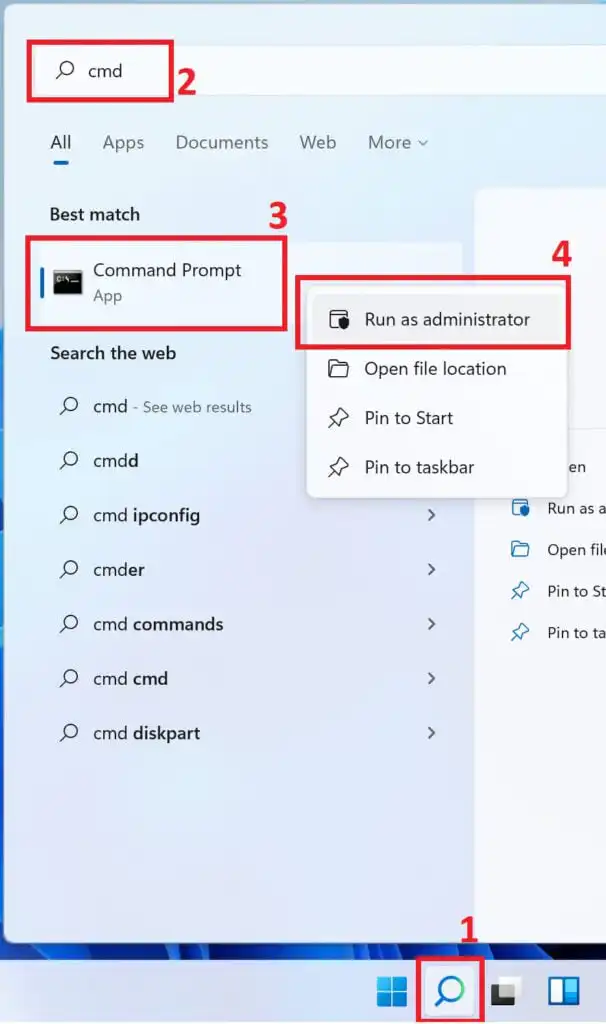
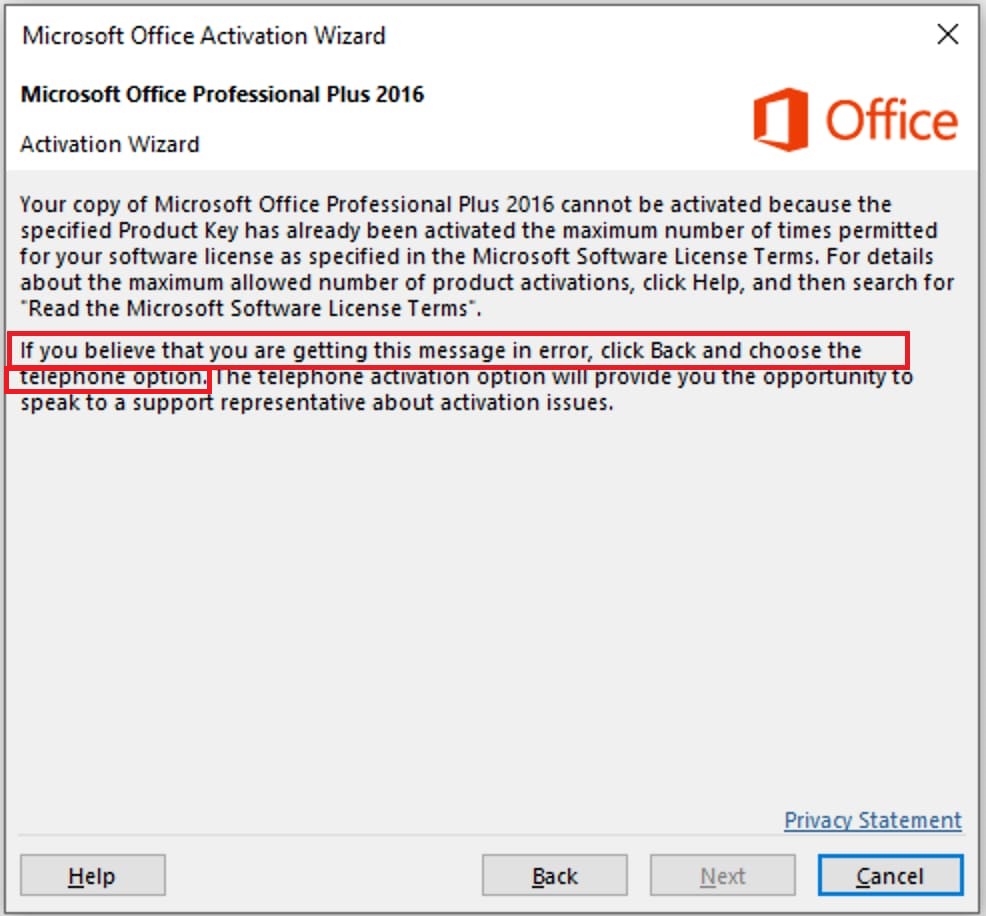
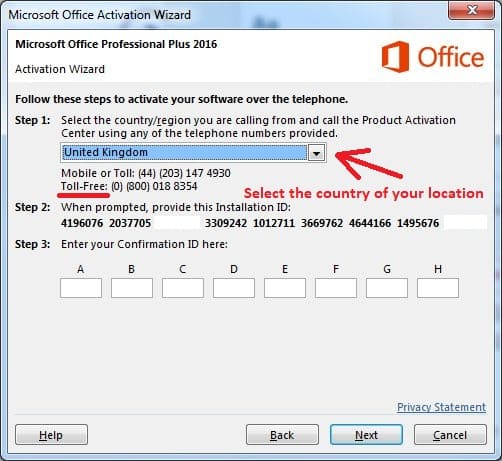
When activating Microsoft Office 2016 Pro Plus online, errors may occur due to activation server errors – as in the screenshot below. In this case, according to the recommendation from the second paragraph in the activation error, you need to activate the application by phone. The call is free.
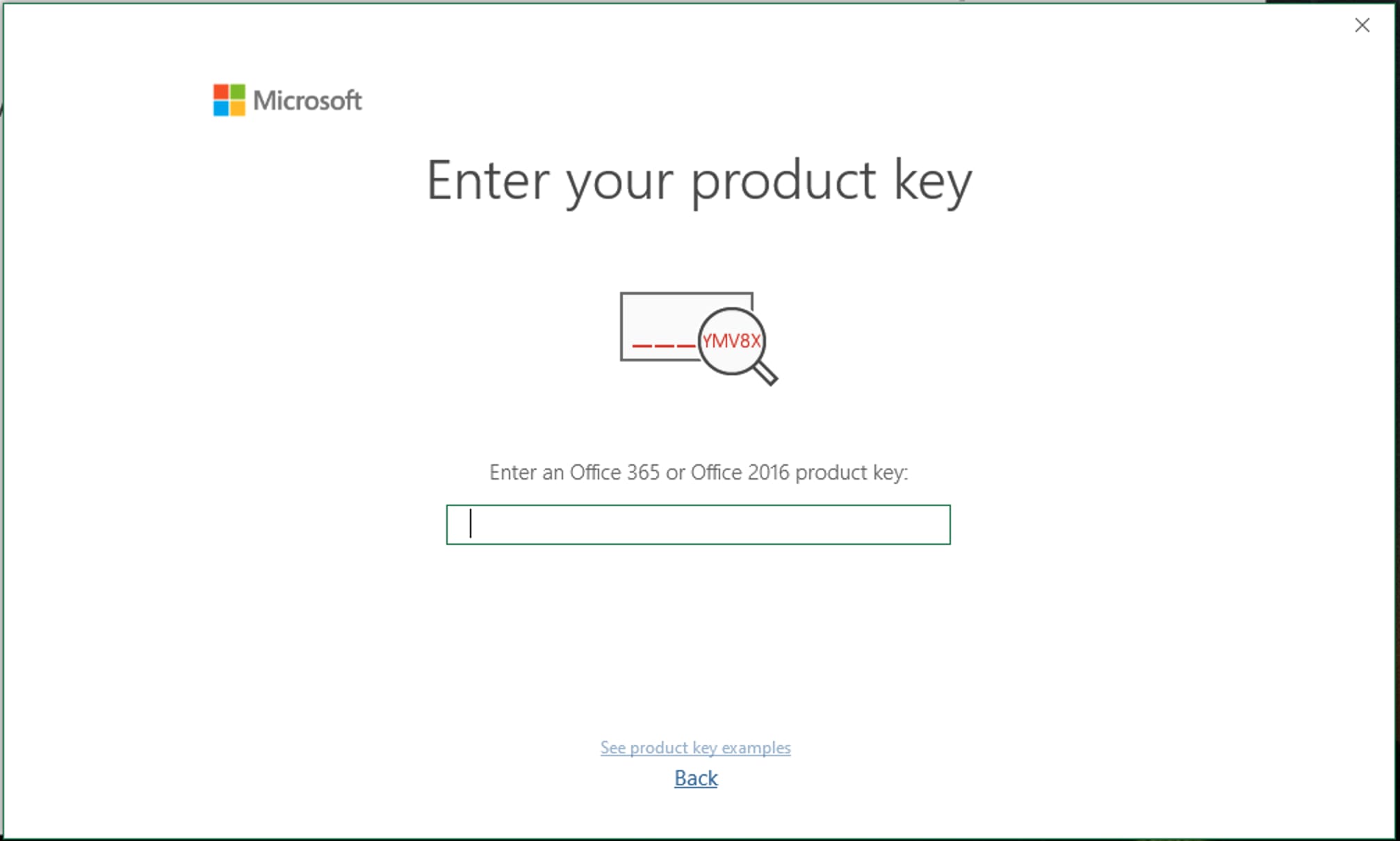
1) Install Office 2016 Pro Plus on your computer, then run any of its applications, for example Word. As standard, we enter the product key you bought there in the input window. You can download the installer via a direct link.
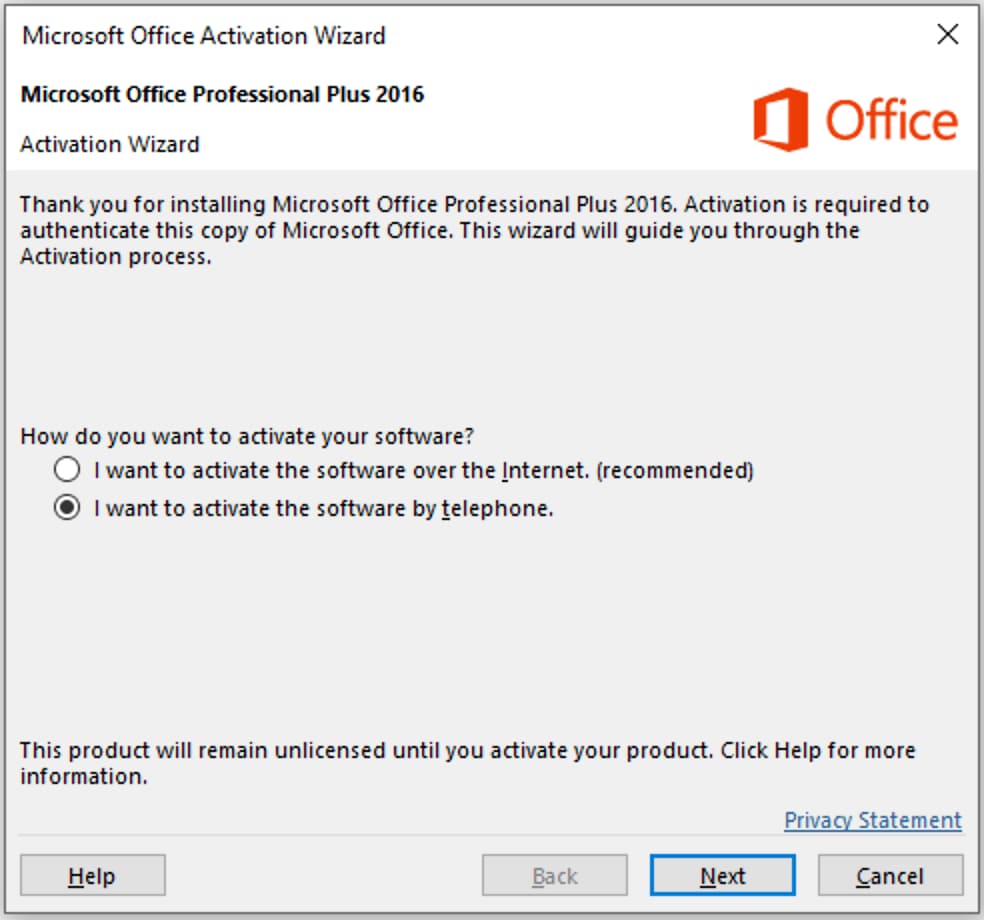
2) Then select: “I want to activate the software by telephone” and click “Next”.
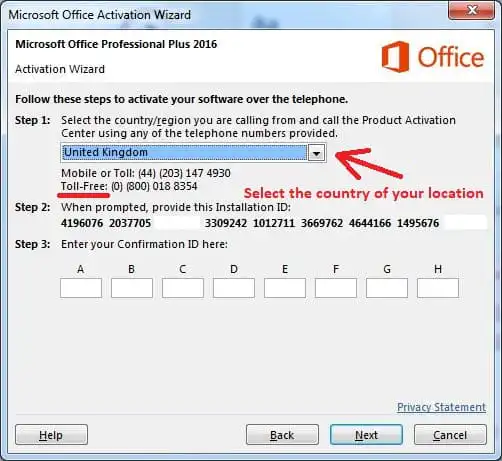
3) In the next window, you will be asked to choose your country, choose your own, for example, “Great Britain” (you can choose any other country from the list). As a rule, most countries have a number with a free call at the expense of Microsoft.
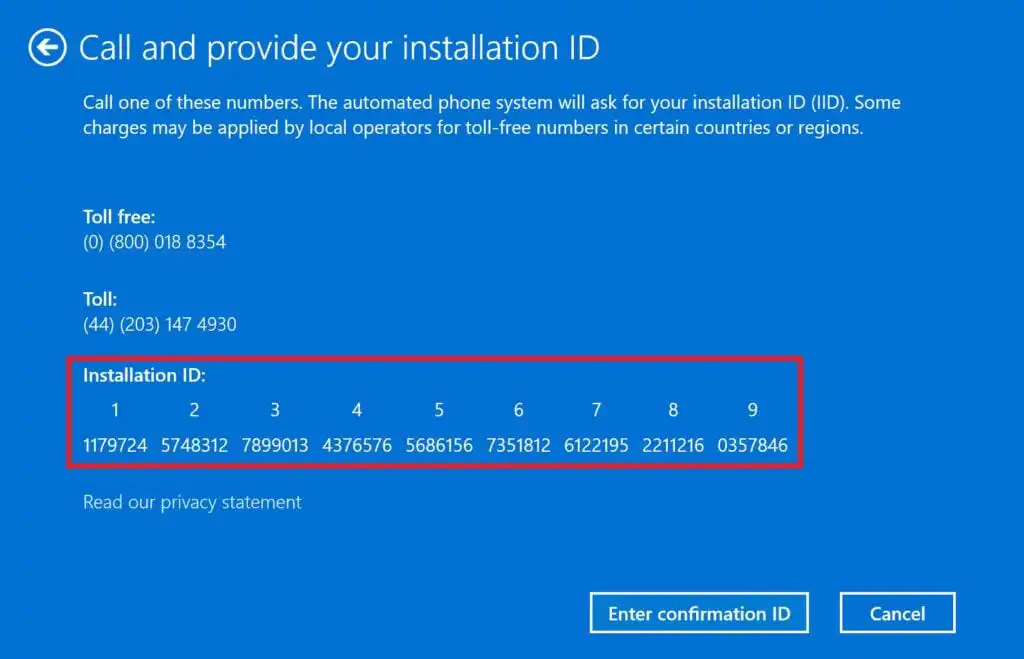
– When calling, press 1, we agree with the recording of the conversation, then press 3 – Office activation, then press 1 and enter the numbers to robot (from step 2 in the screenshot below).
Attention! You need to enter your installation ID, which exactly you have in the activation window program by phone, in our screenshot below is an example.
After entering the confirmation to the robot, the robot will ask you on how many computers the key has already been installed, you need to answer “zero”.
– Next, we are waiting for the response numbers from the robot, which will need to be entered in the input fields from A to H and activate Microsoft Office.
In addition, you can activate yourself in text mode without a call using our online service GET CID – Microsoft Self-Service Support, on the next page.
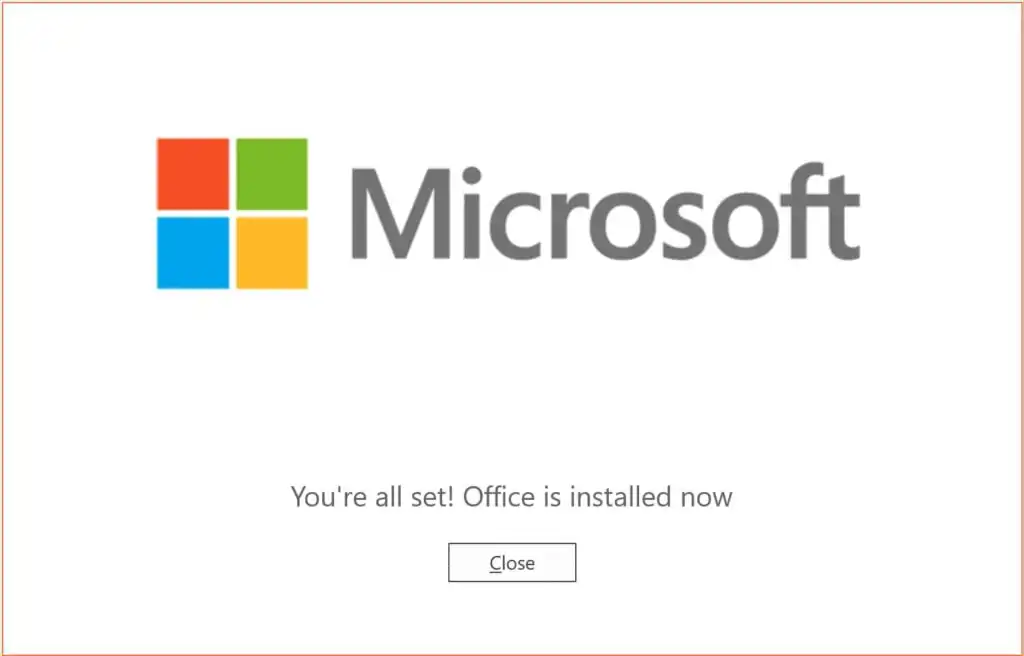
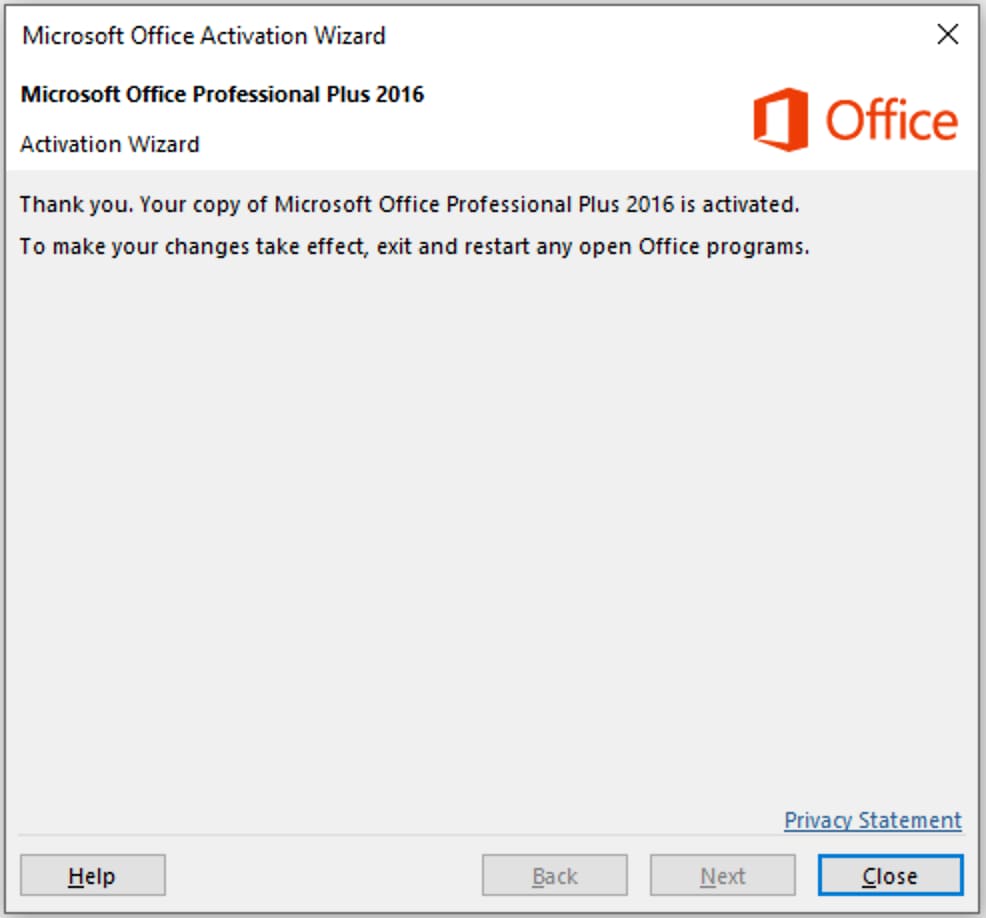
If everything went well. the next window you will see a message about the activation of the Microsoft Office 2016 Pro Plus application.
You can also use our free technical support to activate Microsoft Office. You can write to us in the technical support chat in the lower right corner, or contact us using the contact form.
1. To do this, you need to purchase a Microsoft Office 2016 Pro Plus product key from us.
2. Next, send us a screenshot or photo of the activation window by phone – we will send you a confirmation ID response
How Else Can You Activate Your Product? Additional Activation Method
Phone Activation in Text Mode:
– Visit the activation page to initiate automatic phone activation in text mode.
Steps:
1. Enter the email address you used when purchasing the product on our website.
2. Input the installation code (IID) from your phone activation window, then click the “Start” button.
3. You will receive a confirmation code consisting of 8 blocks labeled from A to H, each containing 6 digits.
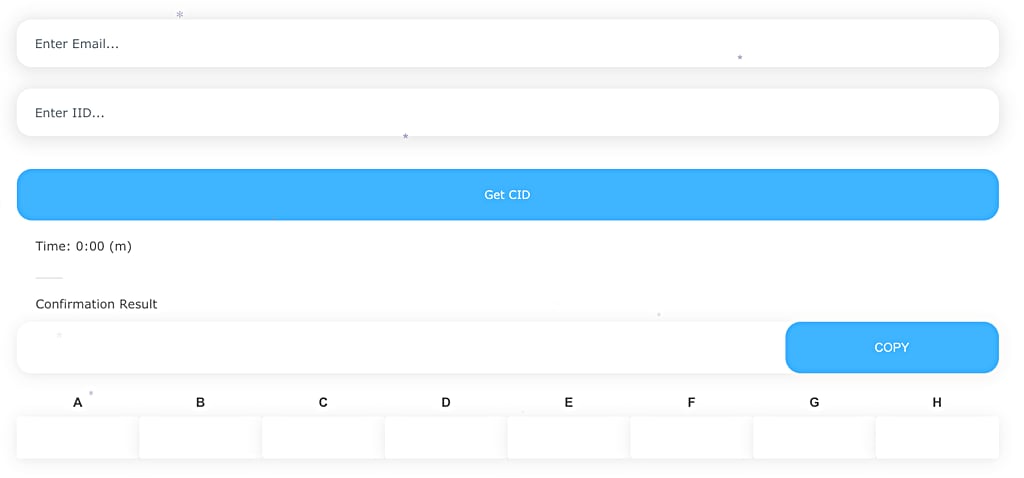
4. Enter these digits into your phone activation window to complete the activation process.