Whatever happened, it was probably our fault – How to fix it?
Let’s look at the Microsoft error message which states: “Oops – something went wrong. Whatever happened, it was probably our fault . Please try again“. One of the…

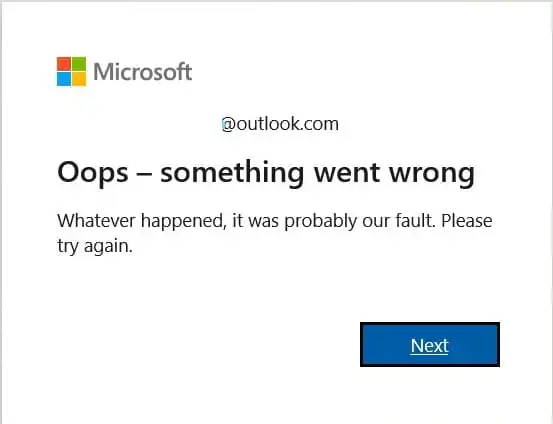
Let’s look at the Microsoft error message which states: “Oops – something went wrong. Whatever happened, it was probably our fault . Please try again“. One of the…
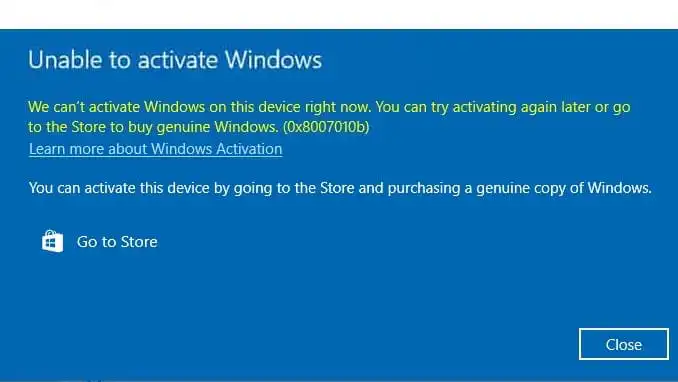
In this article, we will discuss how to fix the Windows activation error 0x8007010b. First Solution: Run “Windows Update Troubleshooter”. 1. Open the search and type “Control Panel”.…
In this article, we will consider a guide to uninstall Skype for Business for both Windows and Mac OS users. Instructions for Windows Users: Step 1. Disabling Automatic…
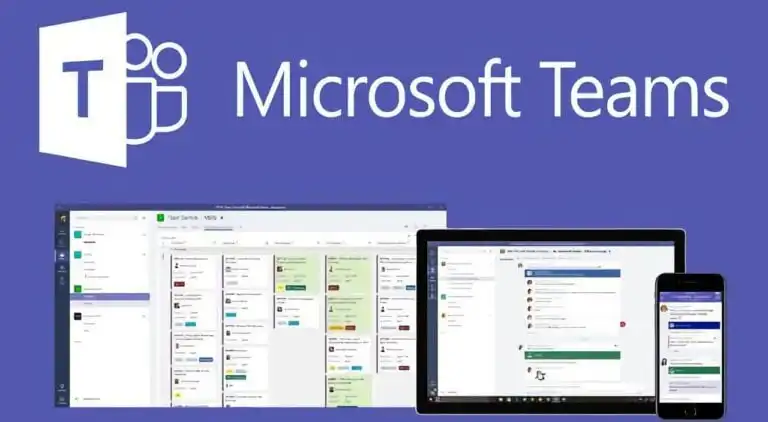
Microsoft Teams helps bring families and friends together. You can communicate with individuals and groups through meetings and calls, as well as chat and collaboration in one app.…
The new version of the Windows 11 24H2 operating system is currently in the testing stage as part of the Windows Insiders program. However, some users have encountered…
In this article, we will look at how to create a bootable USB drive with Windows on Mac OS. For this, you will need: – The application WinDiskWriter.…
Preparing to Install Windows XP In this article, we will step-by-step with screenshots go through the entire process of installing Windows XP. In this example, we will be…
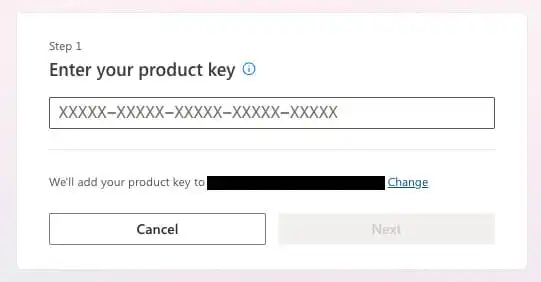
In this article, I will show you step-by-step how to activate any version of Microsoft Office (2021, 2019, 2016) with the “Bind” option. You can read what “Bind”…
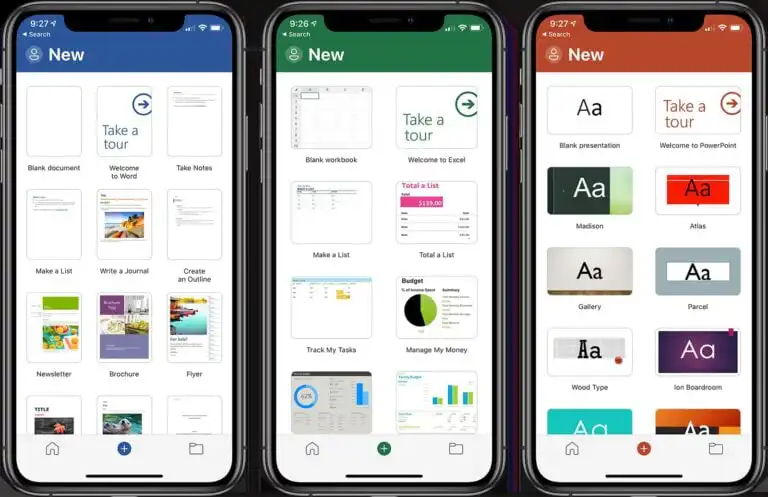
Let’s look at Microsoft Office for iOS (iPhone or iPad) in this article. How to quickly download, install, and activate. How to get it? You can download Microsoft…
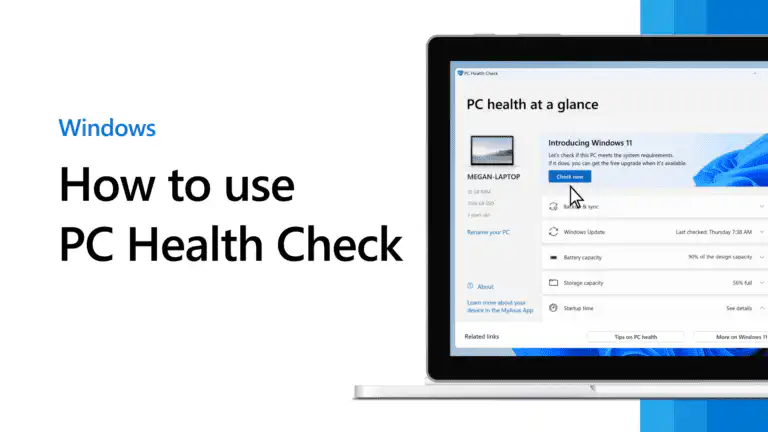
Windows PC Health Check is an official tool from Microsoft that helps determine if your PC and its settings are compatible with Windows 11, enabling you to install…
This page provides a list of supported processors for installing or updating to Windows 11. The tables show Intel and AMD processors. You can use Ctrl + F…
In this table you can see and compare the differences between the various versions of Microsoft 365. You can buy all versions of Microsoft 365 in our catalog…
Enter your email — we will save this product for later and let you know when the price changes.