In this article, we will explain how to install Microsoft Office 2013 Pro Plus and how to activate the application.
The first thing you need to do is download the application. You can download the original installer from our website.
After downloading, open the image or extract it to any folder using any archiver.
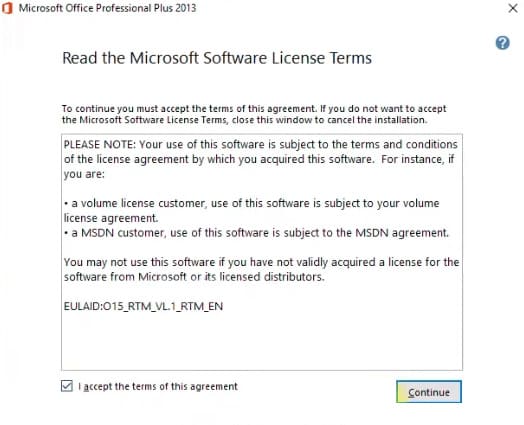
Agree to the license agreement.
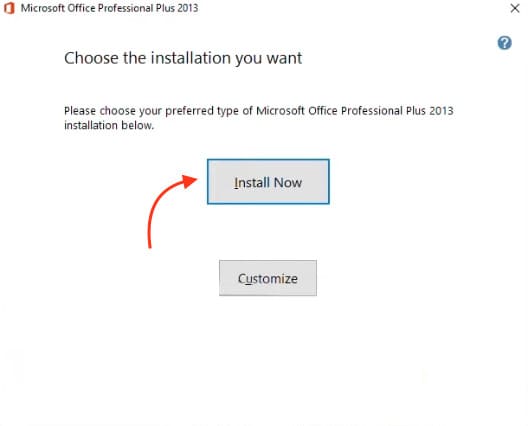
Click “Install now”.
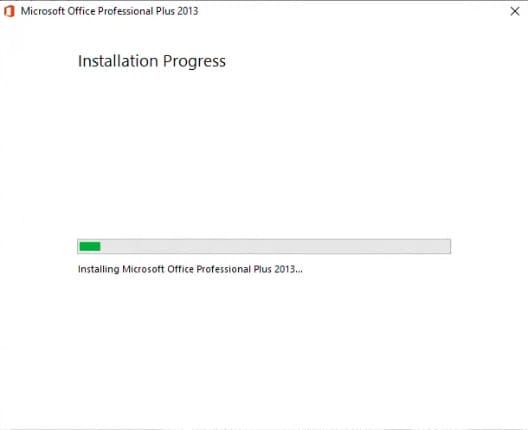
Wait for the installation to complete.
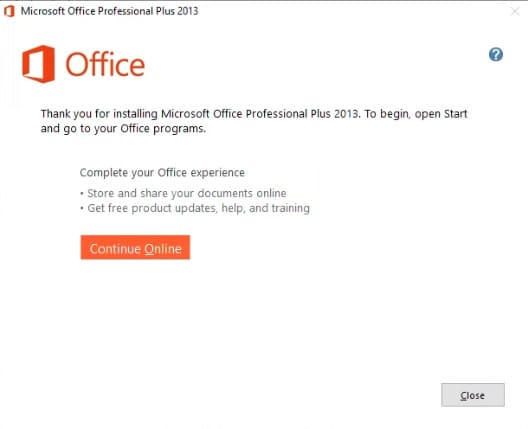
In the completion window, click “Close”.
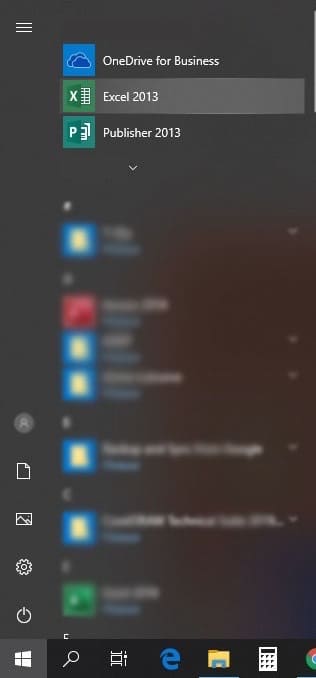
To activate the application, open any Office 2013 application, for example, Excel. You can do this from the “Start” menu.
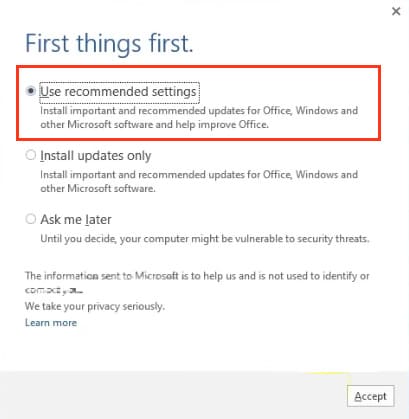
When Excel opens, you will see a window prompting you to apply update settings. You can choose “Recommended” so the application will download and install updates automatically. Apply the settings.
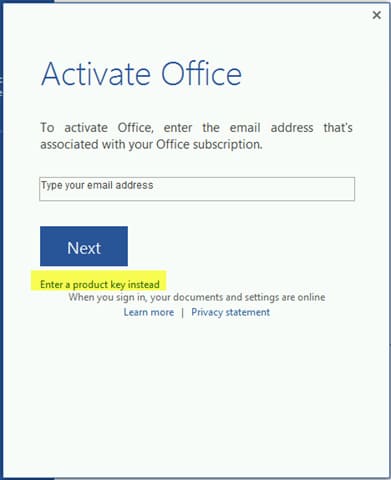
Upon first entry, an activation window will appear. To activate, you will need a product key. You can purchase it in our online store on the next page. The key will be delivered instantly via email after payment.
In the activation window, click “Enter a product key instead”.
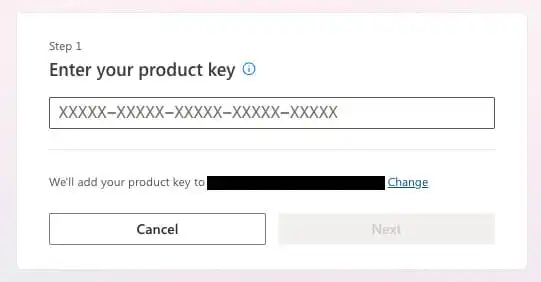
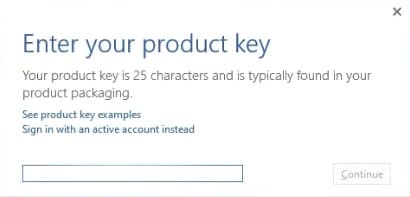
Enter your product key received after payment in the input window.
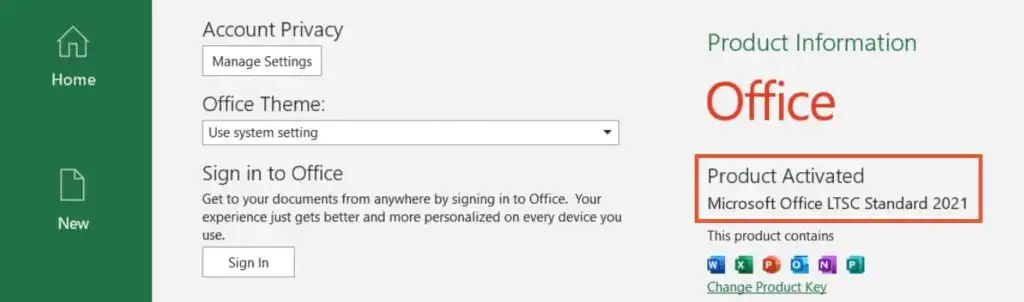
That’s it. After activation, restart the application to verify that activation was successful.
Now everyone can afford to use licensed software with SoftComputers!