In this article, we will walk through the step-by-step process of correctly installing Microsoft Office 2021 LTSC Standard for Windows.
1) Downloading the installer
The first thing you’ll need is the Microsoft Office 2021 LTSC Standard installer:
— Download the x64 version in English.
— Download the x32 version in English.
2) Product Activation
The software requires activation. Without activation, a trial period of 3–30 days will be available. You can purchase a product key with instant delivery to your email in our catalog for $16.20.
3) Installing Office 2021 LTSC Standard
Open the installer file with a double-click and click “Install”
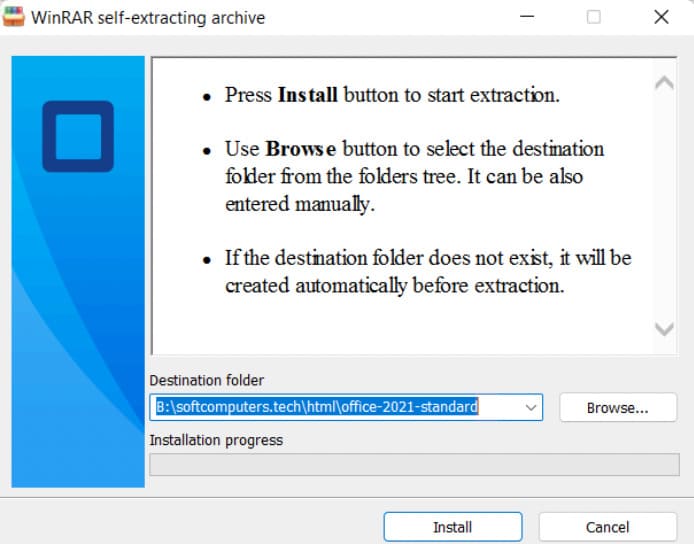
4) Waiting for installation to complete
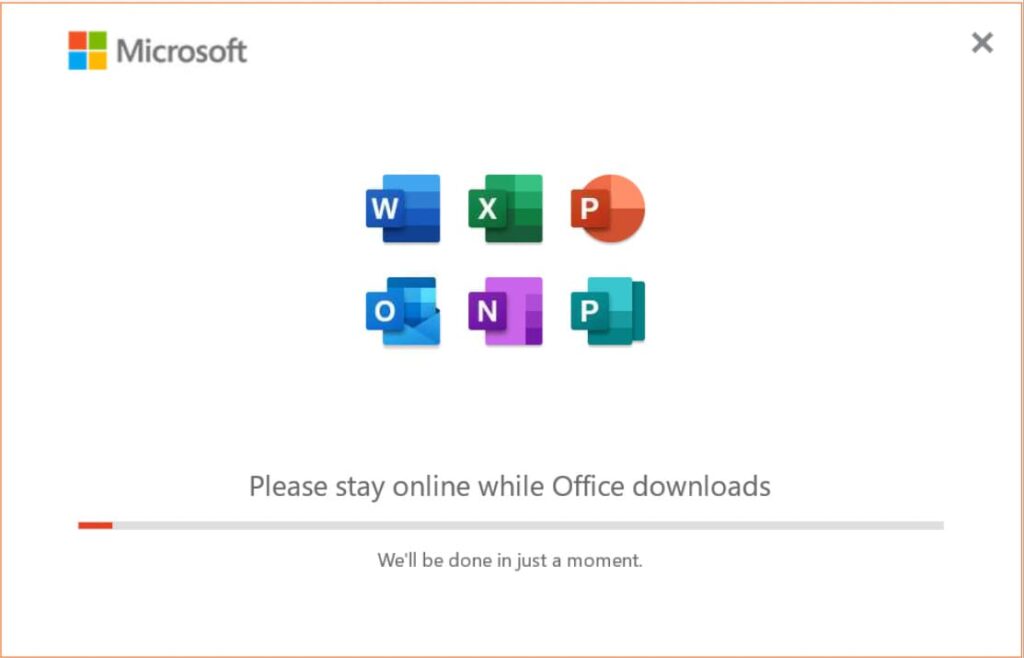
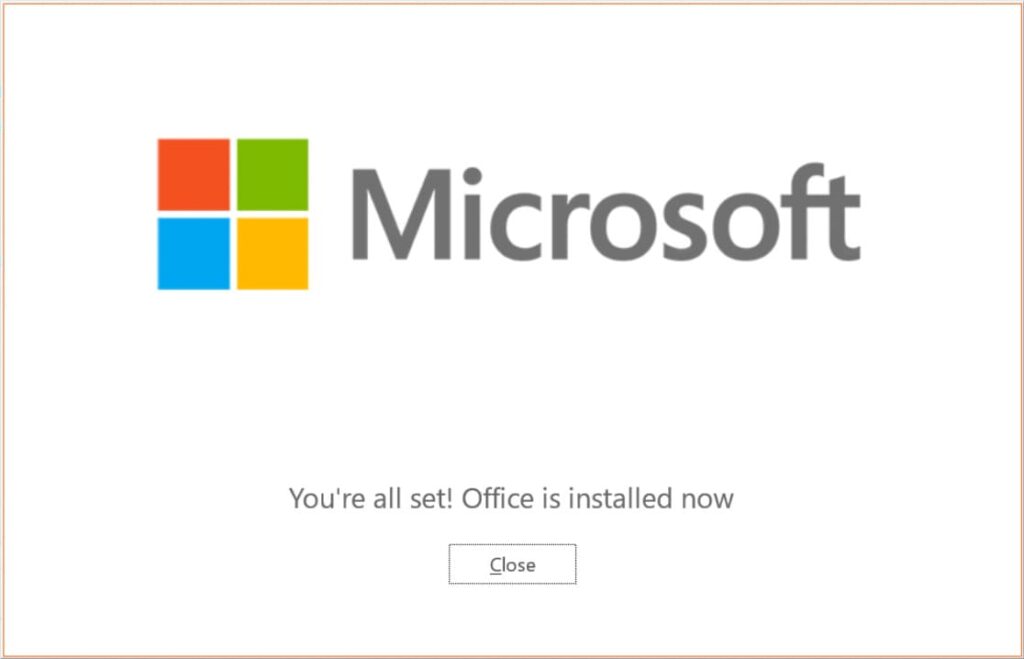
The installation will take 5-10 minutes. Wait for it to finish.
5) Opening Office application
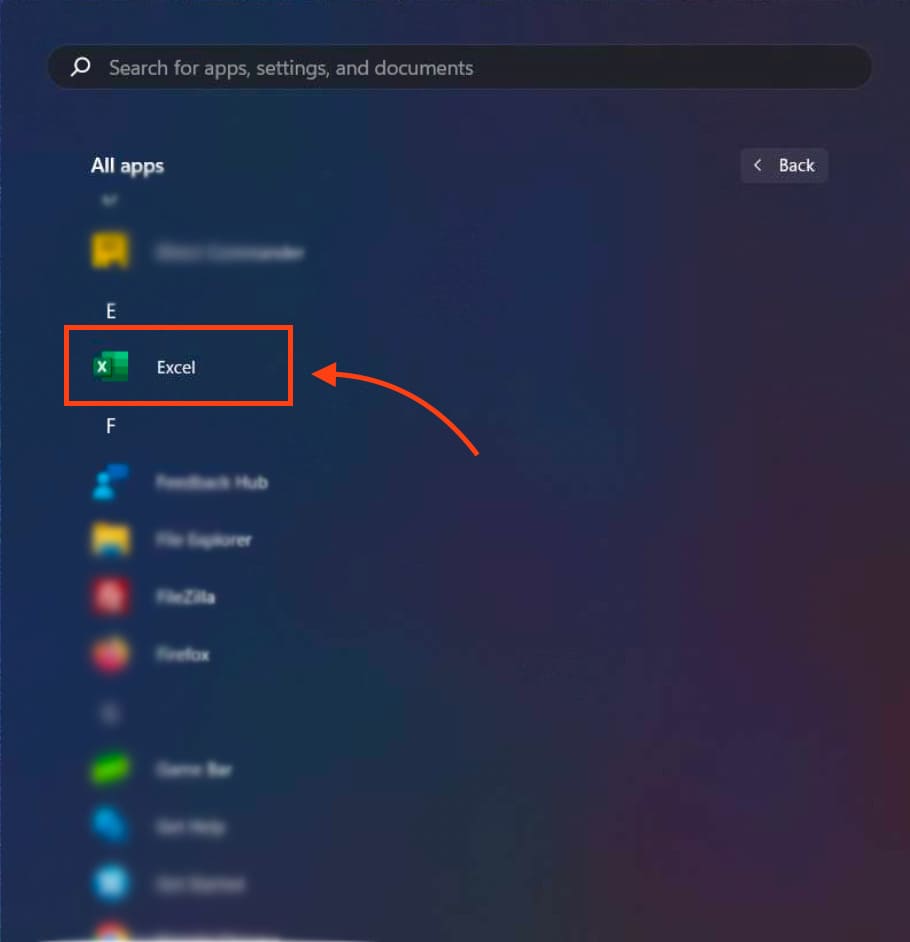
After the installation is complete, open the “Start” menu and find any application from the Office suite, for example, Excel.
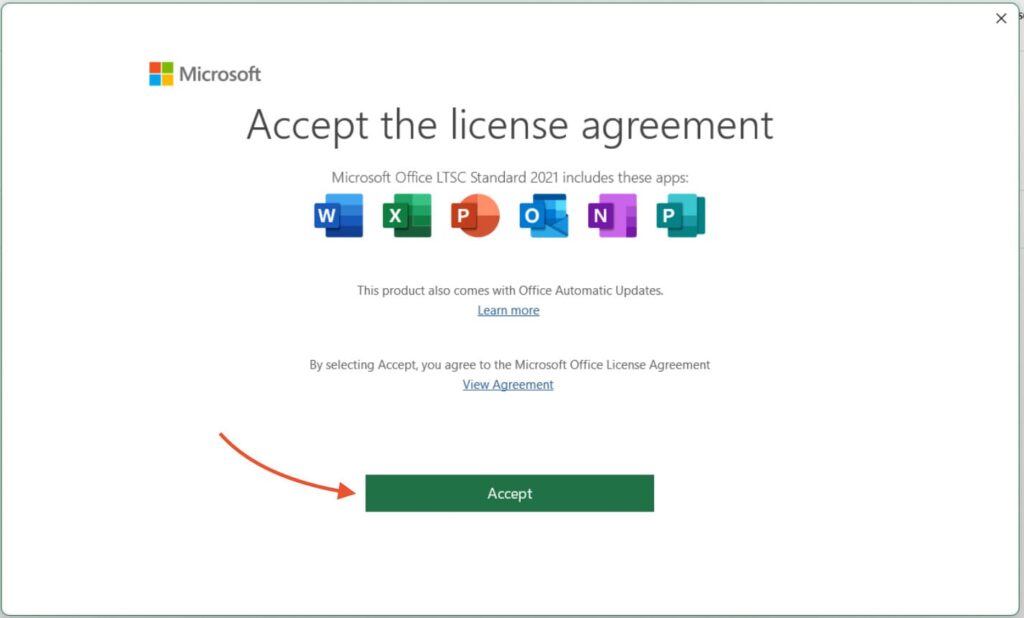
6) Accept the license agreement
7) Enabling Activation
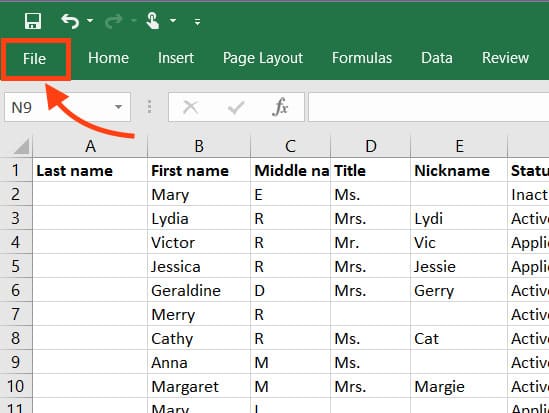
In the open application, go to the “File” menu in the upper left corner.
8) Account
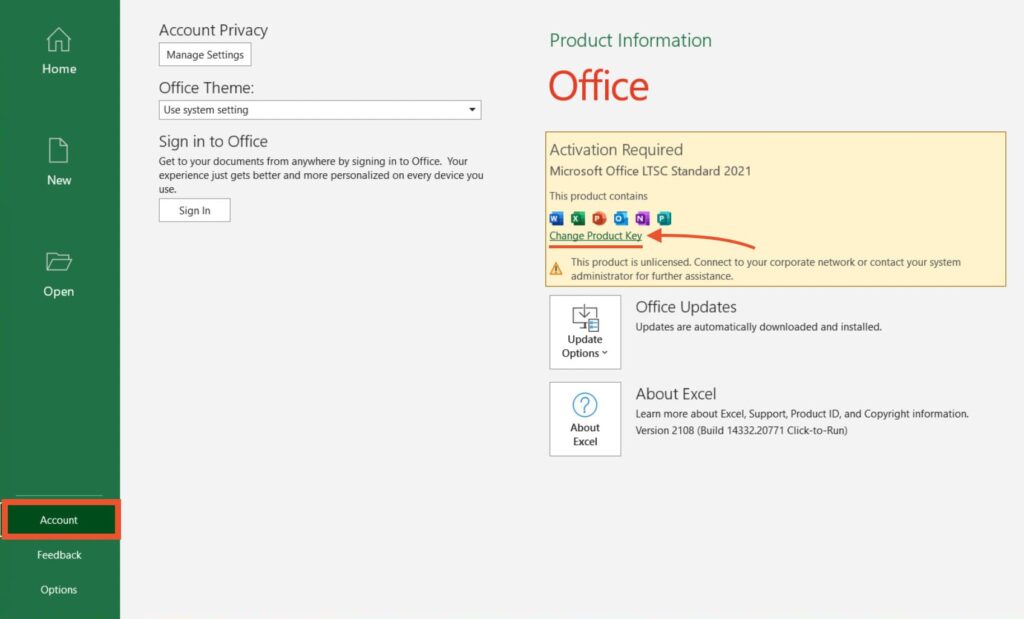
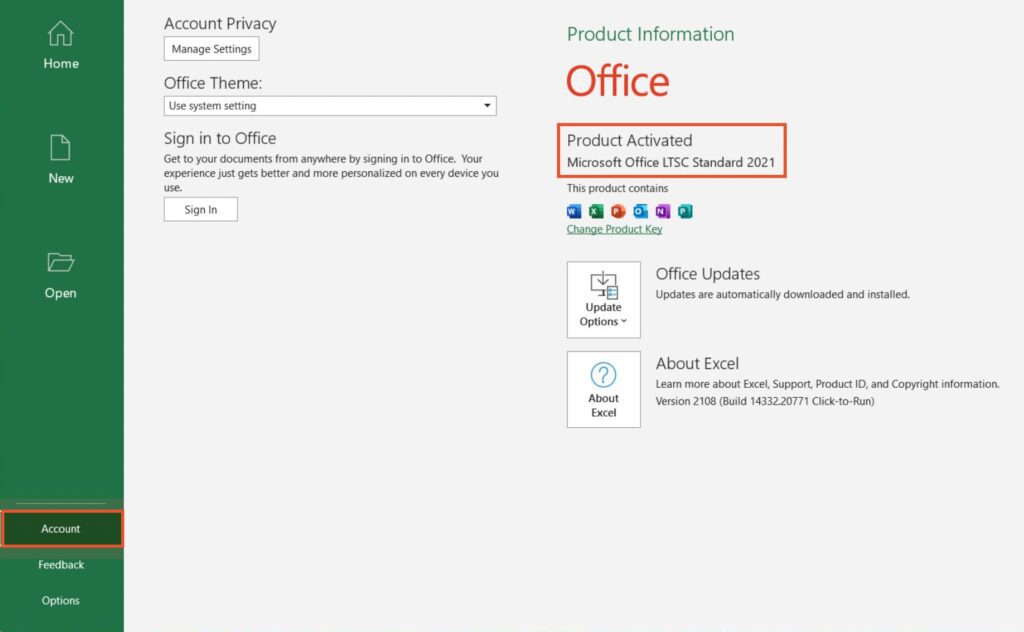
Next, select the “Account” section and click “Change Product Key” to activate Office 2021 LTSC Standard.
9) Entering the product key
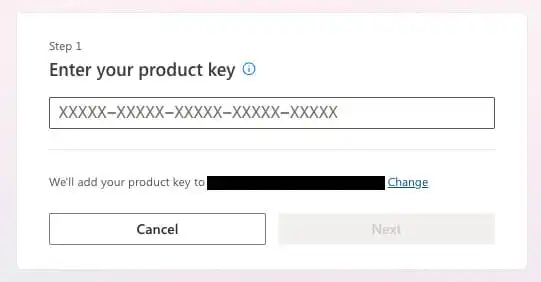
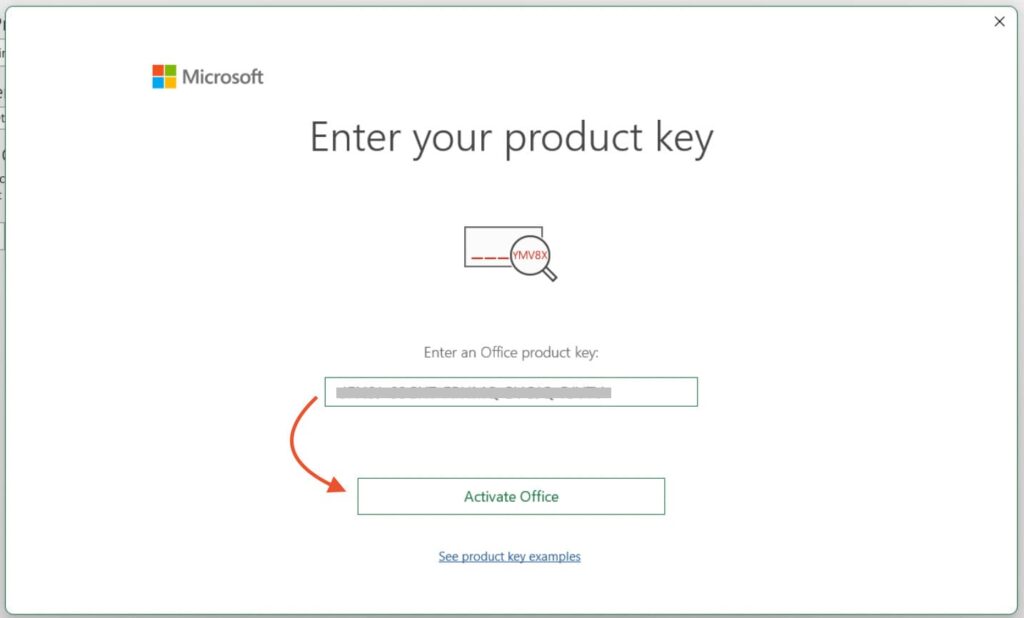
In the window that appears, enter the product key for Office 2021 LTSC Standard. If you do not yet have a product key, you can purchase one in our catalog with instant delivery to your email.
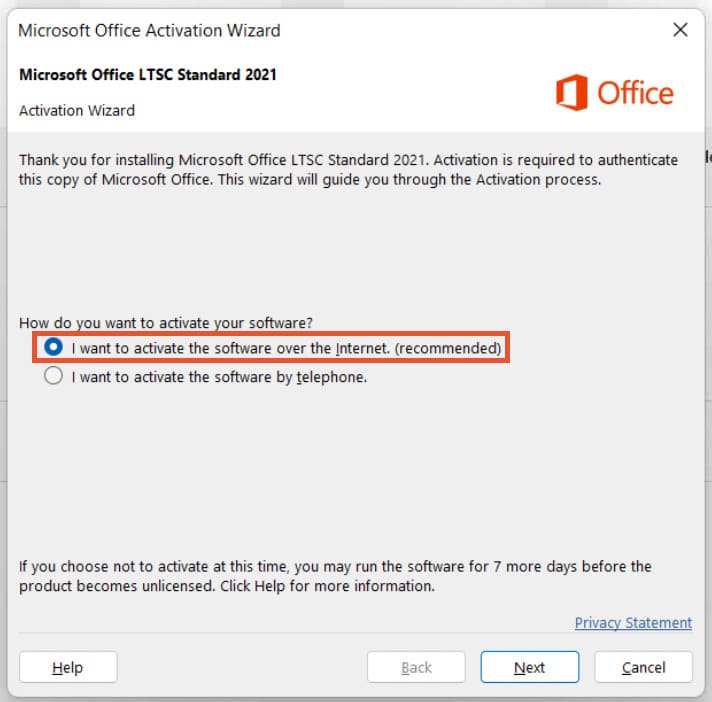
10) Select “I want to activate the software over the Internet. (recommended)” and click “Next”
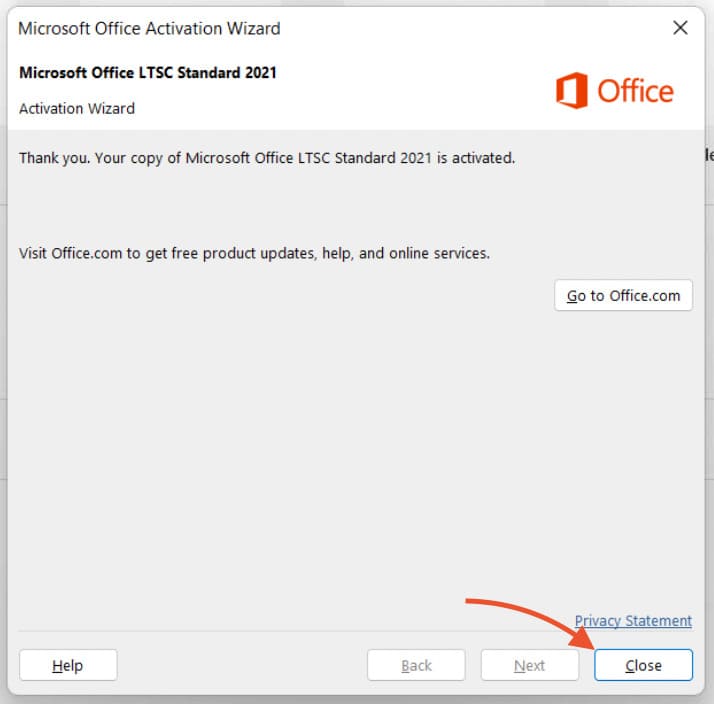
11) Close the Microsoft Office Activation Wizard
12) Restarting the application
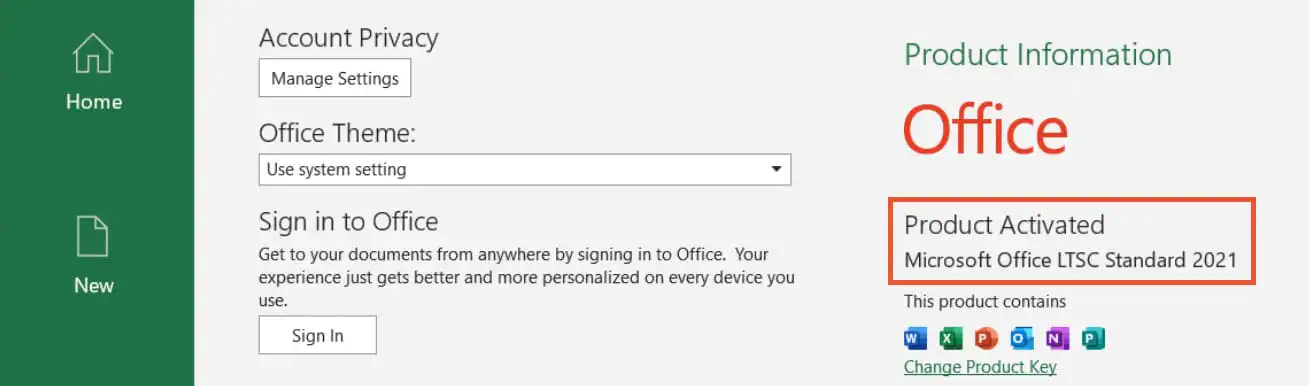
After activation, restart the application. To verify activation, you can go to the “File” => “Account” menu again, where it will indicate that the application has been activated.
This completes the installation and activation process. You can now start working! If you have additional questions, feel free to contact us via email — admin@softcomputers.org.