



Buy Microsoft Office 2019 Home and Student
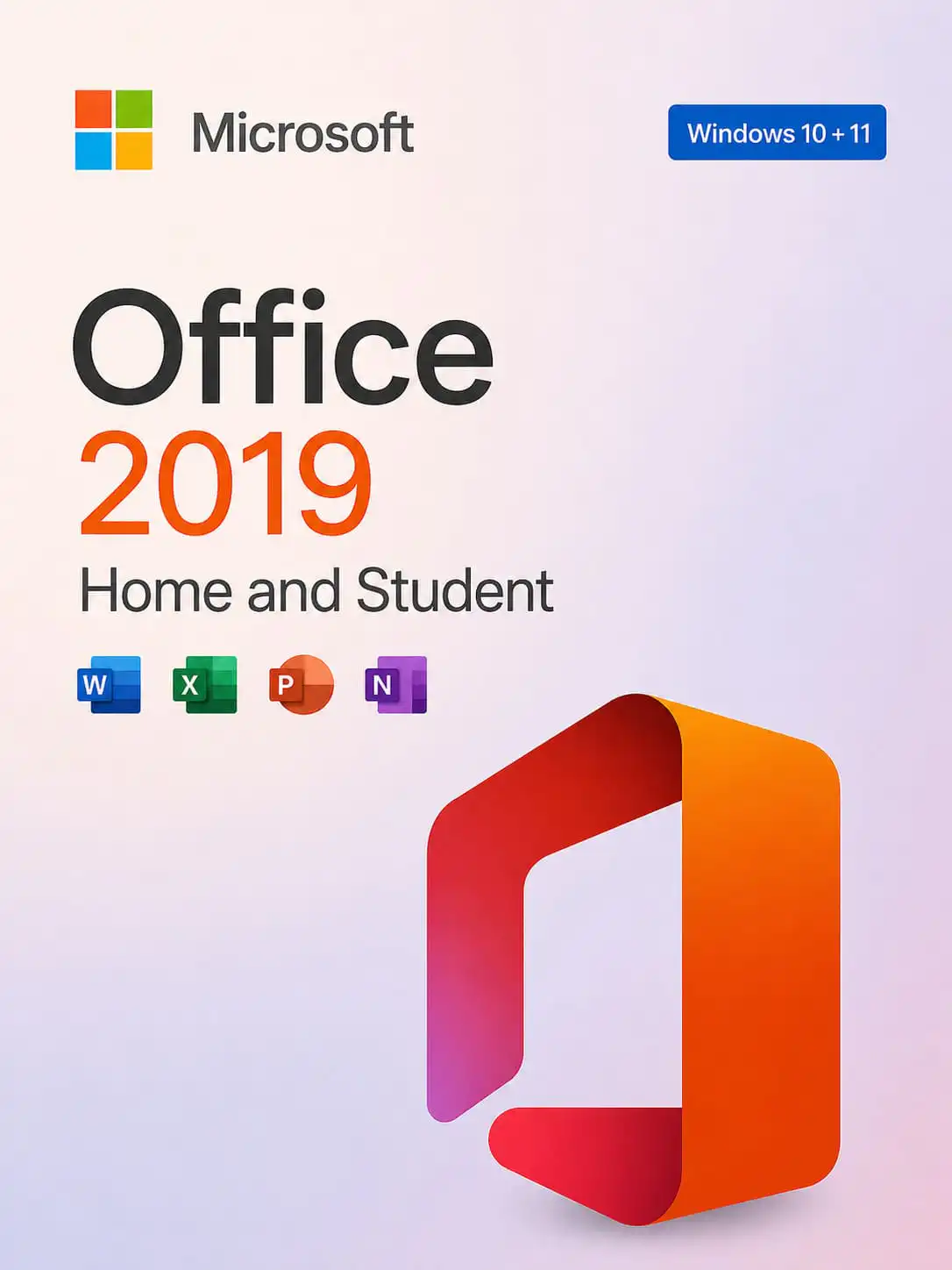
Microsoft Office 2019 Home and Student provides the foundational tools for academic success and personal projects on Windows. We offer this suite with a choice between two distinct activation methods: a cost-effective No-Bind key or a premium Bind key. Both versions deliver the full 2019 experience, allowing you to select the licensing style that best matches your long-term needs and budget.
Core Applications with Custom Licensing
This edition is designed to handle all primary document and presentation tasks with speed and stability. Depending on the version you select, you will benefit from different management features:
- Essential Software Bundle: Both versions include the full desktop 2019 versions of Word, Excel, and PowerPoint.
- Bind Version (Account Linked): This premium option connects the license to your personal Microsoft account via setup.office.com. It offers maximum flexibility, allowing you to move the software to a new PC by signing out of your account on the old device and signing in on the new one.
- No-Bind Version (Hardware Linked): A budget-friendly choice that establishes a permanent link with your computer’s hardware. Once activated, the license remains on that specific PC for its lifetime but cannot be transferred to another machine.
- Modern Interface: Enjoy a clean, optimized user experience designed for Windows 10 and 11, featuring improved inking in PowerPoint and better data analysis tools in Excel.
Frequently Asked Questions (FAQ)
Which version is the best investment?
If you plan to use your current PC for many years, the No-Bind version is a highly economical way to get genuine Office tools. However, if you anticipate upgrading your computer in the future, the Bind version is superior as it allows you to carry your license over to your new hardware.
How does the activation process differ?
The Bind license is redeemed through your Microsoft account at setup.office.com, which then manages your installation. The No-Bind license is activated by entering the 25-character key directly into the installed applications to lock it to the hardware.
Is there a subscription fee?
No. Both license types are perpetual. This is a one-time purchase that grants you lifetime access to the Office 2019 Home and Student tools without any recurring monthly or annual costs.
Instant Digital Delivery
Your authentic 25-character product key is ready for immediate deployment. Delivery is instant—the key will be sent to your email address right after payment. This allows you to secure your personal digital workspace and start working on your next project without any delay.
For No-Bind users: In case of problems with internet activation via Office applications, use phone activation or contact our support chat. For our clients, we perform phone activation free of charge.