




Download Microsoft Office 2024 LTSC Standard Installer
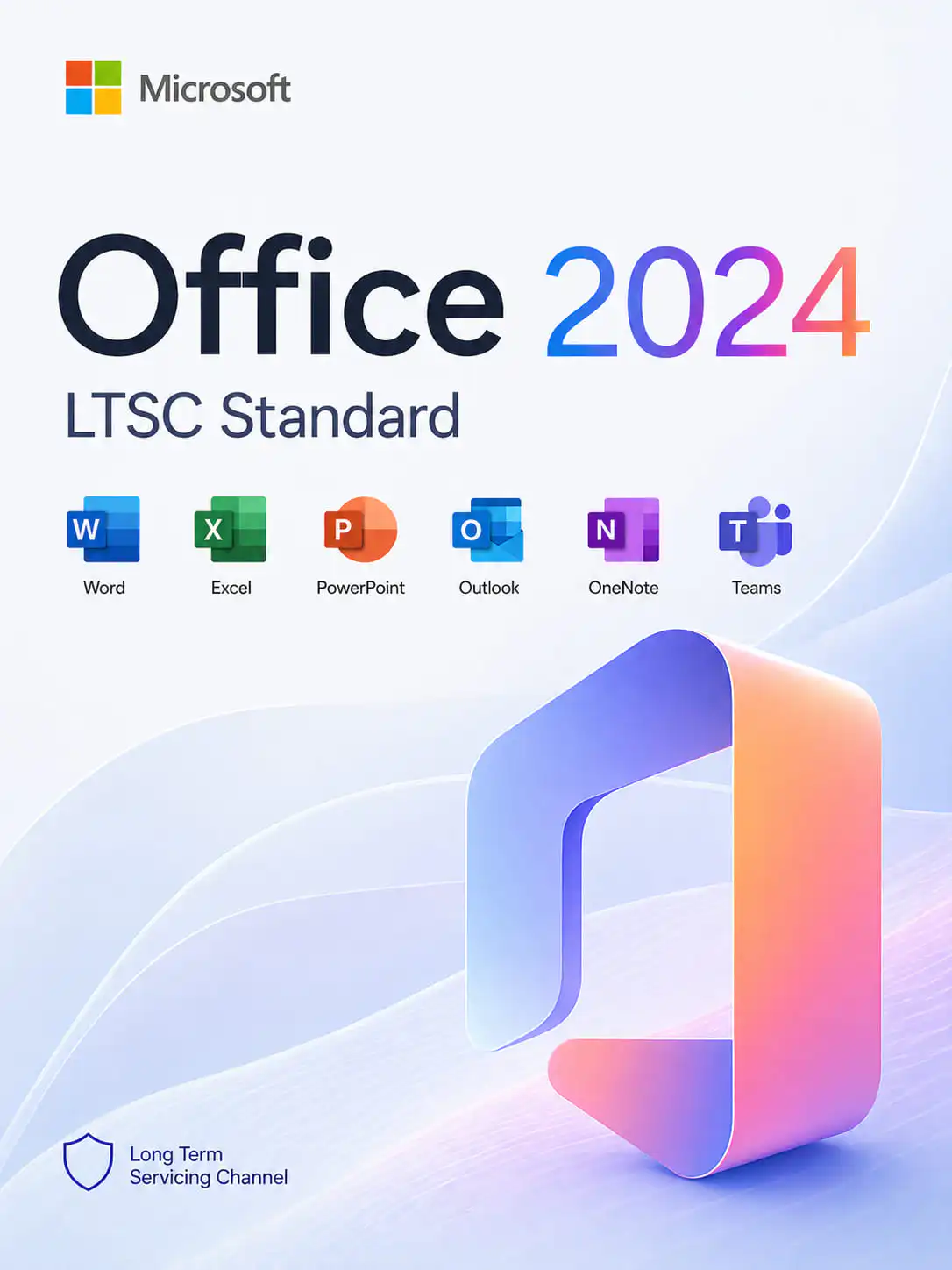
On this page, you can download the official Microsoft Office 2024 LTSC Standard installer — a genuine installation file directly from Microsoft. This version is specifically designed for corporate users and organizations that require maximum system stability, a classic toolset, and the absence of forced functional updates. The installer is completely original, contains no third-party modifications, and corresponds to the latest current build.
What is included in the download?
- Original Microsoft Office 2024 LTSC Standard (Standard) installer.
- Full support for English and multi-language interface packs.
- Classic business suite: Word, Excel, PowerPoint, Outlook, OneNote.
Important
Microsoft Office 2024 LTSC Standard is a reliable solution for creating documents, working with pivot tables, and efficiently managing business correspondence. Please note that after installation, the program will require activation. You can purchase an official license key in our catalog on the product page.
Why use the original Office 2024 LTSC Standard installer?
Using a genuine image ensures:
- System Security: Unlike “repacks” from torrents, the original file contains no hidden miners, viruses, or vulnerabilities that could compromise your data.
- LTSC Channel Stability: You get a version focused on long-term operation without sudden interface changes, which is critical for business workflows.
- Excel Optimization: Access to new array handling functions and increased calculation speeds in large workbooks.
- Improved Outlook: Optimized search algorithms and enhanced mailbox synchronization stability.
- Seamless Updates: A product installed from the original source will receive official security patches from Microsoft throughout the entire support period.
We strongly recommend avoiding activators and third-party patches, as they violate system integrity and deprive you of technical support.