Windows Server 2025 is the latest product from Microsoft, offering enhanced features and improved performance for server systems. In this article, we will provide a step-by-step guide for installing Windows Server 2025.
The first thing you need to do is download the installer, which you can find on the following page.
Next, you need to create a bootable USB drive by writing the installation package to it and then boot from it via BIOS / UEFI. You can follow this instruction to do it.
You will also need to activate Windows Server 2025 using an original activation key, which you can purchase in our catalog:
Windows Server 2025 Standard – $20.00
Windows Server 2025 Datacenter – $20.19
Once you have booted from the USB drive via BIOS, you can proceed with the installation.
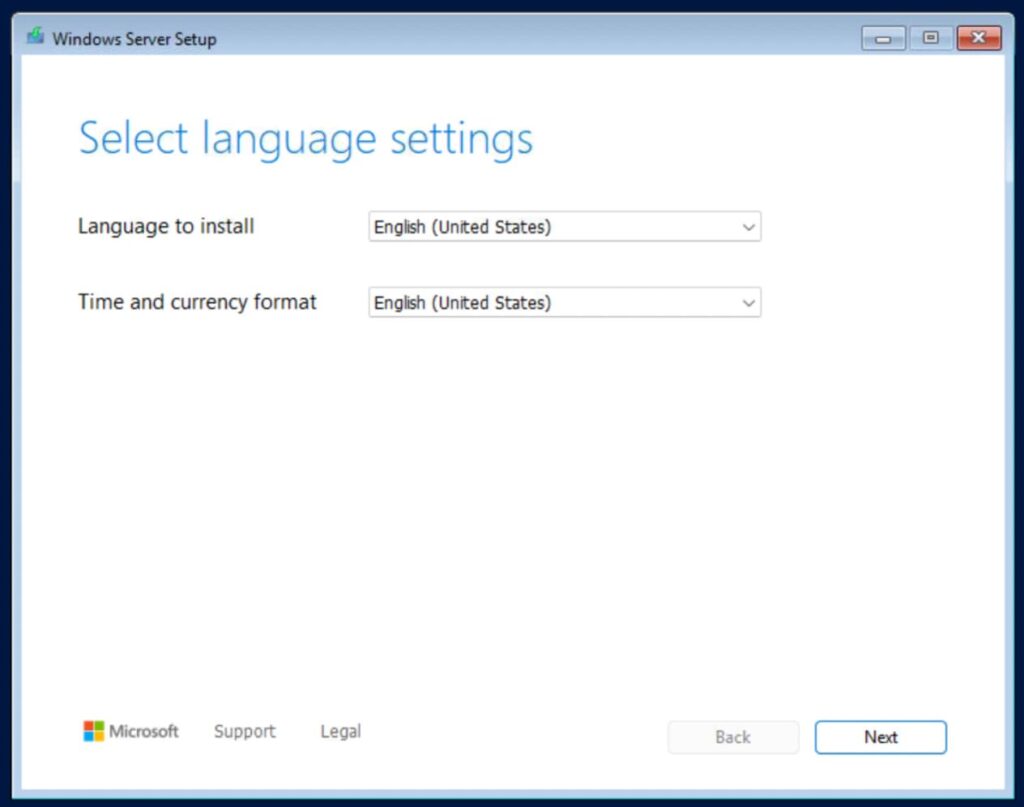
1) Select the installation language and time format, in our case – English.
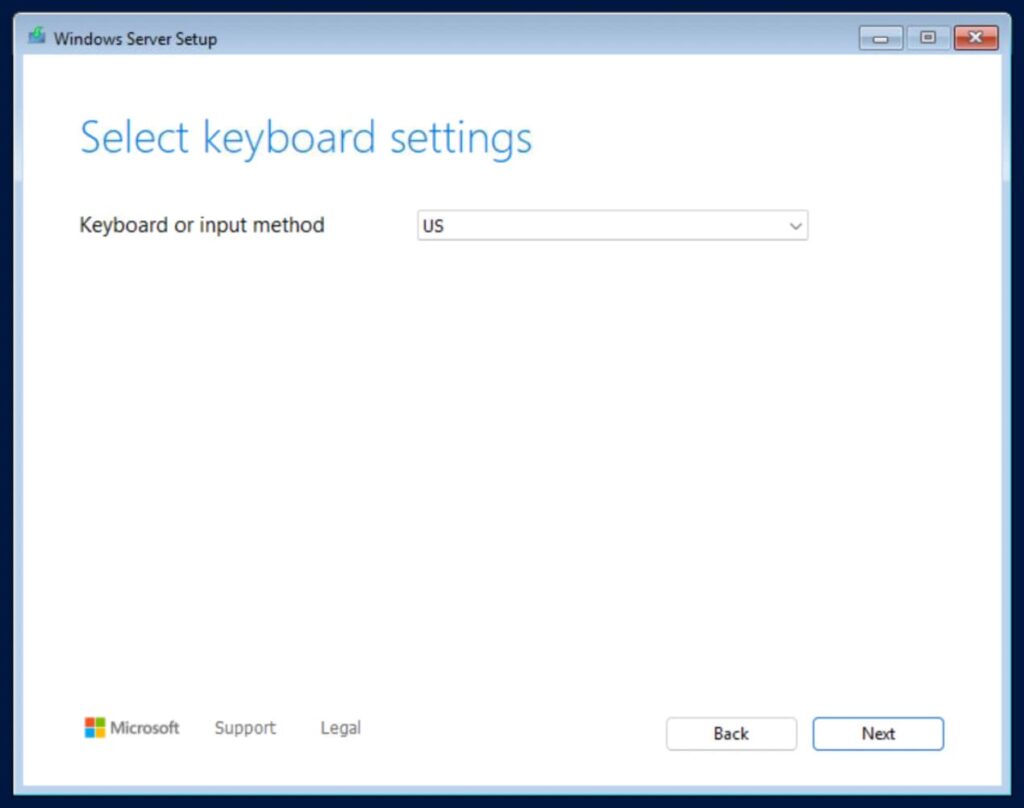
2) Select the keyboard layout language and input method.
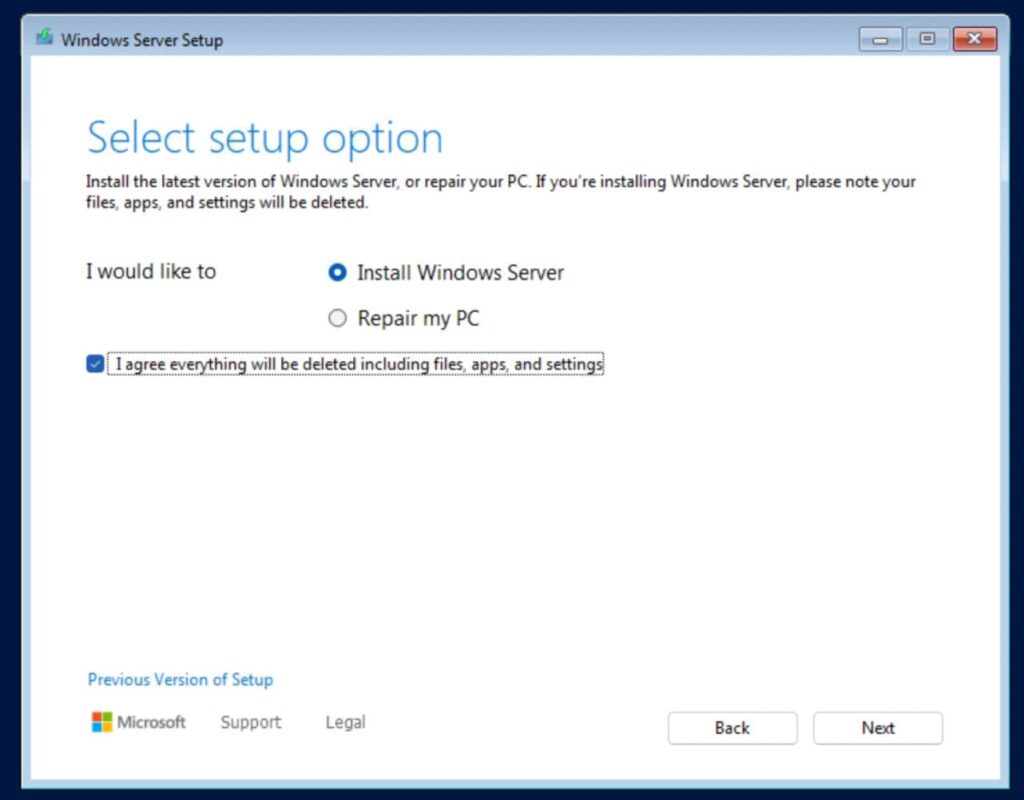
3) Next, select “Install Windows Server” and check the box next to “I agree everything will be deleted…”.
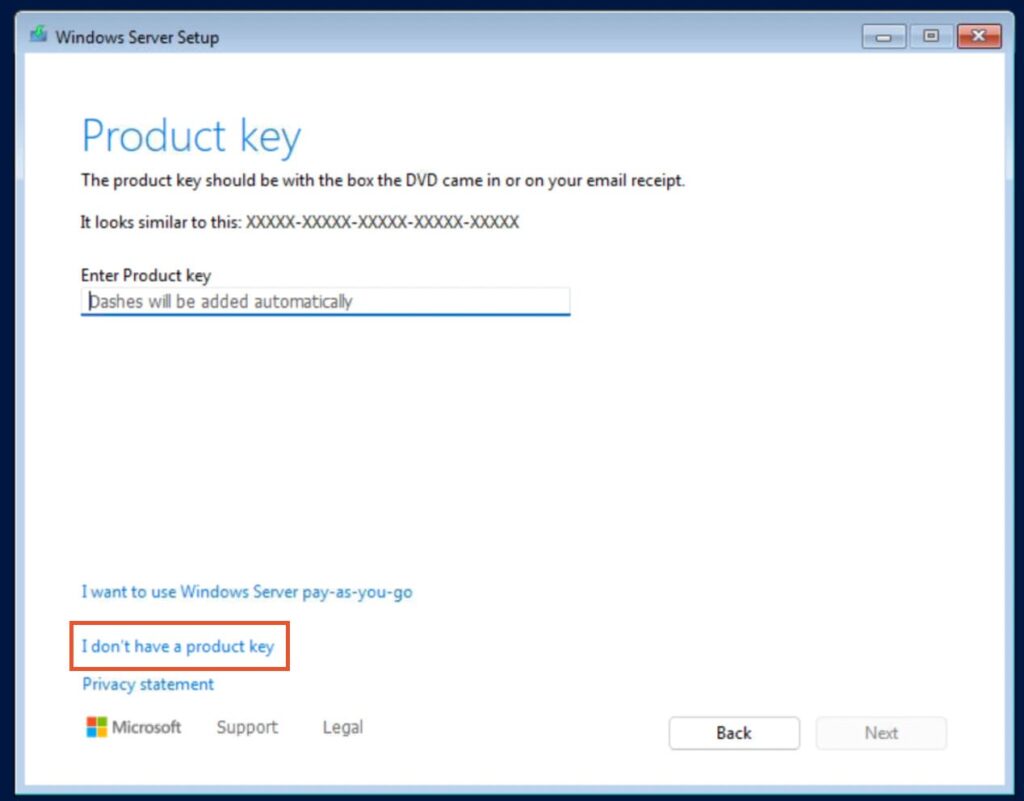
4) We recommend entering the existing Windows Server 2025 product key after installation. Therefore, click “I don’t have a product key” and click “Next”.
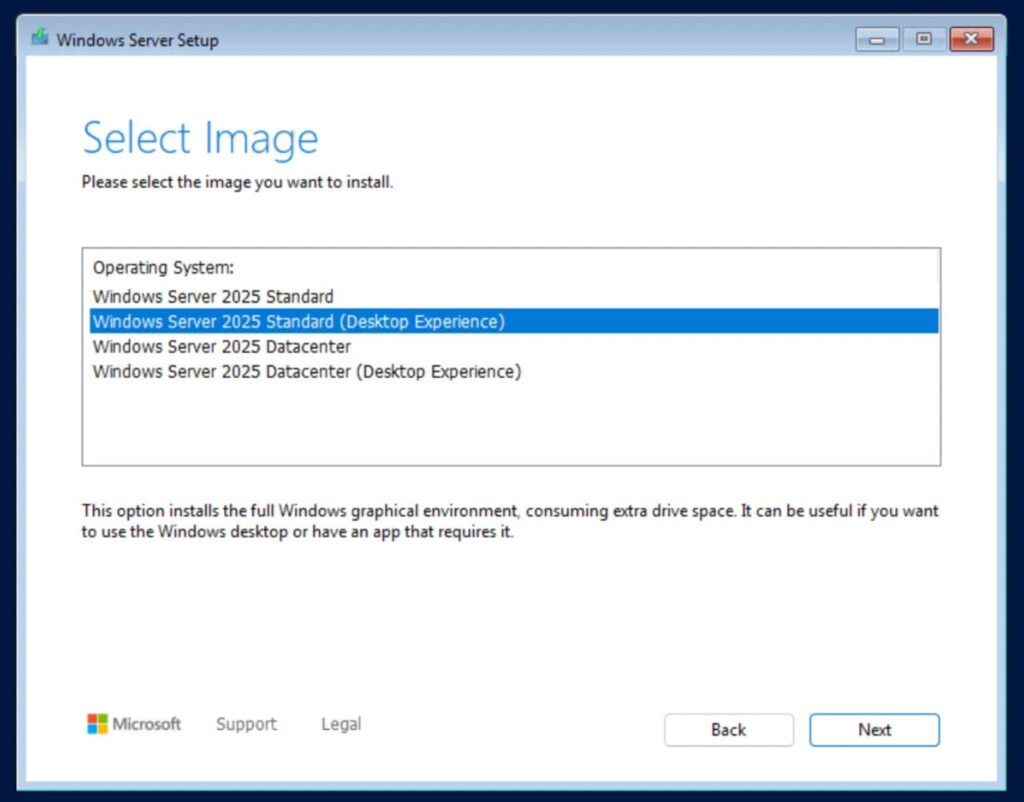
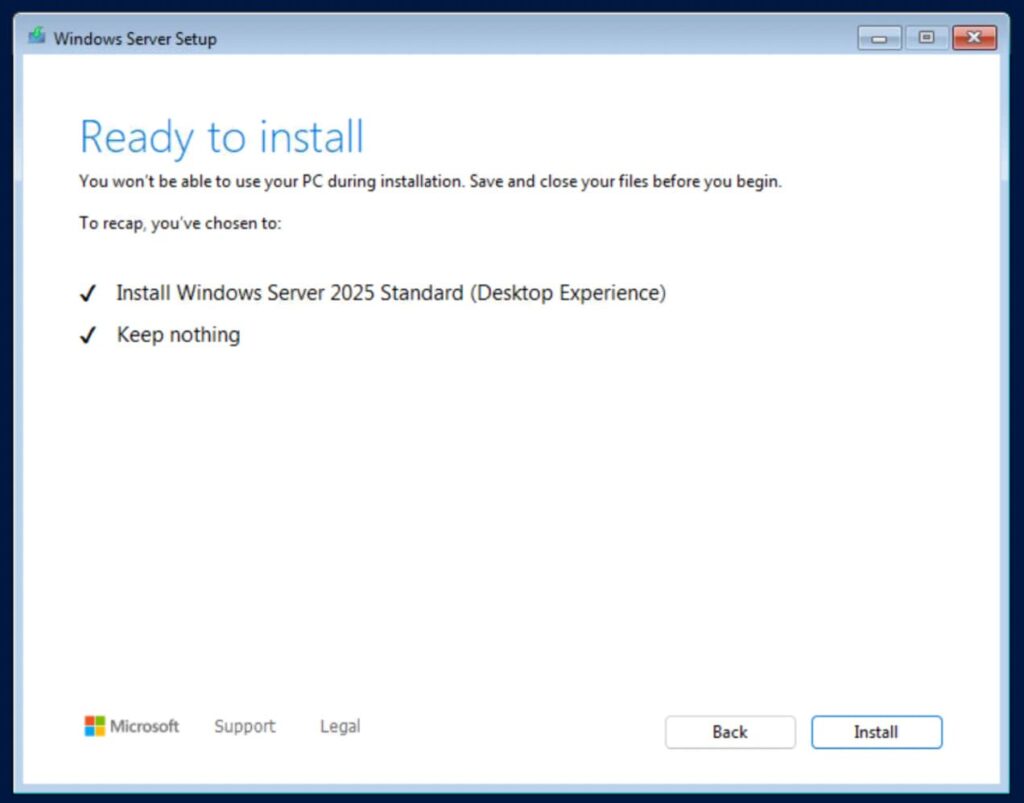
5) Choose the version of Windows Server 2025 you are going to install. In our example, this is Windows Server 2025 Standard with Desktop Experience, meaning with a graphical interface. Installation versions without this label will only be accessible through the command line (terminal).
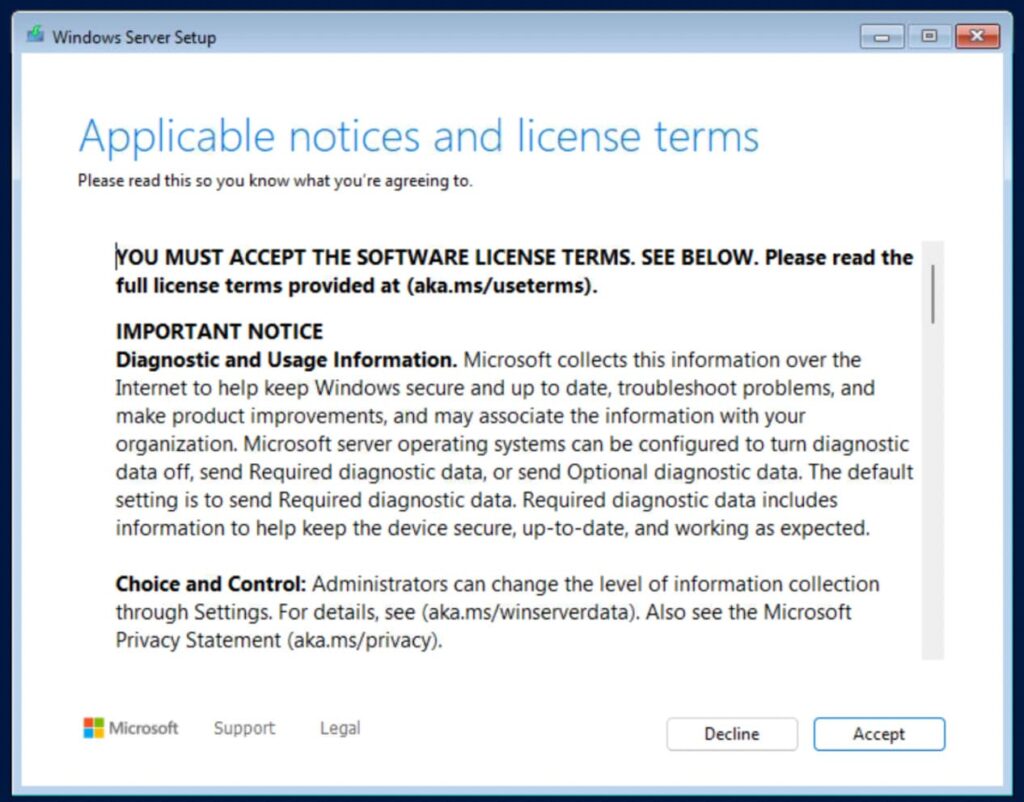
6) Accept the software license terms.
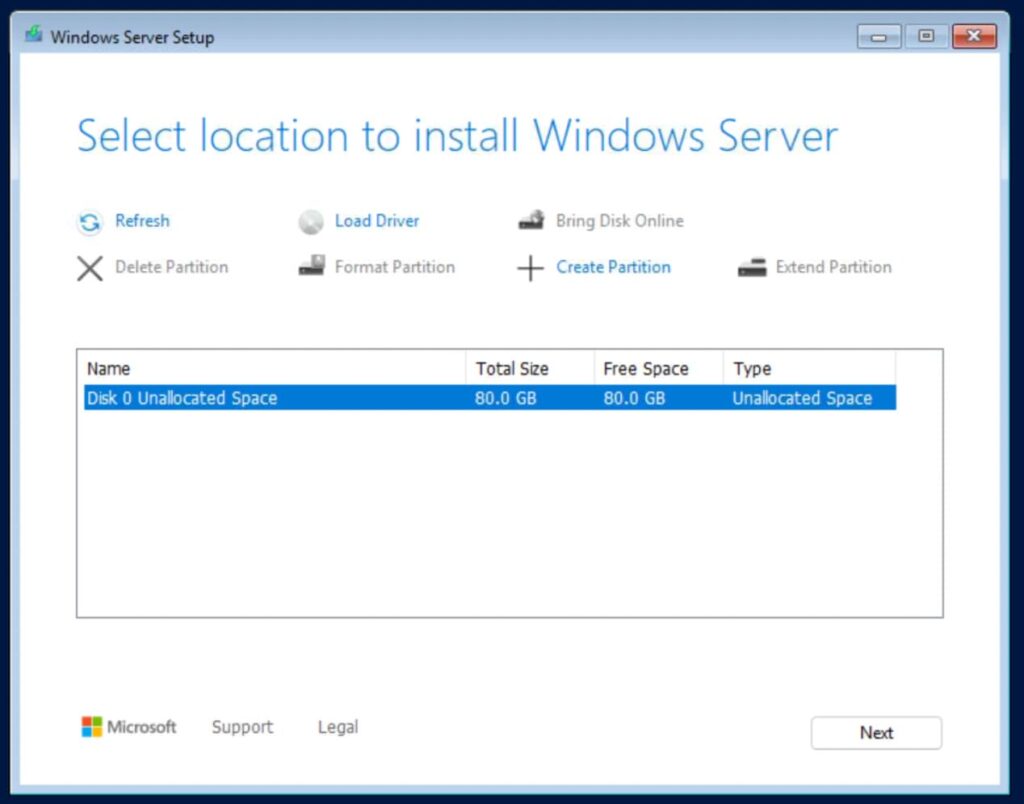
7) Select the hard drive where Windows Server 2025 will be installed.
8) Click “Install”.
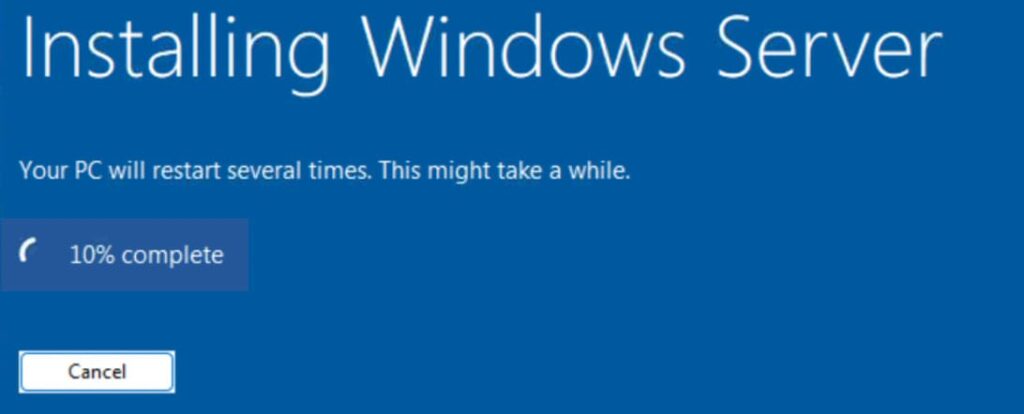
9) The installation will begin, and your PC may restart several times.

10) Enter the product key you purchased earlier. Click “Next”.
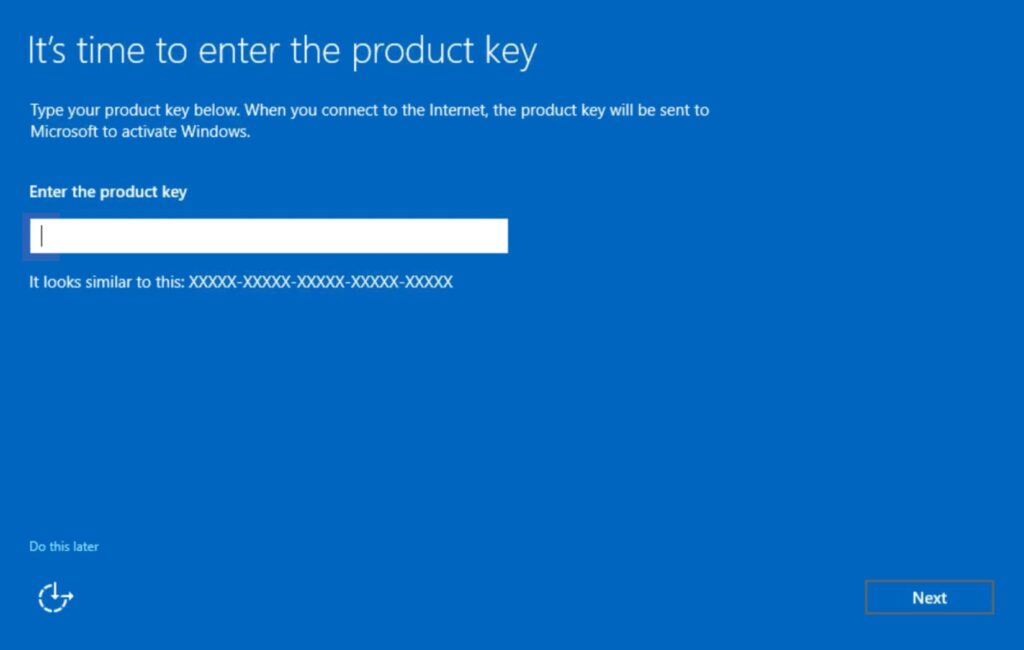
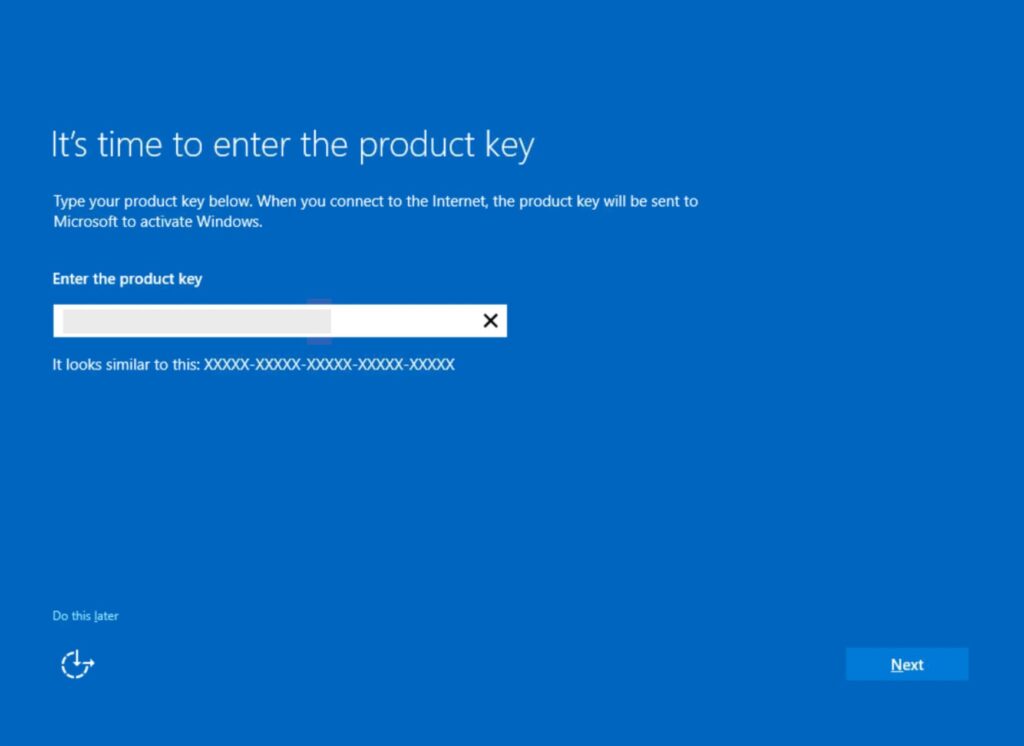
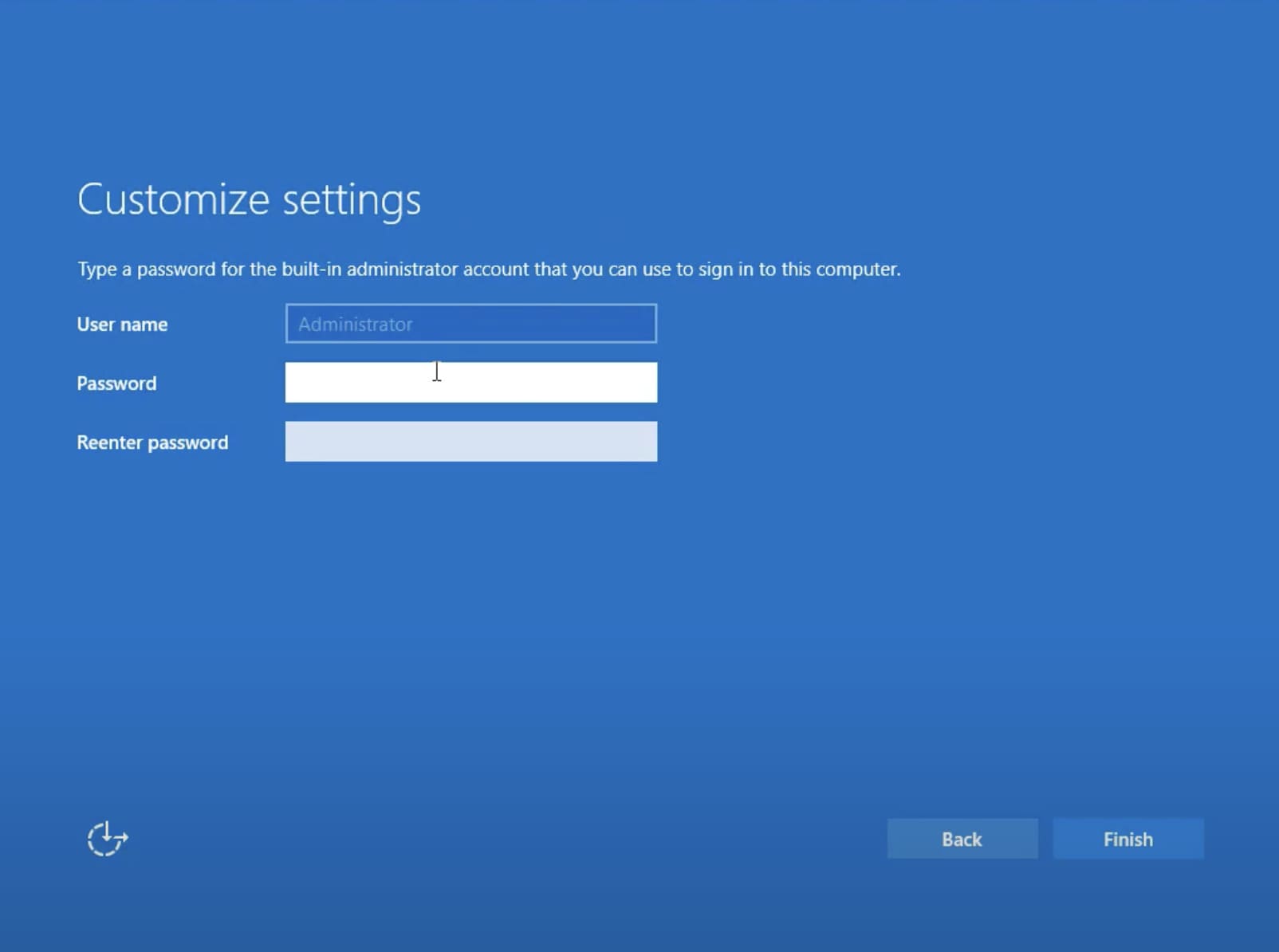
11) Create and enter an administrator password. The password must consist of letters and numbers.
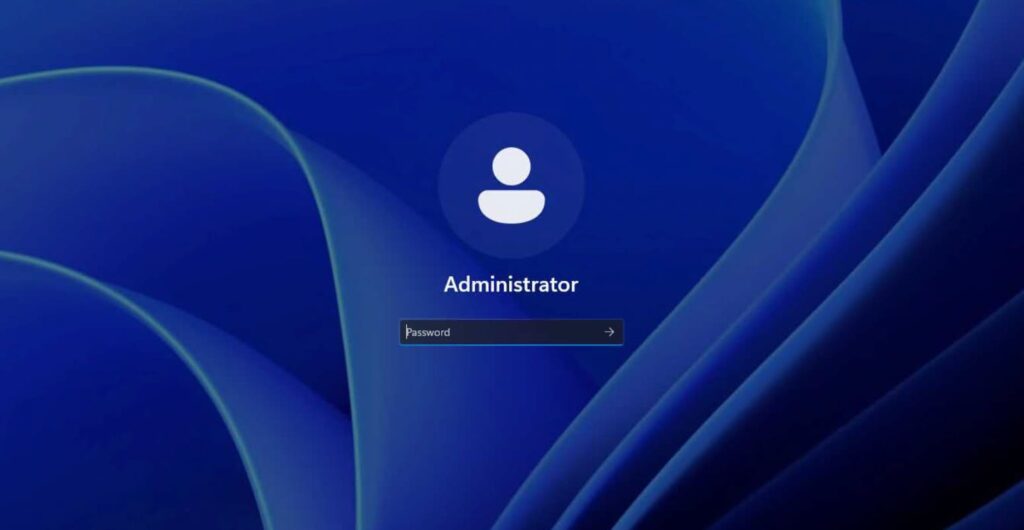
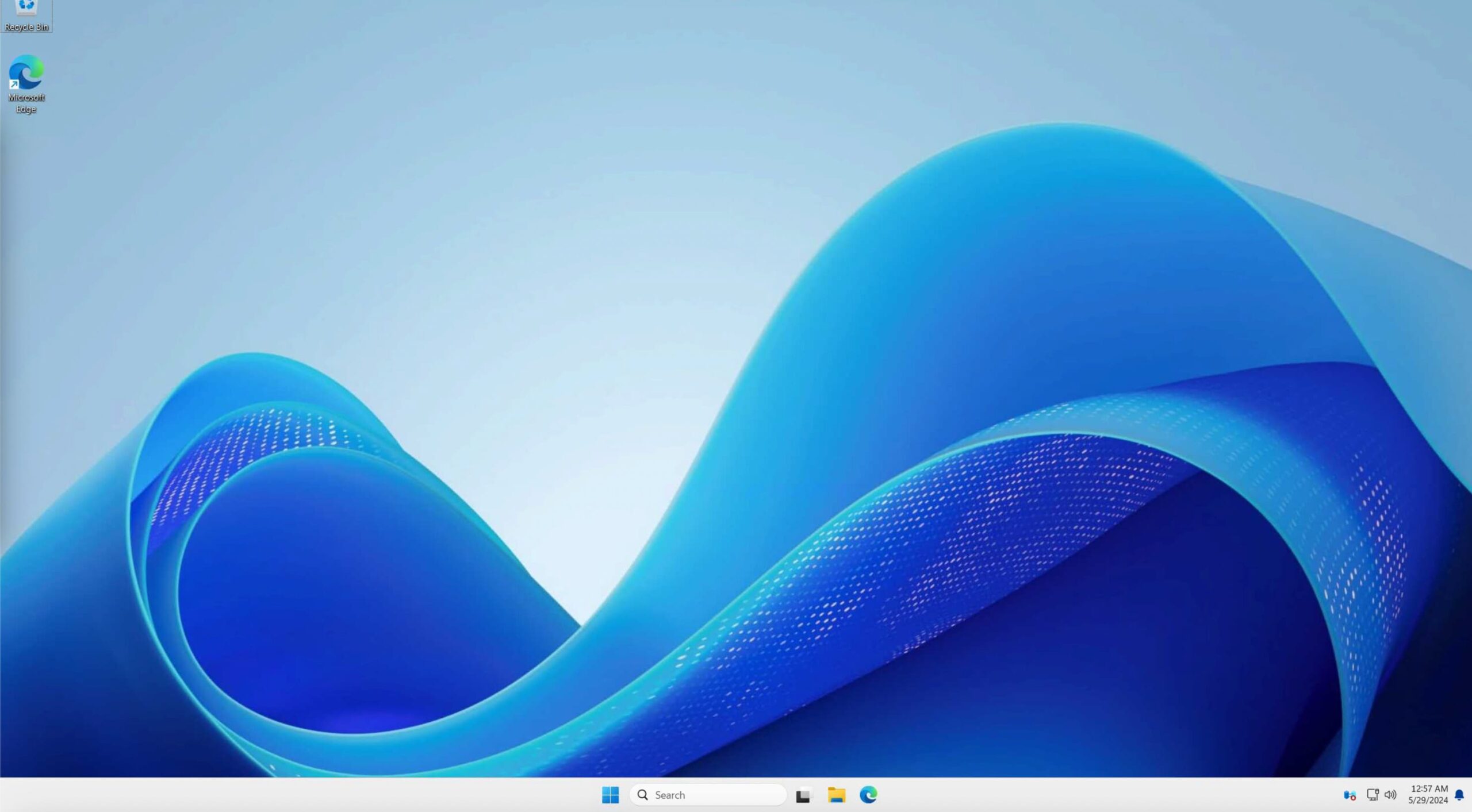
12) The installation process is complete, and you will be taken to the desktop.
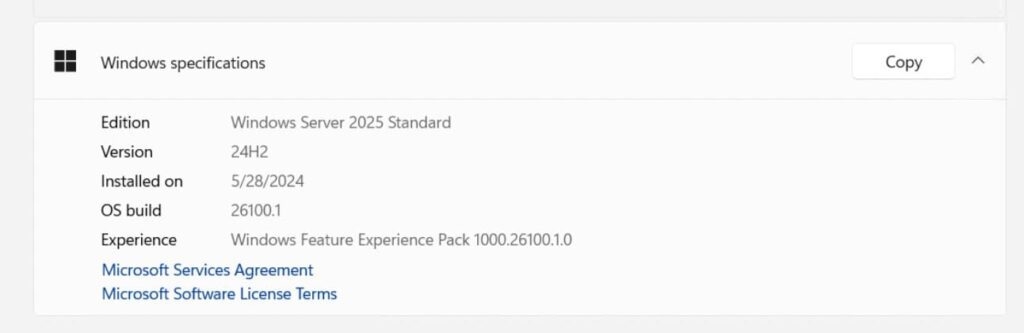
In the “About System” section, you can view your installed version of Windows Server 2025 and other specifications.