Step-by-step instructions on how to activate Microsoft Office 365. (Microsoft 365)
1) The first thing to do is to purchase access to Microsoft Office 365 to activate it on the official Microsoft website, if you haven’t done it yet, you can purchase it on the following page: link.
2) After you have acquired access to Microsoft Office 365, let’s look at what to do next:
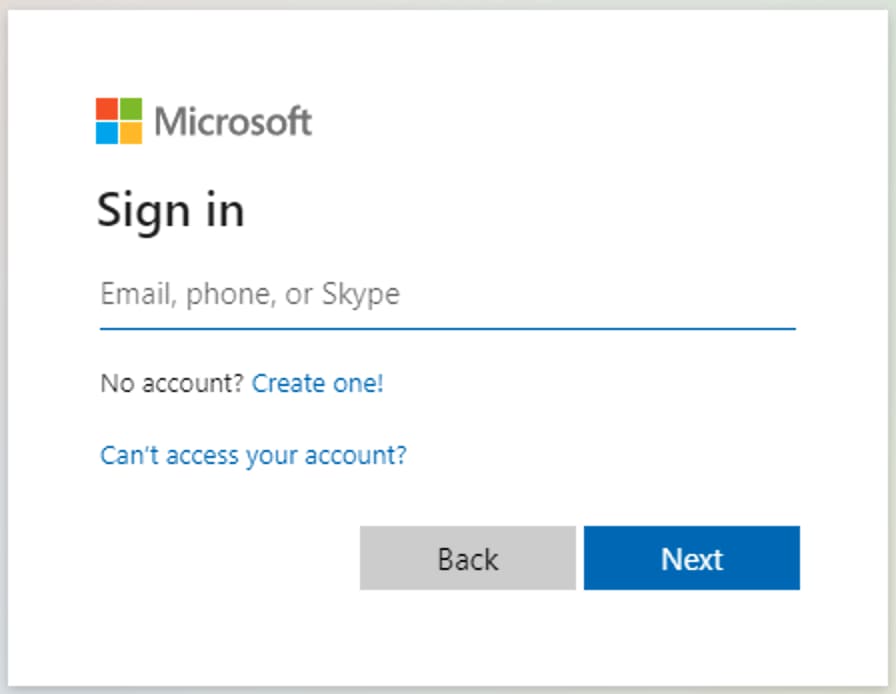
You need to go to the page – https://login.microsoftonline.com/ and enter the data you received (login) into the field, then click “Next”.
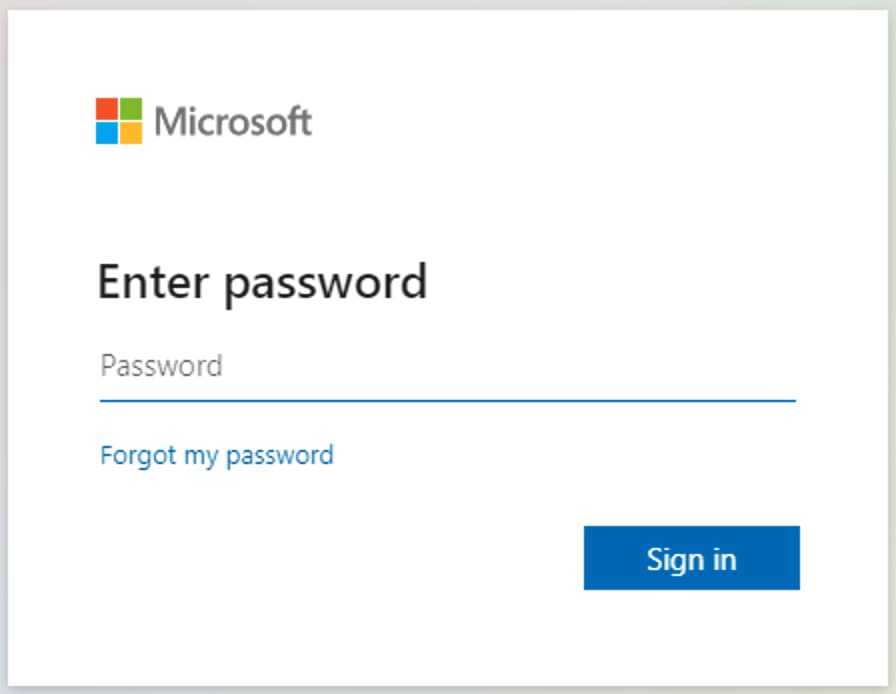
3) In the next step, enter your password that you received after payment. After entering the password, the system will automatically ask you to change your password to your own – this is a mandatory procedure.
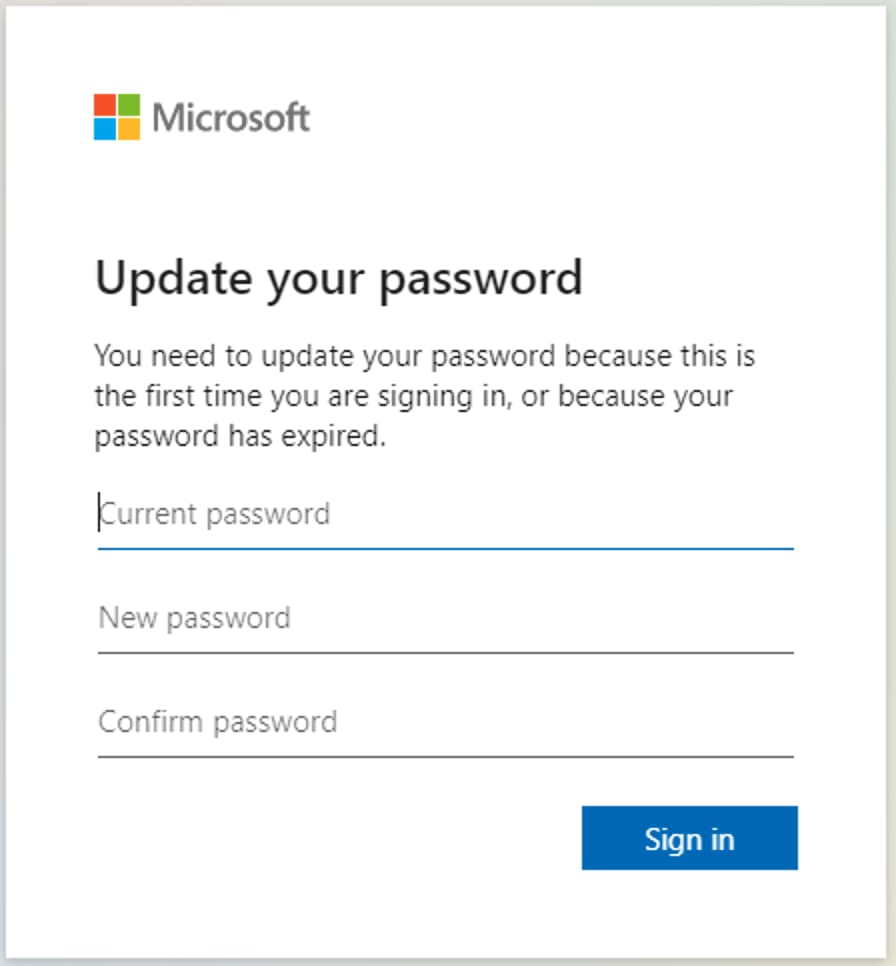
4) The first field you need to enter the password you received after the purchase, and in the second and third fields a new password that you came up with. Please take responsibility for the new password that you will come up with yourself. Save it so as not to lose it in the future.
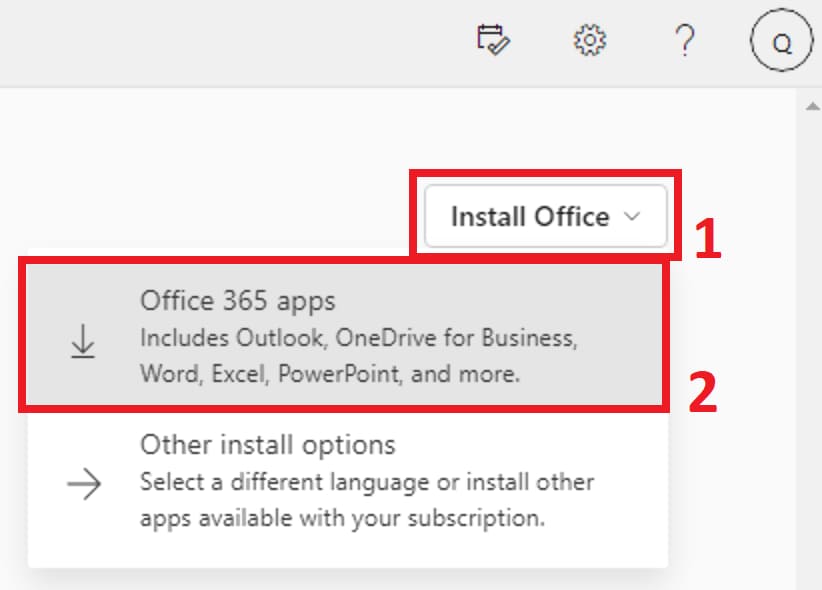
5) In the next step, after everything is done, you will be redirected to your account. Here you can immediately start using the Office from the browser, or you can download the application from your personal account by clicking the “Install Office” button. Also, you can download the installer from direct links: For Windows x64 and x32; For Mac.
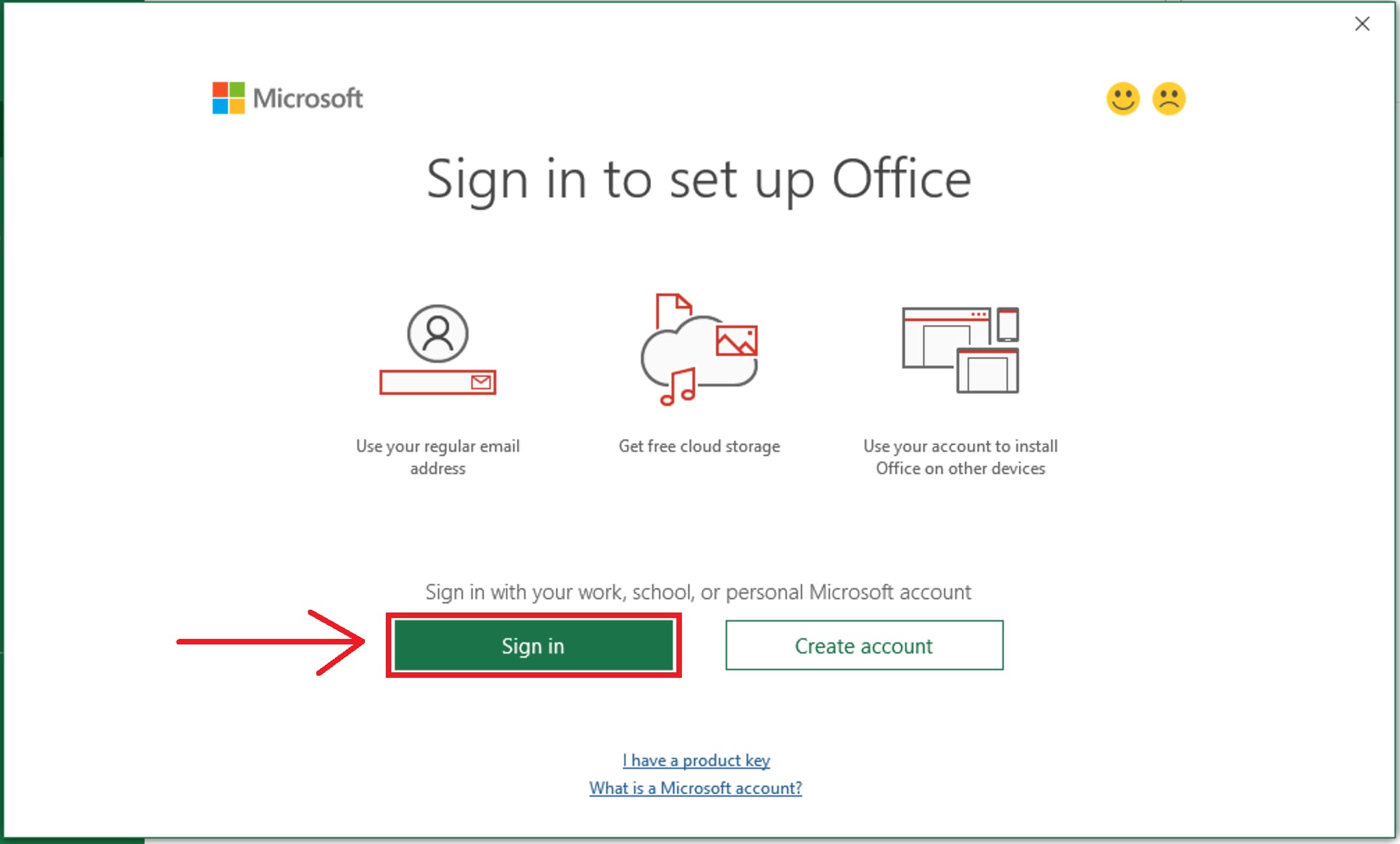
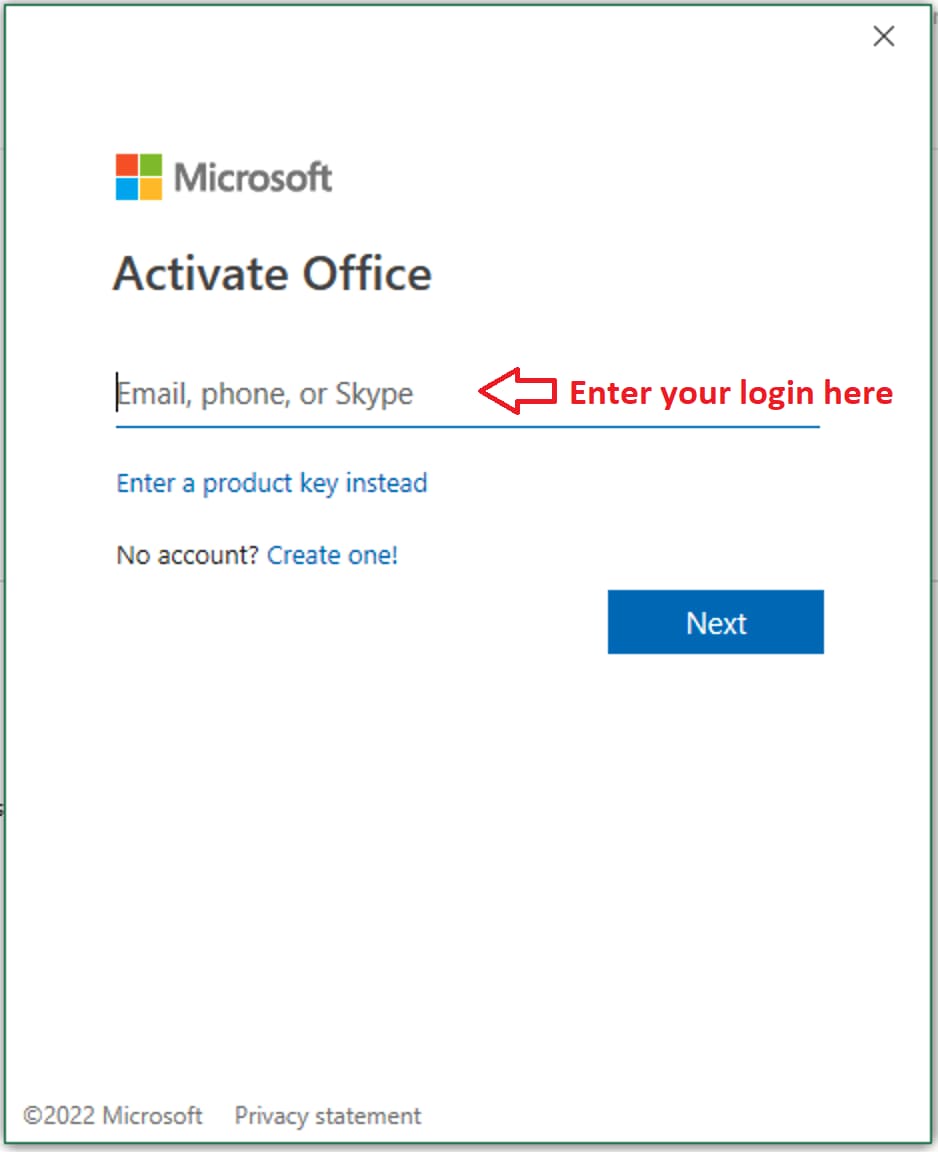
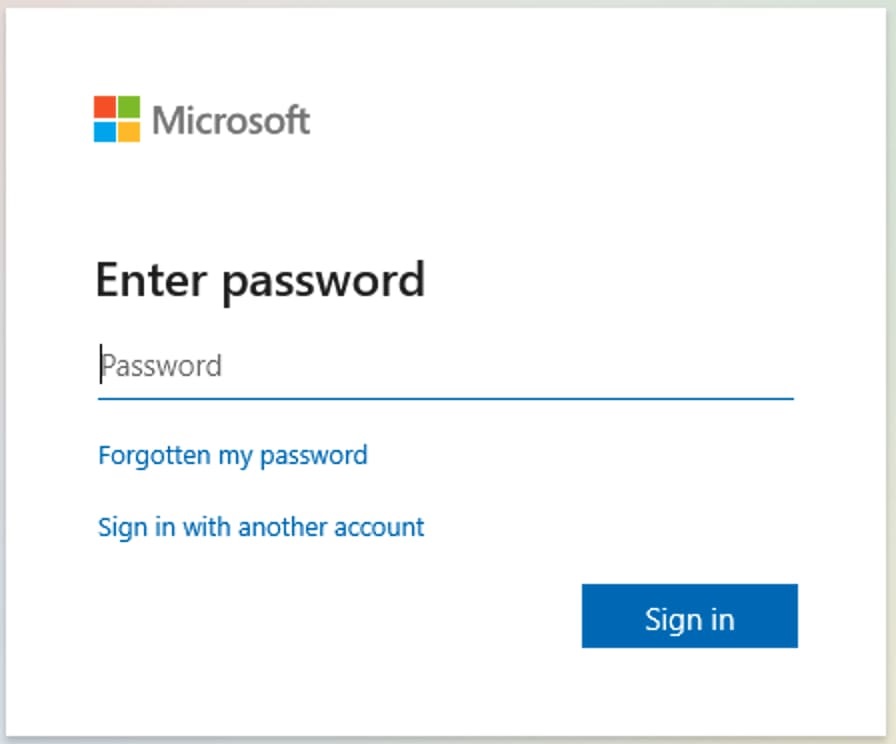
6) After installing the Microsoft Office 365 application. You need to log in already in the program itself under your login that you purchased and under the password that you came up with during the initial activation. To do this, go to any Office application, for example in Excel and enter your login and password data there.
Click “Sign In” and enter your login and password in the following windows.
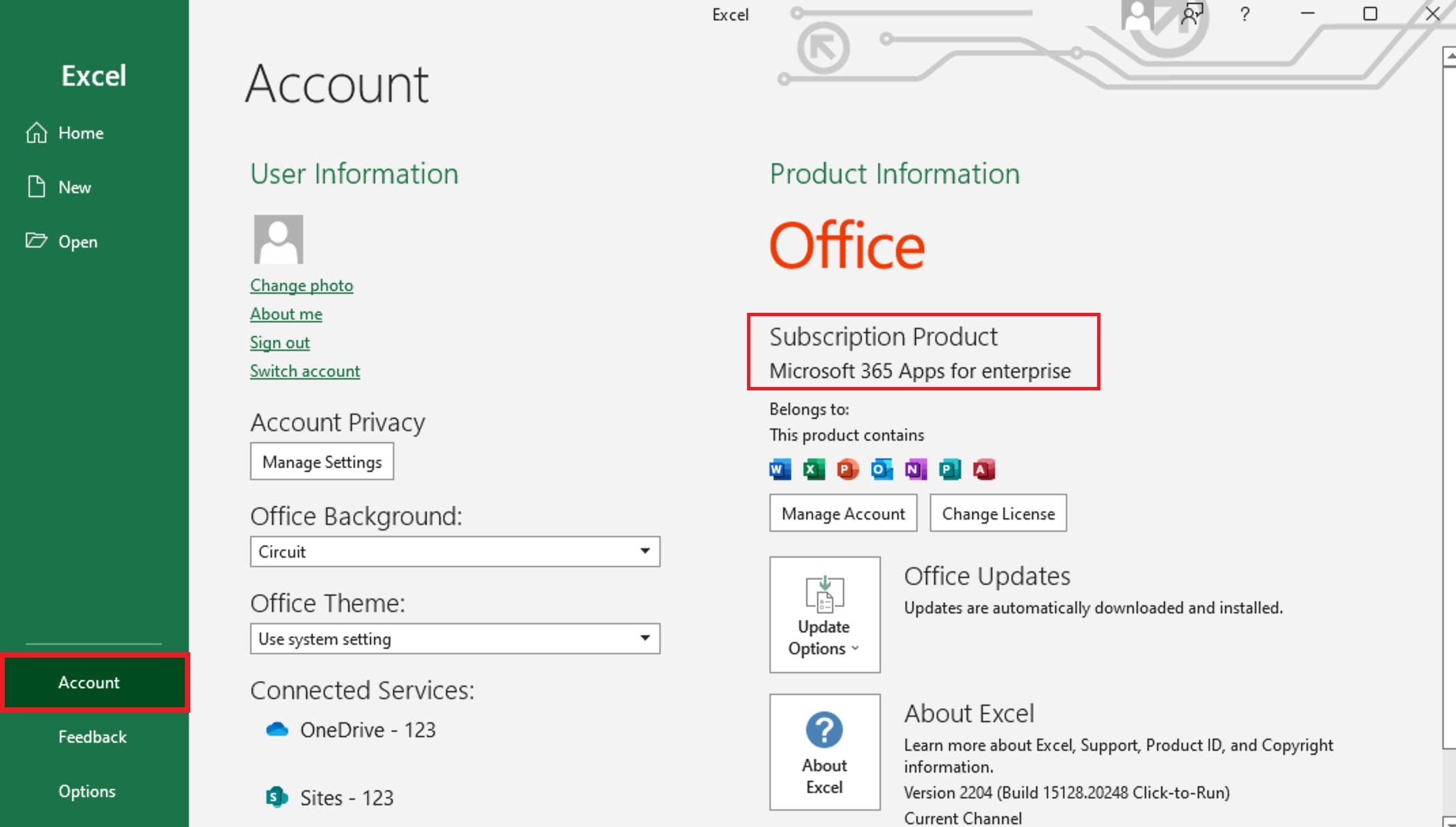
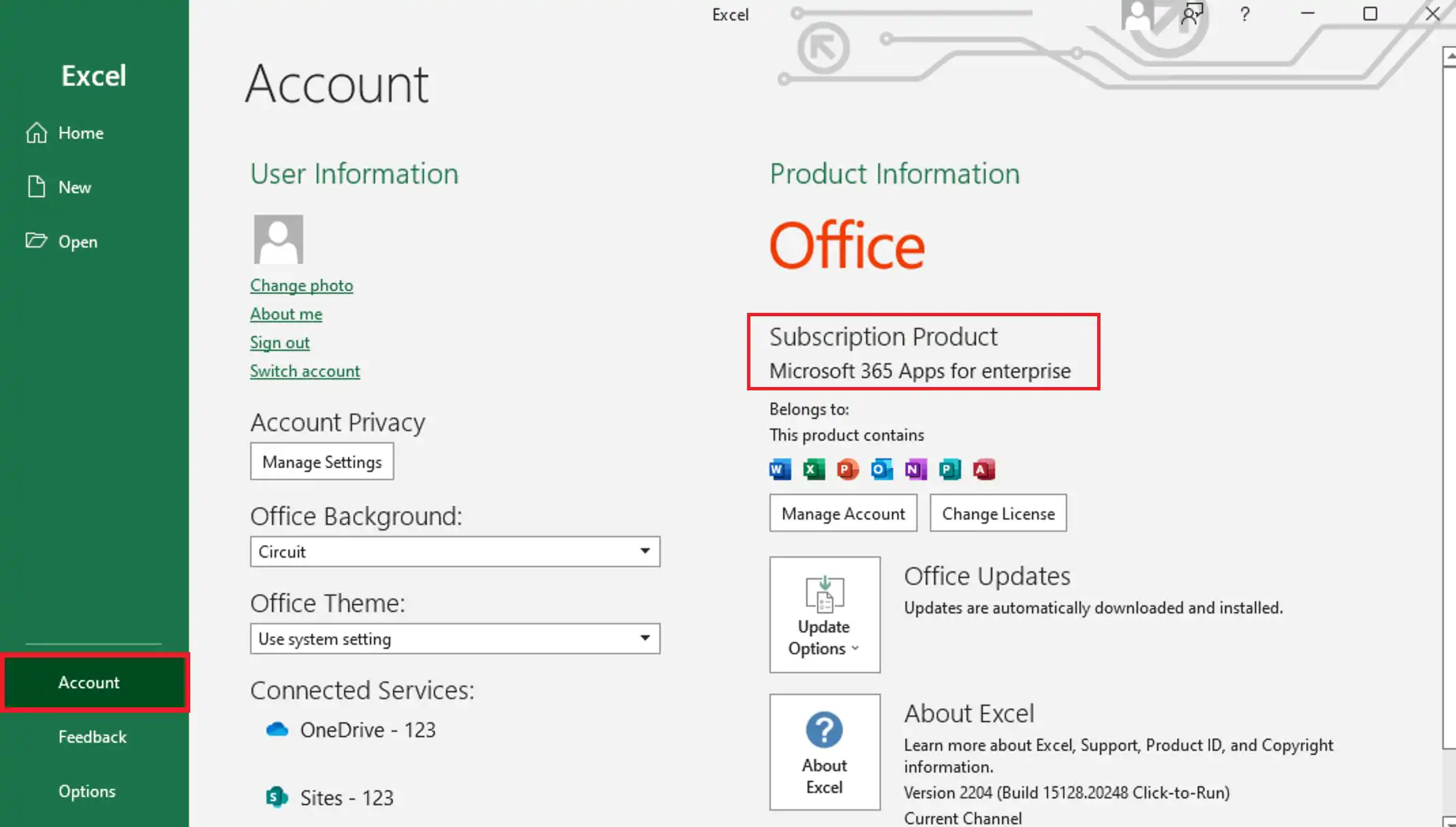
7) Next, to check whether your program has been activated, you need to go to the “File” menu => Account => Next, if you have “Subscription product” written in this menu. That means everything went well.