Sometimes online activation may fail, and in such cases, Microsoft support recommends activating Project by phone. The call is free. (This instruction applies to any version of Project). In this article, we will review how to do this.
1) First, download and install Microsoft Project. You can download the installer via this link.
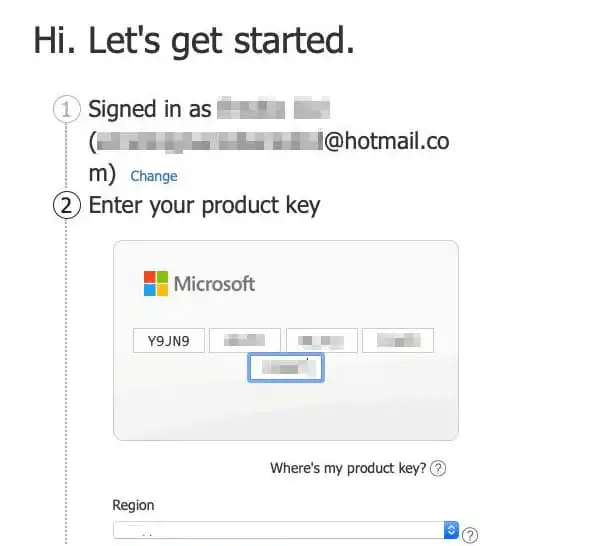
To activate, you will need a product key. If you don’t have one yet, you can purchase it in our online store on the next page. The keys are delivered instantly, automatically after payment.
2) Launch the application, enter the product key, and agree to the licensing terms.
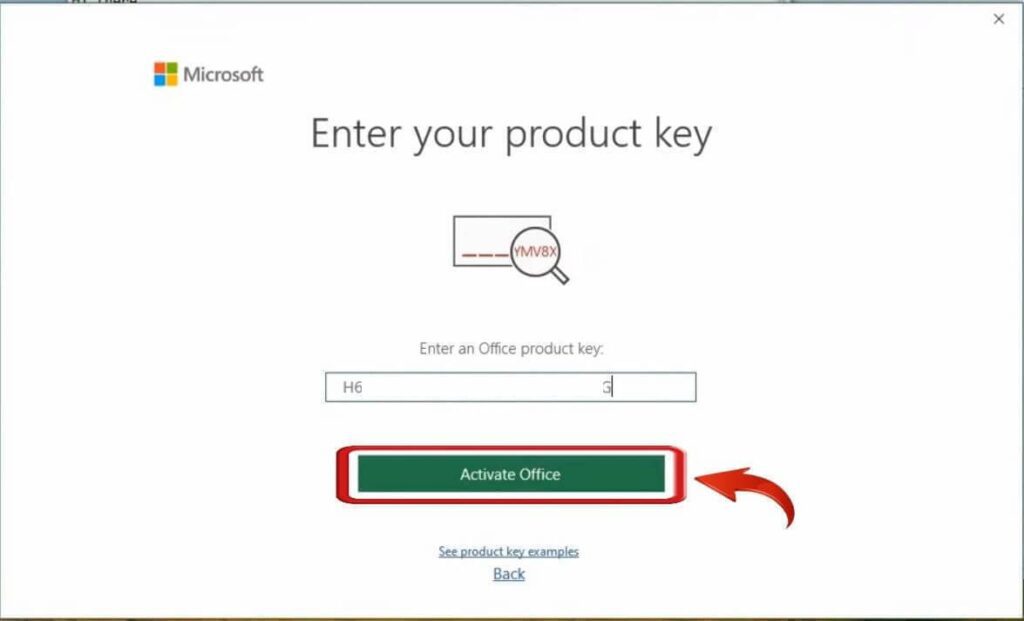
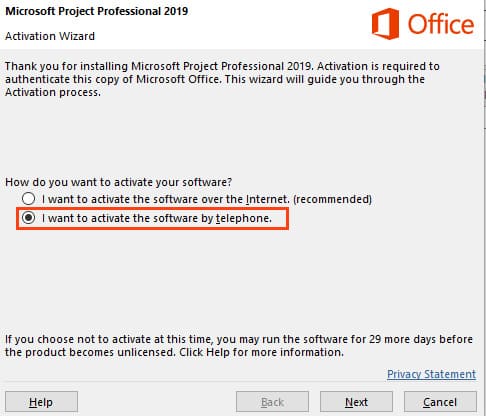
3) Next, select the option “Activate this software by phone” and click “Next.”
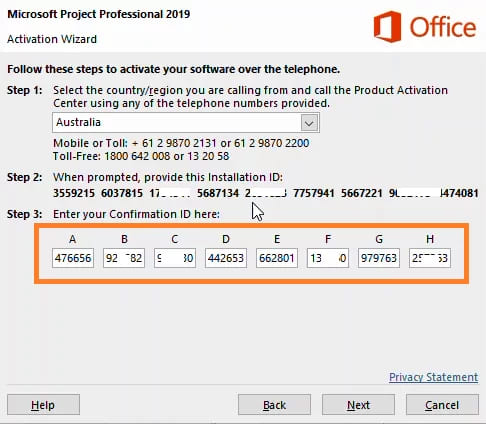
4) In the next window, from the drop-down menu, choose your country of residence in step 1.
— When calling, press 1 to agree to the call recording, then press 3 for Project activation, then press 1 and enter the digits to the robot (from step 2 in the picture below).
Note! You need to enter your installation ID, which is specific to your program’s phone activation window. The screenshot below is an example.
After entering the digits to the robot, it will ask how many computers the key has already been installed on. Answer “zero.”
— Then wait for the response digits from the robot, which you will need to enter into the fields from A to H and activate Project.
Additionally, you can activate independently in text mode without a call using our online service GET CID, on the next page.
Steps:
1. Enter the email address you used when purchasing the product on our website.
2. Input the installation code (IID) from your phone activation window, then click the “Start” button.
3. You will receive a confirmation code consisting of 8 blocks labeled from A to H, each containing 6 digits.
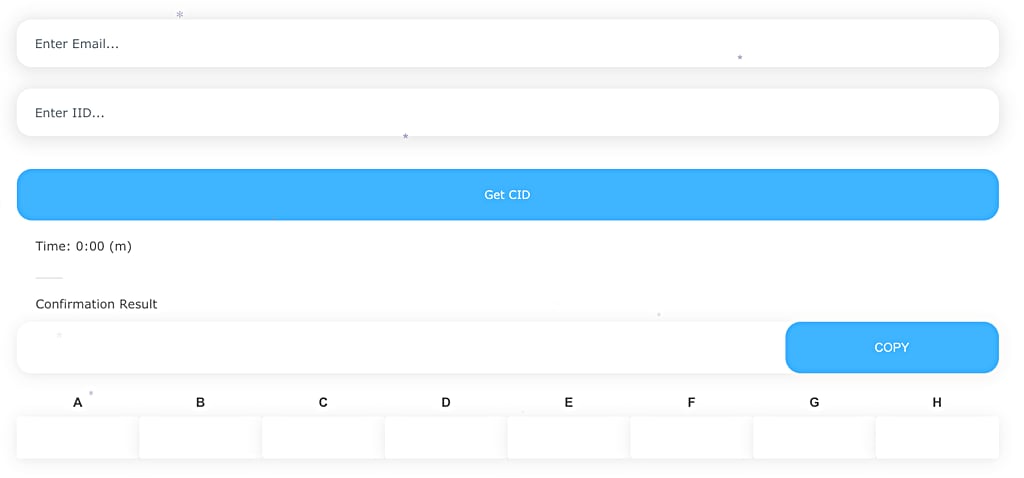
4. Enter these digits into your phone activation window to complete the activation process.