In this article, we will look at how to download, activate and install the Microsoft Office 2021 application for Mac OS. We’ll look at this with an example application Microsoft Office 2021 Home and Business.

1) The first thing to do is to purchase the activation key itself, because with it you will need to download the installer and activate the application on the Microsoft website. You can purchase an activation key in our catalog on the next page. Delivery of the key is instant, in automatic mode to your email. The license will be attached to your personal Microsoft account.
2) Next, when you have an activation key for Microsoft Office 2021 for Mac, go to the Microsoft website – https://setup.office.com/
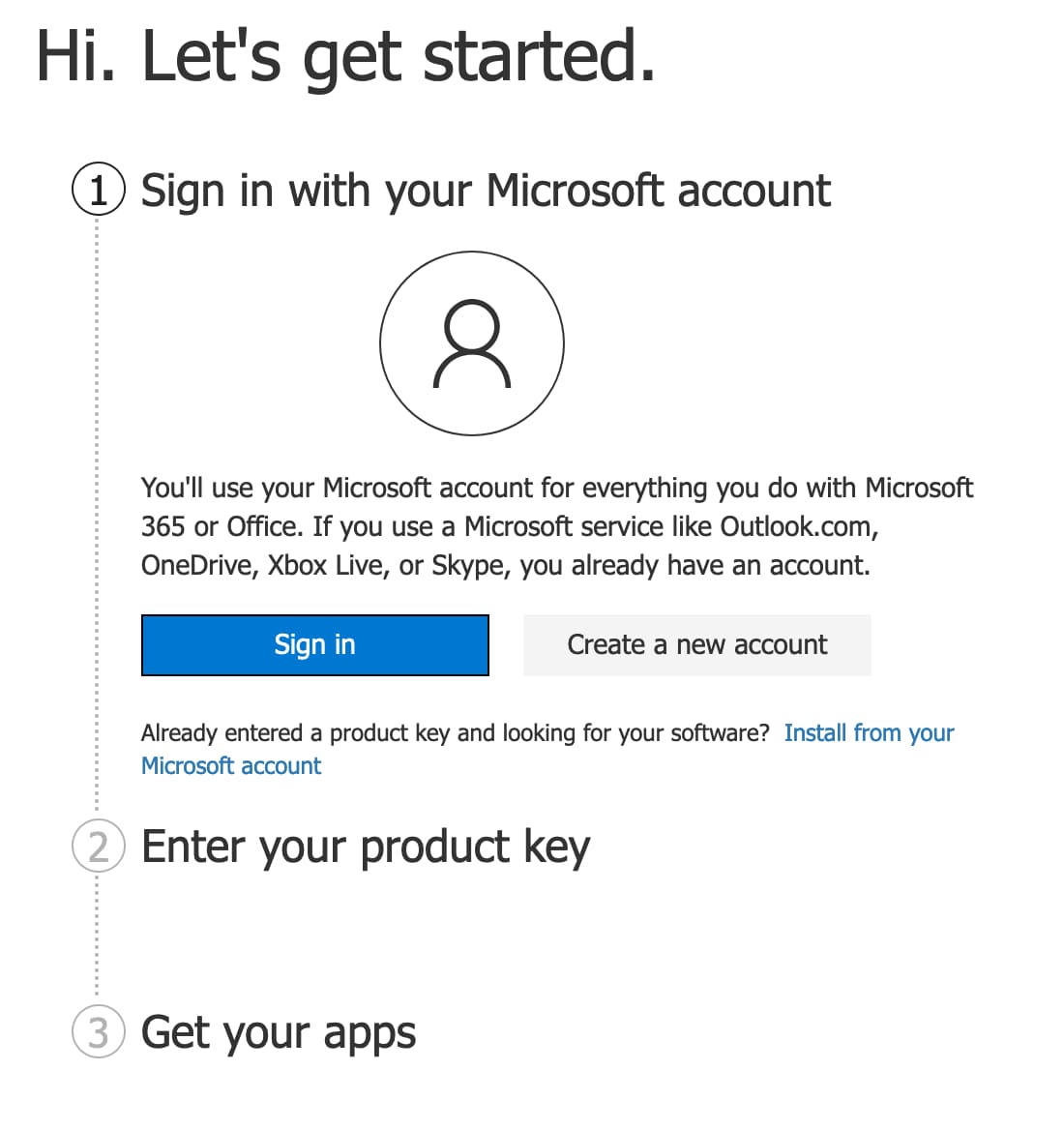
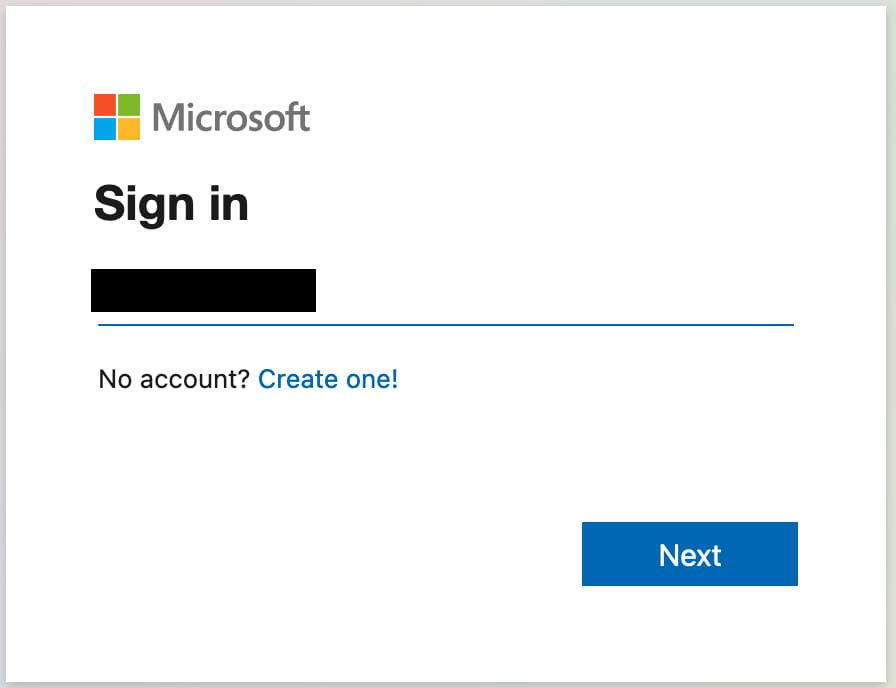
We perform authorization there under your Microsoft account. By clicking the “Sign in” button.
3) The next step is to enter your key in the key input field.
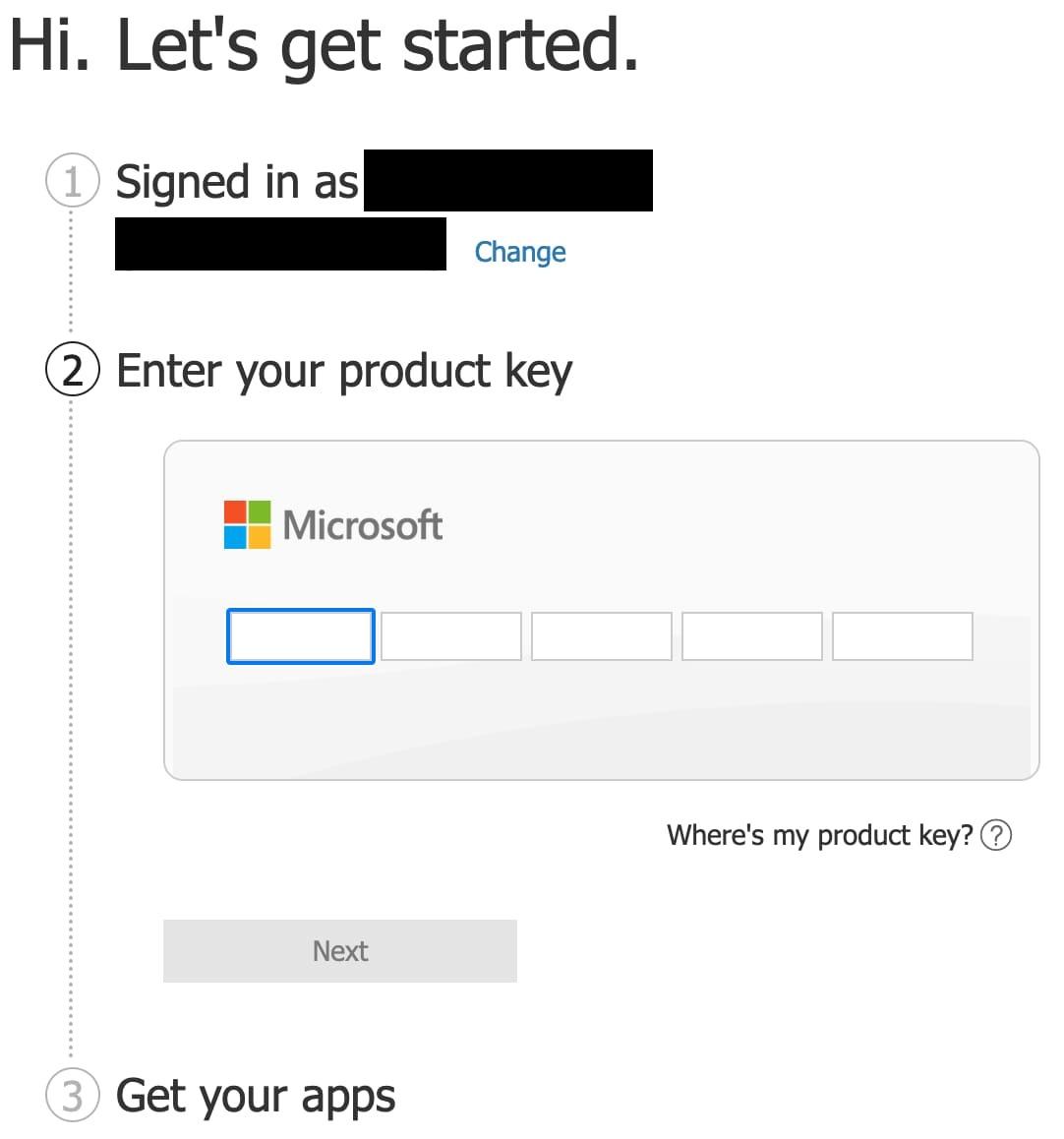
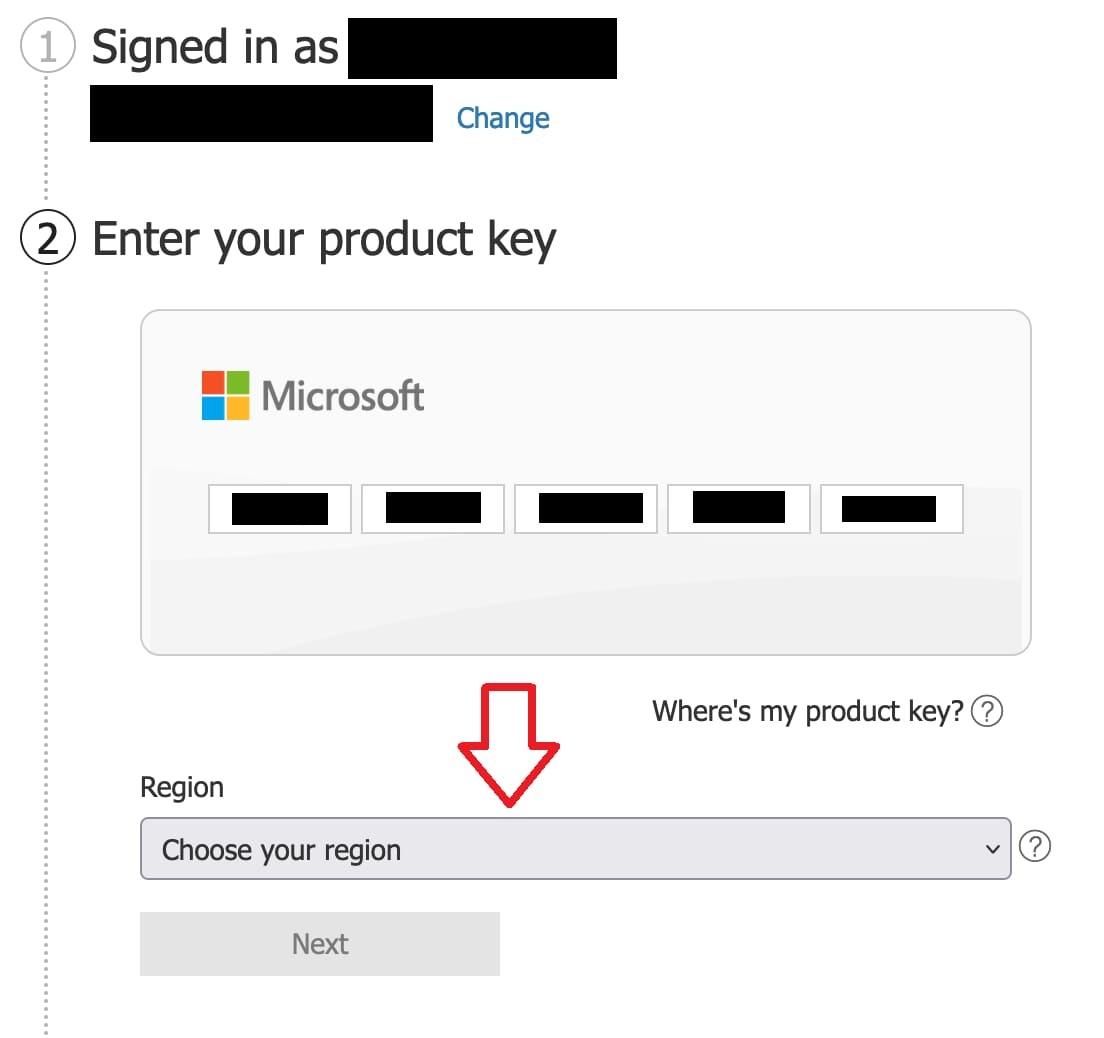
After entering the key, select your region and click “Next”.
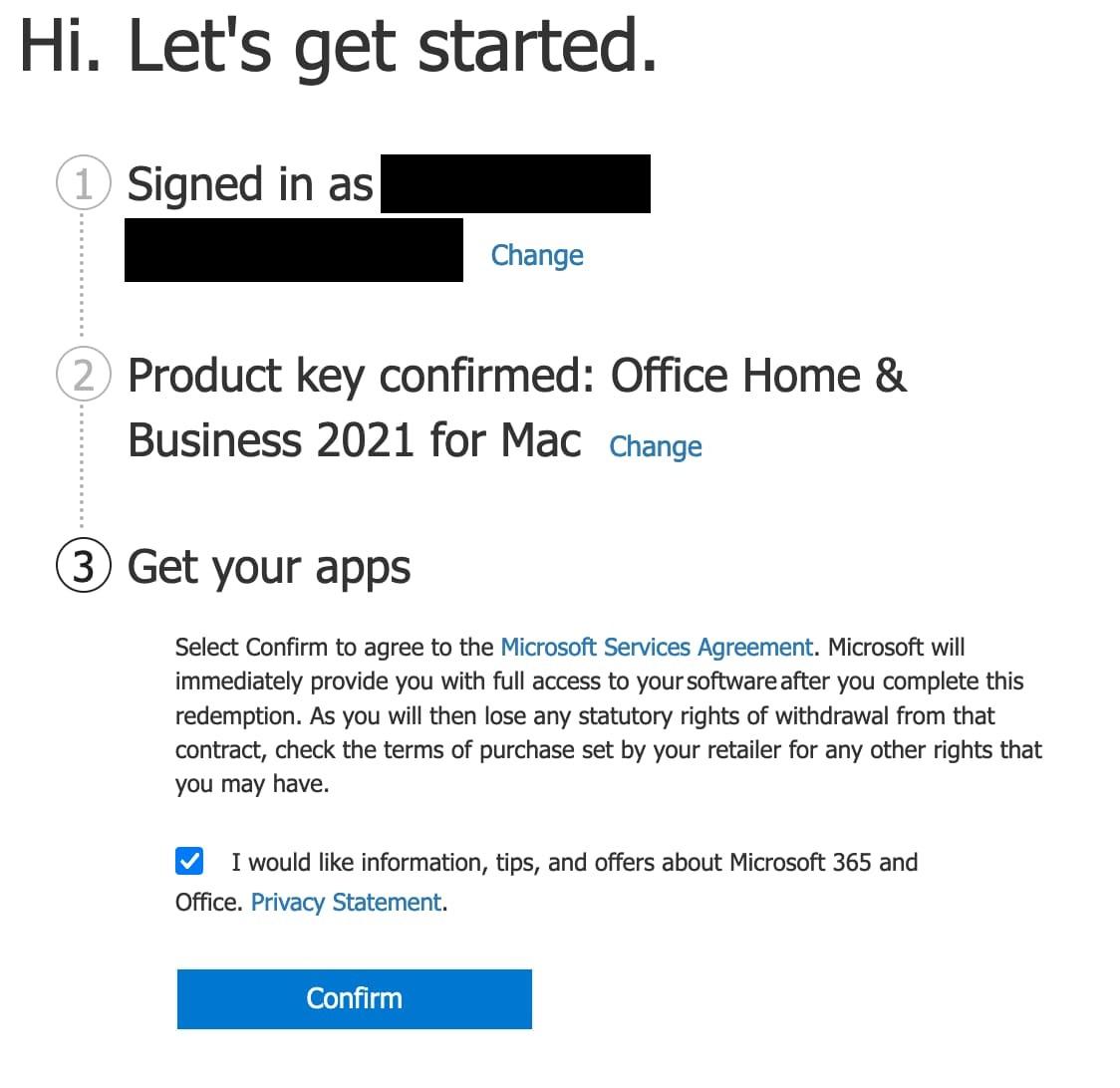
4) Now we can see that the license was automatically determined as “Office for Home and Business 2021 for Mac”. After that, click “Confirm”.
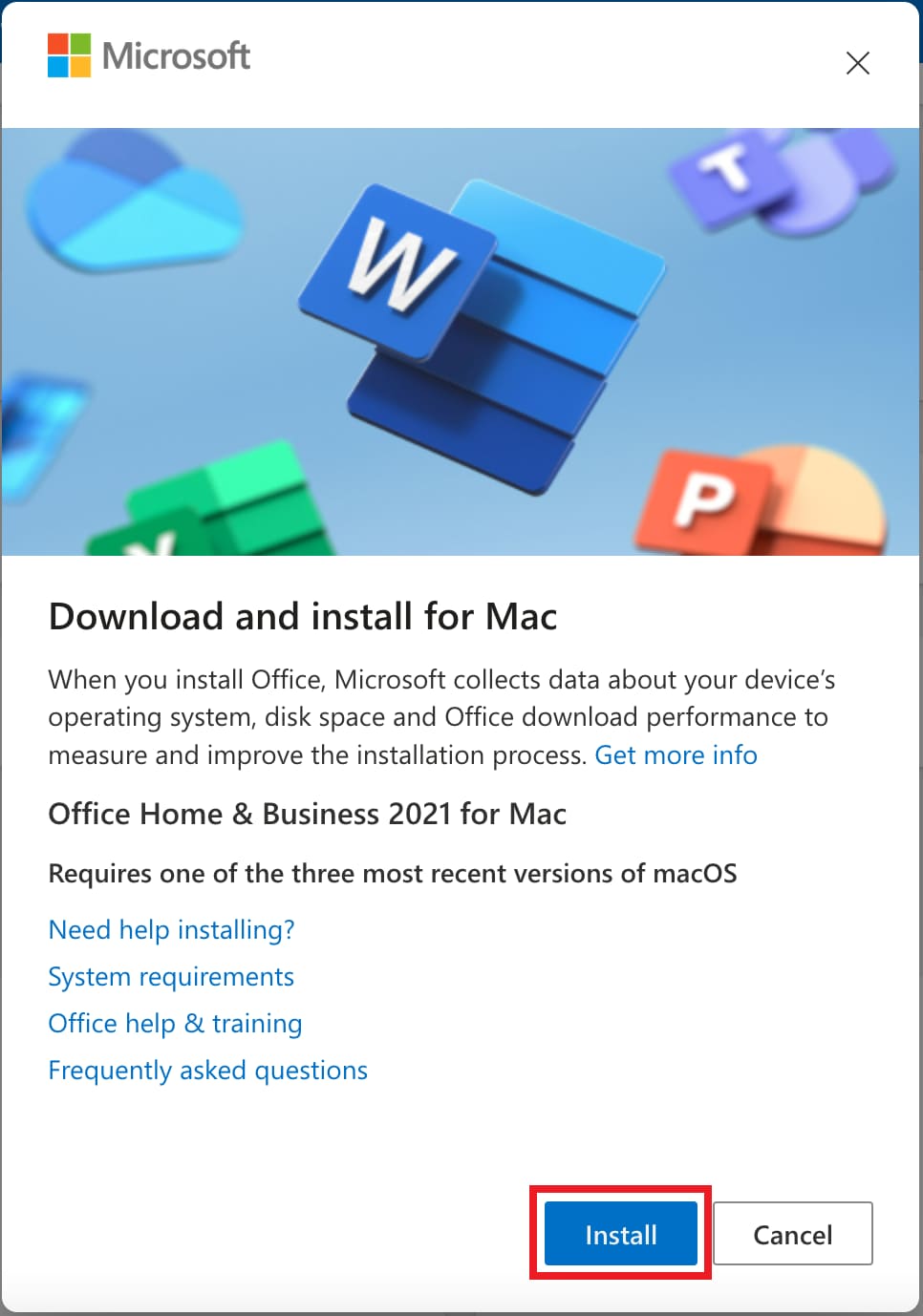
5) After confirmation, you will automatically go to your Microsoft personal account, where you will see the purchased product. Click “Install” to download the application.

6) As soon as everything is downloaded, run the installer, click “Continue”.
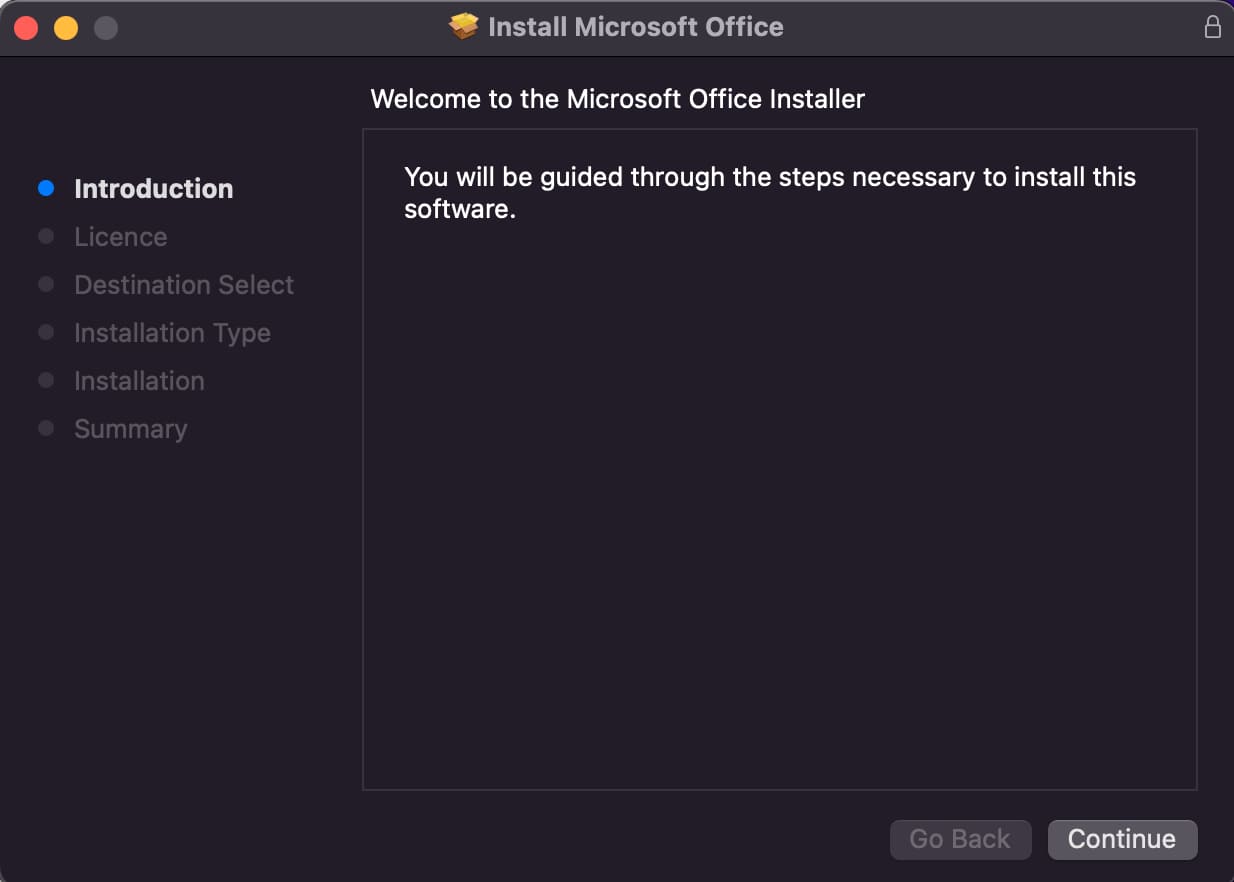
– In the next window, we also click continue.
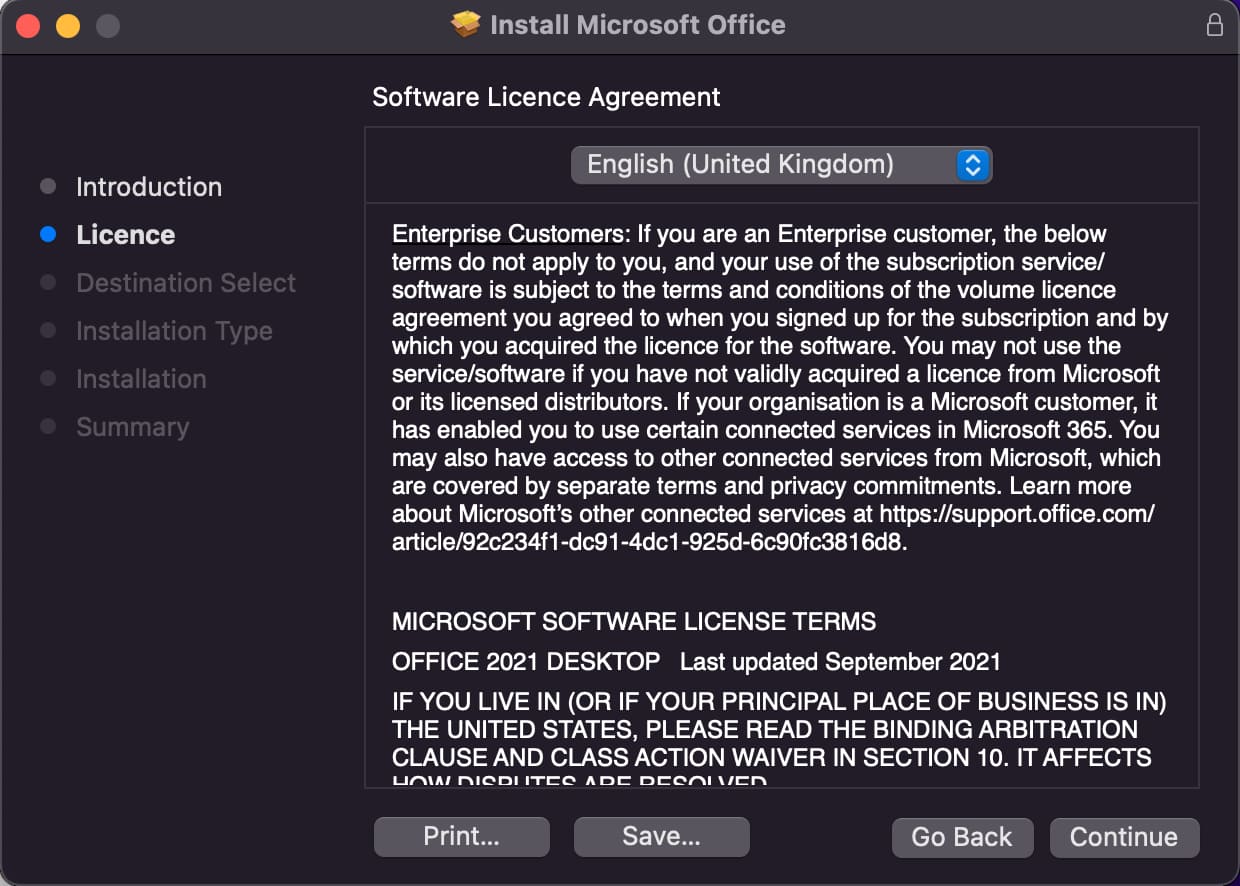
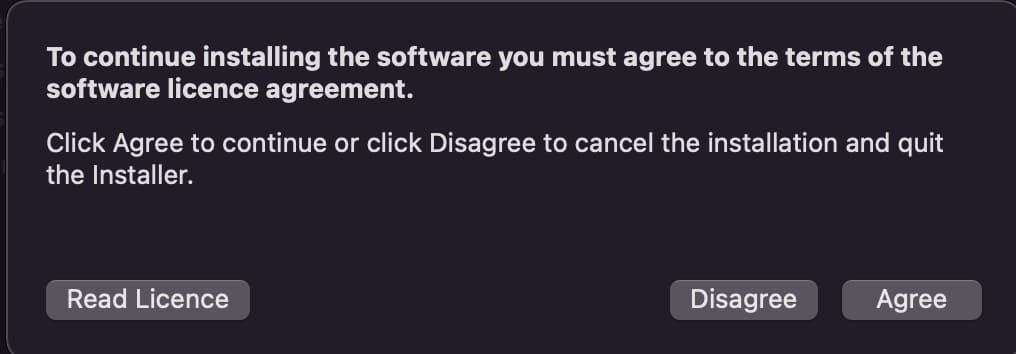
– We accept the license agreement.
– Install for all users.
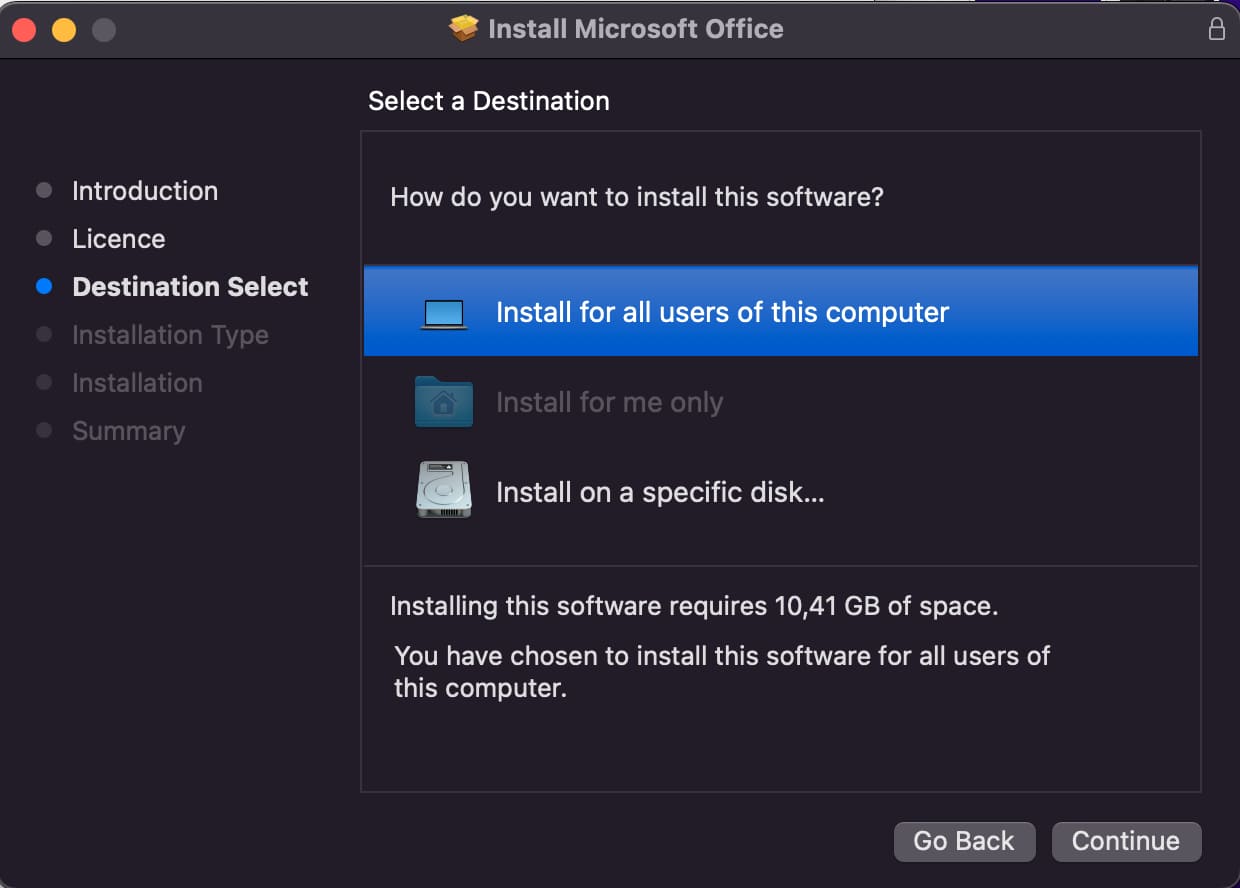
– Make sure you have 11 GB of free space to install. Click “Install”.
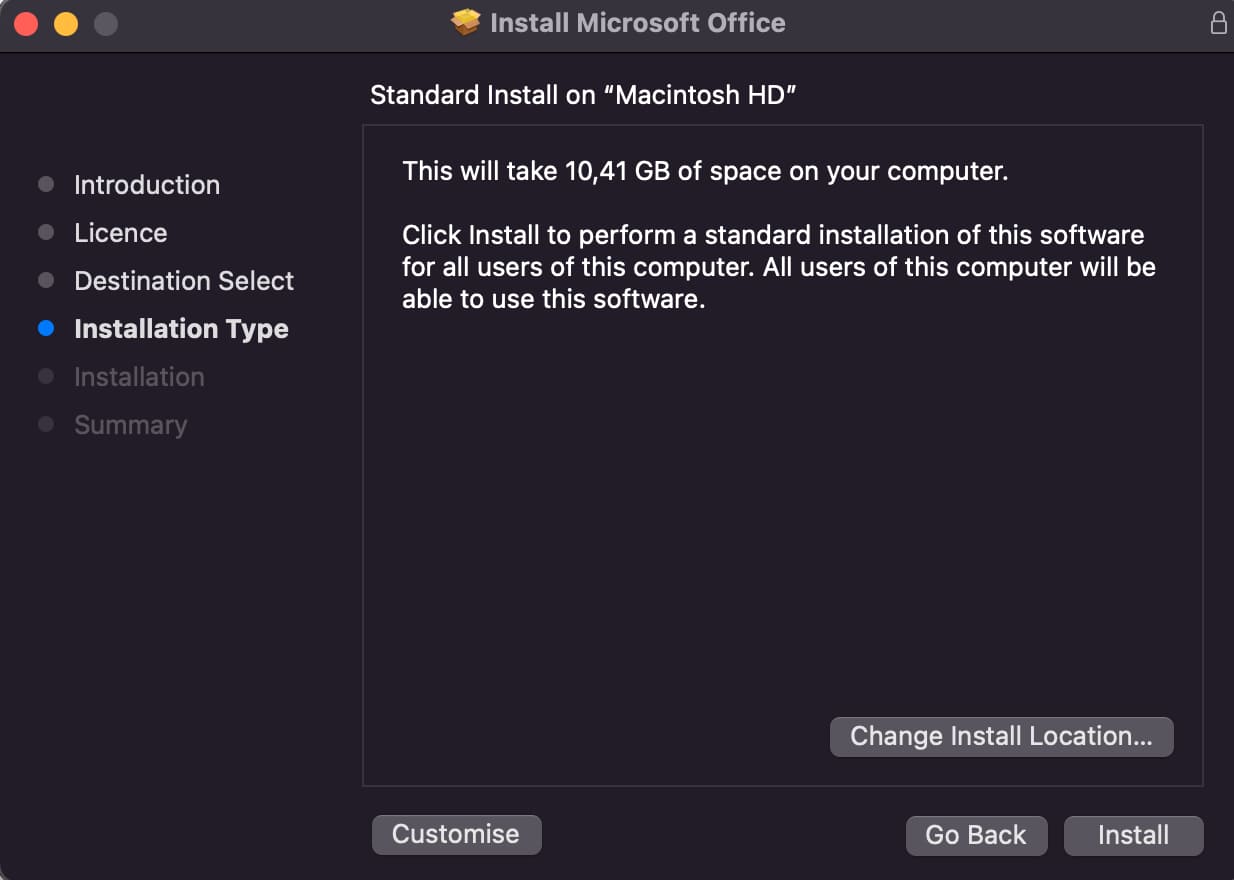
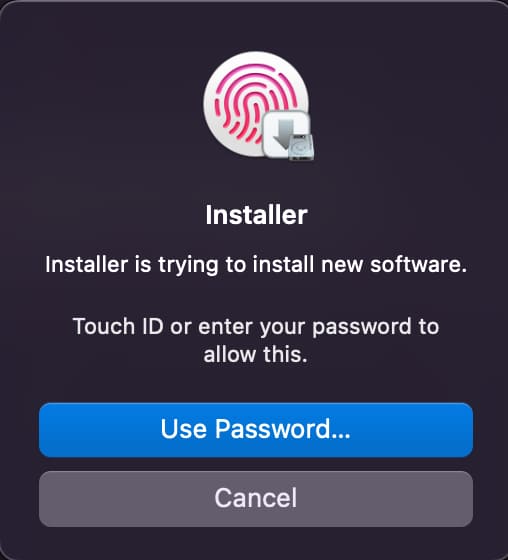
– To install, you will need to enter your Mac account password, or Touch ID.
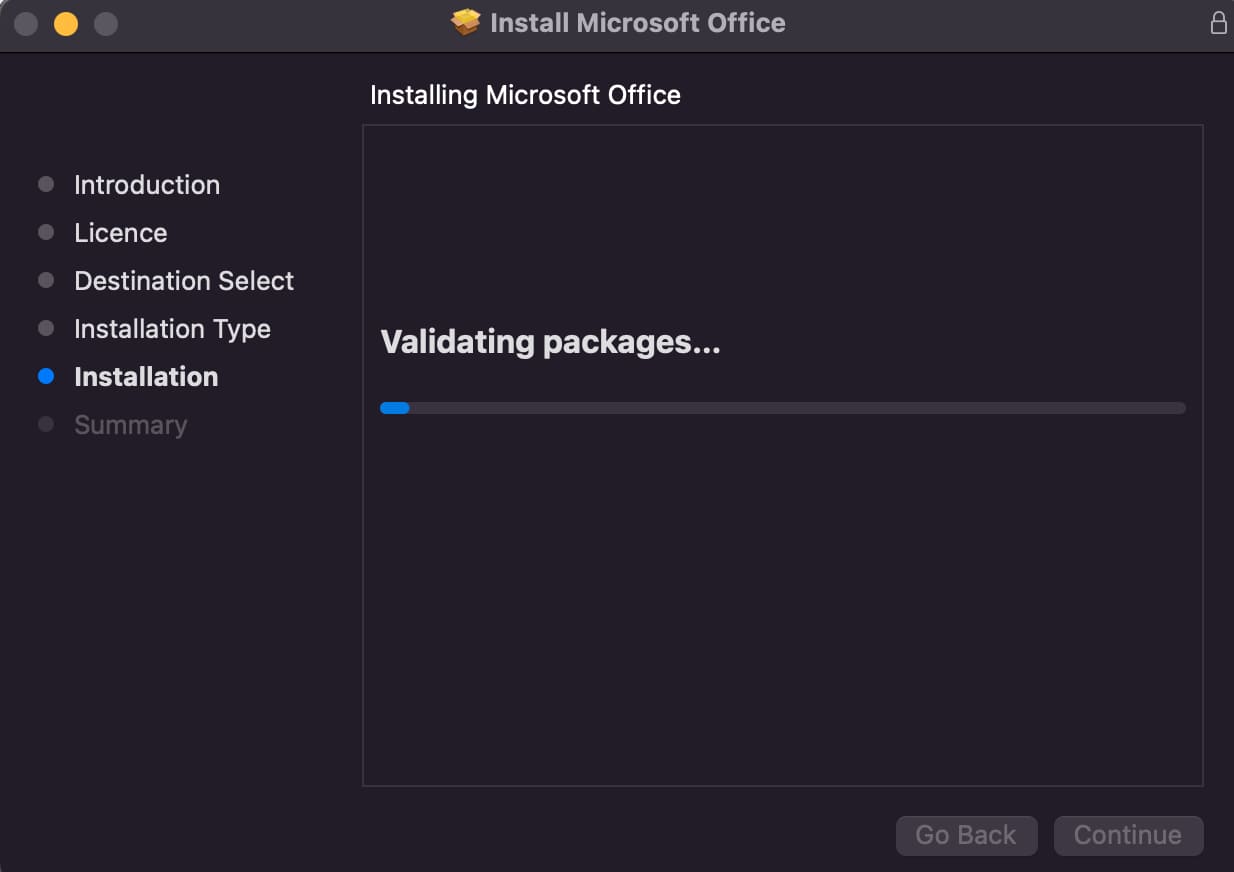
– Wait for the installation to finish.
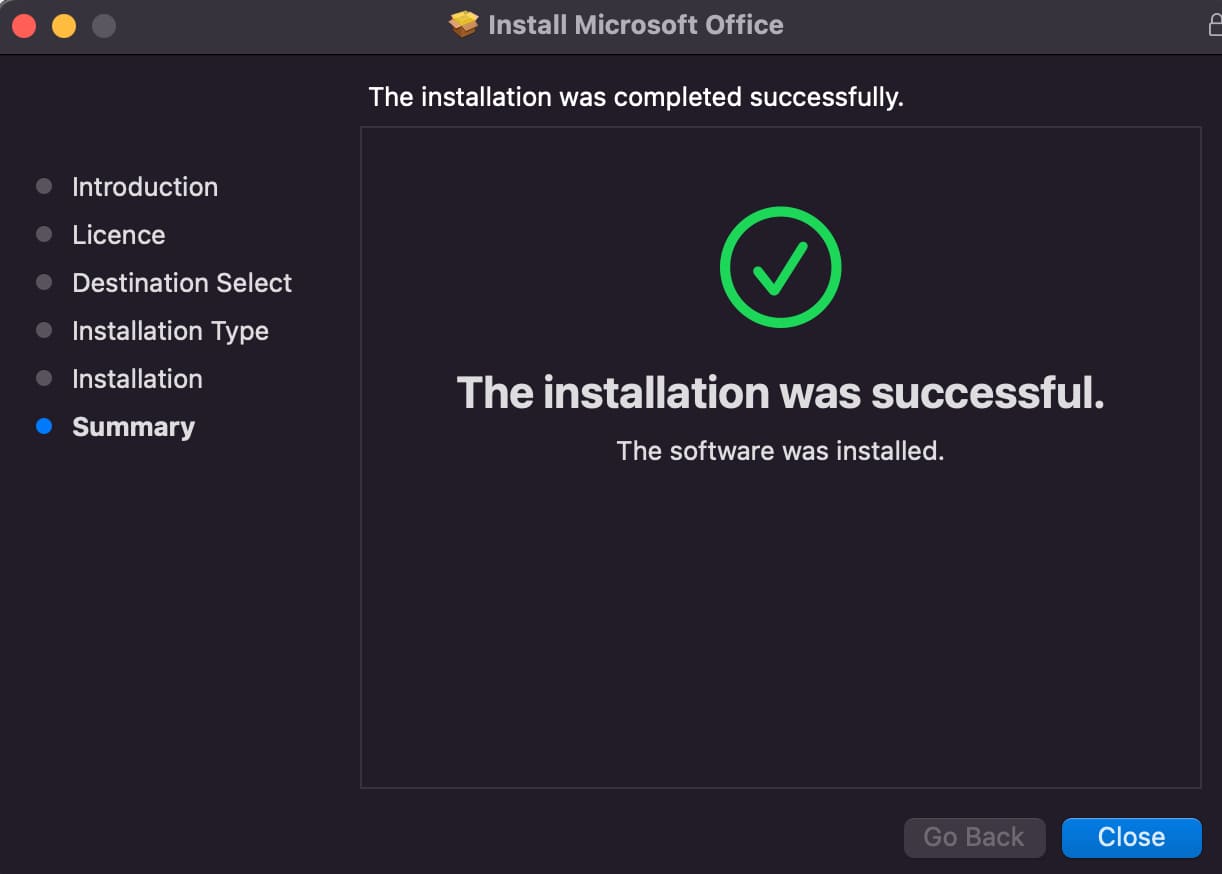
7) After installation, the application will automatically check and download the latest updates.

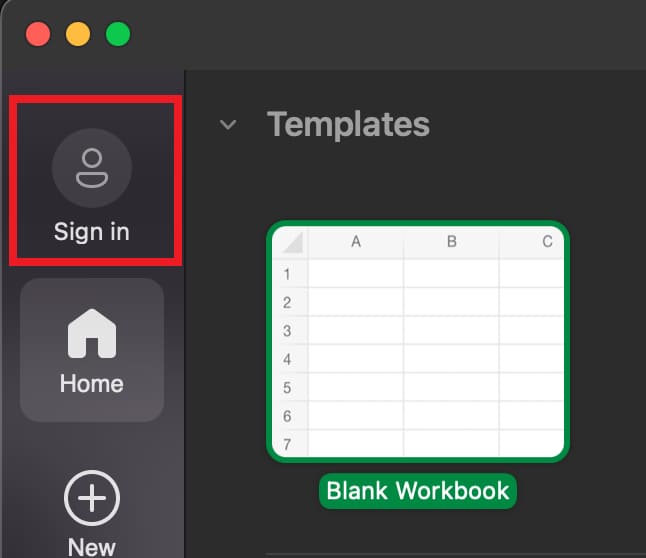
8) Go to Launchpad => Find any Office application there, for example “Excel” and launch it. You need to log in to the application under your Microsoft account, under the account under which you activated the product key.
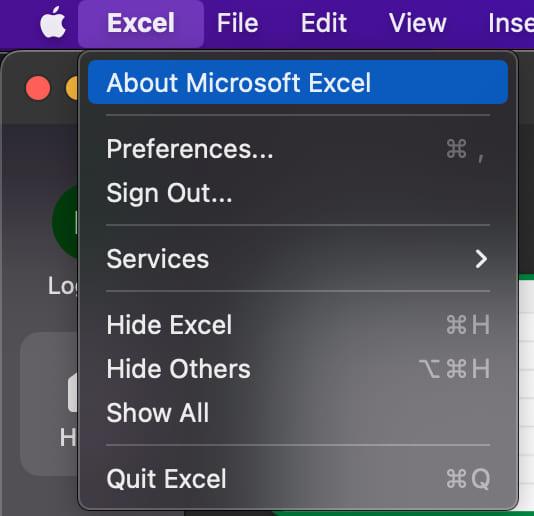
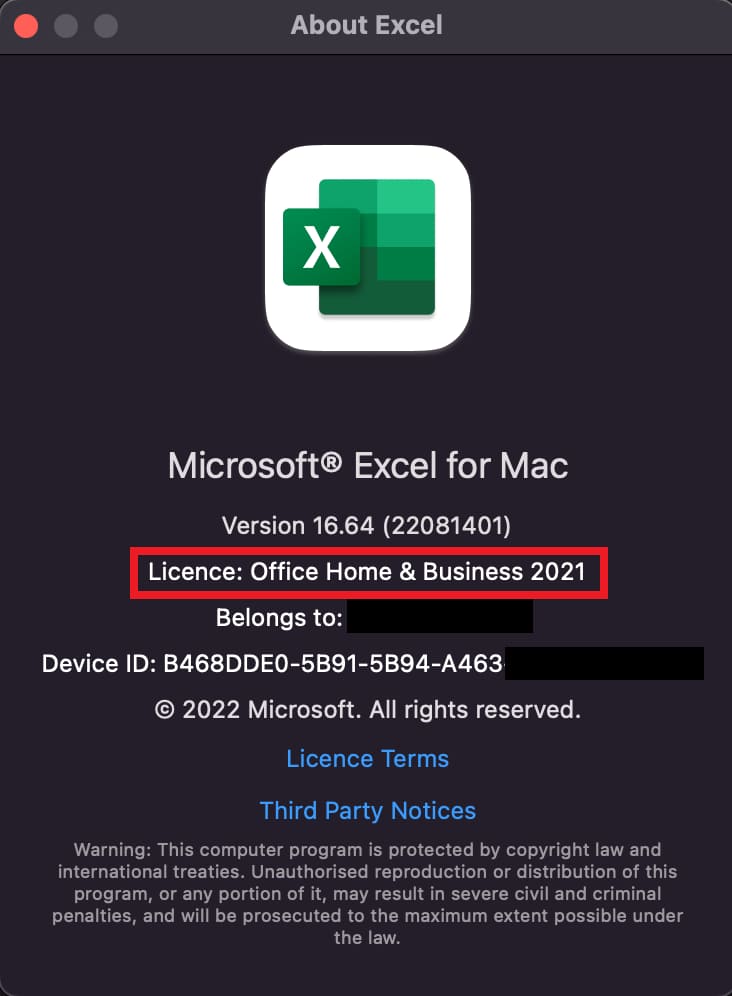
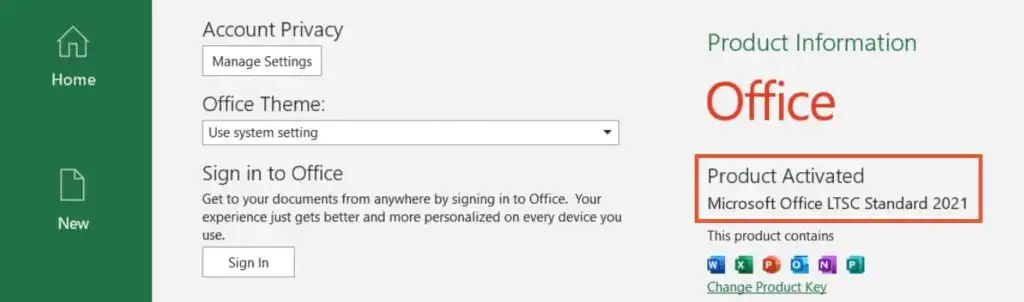
Also, you can check the license by opening, for example, Excel => Taskbar => “Excel” button => About Microsoft Excel.